
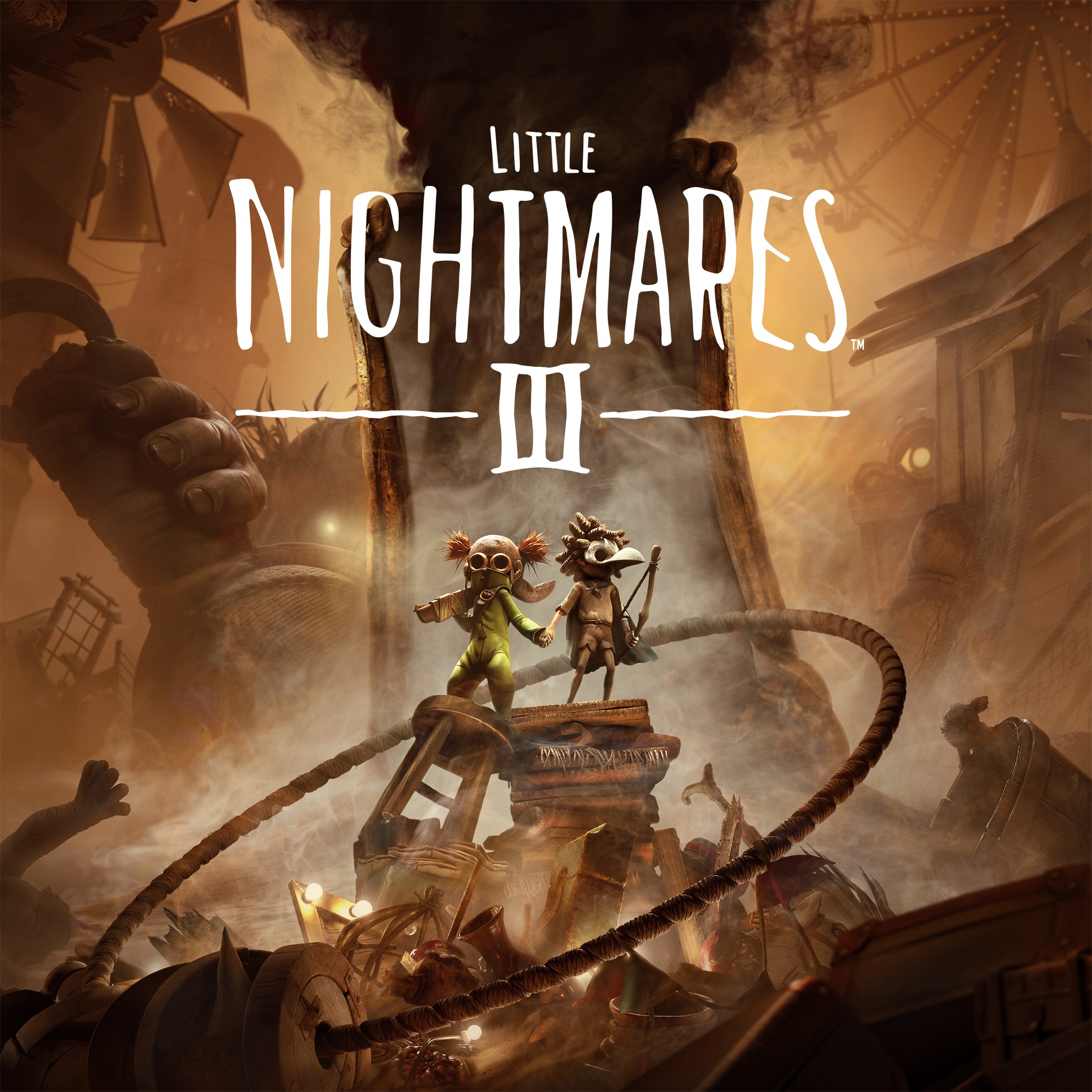
- Name Little Nightmares III
- Category Action & adventure
Exploring the Shadowy World of Little Nightmares III for Windows
Little Nightmares III for Windows is a spine-tingling adventure game that plunges players into a disturbing yet captivating universe filled with darkness, mystery, and atmospheric storytelling. Developed by Bandai Namco Entertainment America Inc., this title continues the franchise's tradition of combining eerie environments with compelling gameplay, making it a must-try for fans of atmospheric puzzle-platformers and horror-inspired narratives.
Basic Information and Highlights
Set in a hauntingly textured world where every shadow could hold a secret, Little Nightmares III aims to deliver a chilling experience that balances suspense with immersive storytelling. Developed by Bandai Namco Entertainment, the game boasts several standout features:
- Intuitive and atmospheric environments: Richly detailed settings that evoke a sense of foreboding and curiosity.
- Enhanced puzzle mechanics: Creative, challenging puzzles that require careful observation and problem-solving.
- Fluid character movements: Smooth controls that facilitate seamless navigation through dark corners and tight spaces.
- Rich narrative elements: A layered storyline that unravels as players progress, fostering deep engagement.
The game caters primarily to adventure, puzzle, and horror game enthusiasts, particularly those who appreciate atmospheric design and compelling storytelling combined with interactive gameplay elements.
A Dark and Delightfully Terrifying Experience Unfolds
Imagine stepping into a world where every creaking floorboard and flickering light hints at lurking dangers — Little Nightmares III transports you into such a universe. The game's eerie ambiance is immediately palpable, with shadowed corridors and grotesque characters serving as both obstacles and narrative devices. The atmosphere isn't just a backdrop; it actively immerses players in a haunted fairy tale, making each step breathtakingly suspenseful. Whether sneaking past lurking enemies or solving cryptic puzzles, players will find themselves holding their breath at every turn.
Core Mechanics and Player Engagement
Stunning Visual Design and User Interface
The game's visual presentation is a masterclass in dark fantasy aesthetic. The environments feature gothic architecture, dim lighting, and unsettling details that evoke an eerie fairy tale. The user interface is minimalistic yet effective — intuitive icons and menus ensure players remain focused on exploration and story. Everything is designed to feel organic; switching between puzzle-solving and stealth feels natural, enhancing overall immersion without cumbersome controls.
Seamless Gameplay and Learning Curve
The controls are thoughtfully crafted to be accessible, with simple keyboard inputs that allow for precise movements and actions. Beginners will find the learning curve gentle: introductory sections serve as tutorials, easing players into core mechanics like sneaking, climbing, and interacting. As the game progresses, challenges intensify moderately, rewarding players' growing skills without feeling overwhelming. The flow of gameplay remains smooth, even during intense chase or puzzle segments, thanks to optimized performance and responsiveness.
What Sets It Apart in a Crowded Genre
While many action-adventure games lean on combat, Little Nightmares III distinguishes itself with its focus on stealth, atmospheric storytelling, and emotionally charged environments. The game's most unique feature is its ability to evoke a sense of childhood innocence corrupted by grotesque horrors, reminiscent of a dark fairy tale. Its haunting art style combined with a layered narrative creates a deeply immersive experience that isn't merely about survival but about unraveling the mystery of a fractured world. Unlike typical action titles that rely on fast-paced combat, this game invites players into a slow-burn exploration of fear and curiosity, making each victory more profound.
Final Recommendations and Usage Tips
Considering its richly atmospheric design and engaging puzzles, Little Nightmares III is highly recommended for players who enjoy atmospheric horror, deep narratives, and thoughtful puzzles. It's best experienced in a quiet, dimly lit environment where you can fully absorb the unsettling ambiance. Experienced players of the previous installments will appreciate the continuity and improvements, while newcomers will find the approachable controls and compelling story accessible. For those seeking a dark adventure that combines visual storytelling with clever gameplay, this title offers a memorable experience worth exploring.
Pros
- Stunning Visual Design
- Engaging Puzzle Mechanics
- Compelling Storyline
- Smooth Performance
- Effective Sound Design
Cons
- Occasional Control Sensitivity Issues
- Limited Tutorial Guidance
- Graphical Settings Restriction
- Minor Bugs Reported
- Progress Saving Occasionally Inconsistent











