
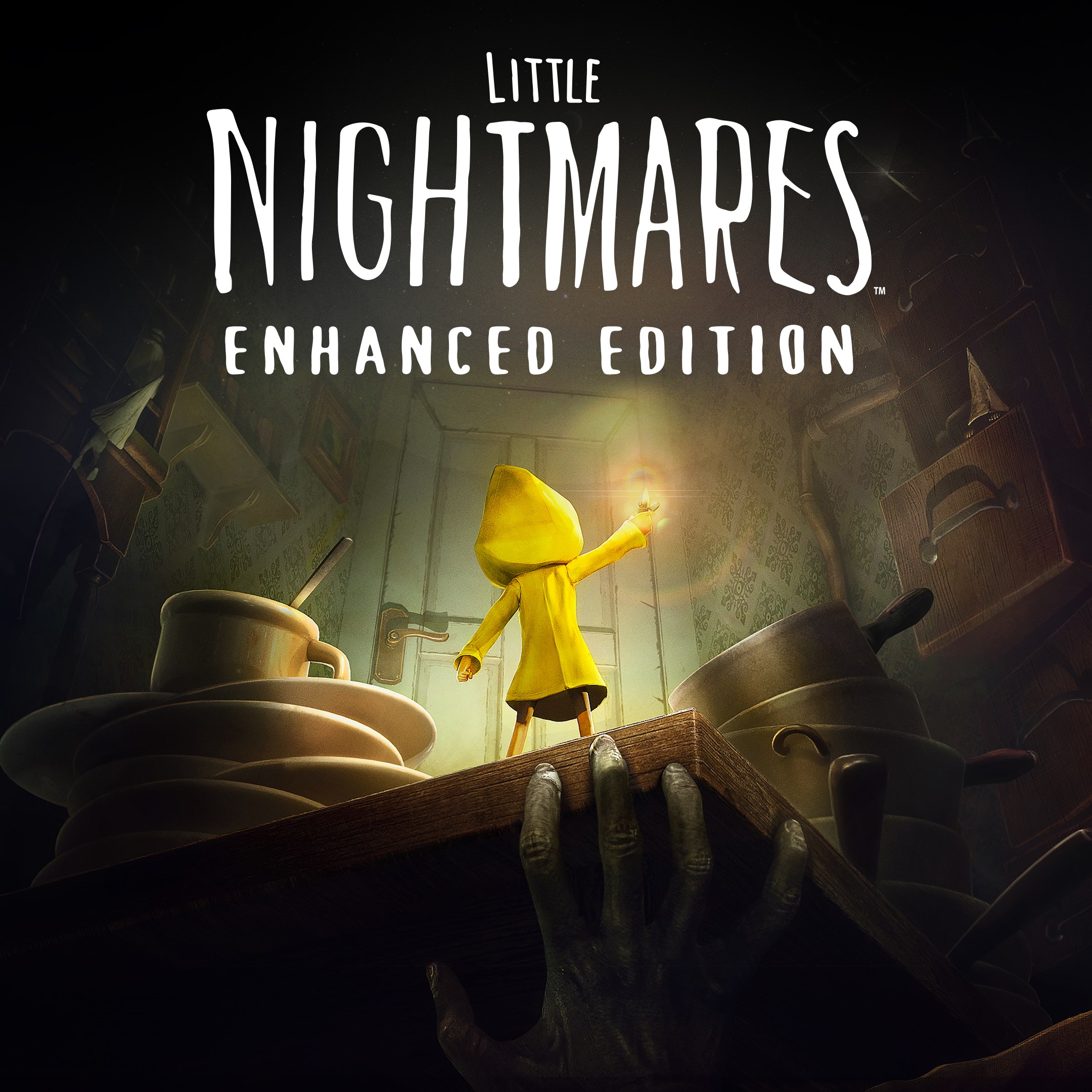
- Name Little Nightmares Enhanced Edition
- Category Action & adventure
A Hauntingly Beautiful Puzzle-Platformer for Windows
Little Nightmares Enhanced Edition for Windows offers players an atmospheric journey into a dark, surreal world filled with peril and mystery, blending puzzle-solving with tense stealth gameplay.
Developed by Bandai Namco Entertainment America Inc.: A Mastermind Behind the Shadows
The game is crafted by Bandai Namco Entertainment, renowned for their expertise in bringing atmospheric and story-rich titles to life. Their focus on immersive storytelling and refined gameplay mechanics makes Little Nightmares Enhanced Edition a standout in the horror-adventure genre.
Key Features That Make This Game Stand Out
- Enhanced Visuals and Performance: The "Enhanced Edition" refreshes the atmospheric art style with improved lighting, shadows, and resolution, creating a more immersive experience on Windows PCs.
- Deeply Engaging Atmosphere: The game's haunting aesthetic, combined with a chilling soundtrack, transports players into a dark fairytale world filled with unsettling beauty.
- Intuitive Puzzle-Solving & Stealth Mechanics: Navigate complex environments with clever puzzles and stealth strategies, encouraging critical thinking and patience.
- Accessibility and Compatibility: Optimized for a variety of system configurations to ensure smooth gameplay for a broad range of players.
Immersive World and Design: Walking Through a Living Nightmare
From the moment you press start, Little Nightmares Enhanced Edition immerses you in a visually stunning, shadow-laden universe reminiscent of a dark, twisted fairy tale. The art style is a masterstroke—think of a doll's diorama brought to life, dripping with eerie beauty and subtle details that make each corner worth exploring. The environmental design seamlessly blends grotesque charm with ominous lurking dangers, creating a sense of constant unease without overwhelming the player. Navigating these environments feels deliberate yet fluid, with an intuitive interface that guides without spoiling the mystery.
Fluid Gameplay and Intuitive Controls: Stepping Lightly Through Shadows
The game boasts remarkably responsive controls optimized for keyboard and mouse, providing a seamless experience that feels natural—much like slipping your hand into a glove that just fits perfectly. The gameplay mechanics feature smooth character movement, precise interactions, and a subtle learning curve that doesn't frustrate newcomers. The stealth elements are particularly refined, compelling players to think carefully about timing and sound, much like a game of cat and mouse where every step counts. The enhanced graphics ensure that shadows and light play a crucial role, demanding careful observation and quick reflexes—engaging both the brain and the senses.
Unique Selling Points: A Dark Fairytale with a Twist
Compared to other action-adventure titles, Little Nightmares Enhanced Edition's standout feature is its masterful blend of atmospheric storytelling with puzzle-oriented gameplay. Its haunting visual aesthetic elevates the experience beyond typical platformers or horror games, fostering a sense of wonder and dread simultaneously. The game's emphasis on narrative through environmental storytelling—where every shadow and creak tells a story—sets it apart from more straightforward action titles. Additionally, the enhanced edition's improved visuals and performance make the eerie world even more immersive, grabbing players by the senses and refusing to let go.
Final Thoughts: Should You Venture Into the Darkness?
If you enjoy atmospheric games that challenge your puzzle-solving skills and test your nerve, Little Nightmares Enhanced Edition is highly recommended. Its unique blend of art, story, and gameplay mechanics creates an experience that is both haunting and captivating, like reading a twisted fairy tale that stays with you long after you've put down your controller. Suitable for adventure enthusiasts who appreciate well-crafted worlds and subtle storytelling, this edition offers a refined journey into a nightmare realm. Slightly challenging but highly rewarding, it's a game best played with patience and an eye for detail—definitely worth exploring for fans of atmospheric, story-driven experiences.
Pros
- Stunning atmospheric visuals
- Smooth gameplay experience
- Engaging story and puzzle design
- Enhanced audio design
- Support for multiple control options
Cons
- Occasional graphical glitches in certain scenes
- Limited save points in some sections
- High system resource usage on older devices
- Occasional inconsistent touch controls
- Lack of additional content or collectibles











