
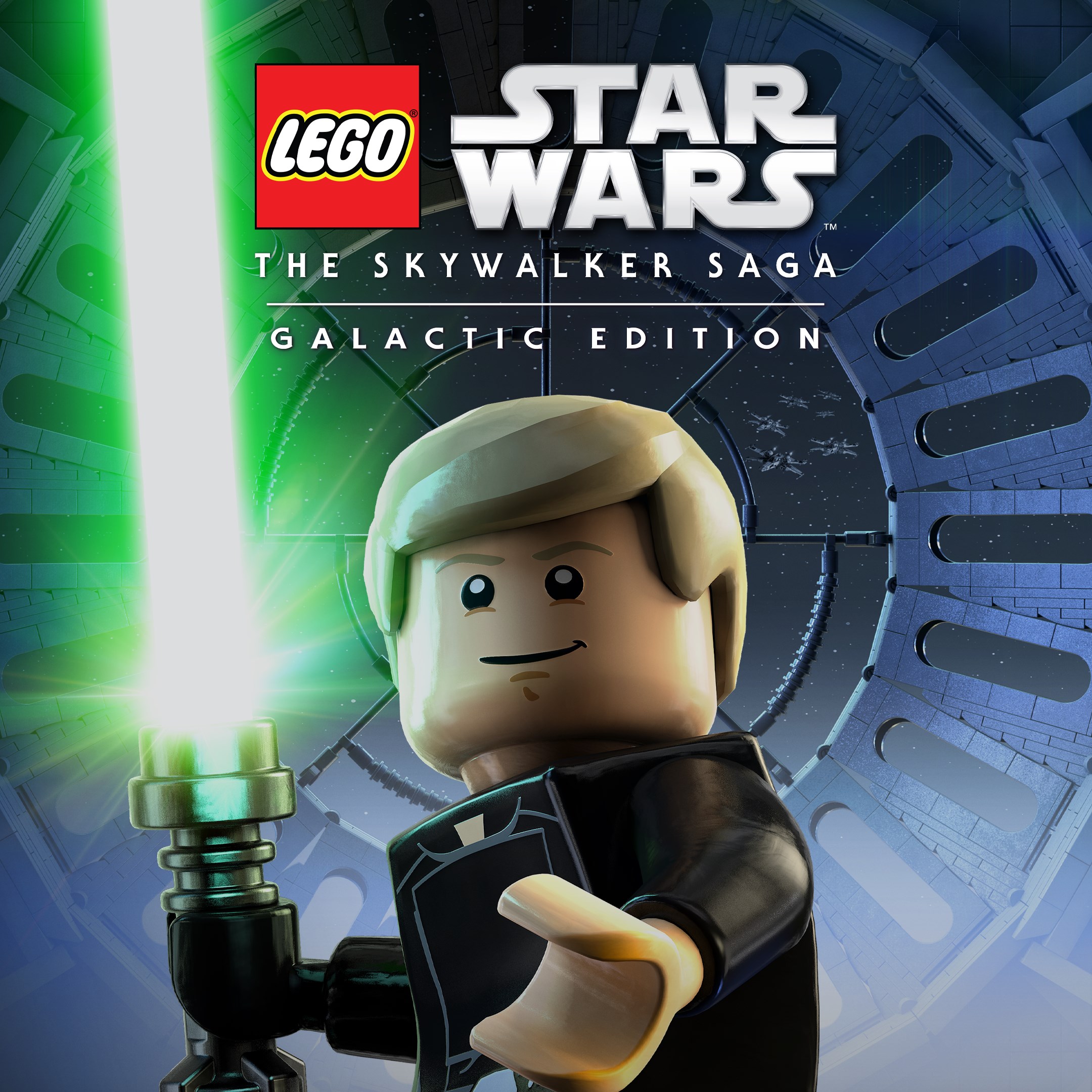
- Name LEGO® Star Wars™: The Skywalker Saga Galactic Edition
- Category Action & adventure
Introducing LEGO® Star Wars™: The Skywalker Saga Galactic Edition for Windows
LEGO® Star Wars™: The Skywalker Saga Galactic Edition is a comprehensive action-adventure game that combines the magic of LEGO's playful design with the epic saga of Star Wars, delivering an immersive experience for fans and newcomers alike. Developed by TT Games, this edition offers an extensive journey through the entire Skywalker storyline enhanced with new content and features.
Core Features That Make It Stand Out
1. Complete Saga Coverage with Enhanced Customization
This edition includes all nine mainline films of the Skywalker saga, allowing players to explore iconic worlds, characters, and battles within a unified LEGO universe. Plus, the game introduces enhanced customization options for characters and ships, making each playthrough uniquely yours.
2. Innovative Gameplay Mechanics
Combining traditional action-adventure gameplay with clever LEGO humor, the game employs intuitive combat, puzzle-solving, and vehicle control mechanics. It also features a dynamic open-world experience for several planets, enabling players to freely explore diverse environments from Tatooine deserts to Cloud City rooftops.
3. Cooperate Play and Accessibility
The game supports local split-screen co-op, making it a perfect pick for family gaming sessions. Its user-friendly interface and adaptable difficulty settings make it accessible for players of all ages and skill levels.
Immersive and Fun Interface Design
The game boasts a vibrant, cartoonish visual style that is instantly recognizable and appealing. The interface is deliberately simple, with straightforward menus that allow quick access to story chapters, collectibles, and customization options. The colorful worlds are detailed yet uncomplicated, enabling players to focus on gameplay rather than navigation. This design makes the experience inviting for both seasoned gamers and newcomers.
Seamless and User-Friendly Experience
Navigation and controls are well-optimized, with responsive mechanics across various devices. The game runs smoothly on Windows systems, with minimal loading times that keep the momentum going. Its learning curve is gentle—players can jump right into the action or take time to explore side quests and collectibles at their own pace. The interface adapts well to keyboard and mouse or controller inputs, ensuring a comfortable experience regardless of your preferred control scheme.
What Sets It Apart from Other Action & Adventure Titles
Unlike many traditional action games, LEGO® Star Wars™ excels at blending humor, storytelling, and gameplay in ways that appeal across ages. The most distinctive feature is its **combination of comprehensive saga coverage with playful LEGO mechanics**, making the vast Star Wars universe approachable and delightful. Additionally, the game's **robust customization options** and open-world exploration are top-tier, providing depth and replayability uncommon in similar titles. This creates an experience that feels both familiar and fresh, setting it apart from more linear or gritty counterparts.
Recommendation and Usage Suggestions
Overall, LEGO® Star Wars™: The Skywalker Saga Galactic Edition is highly recommended for Star Wars enthusiasts, families, and casual gamers looking for a fun, light-hearted adventure that doesn't sacrifice depth. Its intuitive design and engaging gameplay make it suitable for players of all ages. For best experience, use a game controller—especially on Windows—to fully enjoy handling ships and combat. I'd suggest this game as a weekend treat or family game night highlight, thanks to its approachable mechanics and charming presentation.
In conclusion, whether you're revisiting beloved scenes or embarking on new adventures, this edition provides a comprehensive, enjoyable, and visually appealing way to dive into the Star Wars universe—proving that galaxy-spanning stories can be told with a playful LEGO twist without losing their epic scope.
Pros
- Authentic LEGO Star Wars gameplay
- Extensive content with multiple planets and characters
- High-quality graphics and charming animations
- Includes new features like co-op multiplayer
- Regular updates and bug fixes from the developer
Cons
- Occasional long load times on certain devices
- Some minor bugs causing slowdowns or minor glitches
- High storage requirement for complete installation
- Limited tutorial for new players
- In-app purchases can be somewhat prevalent











