

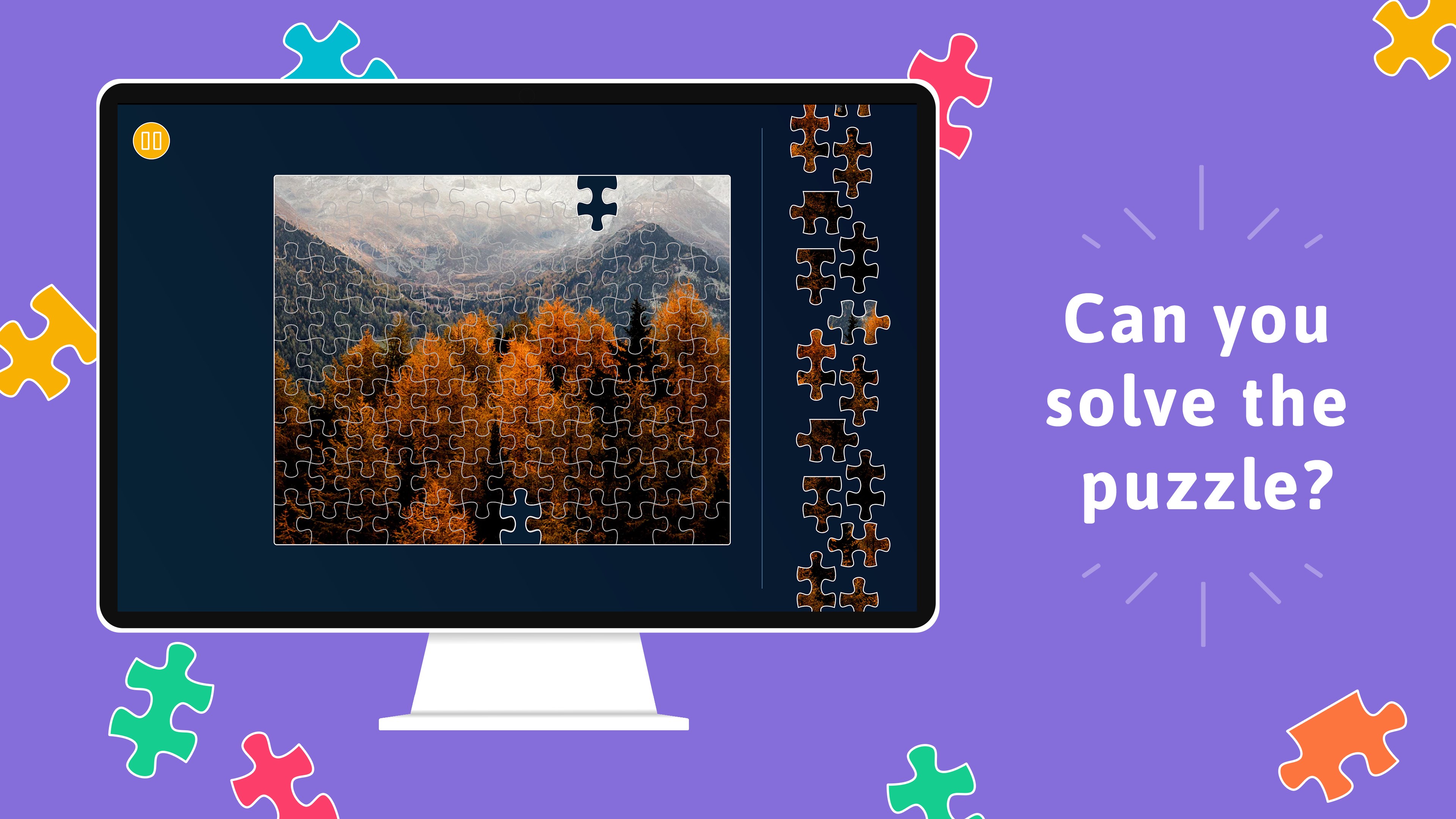
- Name King of Puzzles
- Category Action & adventure
- Available on PC, Mobile, Surface Hub, HoloLens
- OS Windows 10 version 18362.0 or higher
- Mouse Integrated Mouse
- languages Dutch, English (United States), French, German, Italian, Portuguese, Russian, Spanish
King of Puzzles for Windows: A Fresh Take on Brain-Teasing Fun
Imagine diving into a puzzle universe where each challenge feels like unraveling a tiny mystery—inviting your mind to think, strategize, and enjoy every step of the way. King of Puzzles for Windows, developed by Random Salad Games LLC, offers a captivating experience that combines classic logic puzzles with modern design, perfect for puzzle enthusiasts seeking both entertainment and mental exercise.
Basic Information and Core Highlights
Positioning Description
An engaging and intuitive puzzle game that challenges players to solve increasingly complex logic riddles through clever manipulation and deduction.
Developer
Random Salad Games LLC, a studio known for creating accessible yet thought-provoking casual games across various platforms.
Main Features and Highlights
- Variety of Puzzle Types: A rich assortment of logic puzzles that cater to different problem-solving styles, keeping players continually engaged.
- Progressive Difficulty: Challenges escalate thoughtfully, making it suitable for both beginners and expert puzzle enthusiasts.
- User-Friendly Interface: Clean and straightforward design facilitates easy navigation and reduces learning curve.
- Achievements and Leaderboards: Adds a competitive edge, motivating players to improve and beat their own scores.
Target Audience
Casual gamers, puzzle lovers, students, and anyone looking to sharpen their logical thinking in a relaxing, accessible environment.
Vivid Gameplay and Core Features
Engaging Puzzle Mechanics That Make You Think
King of Puzzles stands out with its cleverly designed puzzles that challenge your reasoning without overwhelming you. The game combines elements of classic logic-challenge gameplay with innovative twists, such as unique tile manipulations and pattern recognition. Each puzzle feels like a mini brain-teaser, encouraging players to explore multiple strategies—it's like being a detective piecing clues together until the big reveal. This engaging mechanic keeps the game fresh and stimulates mental flexibility, making it a perfect companion during short breaks or long leisure sessions.
Dynamic Incursion into User Interface and Experience
The interface is both minimalist and functional, resembling a sleek work desk that invites you to solve puzzles smoothly. Navigating through levels feels natural—swiping, clicking, and dragging operate flawlessly, thanks to responsive controls that feel as light as a feather. The learning curve is gentle; new players will find themselves immersed within minutes, while seasoned puzzle veterans can focus on strategizing without fumbling through menus. This seamless experience ensures that players are drawn into solving puzzles rather than battling with interface issues, elevating overall satisfaction.
Unique Selling Points and Competitive Edge
Unlike many puzzle games that stick to a single theme or mechanic, King of Puzzles offers a variety of puzzle styles—ranging from pattern matching to spatial reasoning—each presented with a consistent, polished aesthetic. The game's standout feature is its adaptive difficulty system, which intuitively adjusts challenges based on your performance, ensuring you're neither bored nor frustrated. Additionally, the game's emphasis on clean visuals and smooth gameplay places it a step ahead of cluttered or overly complex competitors. These features make King of Puzzles not just another puzzle app, but a well-rounded, thoughtfully crafted experience that challenges your mind while respecting your time.
Is It Worth Your Time? My Recommendation
If you're looking for a puzzle game that strikes a fine balance between accessibility and challenge, King of Puzzles for Windows deserves a spot on your desktop or tablet. Its strongest features—especially the adaptive difficulty and variety of puzzle types—set it apart from many similar titles, offering variety without sacrificing polish. I'd recommend it for anyone who enjoys mental gym sessions, casual gaming, or simply loves discovering clever new ways to stretch their brains. It's not just a game—it's a friendly puzzle companion, ready to intrigue and entertain you in equal measure.
Pros
- Intuitive Puzzle Mechanics
- Visually Appealing Design
- Daily Challenges and Rewards
- User-Friendly Interface
- Regular Updates with New Puzzles
Cons
- Limited Puzzle Variety
- Occasional Ads Interruption
- Simple Hint System
- Lack of Multiplayer Features
- Battery Consumption











