
- Name Fish Eat Feed And Grow
- Category Action & adventure
- Developer TAHACOMPANY
- Available on PC, Mobile, Surface Hub, HoloLens
- OS Windows 10 version 10240.0 or higher
- DirectX Version 10
- Keyboard Integrated Keyboard
- Mouse Integrated Mouse
- languages English (United States)
Introduction: Dive into the World of Fish Eat Feed and Grow for Windows
Imagine a virtual underwater aquarium where you nurture your fish from tiny hatchlings to towering aquatic beasts. Fish Eat Feed and Grow for Windows offers just that, blending fun and strategic growth in a simple, accessible package. Developed by TAHACOMPANY, this application is designed to provide players with an engaging aquatic adventure that challenges their management skills while delivering visually appealing underwater environments.
Developer and Core Features
Who's Behind the Splash?
TAHACOMPANY, a small yet dedicated development team, crafted Fish Eat Feed and Grow for Windows with the aim of creating an entertaining yet straightforward aquatic experience tailored for casual gamers and fish enthusiasts alike. Their focus on user-friendly gameplay and immersive visuals makes it stand out in the action & adventure segment.
Key Highlights & Main Functionalities
- Intuitive Fish Growth System: Start as a tiny fish, gather food, and evolve into larger, more powerful creatures. The game emphasizes a gradual progression that is easy to follow and rewarding to achieve.
- Diverse Fish Species and Customization: Unlock a variety of fish with unique appearances and abilities, allowing for personalized gameplay and strategic choices based on your preferred style.
- Feeding and Survival Mechanics: Manage feeding routines carefully, balancing the need for nourishment with avoiding dangers like predators or environmental hazards.
- Dynamic Underwater Environment: Explore different aquatic habitats, each presenting unique challenges and resources, adding depth (literally and figuratively) to the gameplay.
Engaging Gameplay and User Experience
A Splash of Fun – The Gameplay Fit for All Levels
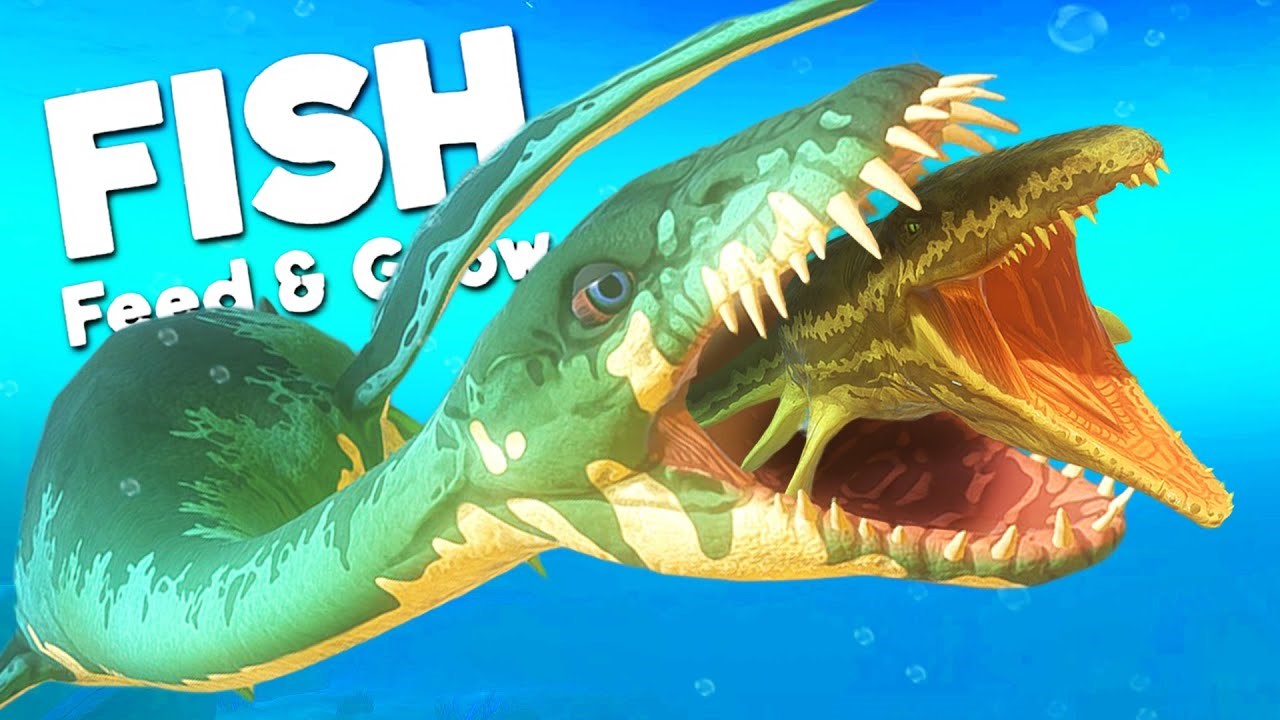
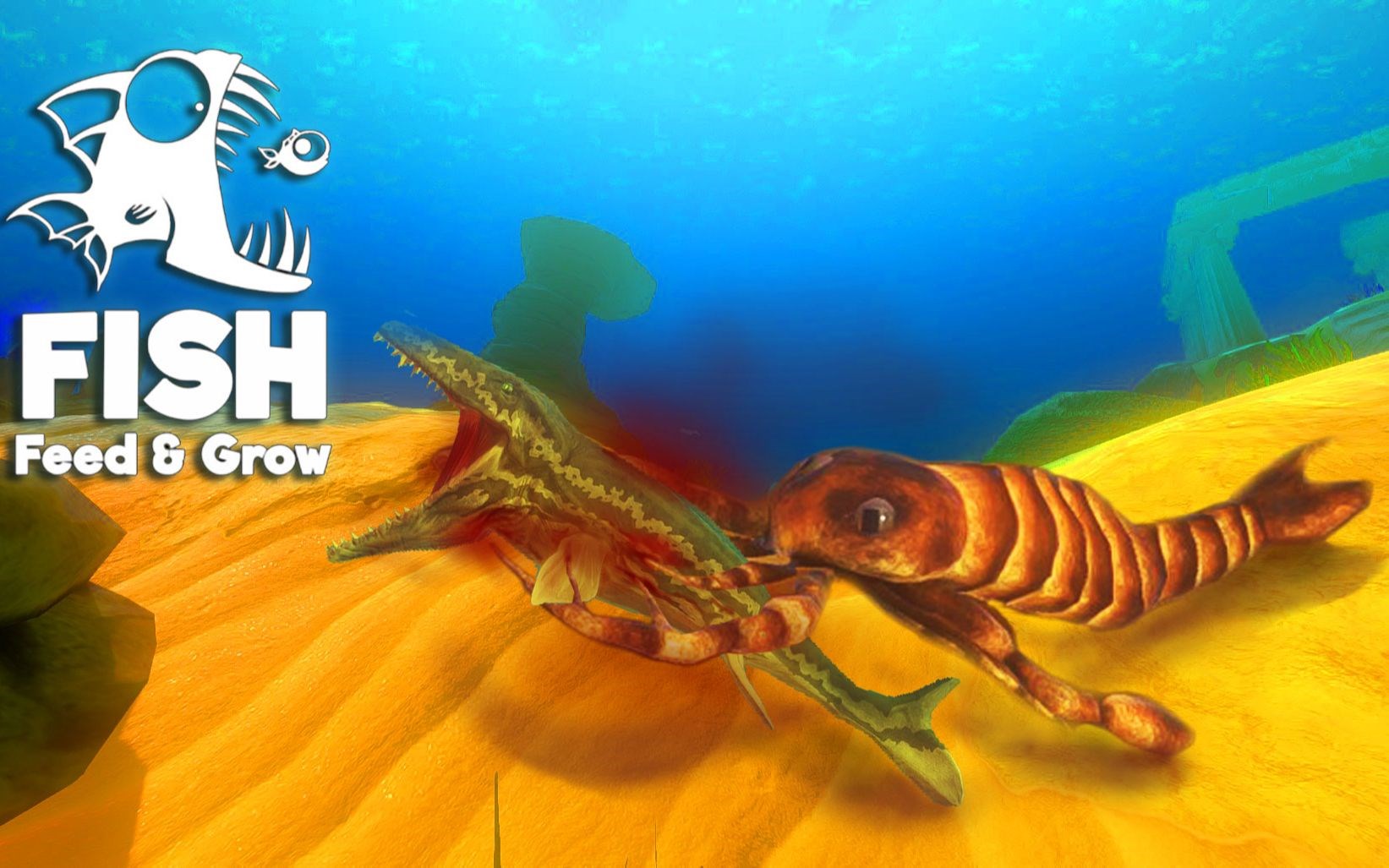
From the moment you launch Fish Eat Feed and Grow, it feels like stepping into an aquarium of endless possibilities. The game's core mechanic—feeding and growing your fish—serves as a satisfying loop akin to nurturing a tiny sprout into a towering tree. The controls are straightforward; a few clicks and drags are enough to navigate and manage your fish's needs, making the game accessible even for newcomers. The visual design embraces a colorful, cartoonish aesthetic that makes every underwater scene feel lively and inviting, like flickering sunlight filtering through the water's surface.
Seamless Operations and Learning Curve
One of the game's strengths is its smooth operation. Animations are fluid, without lag or stuttering, which helps maintain immersion. The learning curve is gentle—players quickly grasp the feeding mechanics and growth process, with optional tutorials providing a gentle introduction. This design ensures that new players aren't overwhelmed, yet experienced gamers can dive deeper into strategic choices for fish customization and habitat management.
What Sets It Apart? A Unique Blend of Simplicity and Depth
Unlike many action-adventure titles that focus on combat or exploration, Fish Eat Feed and Grow emphasizes a relaxed, simulation-based experience rooted in growth and survival. Its standout feature is the detailed progression system combined with multiple fish species, offering a multi-layered gameplay that feels both relaxed and engaging. The game's geometric simplicity coupled with complex management strategies creates a perfect balance—think of it as tending a tiny pond that gradually transforms into a vast ocean through your care and decisions.
Final Words and Recommendations
Overall, Fish Eat Feed and Grow for Windows deserves recognition as a charming, accessible aquarium simulation that can appeal to casual players and fish lovers. Its most innovative aspect—the comprehensive growth and customization system—delivers a rewarding experience that keeps players coming back for more. While it doesn't aim to deliver high-octane action, its depth lies in strategic nurturing and exploration.
If you enjoy casual management games or are looking for an engaging yet straightforward underwater adventure, this app is a solid choice. Its intuitive interface and charming visuals make it suitable for players of all ages who appreciate a relaxing, growth-oriented experience. I recommend giving it a try if you're interested in exploring the underwater world at your own pace—sometimes, the simplest pleasures are the most refreshing.
Pros
- Engaging Gameplay Mechanics
- High-Quality Graphics
- Regular Content Updates
- Free-to-Play Model
- Smooth Performance
Cons
- Limited Replay Value
- In-App Purchases Are Prominent
- Tutorial Is Basic
- Ad Interruptions
- Compatibility Limitations











