
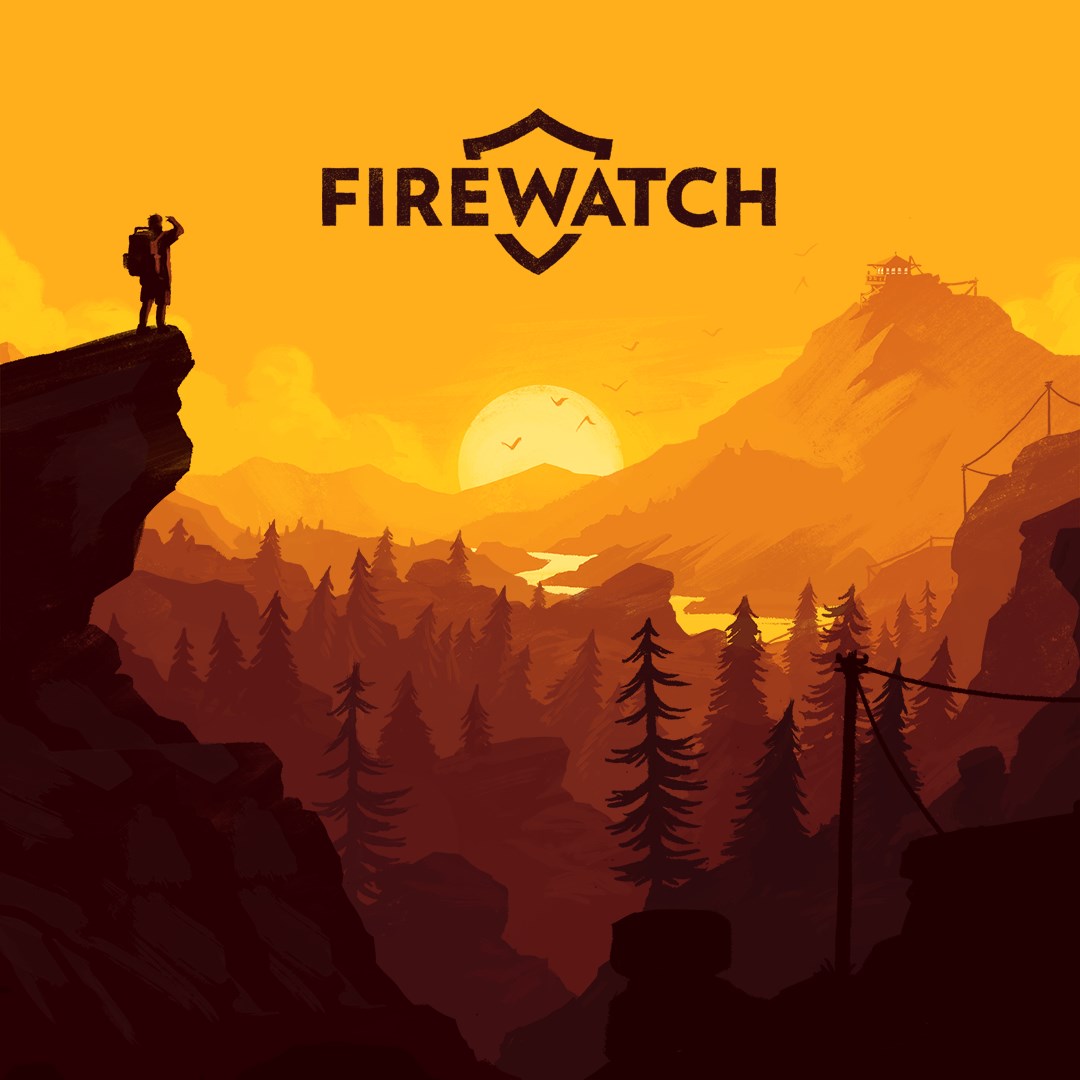
- Name Firewatch
- Category Action & adventure
Firewatch for Windows: An Immersive Narrative Adventure
Firewatch for Windows transports players into a richly woven tale of solitude and mystery, set amidst the stunning wilderness of Wyoming — a game that's as much about storytelling as it is about exploration.
Game Overview and Developer Insights
Released by Campo Santo, Firewatch is a first-person adventure game that immerses players in a forest fire lookout's solitary world. Developed by the talented Campo Santo team, the game combines compelling storytelling with breathtaking visuals, emphasizing curiosity, character development, and emotional engagement. Its core features include dynamic dialogue systems, an immersive environment, and a haunting narrative arc. Designed primarily for narrative-driven game enthusiasts, it caters to players who appreciate atmospheric experiences, mystery solvers, and those seeking a break from pure action-based titles.
Captivating Storytelling Amidst Nature's Canvas
From the moment you start Firewatch, you're greeted with an opening that feels like stepping into a vivid daydream. The game's story revolves around Henry, a fire lookout stationed in Wyoming, who begins to uncover strange occurrences and secrets deep within the forest. The rich narrative is delivered through a natural, conversational dialogue system with your supervisor, Delilah, which fosters a sense of intimate companionship. The writing is sharp, often laced with humor, poignancy, and a touch of suspense—turning what could be a simple walk in the woods into a layered emotional journey. The voice acting and soundtrack work together smoothly to draw players into Henry's solitary yet emotionally charged life.
Environment and Interface: Beauty Meets Functionality
The game boasts a beautifully rendered wilderness, painted with the finesse of a living watercolor. Its interface is clean and intuitive, with minimal on-screen controls, allowing players to focus fully on exploration and dialogue choices. Navigation feels natural — click-to-move mechanics coupled with subtle interaction prompts make traversing the landscape a seamless experience. Despite the artistic visuals, the game manages lightweight performance requirements, ensuring smooth operation even on mid-range PCs. The learning curve is gentle; players quickly adapt to the dialogue choices and environmental exploration, making Firewatch accessible to both casual gamers and seasoned adventure enthusiasts alike.
Unique Features That Set It Apart
While many adventure games feature complex puzzles or combat mechanics, Firewatch's standout trait lies in its focus on narrative depth and character interaction. Most notably, the game's dynamic dialogue system with Delilah offers a branching conversation path that feels natural and impactful, creating personalized storytelling moments. Another remarkable aspect is its visual storytelling — the environment itself acts as a narrative device, with every tree, sunset, and mountain hinting at deeper stories and secrets. Unlike typical action-heavy titles, Firewatch's strength is in its ability to evoke emotion through a minimalist yet powerful design, fostering a meditative experience that invites reflection.
Recommendation and Usage Suggestions
Firewatch for Windows earns a solid recommendation for those who seek a thoughtfully crafted adventure with a focus on storytelling over fast-paced gameplay. It's ideal for players looking for an immersive experience that combines visual beauty, compelling character arcs, and atmospheric tension. Given its gentle learning curve, it's suitable for newcomers to the genre, but also offers enough depth for seasoned gamesters yearning for a narrative-rich journey. For best experience, I suggest playing in a quiet, comfortable space to fully appreciate the game's emotional nuances and stunning visuals — essentially, to step into Henry's shoes — and to truly savor this journey through the quiet wilderness and its secrets.
Pros
- Immersive Storytelling
- Beautiful Art Style
- Intuitive Dialogue System
- Relaxing Atmosphere
- Strong Voice Acting
Cons
- Limited Gameplay Mechanics
- Occasional Glitches
- Repetitive Forest Environment
- Short Playthrough Duration
- Limited Replayability











