- Name Fallout
- Category Role playing
- Developer Interplay
- Available on PC
- OS Windows 10 version 18362.0 or higher
- languages English (United States), French, German, Spanish (Spain)
Immersive World-Building Meets Classic RPG Charm
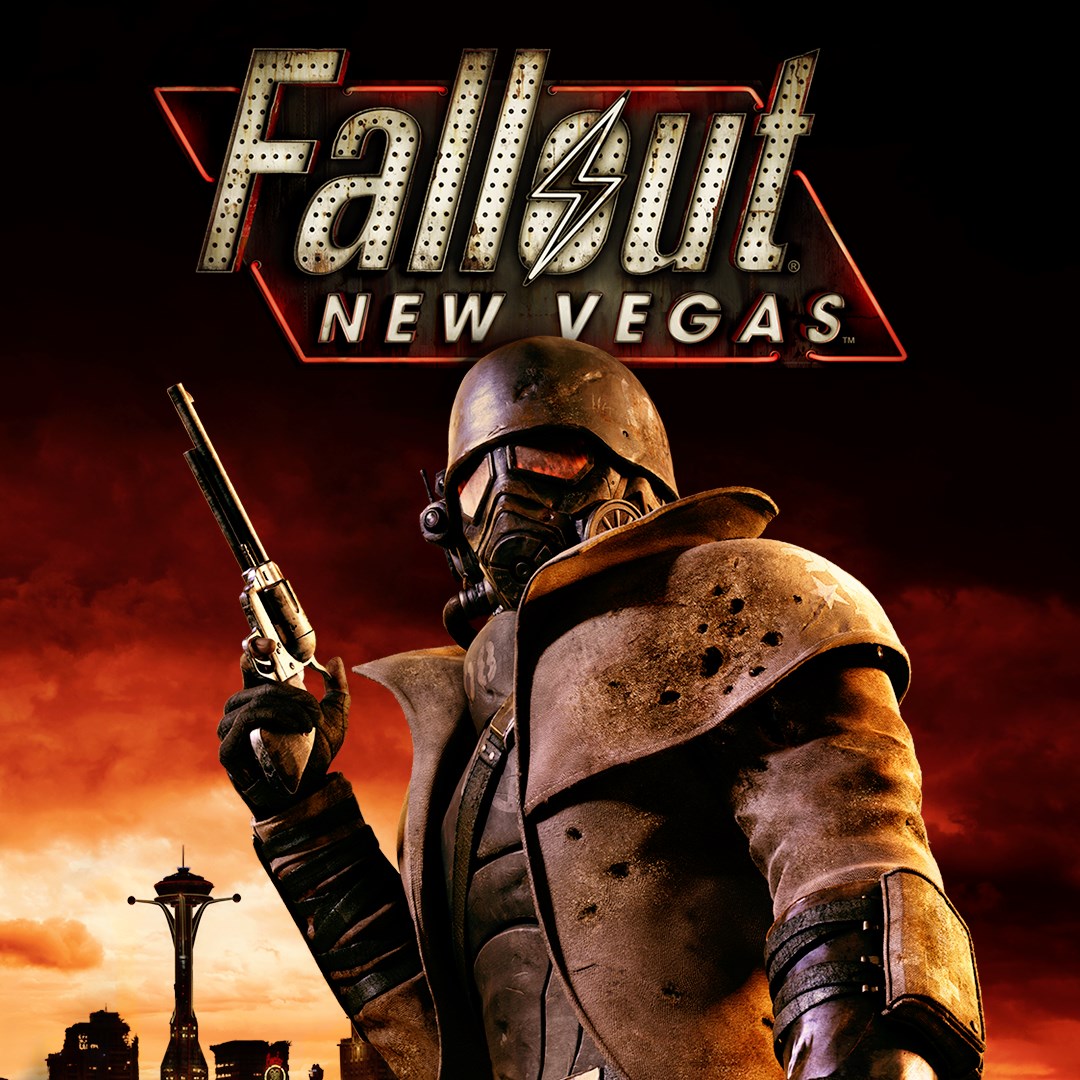
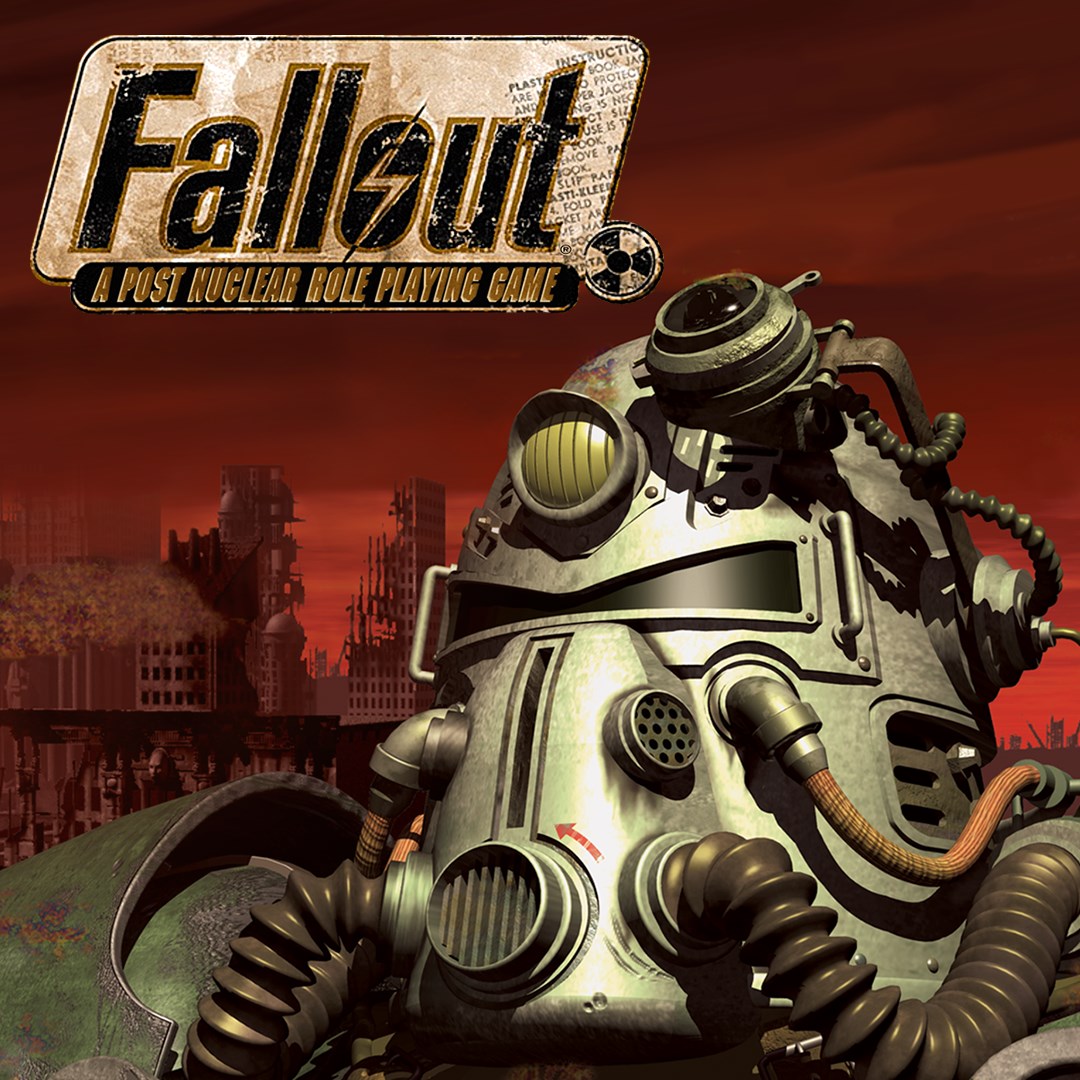
Fallout for Windows offers a nostalgic yet refreshed experience for fans of post-apocalyptic role-playing games, combining the beloved universe's rich lore with modern gameplay enhancements. Developed by Interplay and published by Bethesda Softworks, this application brings the iconic Fallout universe out of the shadows and into your PC seamlessly—whether you're a seasoned vault dweller or a newcomer eager to explore its ruins.
Unveiling the Heart of Fallout: The Core Features
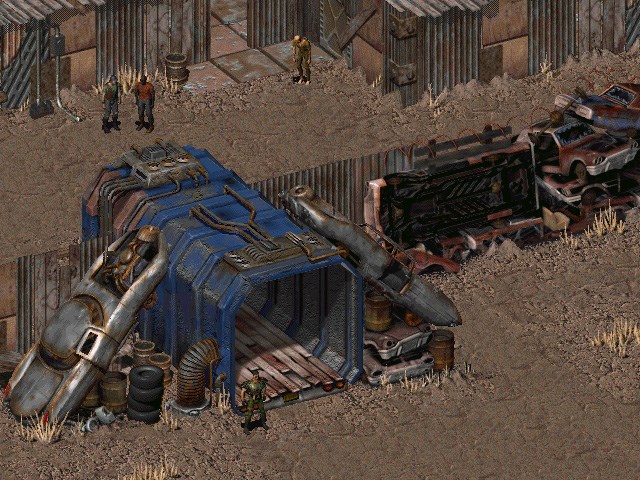
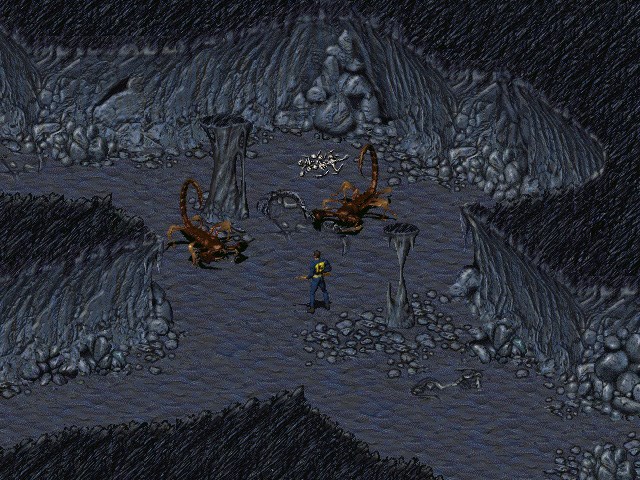
At its core, Fallout for Windows excels with several standout features designed to deepen engagement and enhance gameplay authenticity. First, the comprehensive character customization system allows players to craft their own unique survivor, selecting traits, skills, and backstories that influence the entire journey. Second, its branching narrative choices deliver a true sense of agency, where decisions carry weight and ripple through the storyline, shaping outcomes in unexpected ways. Third, the intricate loot and crafting system immerses players in resource management and survivor ingenuity—collecting, repairing, and upgrading gear to withstand the wasteland's harsh realities.
Experience and User Interface: Navigating the Wasteland
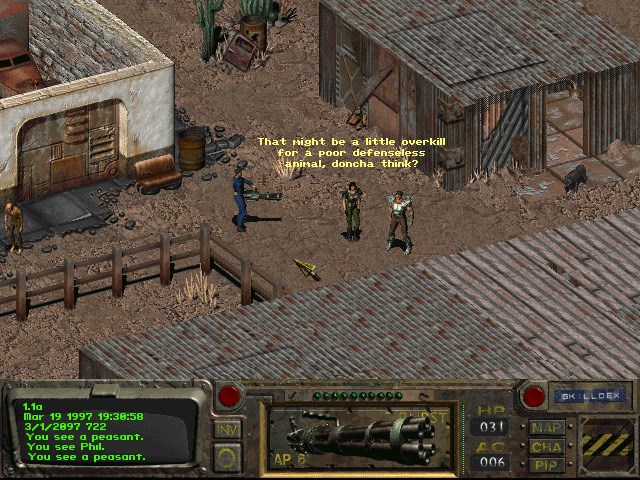
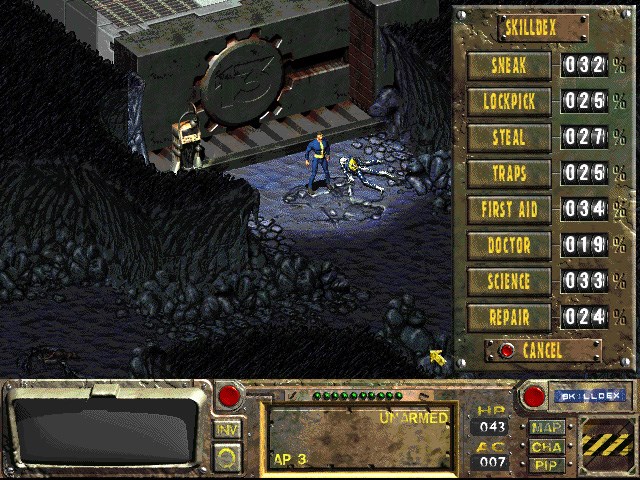
The user interface of Fallout for Windows strikes a balance between nostalgic design and modern usability. The menus are designed with a rugged yet intuitive aesthetic, reminiscent of vintage comic books merged with sleek digital overlays. Navigation feels smooth, with quick access to inventory, map, and quest logs, ensuring players spend more time exploring than fumbling. The game's controls are responsive and optimized for mouse and keyboard, catering well to both casual explorers and hardcore role-players.
Learning curve-wise, newcomers may initially feel overwhelmed by the depth of customization and branching storylines, but straight-forward tutorials and contextual prompts ease this transition. Veteran players, meanwhile, will appreciate the layers of complexity that reward careful planning and strategic thinking.
What Sets Fallout Apart? Deepic Character Progression & Rich Narrative Choices
Compared to other role-playing applications, Fallout for Windows shines brightest in its character progression system and narrative depth. Unlike more straightforward RPGs, this game allows you to tailor your character's development through a nuanced points system and skill trees that complement each playstyle. Every decision—not just in dialogues but in faction alignments, quests, and resource management—further enriches the storytelling complexity, delivering a truly personalized adventure.
The game's most remarkable feature is its consequence-driven narrative. Choices made early in the game echo through subsequent chapters, sometimes in subtle ways, sometimes with dramatic repercussions. This layered storytelling invites repeated playthroughs, each promising a different experience—akin to walking in a maze with multiple exit routes, each revealing new secrets.
Recommendation and Usage Suggestions
For fans of narrative-rich RPGs and post-apocalyptic settings, Fallout for Windows is a compelling pick. It offers a well-rounded experience that balances nostalgic homage with modernized gameplay mechanics. Beginners should start with the guided tutorials to get accustomed to its depth, while seasoned explorers can dive into its complex decision trees for maximum immersion.
Given its immersive storytelling and character development systems, I recommend this app especially for players who enjoy meaningful choices and replayability. Just keep in mind that its detailed systems may require patience during initial exploration, but the payoff is a richly rewarding adventure. Overall, Fallout for Windows earns a solid recommendation as a thoughtfully crafted addition to the role-playing genre, promising hours of exploration, decision-making, and story-telling in the wasteland's unforgiving embrace.
Pros
- Engaging storyline and immersive gameplay
- High-quality graphics and sound effects
- Regular updates and new content
- User-friendly interface for easy navigation
- Syncs progress across multiple devices
Cons
- Occasional crashes during gameplay
- Long load times on older devices
- Limited customization options for UI
- Occasional synchronization delays
- In-app purchases can be frequent