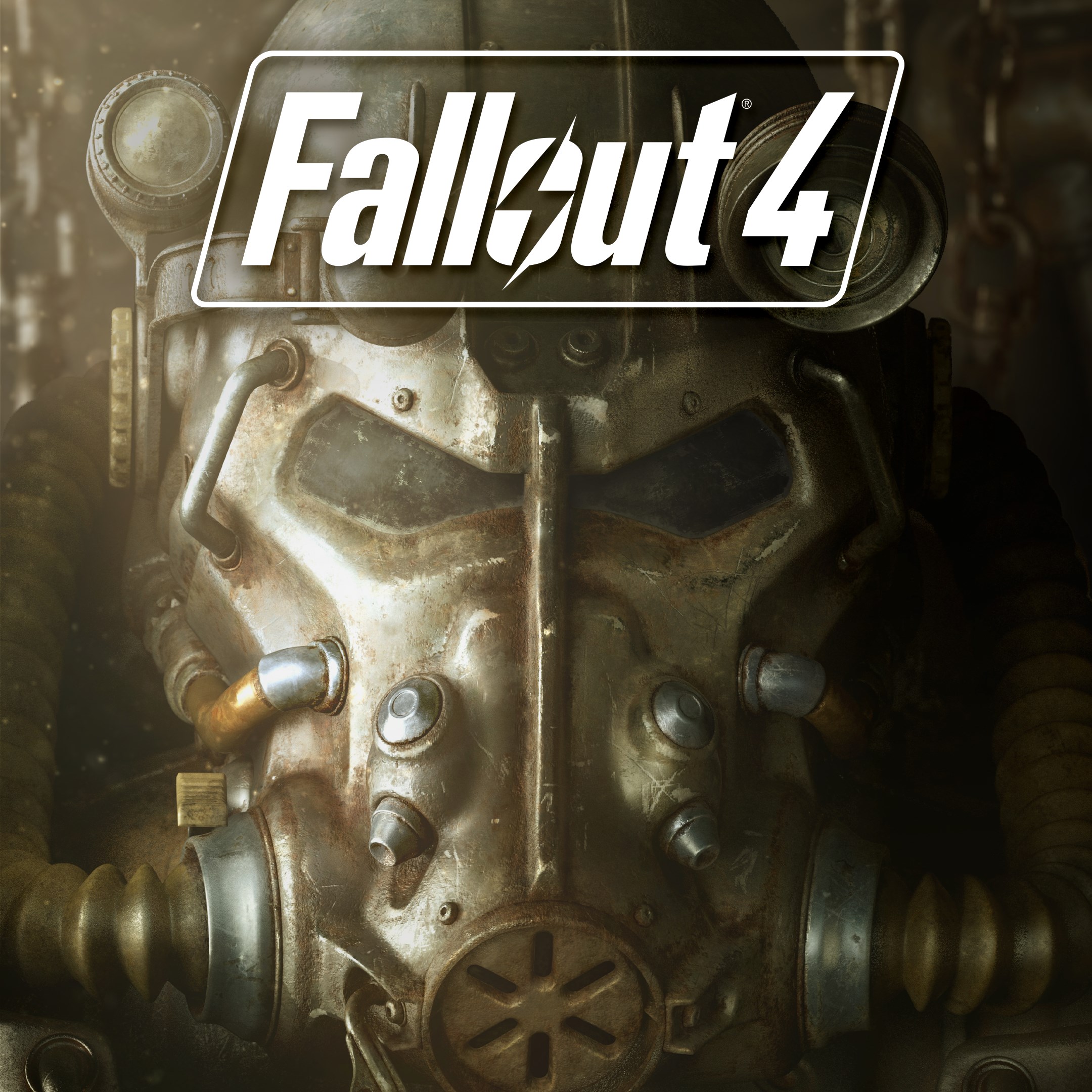
- Name Fallout 4
- Category Role playing
Immersive Post-Apocalyptic Adventure on Windows
Fallout 4 for Windows, developed by Bethesda Softworks, offers gamers a richly detailed open-world experience set in a dystopian future, blending compelling storytelling with immersive gameplay mechanics. Whether you're a seasoned RPG veteran or a newcomer craving a deep narrative journey, this game aims to deliver a memorable post-apocalyptic saga that sparks curiosity and encourages exploration.
Deep Dive into the Core Features
Expansive Customization and Character Progression System
One of Fallout 4's standout features is its robust character development system. Players craft their unique protagonist, tailoring attributes, skills, and appearance. As you explore the wasteland, every decision—be it combat style, dialogue options, or perk choices—shapes the character's evolution. Unlike other RPGs that rely solely on predefined classes, Fallout 4's SPECIAL system (Strength, Perception, Endurance, Charisma, Intelligence, Agility, Luck) offers nuanced control over your build, providing a personalized experience that evolves dynamically based on your in-game choices. This depth keeps players engaged, constantly pushing them to experiment and optimize their approach.
Narrative Choices with Lasting Consequences
The game's narrative is a rich tapestry woven with meaningful choices that influence the world around you. Unlike linear storytelling, Fallout 4 emphasizes consequence-driven gameplay—your moral decisions, faction alliances, and quest outcomes all ripple across the game universe, leading to multiple endings. What makes this truly unique is the way those choices are integrated into the core gameplay experience, making every decision feel consequential and personal. It's akin to steering a ship through unpredictable waters, where each turn significantly impacts your journey's outcome.
User Experience and Interface Design
The interface is thoughtfully designed to balance aesthetic appeal with usability. The menus are clean and intuitive, allowing quick access to inventory, skill trees, and map functions. Navigation feels seamless, supported by fluid controls and responsive interactions that minimize frustration during intense firefights or exploration. The learning curve is gentle for newcomers, with tutorials and guided prompts easing players into complex systems. Longtime fans will appreciate the depth of customization options and the clear presentation that makes managing gear and stats straightforward yet comprehensive.
What Sets Fallout 4 Apart?
While many RPGs feature character progression and branching narratives, Fallout 4 stands out with its “Settlement Building” feature—allowing players to craft and manage their own outposts. This adds a strategic layer unseen in many contemporary titles and transforms the game from a simple quest-driven experience into a sandbox of creativity. Moreover, the game's narrative depth, emphasizing player-driven choices with palpable consequences, provides a sense of agency that keeps gamers invested in their personal stories.
Recommendation and Usage Tips
Based on its features, Fallout 4 for Windows is highly recommended for fans of open-world RPGs who enjoy complex character development, layered storytelling, and creative gameplay. For optimal experience, it's best played on a system meeting or exceeding the recommended specifications to ensure smooth performance, especially during large-scale settlements and action sequences. Beginners should start with the default difficulty and explore the tutorials, gradually unlocking the game's full potential. Experienced players will find satisfaction in customizing their builds and immersing themselves in the rich narrative choices that define this title's unique charm.
Pros
- Immersive narrative and rich storyline
- Extensive open-world exploration
- Deep character customization
- High-quality graphics and visuals
- Variety of mod support and user-generated content
Cons
- Occasional performance issues on lower-end devices
- Long initial download and installation process
- UI can be somewhat cluttered for new players
- In-game bugs have been reported periodically
- Limited multiplayer or online features