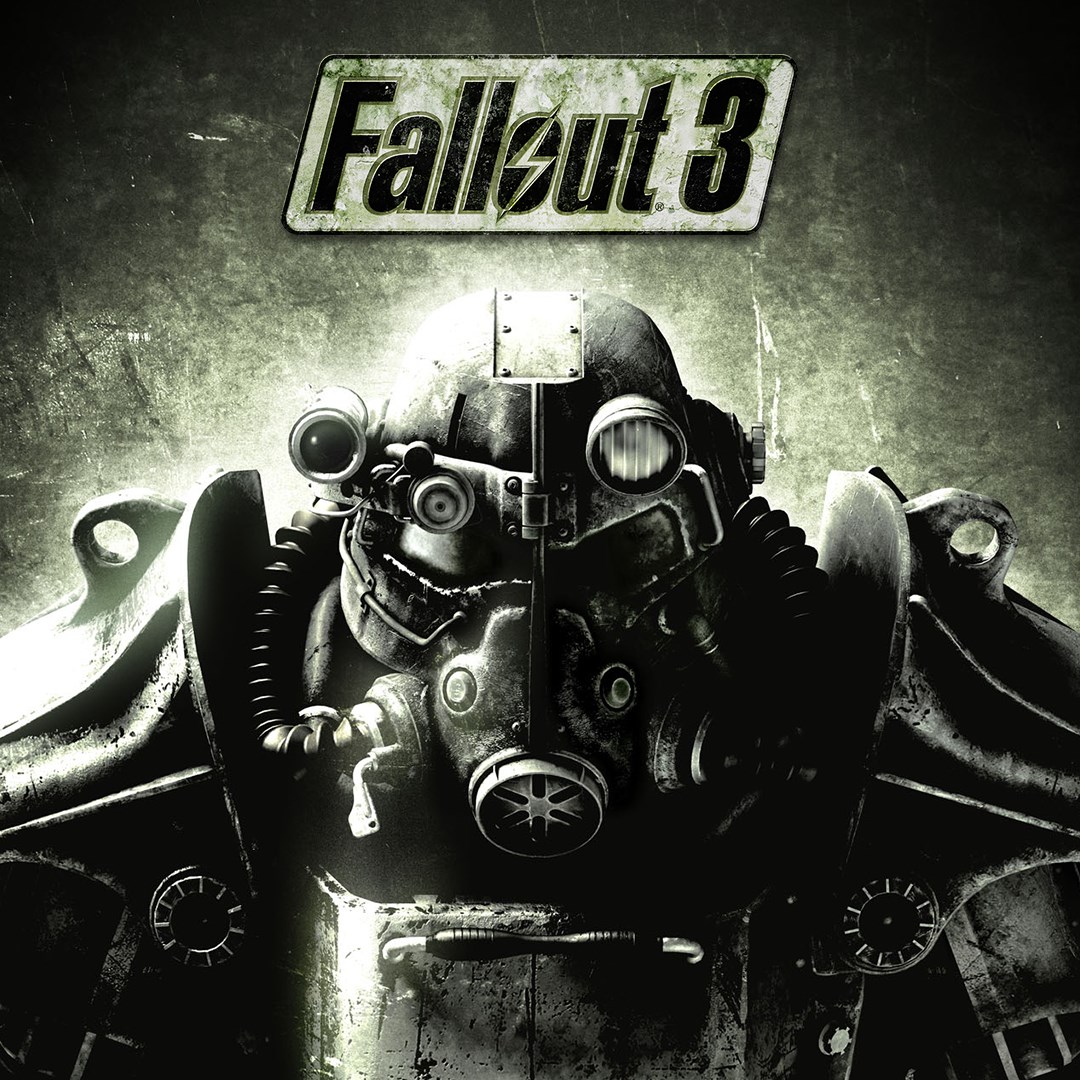
- Name Fallout 3: Game of the Year Edition
- Category Role playing
- Developer Bethesda Game Studios
- Available on PC
- OS Windows 10 version 18362.0 or higher
- Keyboard Integrated Keyboard
- Mouse Integrated Mouse
- DirectX Version 9
- Memory 1 GB
- languages English (United States), French, German, Italian, Spanish (Spain)
Immersive Post-Apocalyptic Adventure on Windows
Fallout 3: Game of the Year Edition for Windows offers players an expansive role-playing experience set in a meticulously crafted wasteland, blending rich storytelling with engaging gameplay mechanics to create a compelling journey worth exploring.
Developed by Bethesda Game Studios, Published by Bethesda Softworks
This title is brought to life by Bethesda's renowned development team, known for their mastery in open-world RPGs, ensuring a polished and immersive experience for fans and newcomers alike.
Core Features That Stand Out
- Comprehensive Wasteland Exploration: Wander through a detailed post-nuclear world filled with unique locations, factions, and secrets waiting to be uncovered.
- Deep Character Customization & Progression: Shape your hero's skills, perks, and morality through meaningful choices that influence your journey and the game's outcome.
- Rich Narrative with Meaningful Choices: Engage with a branching storyline where your decisions carry weight, leading to multiple endings and replayability.
- Enhanced Graphics & Audio Support: Experience a revitalized visual presentation with improved textures and immersive sound design tailored for modern PCs.
Vibrant Storytelling and Core Gameplay Features
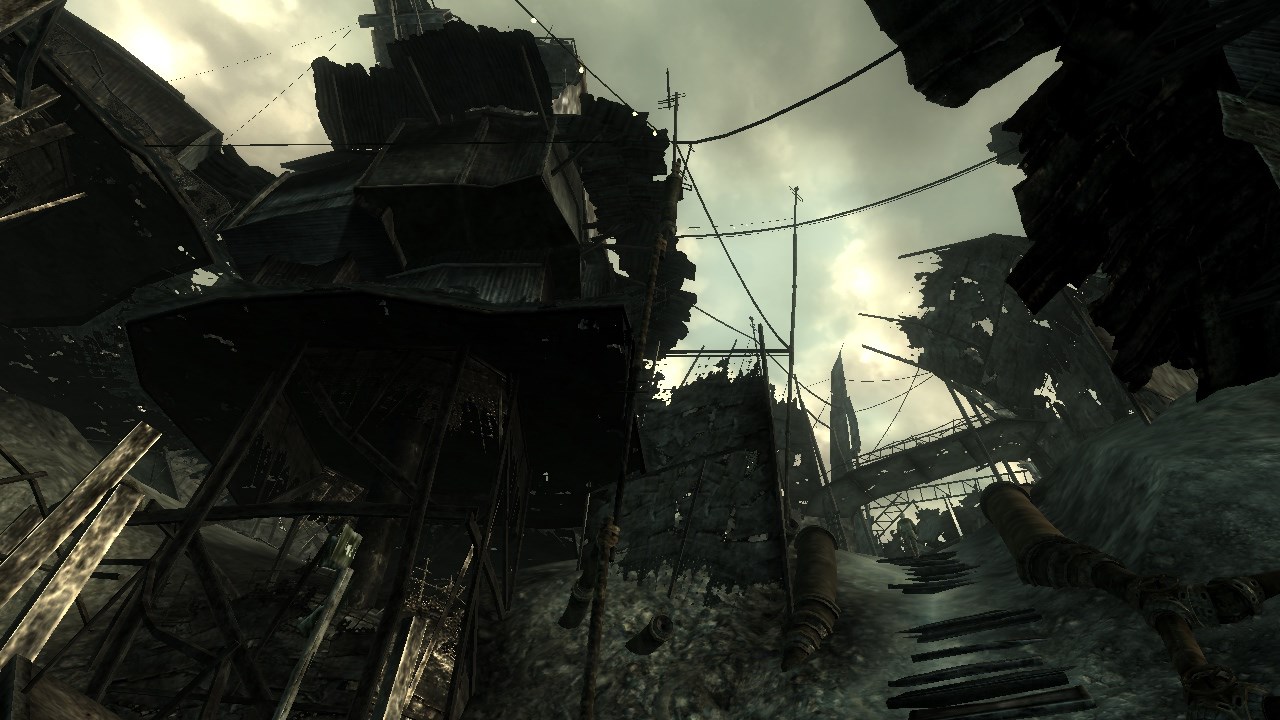
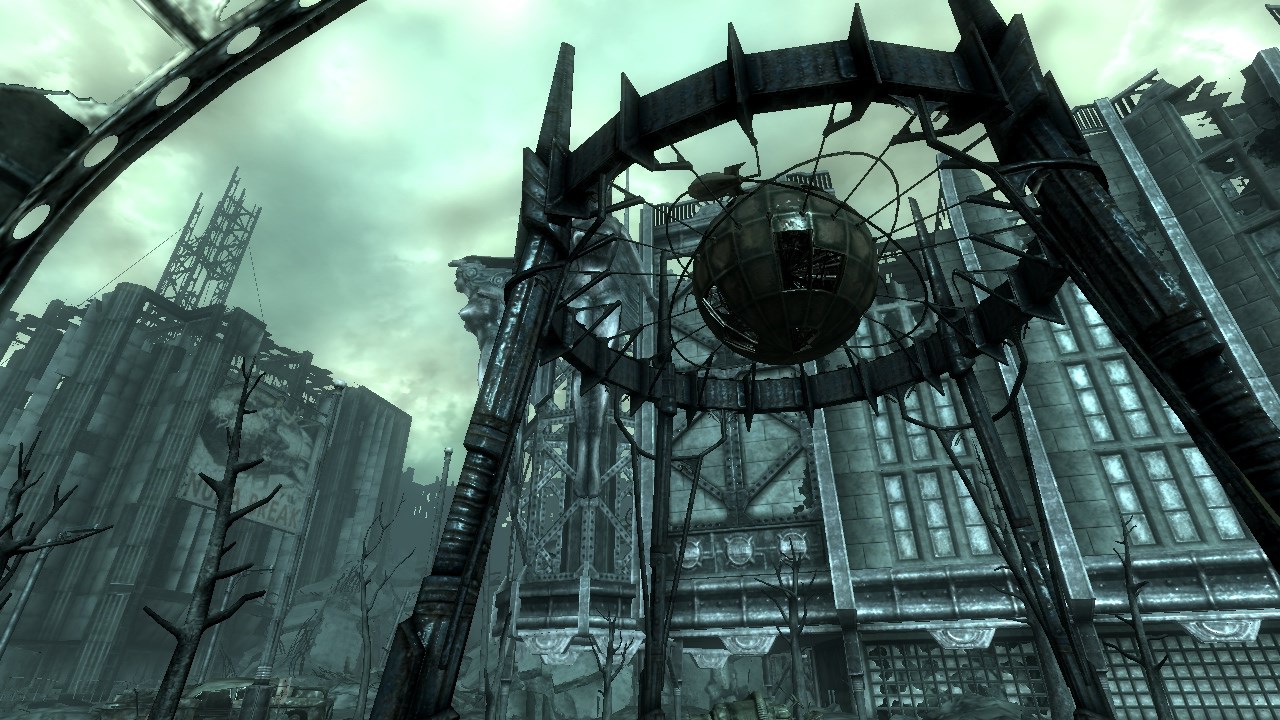
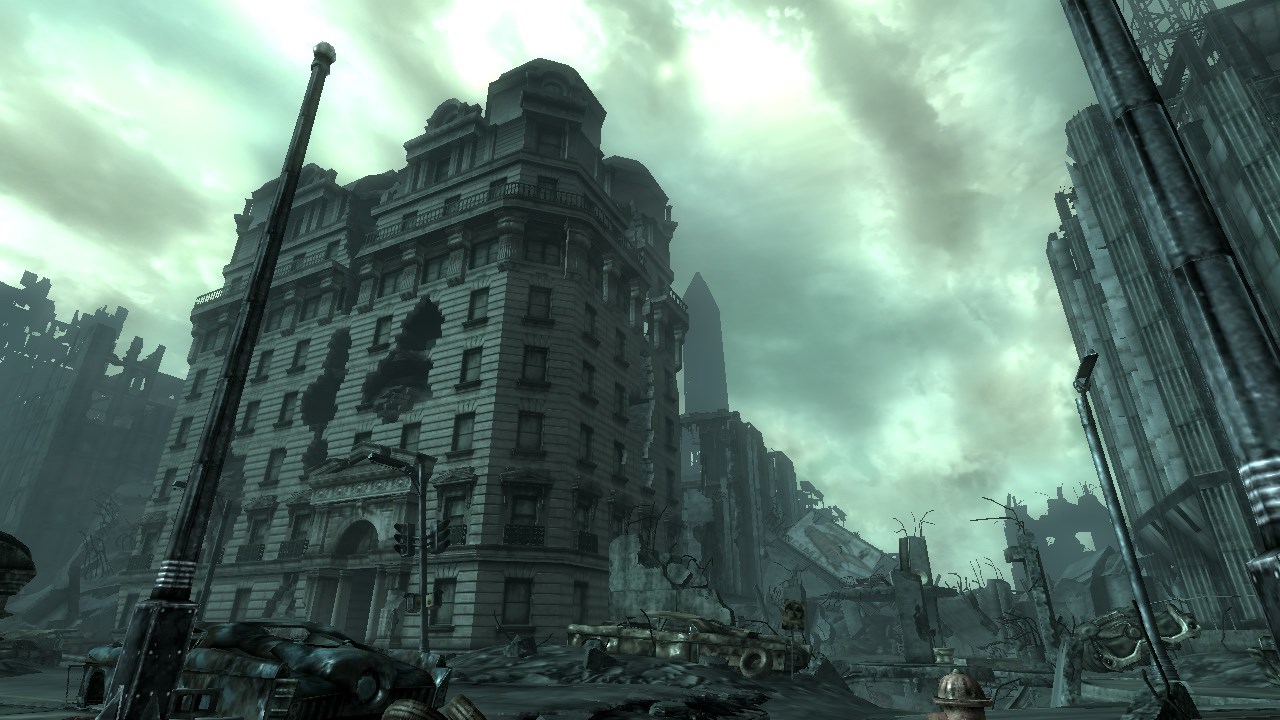
As a seasoned post-apocalyptic adventurer, Fallout 3 invites you into a world that feels both familiar and hauntingly fresh. The opening scenes vividly paint the wasteland's desolation with cinematic flair, setting a tone that is both bleak and fascinating—think of walking through a ruined cityscape with remnants of a society long gone, yet alive with stories hiding around every corner. The game's storytelling is akin to unfolding a layered novel, with each quest echoing the choices made and exploring complex moral dilemmas that challenge your perceptions.
Engaging Character Progression & Narrative Depth
One of the standout features of Fallout 3 is its nuanced character development system. Unlike many RPGs that merely increase stats, this game integrates a flexible perk and skill system tied to your choices—your character grows stronger and more unique based on decisions that mirror real-world consequences. This is vividly illustrated in scenarios like siding with certain factions or making moral sacrifices, directly affecting how NPCs interact with you and shaping your game's ending. It's like nurturing a bonsai tree—every pruning decision impacts the final shape and beauty of your journey.
Intuitive Interface & Experience
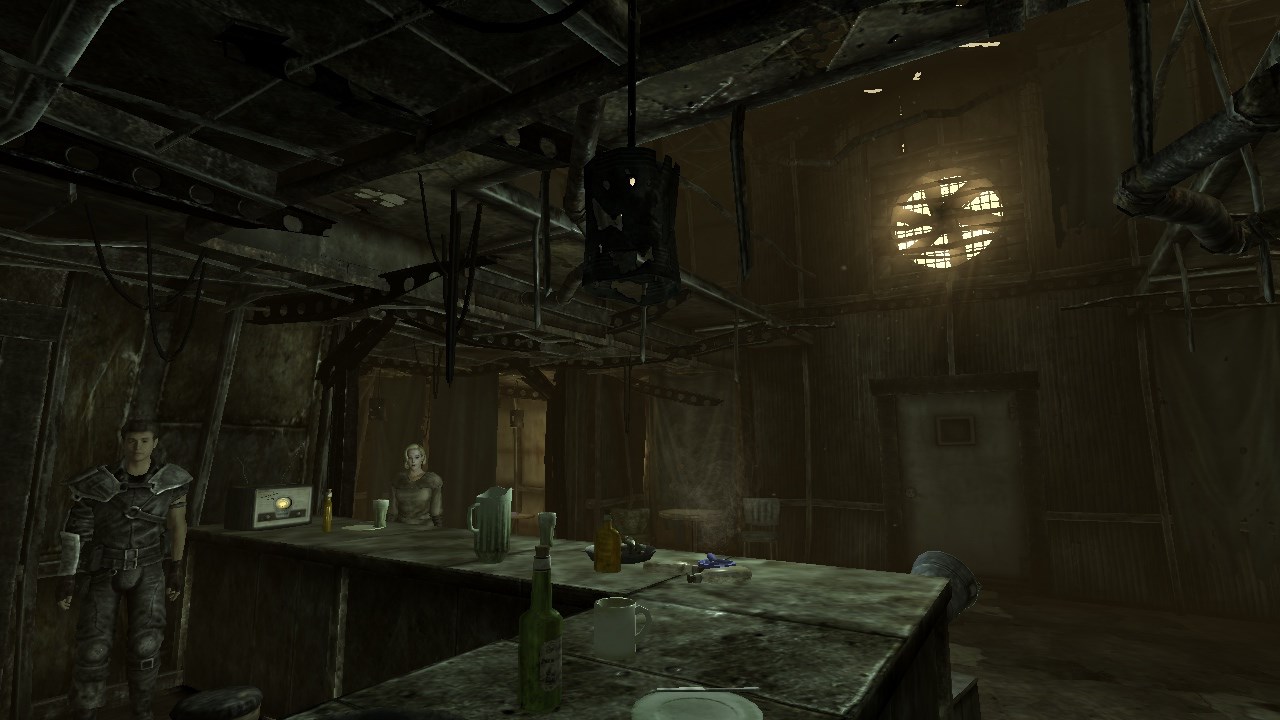
The user interface is thoughtfully designed, resembling a streamlined Pip-Boy device that's intuitive without sacrificing depth. Navigating menus feels smooth, and quick-access buttons make combat and item management effortless. The game's control scheme is responsive, ensuring that even during intense firefights, your commands feel natural and swift. The learning curve, while decent, rewards exploration and experimentation, akin to learning a new musical instrument—initially a bit challenging, but ultimately fulfilling as you master its nuances.
What Sets It Apart & Final Recommendations
Compared to other role-playing games, Fallout 3's true strength lies in its seamless integration of character development with a deeply branching narrative. The influence of your choices isn't superficial; it fundamentally alters the game world, making each playthrough a genuinely new experience. This depth is complemented by the game's immersive atmosphere and detailed environment, making you feel like a survivor in a living, breathing wasteland.
For those who love stories that evolve based on their decisions, and enjoy exploring expansive worlds with complex characters, Fallout 3: Game of the Year Edition is a solid recommendation. It performs remarkably well on Windows PCs, offering visual enhancements that bring the wasteland to life. Beginners might find it initially challenging, but with patience, they'll discover a richly rewarding adventure. Veteran RPG players will appreciate the layered character and narrative systems, making this title a meaningful addition to their collection.
In summary, if you're eager to step into a post-apocalyptic universe where your choices truly matter and your journey is shaped by your decisions, Fallout 3 delivers an experience that's both engaging and thought-provoking—worthy of its ‘Game of the Year' accolade.
Pros
- Engaging, immersive storyline
- Vast open-world exploration
- Rich character customization
- Extensive mod support and community content
- Excellent atmosphere and sound design
Cons
- Occasional performance issues on modern systems
- Aged graphics compared to newer titles
- Long load times and slow UI navigation
- Minor bugs and glitches present in certain scenarios
- Limited compatibility with recent operating systems