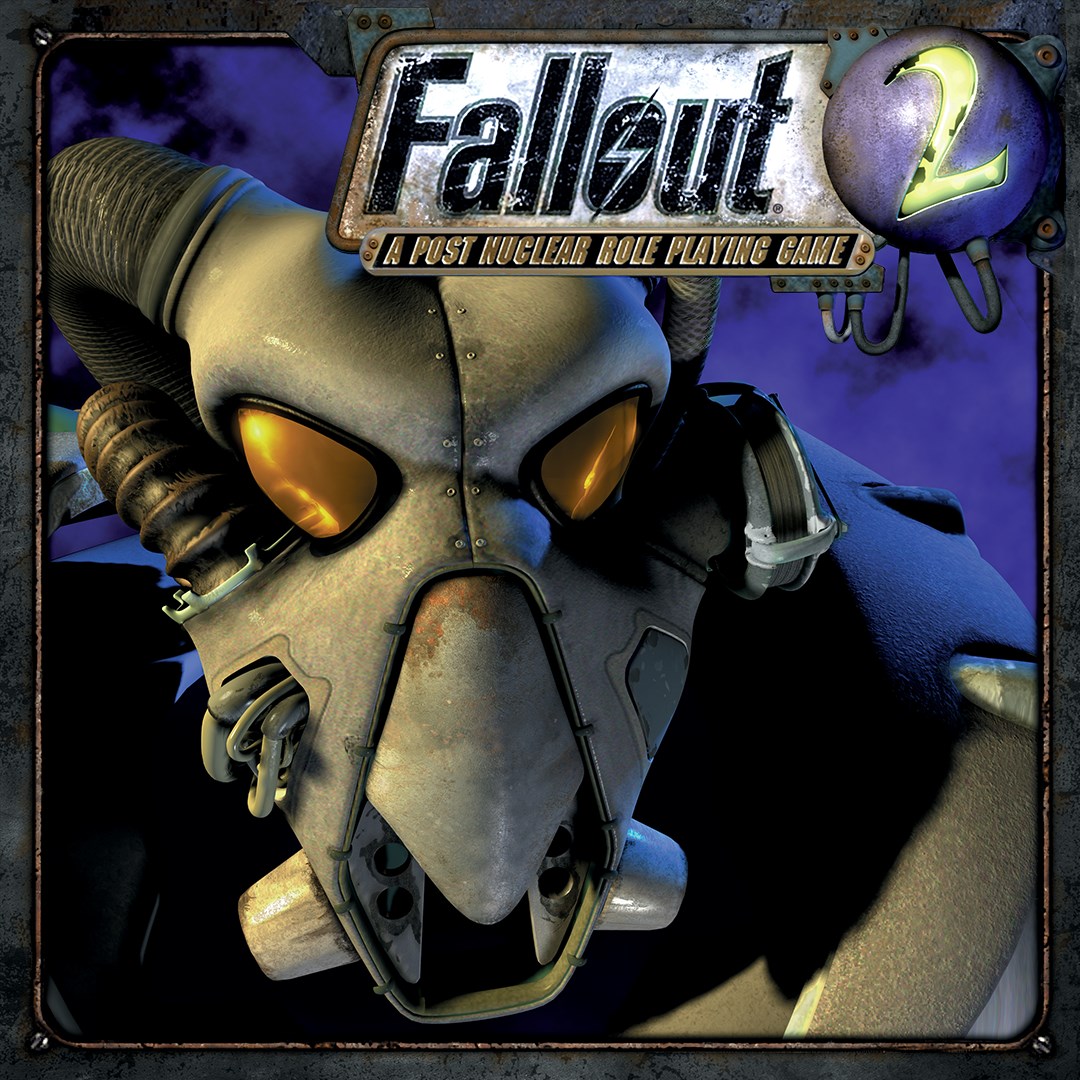
- Name Fallout 2
- Category Role playing
- Developer Black Isle Studios
- Available on PC
- OS Windows 10 version 18362.0 or higher
- Keyboard Integrated Keyboard
- Mouse Integrated Mouse
- languages English (United States), French, German
Introduction: A Return to the Wasteland
Fallout 2 for Windows stands as a classic relic in the role-playing genre, inviting players into a post-apocalyptic universe filled with intricate storylines, strategic decision-making, and immersive world-building. As a remastered or enhanced version on modern platforms, it offers both nostalgia for veterans and an accessible entry point for newcomers eager to explore its richly layered narrative and complex mechanics.
Developer and Main Features
Developed by Black Isle Studios and published by Bethesda Softworks, Fallout 2 continues the legacy of the beloved Fallout series with a focus on open-ended exploration and player agency. The game's primary features include a branching storyline influenced heavily by player choices, a detailed character development system, and a vast, diverse wasteland teeming with quests, factions, and surprises. Additionally, it boasts a deep inventory and crafting system, encouraging strategic resource management, and a turn-based combat mechanic that demands tactical thinking.
Engaging Gameplay Mechanics: Depth in Character Progression & Narrative
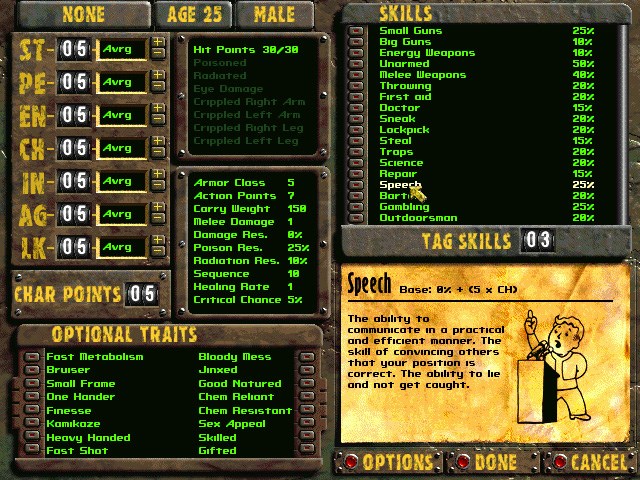
What truly makes Fallout 2 shine is its meticulous character progression system. Players can customize their character's stats, skills, and perks, allowing for a tailored playstyle—be it a sneaky sniper, a persuasive diplomat, or a brute force brawler. The game's unique ability to analyze character progression enables players to experiment with different builds, making each playthrough a fresh experience. Unlike many RPGs that keep story and character choices separate, Fallout 2 intertwines these elements so deeply that every decision feels consequential—altering factions' responses, unlocking new quests, and shaping the very fate of the game's world.
Narrative Choice and Consequence: A Deep, Living World
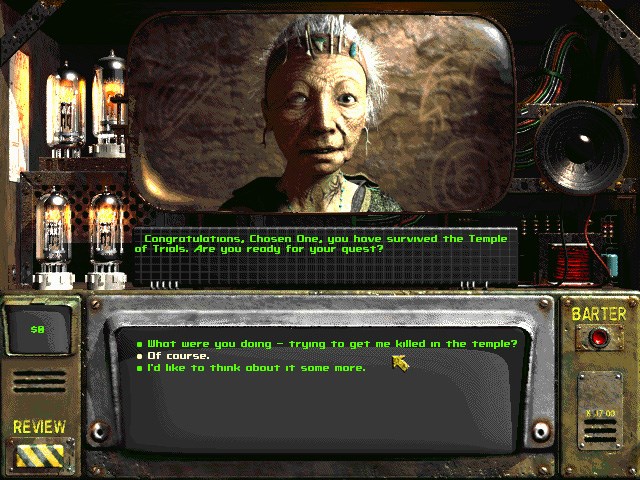
One of Fallout 2's most distinguished aspects is its intricate narrative that respects player intelligence and moral ambiguity. Choices are rarely black-and-white; instead, they ripple through the game's universe, affecting alliances, storylines, and endings. This layered consequence system transforms each gaming session into a unique story, where your decisions carve a distinct path through the wasteland. Compared to other RPGs, Fallout 2 excels in embedding its narrative into every aspect of gameplay, creating a truly immersive experience where the world feels alive and reactive.
User Experience and Interface Design
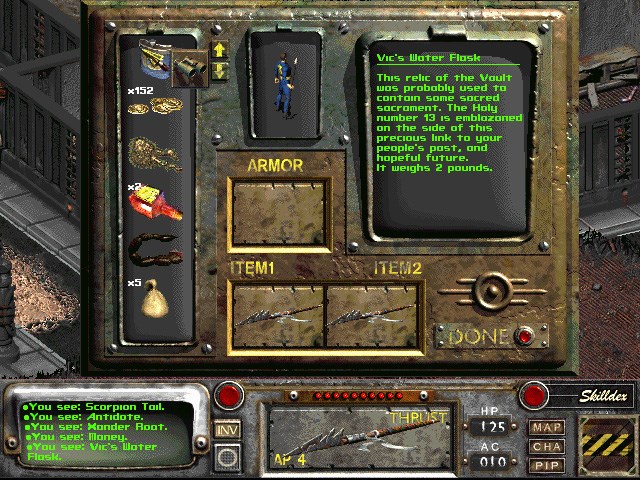
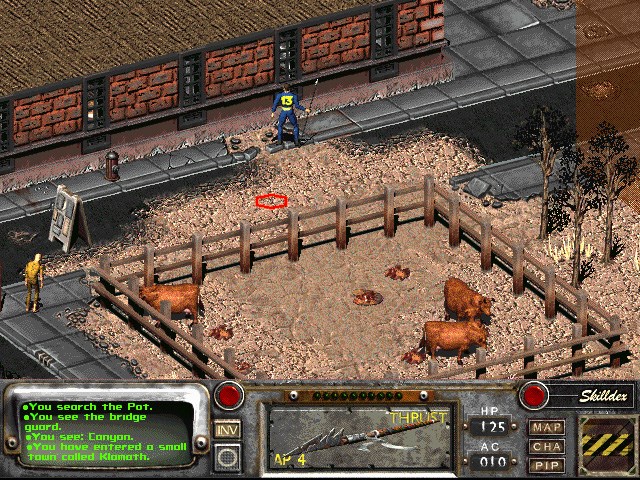
On modern hardware, Fallout 2's interface benefits from thoughtful upgrades that streamline menus and inventory management without sacrificing its nostalgic charm. The UI is intuitive enough for newcomers but offers enough complexity to satisfy veteran players discovering new strategies or exploring all dialogue options. The game's turn-based mechanics run smoothly, maintaining a steady pace that keeps players engaged without feeling sluggish. Its learning curve is gentle enough for beginners yet deep enough for seasoned RPG fans craving strategic depth, making it a balanced experience overall.
Unique Highlights and Final Recommendations
Among Fallout 2's standout features are its character development system and the depth of narrative choices that genuinely influence the game world. Its ability to analyze and experiment with different character builds offers a replayability factor that many modern titles lack, while its layered storytelling ensures each decision carries weight. If you enjoy role-playing games that value strategic thinking, moral complexity, and detailed world-building, Fallout 2 remains a compelling choice.
Considering its age, the game still holds up remarkably well and is approachable on current Windows systems, especially with updated interfaces. I recommend it to fans of classic RPGs and those looking for a game that rewards thoughtful choices and offers a truly immersive wasteland adventure. Whether you're revisiting the post-apocalyptic setting or exploring it for the first time, Fallout 2 provides a rich, rewarding experience worth your time.
Pros
- Authentic gameplay experience
- Intuitive user interface
- Excellent compatibility
- Regular updates and bug fixes
- Affordable pricing and optional in-game content
Cons
- Limited touch-screen optimization
- Lack of modern UI features
- Potential performance issues on older devices
- Limited in-game tutorials or guides
- No multiplayer or online features