


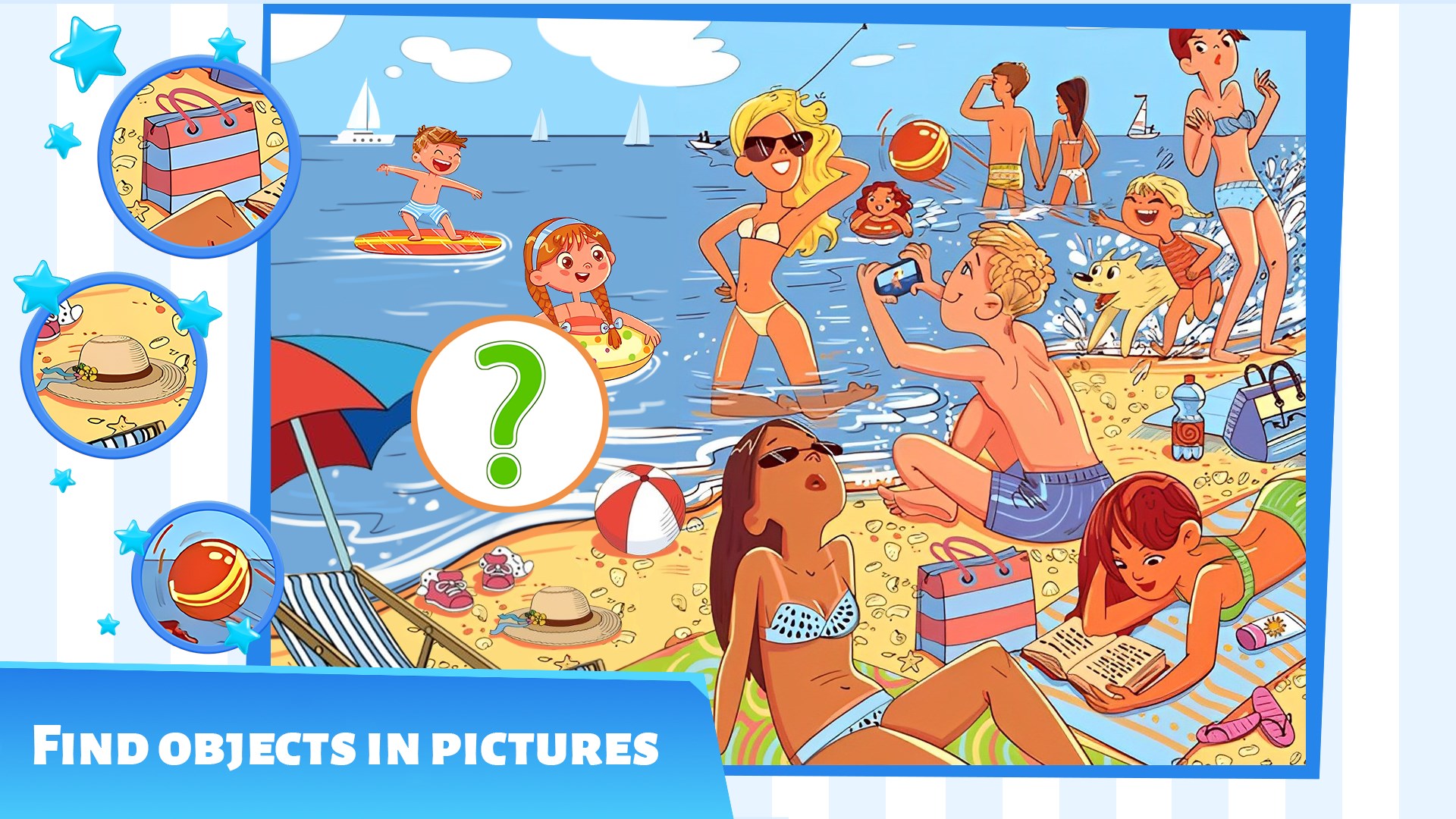


- Name Differences: Find & Spot them
- Category Action & adventure
- Developer Eidolon Cyprus LTD
- Available on PC, Mobile, Surface Hub, HoloLens
- OS Windows 10 version 17763.0 or higher
- languages English (United States)
Discover the Fun of Spotting Differences with Differences: Find & Spot them
If you're a fan of puzzle games that tickle your curiosity and sharpen your observation skills, Differences: Find & Spot them offers a charming experience designed for players of all ages. It's like embarking on a visual treasure hunt, where every scene challenges you to find hidden discrepancies. This app marries simplicity with engaging content, making it a delightful way to pass the time while exercising your mind.
Meet the Developer: Eidolon Cyprus LTD
Developed by Eidolon Cyprus LTD and published under their label, Eidolon, this team specializes in creating accessible casual games that aim to entertain, relax, and stimulate cognition. Their approach emphasizes user-friendly design paired with captivating visuals, positioning Differences: Find & Spot them as an ideal choice for casual gamers and puzzle enthusiasts alike.
Top Features That Make It Stand Out
- Variety of Scenes: The app boasts a wide array of beautifully crafted images spanning nature, urban scenes, animals, and everyday objects. Each level presents a new challenge, keeping gameplay fresh and engaging.
- Difficulty Levels & Hints: With adjustable difficulty settings, players can tailor their experience from easy to challenging. Helpful hints are available, reducing frustration and maintaining flow, which makes it accessible for beginners yet engaging for experienced spotters.
- Intuitive UI & Seamless Experience: Its clean interface ensures that players focus purely on the task at hand without distraction. The controls are straightforward, with swipe and tap gestures that feel natural on touch devices.
- Achievements & Progress Tracking: The app includes a reward system and progress tracking, motivating users to complete levels and revisit difficult scenes for better scores.
Engaging the Observation Skills: A Closer Look
Stepping into Differences: Find & Spot them is like entering a lively gallery where every picture hides subtle secrets. The app's artwork is vibrant and detailed, drawing you into each scene as if you're walking through a bustling street or a peaceful forest. The visual appeal is one of its strongest points—each image carefully designed to pose just enough challenge without overwhelming.
One of the most impressive features is the game's adjustable difficulty. For casual players or children, it offers simpler scenes with fewer differences and prominent clues. As your eye becomes sharper, cranking up the difficulty presents a more intense challenge—think of it as fine-tuning a telescope for a clearer view of distant stars. The hints are like gentle guides, helping you find tricky discrepancies without spoiling the fun, which strikes a nice balance between challenge and satisfaction.
Design & User Experience: Smooth Sailing or Rough Waters?
The interface of Differences: Find & Spot them is as crisp as a newly cleaned mirror, with a minimalistic yet colorful layout. It feels intuitive from the first tap—no steep learning curve here. The game's responsiveness is excellent; scenes load swiftly, and taps register instantly, providing a fluid experience highly rated for casual gaming. Navigating between scenes and levels feels seamless, akin to flipping through a well-organized photo album.
Compared with other puzzle apps, its focus on visual clarity and user comfort stands out. The gentle animations and unobtrusive sound effects enhance immersion without becoming intrusive. Whether you're a slow-browsing player or racing to beat your previous score, the app handles inputs effortlessly, making each session a pleasure rather than a frustration.
Unique Selling Points & Final Recommendation
The two standout aspects that distinguish Differences: Find & Spot them are its diverse scene variety and the adaptive difficulty system. These elements cater to a broad audience—from kids sharpening their observation to adults seeking relaxing mental exercises. The app's calm aesthetic and thoughtful design make it suitable for casual play, coffee breaks, or even quick mental warm-ups.
Considering its user-friendly nature and engaging gameplay, I recommend this app to anyone looking for a straightforward yet stimulating visual puzzle. It's particularly effective for those who enjoy casual gaming with a focus on attention and perception. While it may lack the complex narratives or storytelling found in action-packed adventures, its charm lies in its simplicity and accessibility—making every ‘difference' a little victory in your day.
Pros
- Engaging Spot-the-Difference Gameplay
- Variety of Images and Themes
- User-Friendly Interface
- Progress Tracking and Rewards
- Suitable for Quick Play Sessions
Cons
- Limited Difficulty Levels
- Occasional Image Loading Delays
- Lack of Multiplayer Functionality
- Repetitive Image Themes
- Minor Graphics Resolution Issues











