
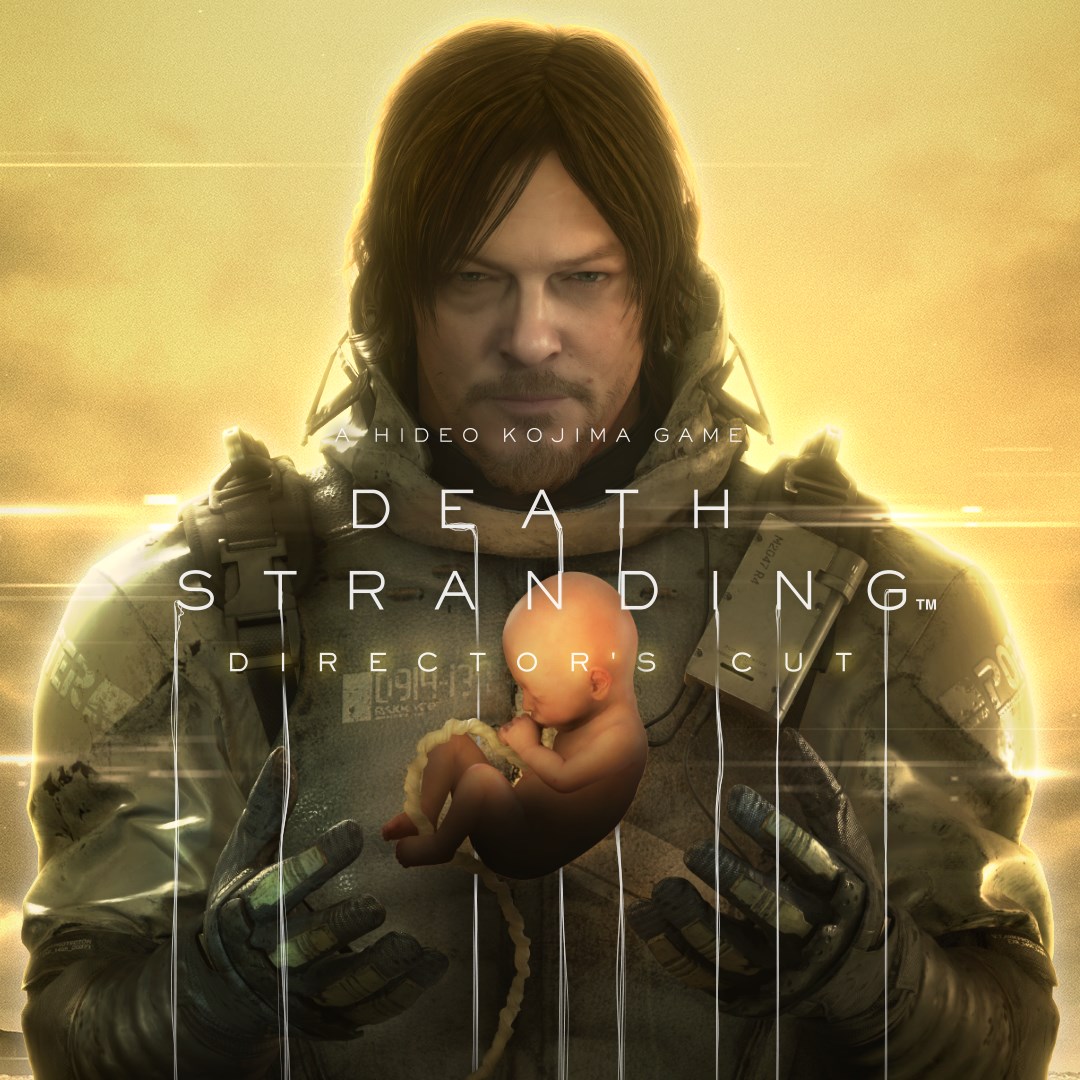
- Name DEATH STRANDING DIRECTOR'S CUT
- Category Action & adventure
A Unique Take on Post-Apocalyptic Adventure
Death Stranding Director's Cut for Windows offers players an immersive, visually stunning journey through a fractured future, blending innovative gameplay with a compelling narrative. It's more than just a game; it's an experience that challenges notions of connection and resilience in a broken world.
Developed by Kojima Productions, Published by 505 Games
Crafted by the legendary Kojima Productions team, the game leverages their signature storytelling mastery and inventive gameplay mechanics. Published by 505 Games, this version brings refined visuals and additional content that elevate the core experience.
Key Features That Make It Stand Out
- Innovative Delivery Gameplay: Navigating treacherous terrains and maintaining connections between isolated communities forms the heart of the experience. It transforms a simple delivery mission into a delicate dance of strategy and persistence.
- Enhanced Visuals and Content: The Director's Cut amplifies the visual fidelity, detail, and atmospheric immersion. New side missions, gear, and challenges deepen engagement and replayability.
- Strategic Equipment Management: Using a variety of tools and vehicles, players must balance efficiency and safety, making each delivery a puzzle to solve under time and environmental constraints.
Immersive User Experience and Interface
The game's interface is thoughtfully designed, resembling a high-tech communication network that seamlessly connects players with in-game elements. Its intuitive menu layout allows effortless access to gear, maps, and mission details, fostering immersion rather than distraction. The visuals are crisp and atmospheric, capturing the haunting beauty of a post-apocalyptic world. While the learning curve can seem steep at first—typical for innovations in gameplay—the rewards are proportional. The controls are responsive, whether you're traversing mountain ridges with a floating cargo or managing complex equipment setups. This fluidity ensures that players feel in control, even amid chaos. Overall, the game's UX strikes a fine balance between challenge and accessibility, inviting players into this unique universe without overwhelming them.
What Sets It Apart From Other Action & Adventure Titles
Death Stranding Director's Cut distinguishes itself through its core theme of connection—literally, in gameplay, and figuratively, via narrative. Unlike traditional action titles that often focus on combat or fast-paced events, this game emphasizes patience, strategy, and subtlety. The incorporation of innovative mechanics—such as the unique traversal system and cargo management—serves as a metaphor for human interdependence, which feels refreshingly profound. Additionally, the new cutscene content, visual upgrades, and expanded gameplay options provide a layered experience that rewards both newcomers and seasoned gamers seeking depth and originality.
Final Verdict & Recommendations
If you're a fan of story-rich, thought-provoking adventure games that challenge conventional gameplay norms, Death Stranding Director's Cut on Windows is a worthwhile addition to your library. Its innovative delivery mechanics and enhanced visuals set it apart in the crowded action and adventure genre. While it demands patience and strategic thinking, the immersive storytelling and beautifully crafted world make it a rewarding journey. I'd recommend it to gamers who appreciate meaningful narratives, unique gameplay mechanics, and don't mind a learning curve. Whether you're exploring the rugged terrains for the first time or returning on a renewed quest, this version offers enough new content and visual fidelity to justify a dedicated playthrough. Prepare to embark on a voyage where every step you take helps reconnect a fractured world—one delivery at a time.
Pros
- Immersive storytelling
- Stunning visuals and graphics
- Innovative gameplay mechanics
- Excellent sound design and soundtrack
- Smooth performance on modern hardware
Cons
- Complex UI and controls
- Occasional long load times
- Limited in-game tutorials
- Some graphical glitches reported
- High system requirements











