
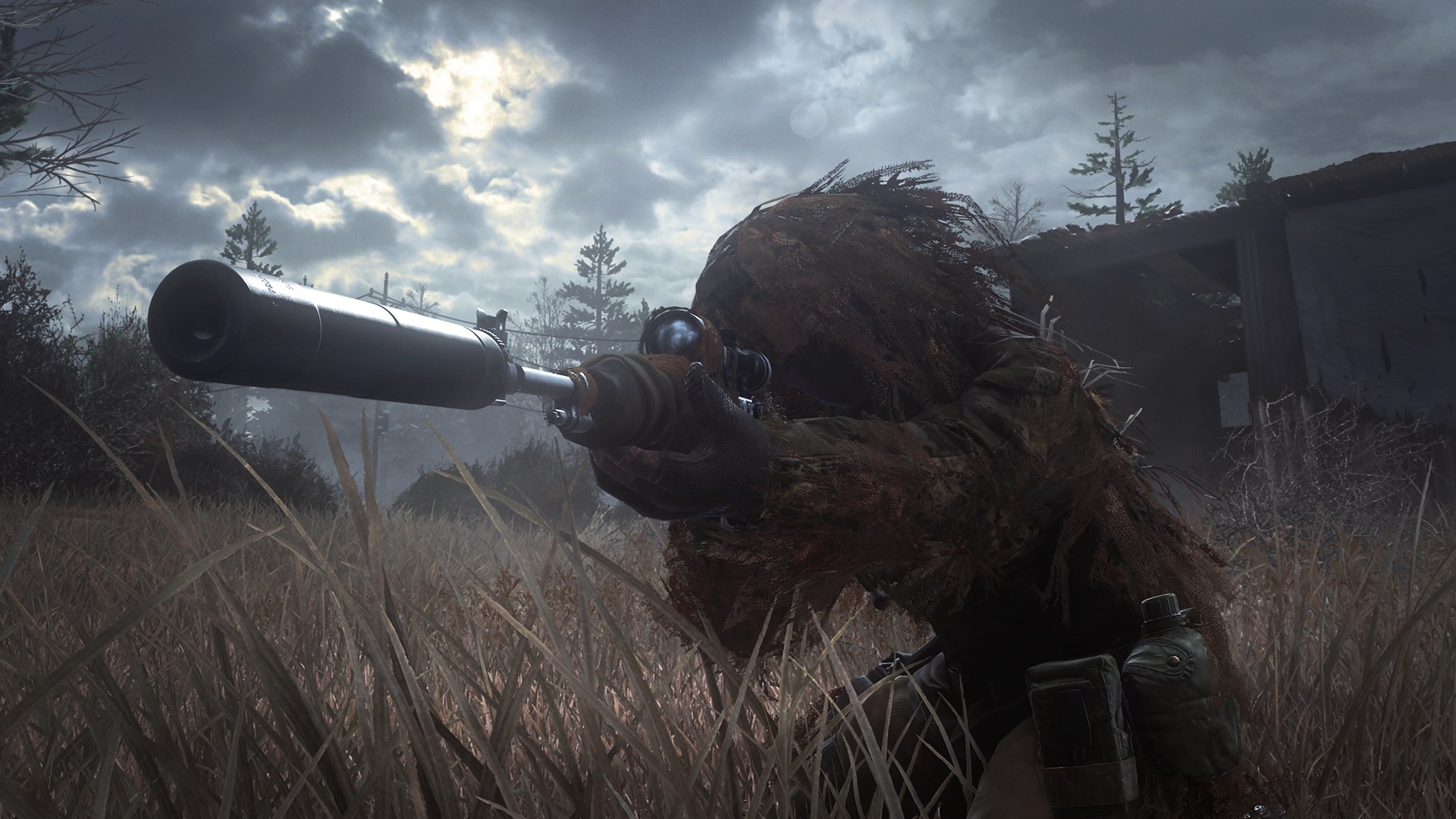
- Name Call of Duty®: Modern Warfare® Remastered
- Category Action & adventure
- Available on PC
- OS Windows 10 version 14393.351 or higher
- Keyboard Integrated Keyboard
- Mouse Integrated Mouse
- DirectX Version 11
- Memory 8 GB
- languages Chinese (Simplified), Chinese (Traditional Chinese), English, French, German, Italian, Japanese, Korean, Polish, Portuguese, Russian, Spanish, Spanish (Mexico)
Immersive Reimagining of a Modern Classic
Call of Duty®: Modern Warfare® Remastered for Windows offers players a nostalgic yet fresh experience, blending meticulously remastered visuals with intense tactical gameplay—perfect for fans of modern military shooters looking for a refined and engaging battlefield experience.
Developers and Key Highlights
Published by Activision Publishing Inc., this title is crafted by a dedicated team committed to bringing the iconic modern warfare saga back to life with enhanced graphics and immersive gameplay mechanics. The main features that stand out include stunning high-definition remakes of classic maps, a compelling single-player campaign, and robust multiplayer modes that evoke the adrenaline rush of competitive online battles. Additionally, the game boasts improved sound design for a more visceral experience, and streamlined controls optimized for PC gameplay.
Vivid Gameplay and User Experience
Engaging Campaign and Its Tactical Depth
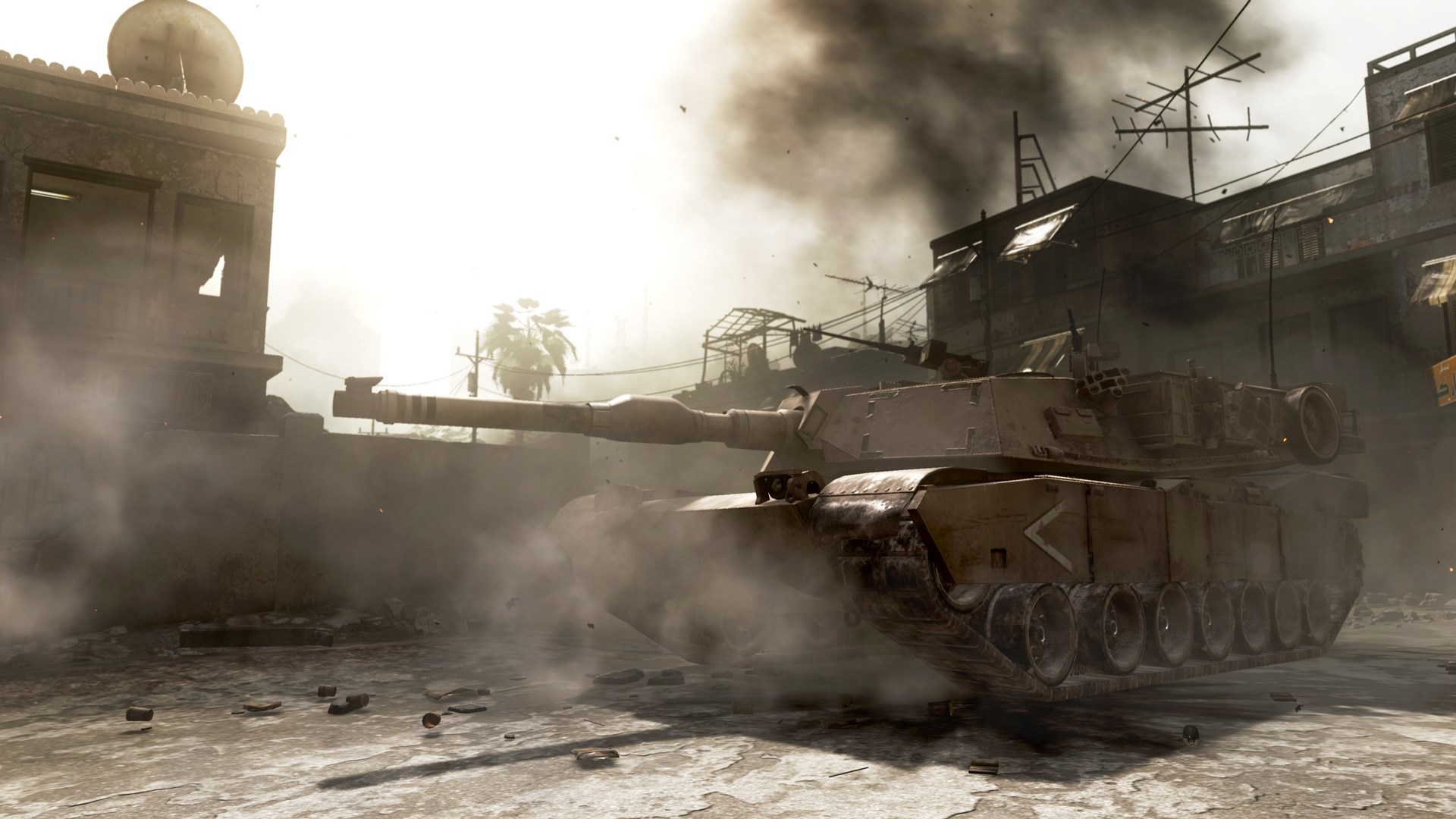
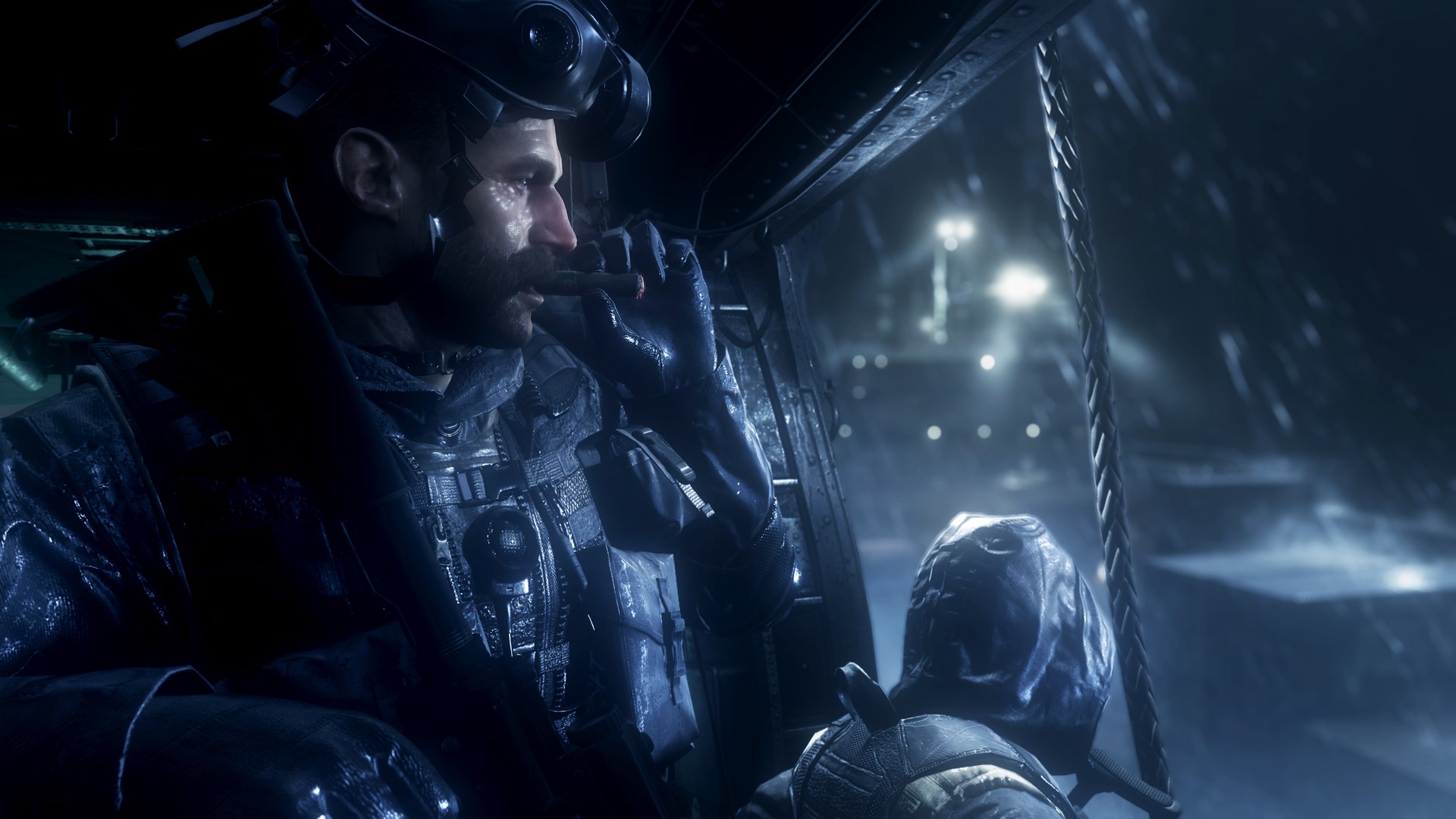
The core of MW: Remastered is its gripping single-player story that drops you into the chaos of modern combat. The narrative is set in diverse global locations—from dense urban streets to open desert landscapes—each rendered with breathtaking detail. The gameplay itself encourages strategic thinking; players must adapt to different combat situations using cover, stealth, and precise shooting. The remastered graphics truly make these environments feel alive—vivid explosions, realistic fire effects, and dynamic lighting immerse you as if you're right there on the frontline.
Multiplayer Mode: Competitive and Cooperative Warfare
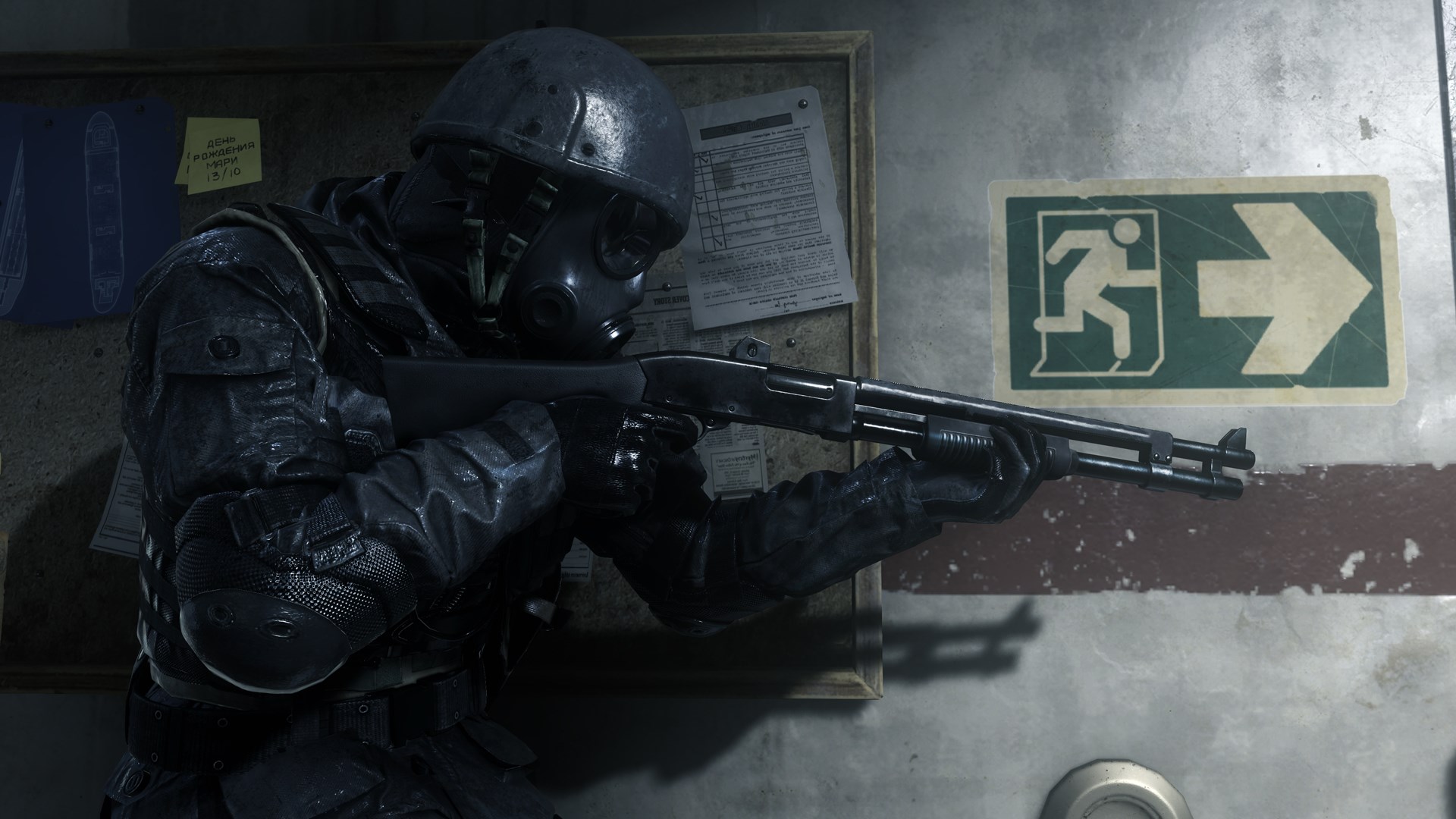
The multiplayer experience is arguably the highlight of MW: Remastered. It maintains the fast-paced, team-oriented matches that made the original game a staple in the online shooter community. The game supports various modes, from classic Team Deathmatch to Search and Destroy, each demanding sharp reflexes and tactical coordination. The upgraded visuals and smoother frame rates give a competitive edge, making gunfights more visceral and engaging. Unique to this remaster is the seamless integration of classic maps with modern enhancements, allowing veterans to reconnect with familiar terrain in high-definition glory.
Intuitive Interface and PC Optimization
The game's interface is clean and user-friendly, designed with clarity to minimize onboarding time. The controls are responsive, with customizable key bindings and sensitivity adjustments that cater to both casual players and seasoned veterans. Performance-wise, MW: Remastered runs smoothly on a wide range of hardware configurations, with optimized settings that maintain high frame rates. The learning curve is gentle enough for newcomers but offers enough depth for experienced players to master advanced tactics, making it accessible yet challenging.
What Sets it Apart
While many action shooters strive for realism, MW: Remastered stands out through its meticulous attention to detail in both visual fidelity and gameplay fidelity. Its most distinctive feature is the faithful recreation of classic maps, now reborn in astonishing clarity, combined with refined mechanics that respect the original's fast-paced, tactical combat—creating a perfect harmony between nostalgia and modern gaming standards. This blend makes it more than just a remaster; it transforms a legend into a fresh, compelling experience for today's players.
Recommendation and Usage Tips
This game is highly recommended for fans of first-person shooters, especially those who enjoy cooperative and competitive multiplayer gameplay. Newcomers to the series will find a well-structured tutorial system to ease into the mechanics. For an optimal experience, ensure your hardware meets or exceeds the recommended specs, and consider customizing control settings for comfort during long gaming sessions. Whether you're reliving old battles or engaging in fresh confrontations, MW: Remastered offers a thoughtfully crafted battlefield that balances nostalgia with innovation.
Pros
- Immersive single-player campaign
- Enhanced graphics and textures
- Smooth multiplayer experience
- Variety of multiplayer modes
- Intuitive control scheme
Cons
- Occasional bugs and crashes
- Limited cross-platform support
- In-app purchase reliance for extra content
- High storage requirements
- Some matchmaking delays











