
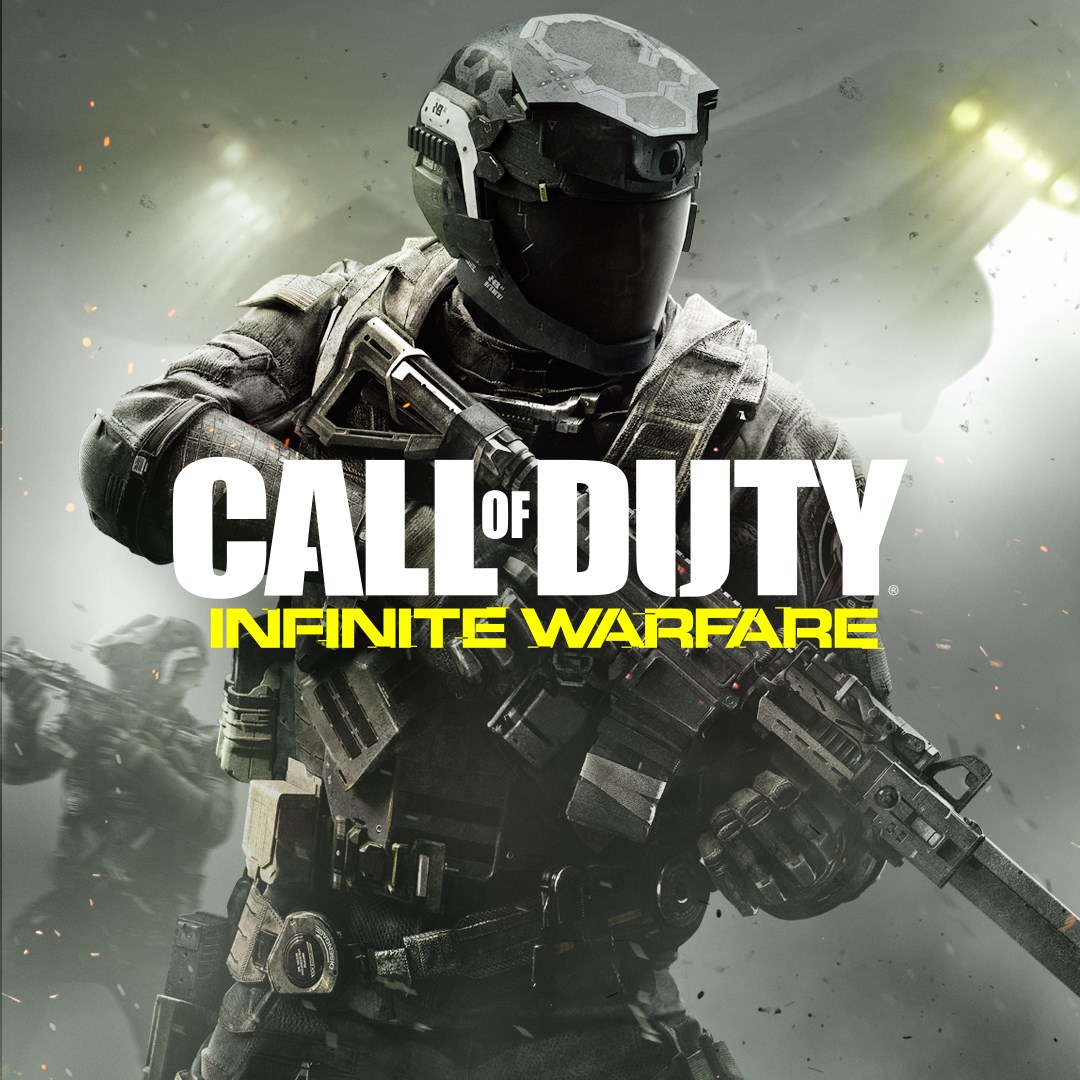

- Name Call of Duty®: Infinite Warfare
- Category Action & adventure
- Available on PC
- OS Windows 10 version 14393.351 or higher
- Keyboard Integrated Keyboard
- Mouse Integrated Mouse
- DirectX Version 11
- Memory 8 GB
- languages Chinese (Simplified), Chinese (Traditional Chinese), English, French, German, Italian, Japanese, Korean, Polish, Portuguese, Russian, Spanish, Spanish (Mexico)
Immersive Futuristic Combat Experience in Call of Duty®: Infinite Warfare
Call of Duty®: Infinite Warfare offers players a high-octane journey through space warfare, blending cinematic storytelling with intense multiplayer action. Developed by Activision Publishing Inc., this title aims to redefine the sci-fi shooter genre with cutting-edge visuals and engaging gameplay mechanics.
Core Features That Stand Out
Stunning Space Battles and Futuristic Environments
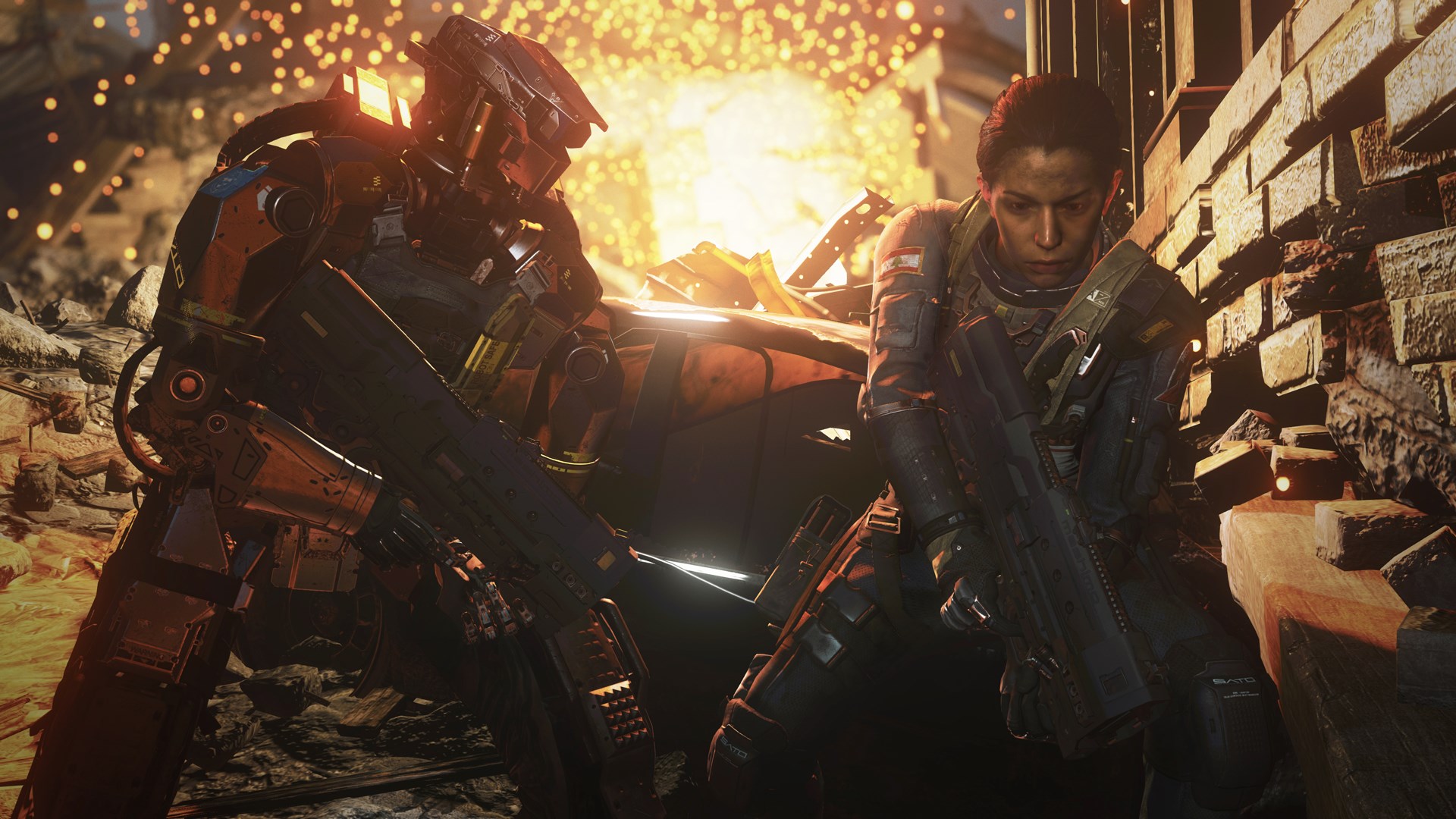
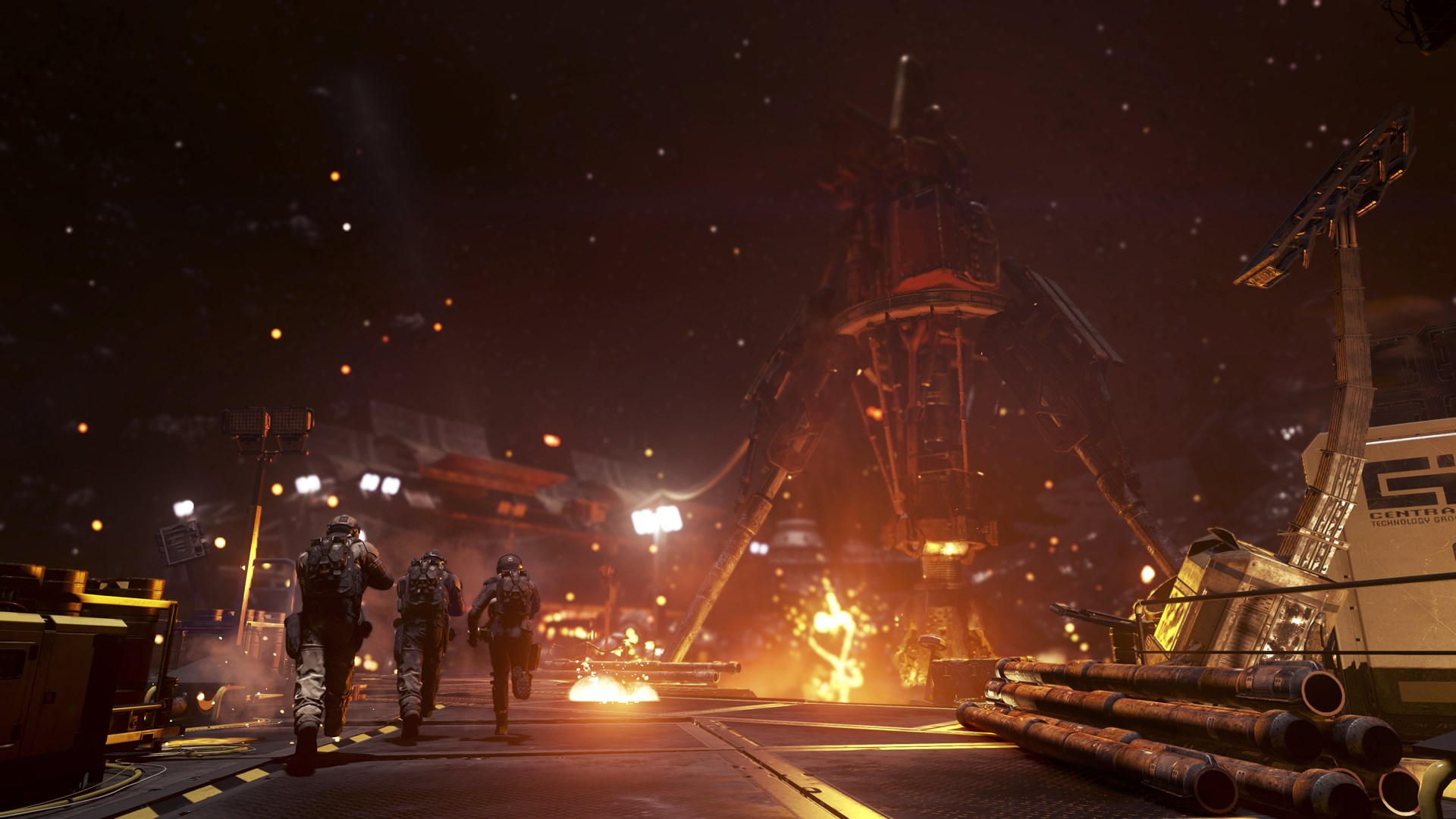
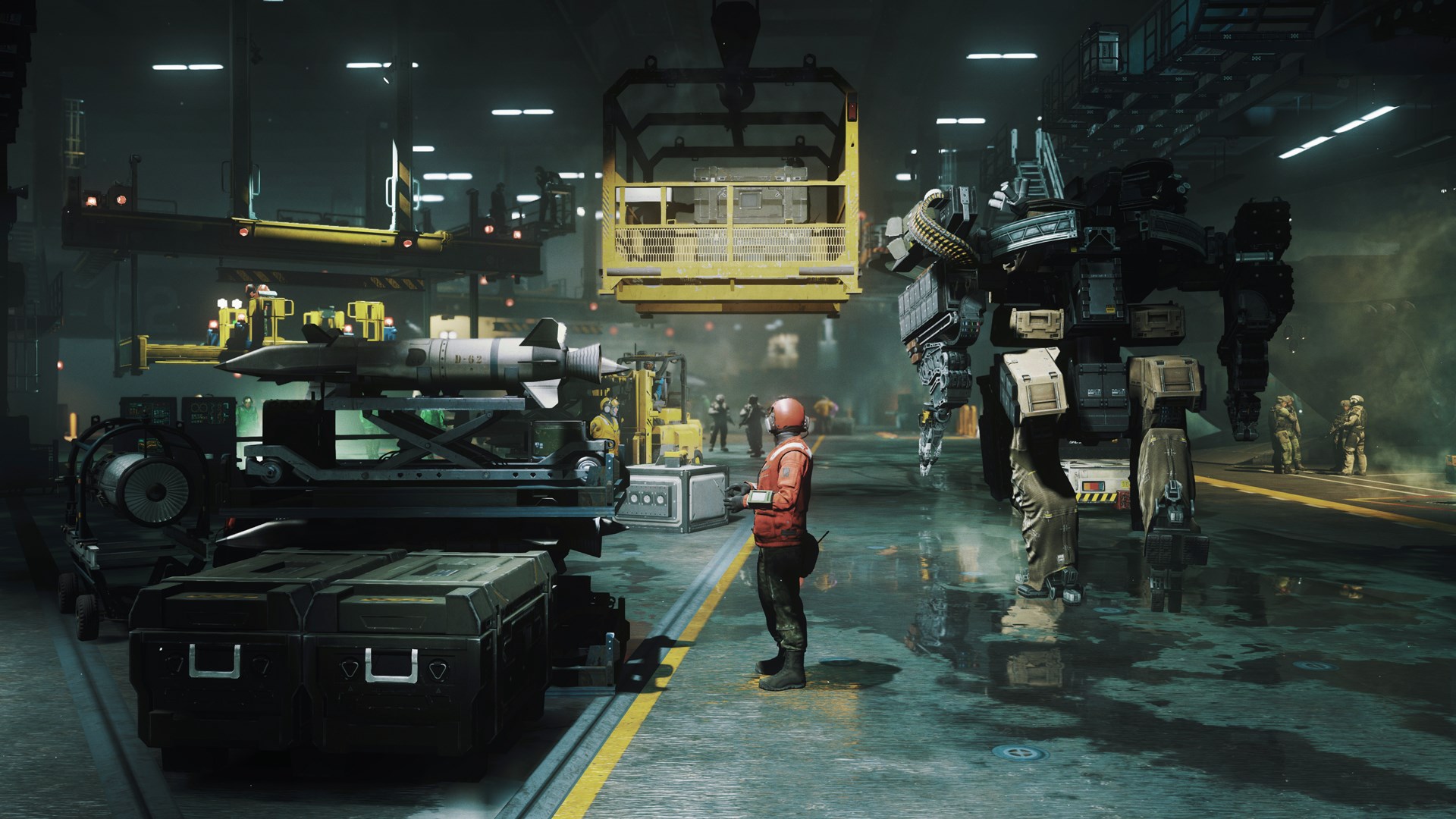
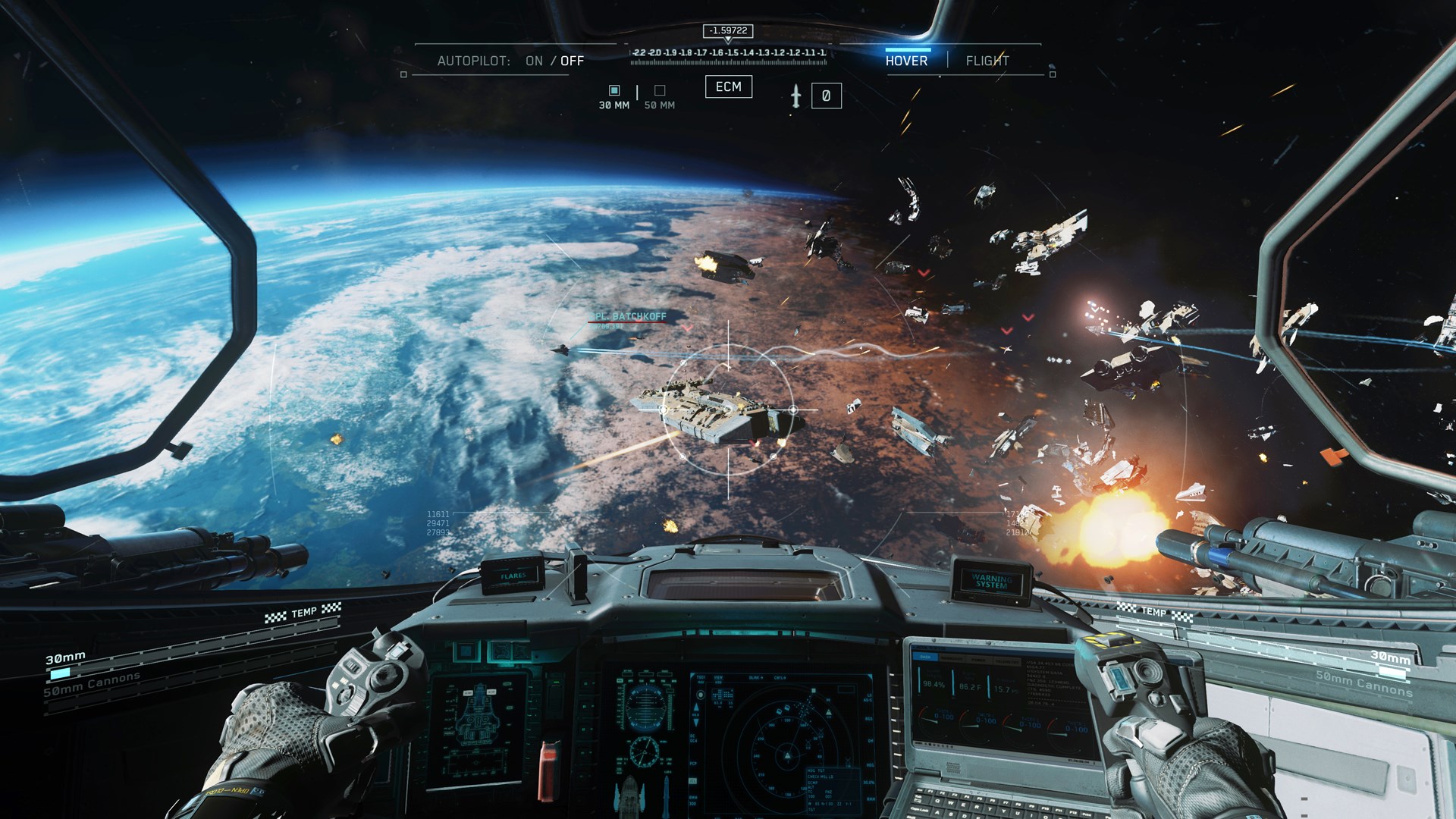
The game transports players to a sprawling battleground across distant planets, asteroid belts, and massive spacecraft, immersing them in a universe teeming with detailed environments and atmospheric effects. The visually rich settings are like stepping into a sci-fi blockbuster movie, making every firefight feel epic and larger-than-life.
Innovative Gameplay Mechanics
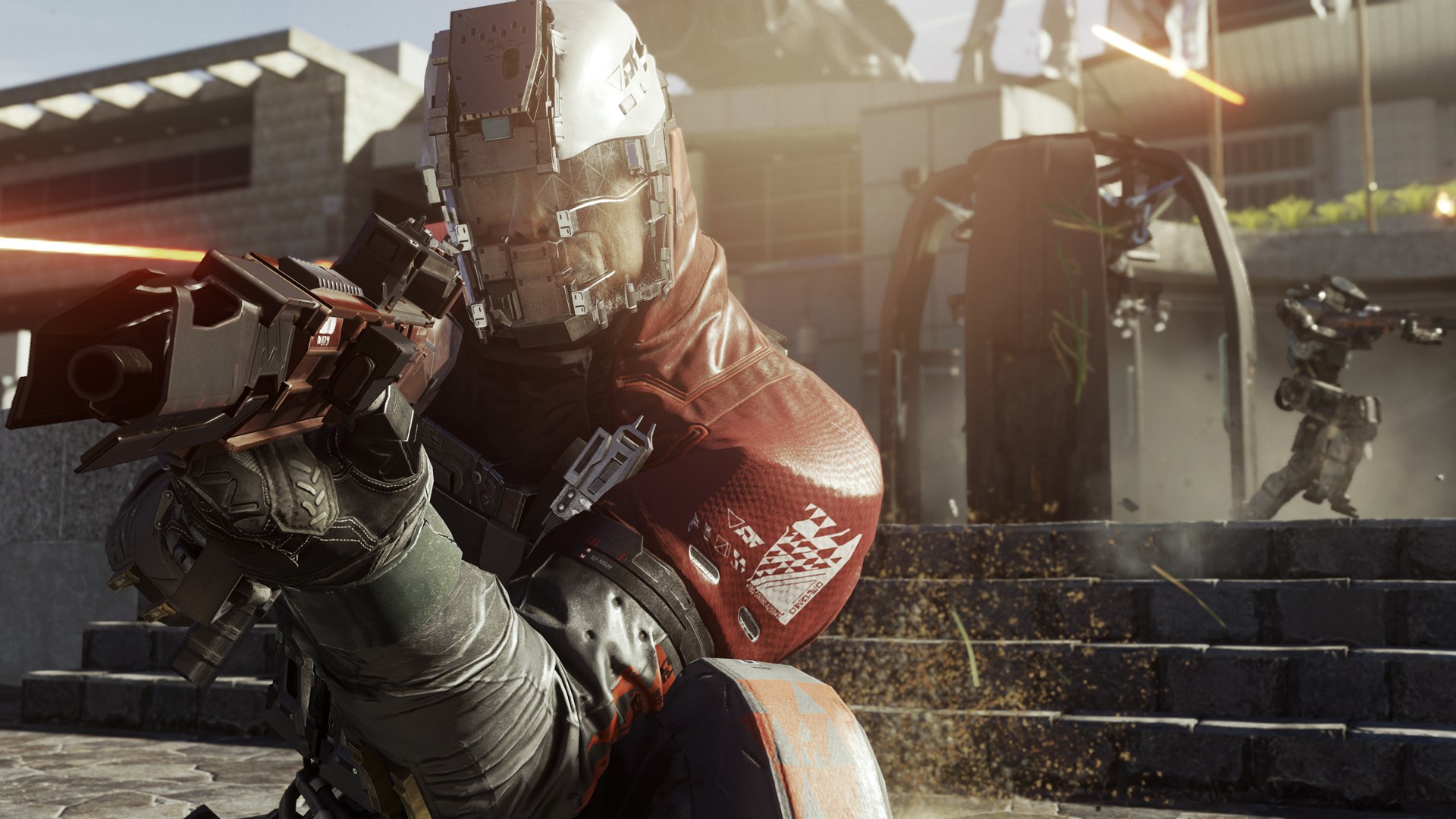
Infinite Warfare introduces advanced movement systems such as jet packs and zero-gravity combat, allowing for dynamic third-person aerial maneuvers and vertical gameplay. This adds layers of strategy and fluidity, differentiating it from traditional shooters by encouraging players to master multidimensional combat.
Robust Multiplayer and Cooperative Modes
The game features a variety of multiplayer modes designed for high replayability, along with cooperative campaigns that allow friends to team up in missions. The integration of new weapon customization options and progression systems ensures players remain engaged well beyond the single-player campaign.
User Experience: Visuals, Interface, and Learning Curve
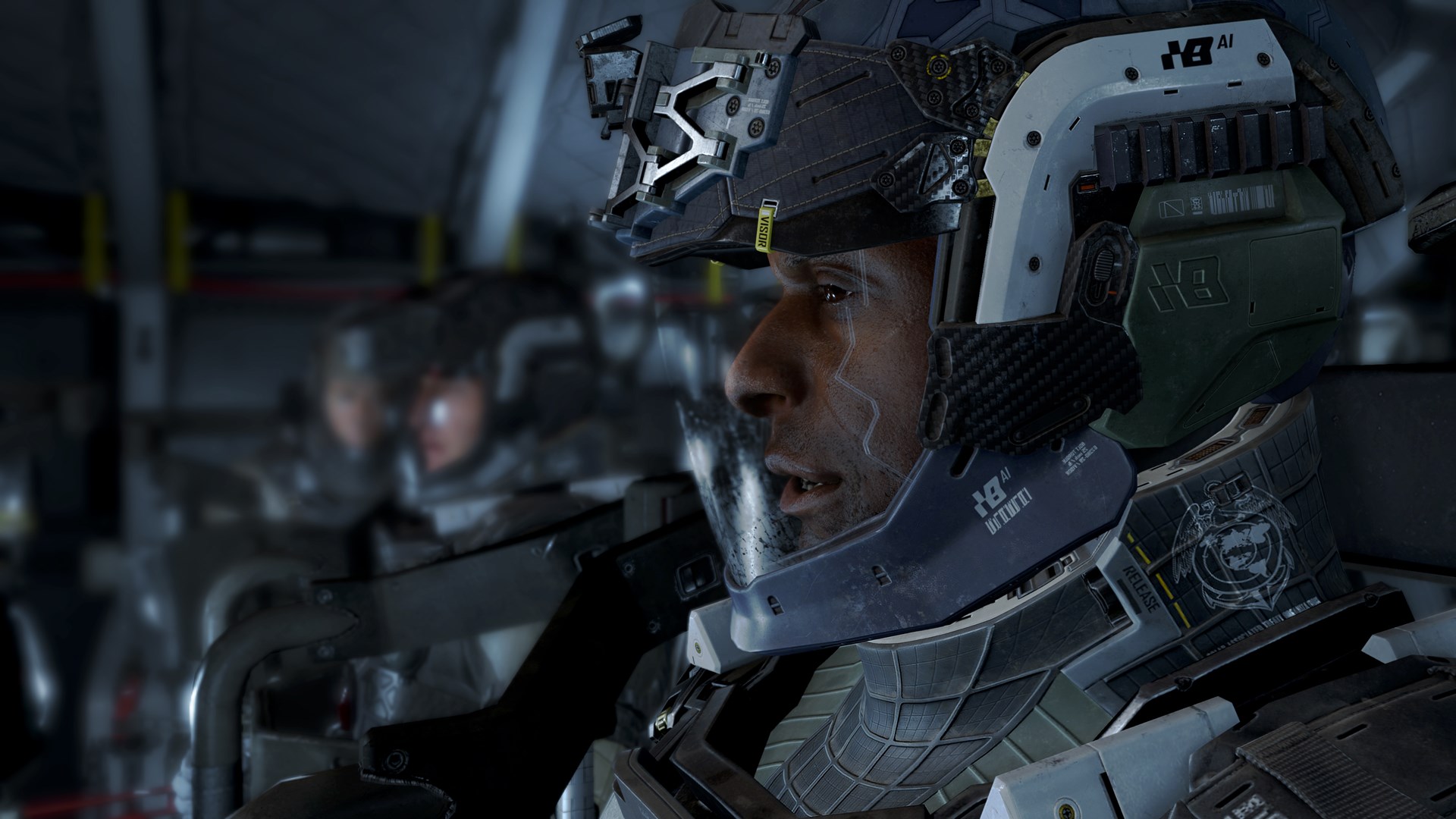
From the moment you launch Infinite Warfare, the sleek, sci-fi-inspired user interface welcomes you into a futuristic world. Menu navigation is intuitive, with clear icons and streamlined options, making it easy for newcomers to find their way around. The game's graphics are notably impressive, with sharp character models, detailed textures, and dynamic lighting that enhance immersion.
Gameplay feels smooth on modern hardware, with responsive controls that support quick reflexes necessary for fast-paced combat. While the movement mechanics like jet packs may initially require a learning curve, the game provides comprehensive tutorials to help players adapt rapidly—think of it as learning to soar through a new dimension of combat with practice.
What Makes Infinite Warfare Uniquely Attractive?
Unlike many other action games set in terrestrial environments, Infinite Warfare's space setting introduces a fresh perspective on combat dynamics. Its inclusion of zero-gravity gunplay and multi-level terrain challenges players to rethink traditional shooter strategies. This futuristic setting, coupled with the emphasis on mobility and vertical gameplay, creates a distinctive experience that feels like controlling a character in a high-budget sci-fi movie rather than a standard shooter.
Should You Dive In? Recommendations and Final Thoughts
If you're a fan of sci-fi themes, fast-paced multiplayer combat, and enjoy exploring new mechanics like zero-gravity movement, Call of Duty®: Infinite Warfare is highly worth your attention. Its visually stunning environments and innovative gameplay mechanics make it a standout in the genre. However, players new to fast-paced shooters might need some time to get comfortable with the mobility systems.
In summary, I'd recommend this game to anyone seeking a visually impressive, action-packed shooter with a novel twist. Whether for a gripping single-player story or adrenaline-pumping multiplayer battles, Infinite Warfare offers an engaging experience that broadens the horizons of traditional shooter gameplay without sacrificing technical polish or depth. It's a commendable choice for gamers eager to explore the frontiers of futuristic combat.
Pros
- Immersive Graphics and Visual Effects
- Engaging Single-Player Campaign
- Robust Multiplayer Experience
- Regular Content Updates
- Cross-Platform Compatibility
Cons
- Large File Size and Load Times
- Occasional Connectivity Issues in Multiplayer
- Complex Controls for Beginners
- Limited Free Content
- Battery Drain on Mobile Devices











