

- Name Angry Birds 2
- Category Action & adventure
- Developer Rovio Entertainment Oy
- Available on PC
- OS Windows 10 version 16299.0 or higher
- DirectX Version 10
- Keyboard Integrated Keyboard
- Mouse Integrated Mouse
- languages English (United States)
Introductory Overview: A Feathered Frenzy on Windows
Angry Birds 2 for Windows offers a lively and strategically satisfying experience that brings the iconic bird-flinging gameplay to PC users. Developed by Rovio Entertainment, the game retains the charm and challenge of its mobile predecessor while tailoring its controls and visuals for larger screens, making it an engaging choice for both longtime fans and newcomers alike.
Developer and Core Features
Who's Behind the Slingshot?
Rovio Entertainment Oy is renowned worldwide for creating the wildly popular Angry Birds franchise. With a history rooted in mobile gaming innovation, Rovio has expanded the universe into multiple game genres, and Angry Birds 2 for Windows continues this legacy with a refined touch for PC users.
Highlighting the Features
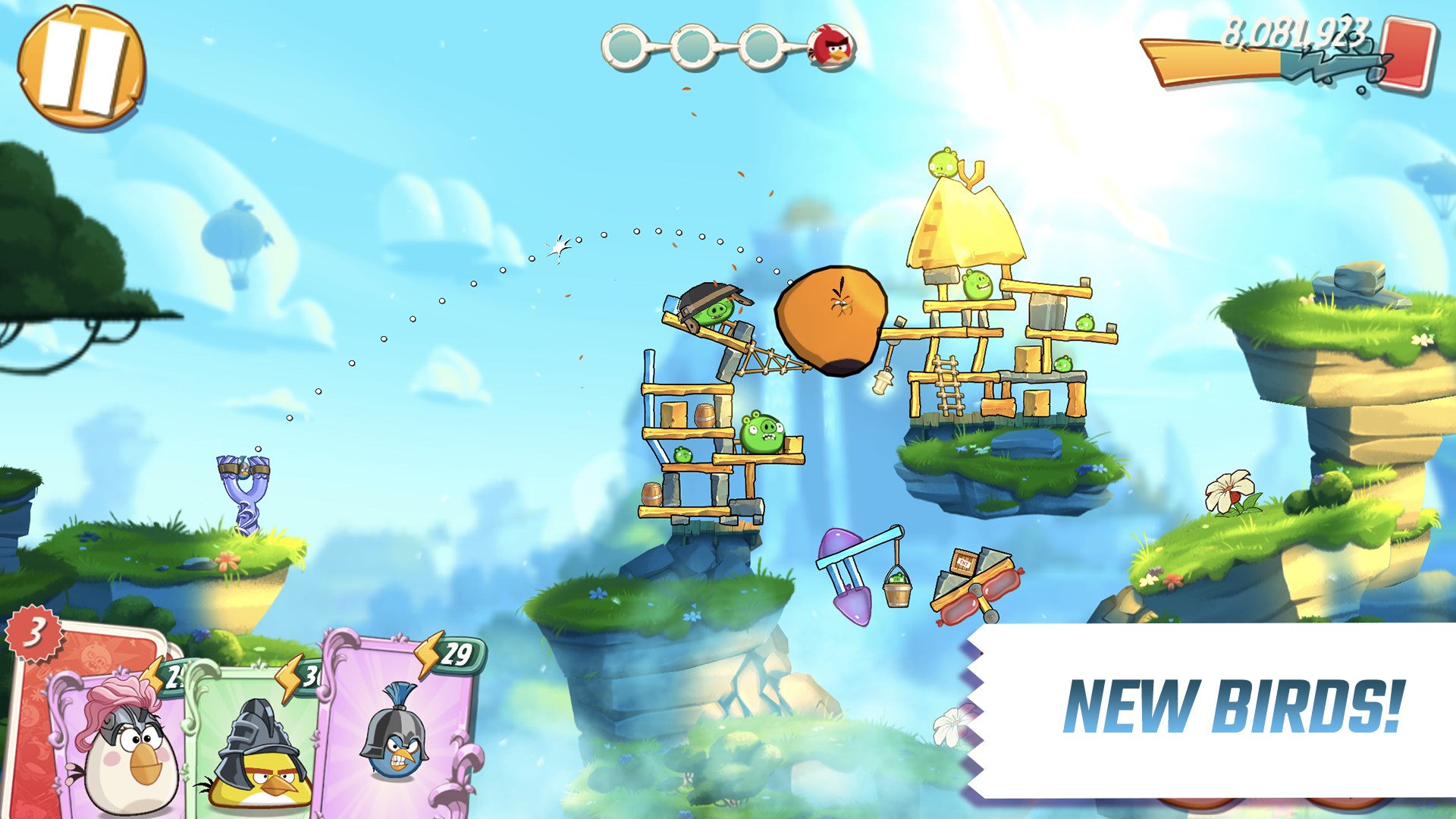
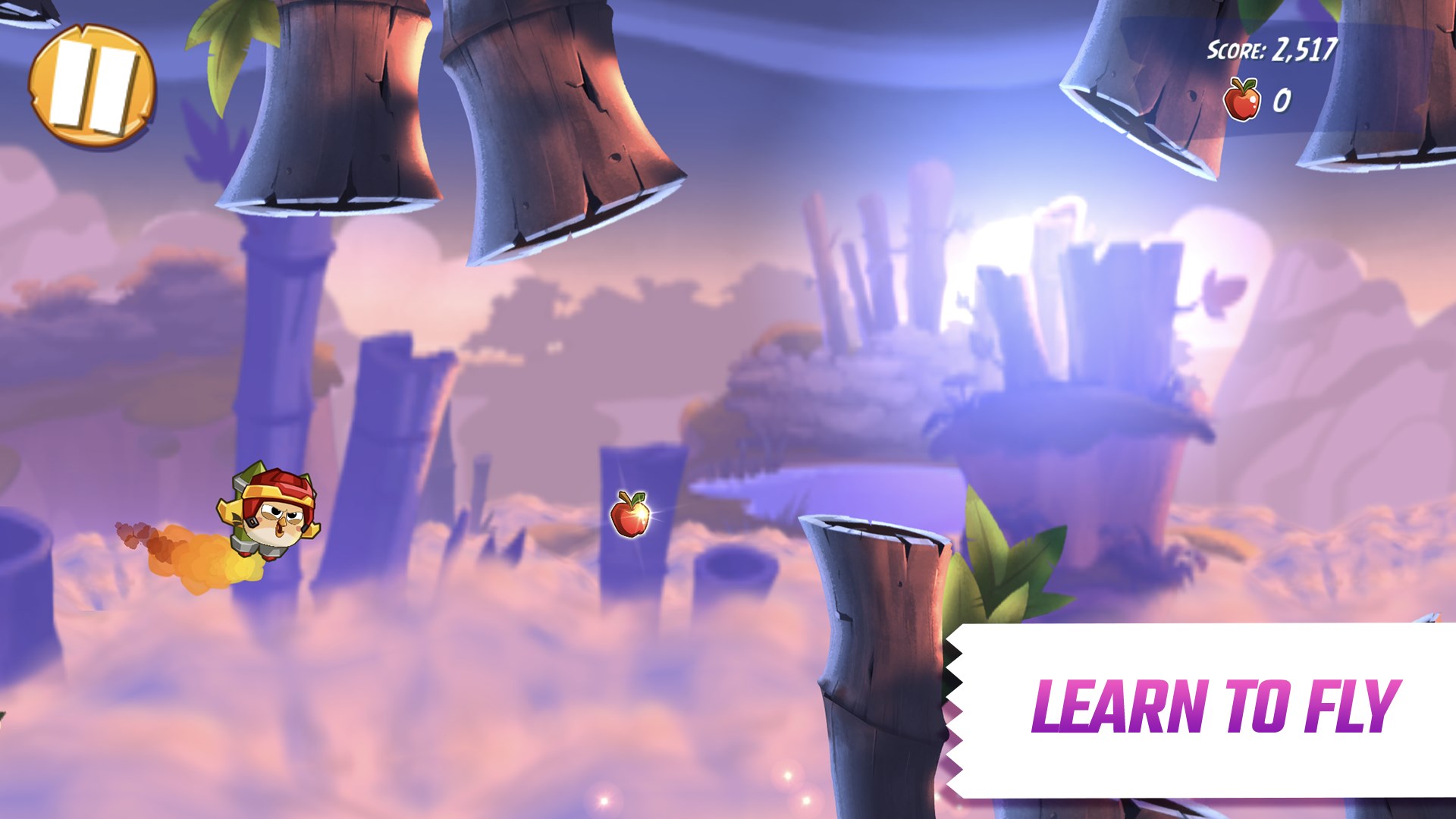
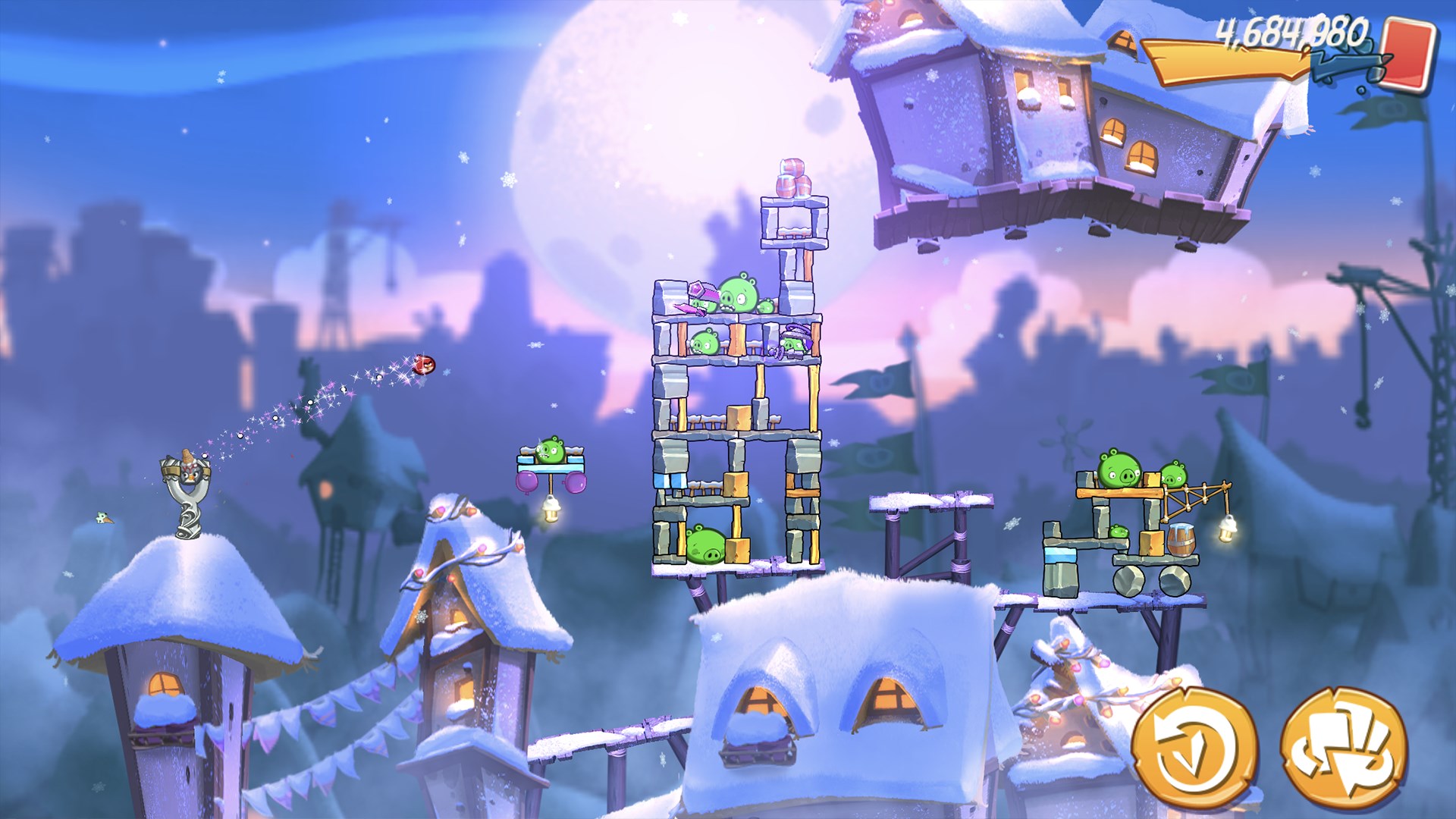
1. **Enhanced Graphics and Visual Effects:** The game boasts sharper, more detailed visuals optimized for larger screens. The colorful, lively backgrounds combined with fluid animations create a more immersive and visually appealing experience.
2. **New Level Mechanics and Challenges:** Building on the classic slingshot gameplay, Angry Birds 2 introduces new elements such as bird powers, bosses, and puzzle-solving mechanics that increase depth and strategic diversity.
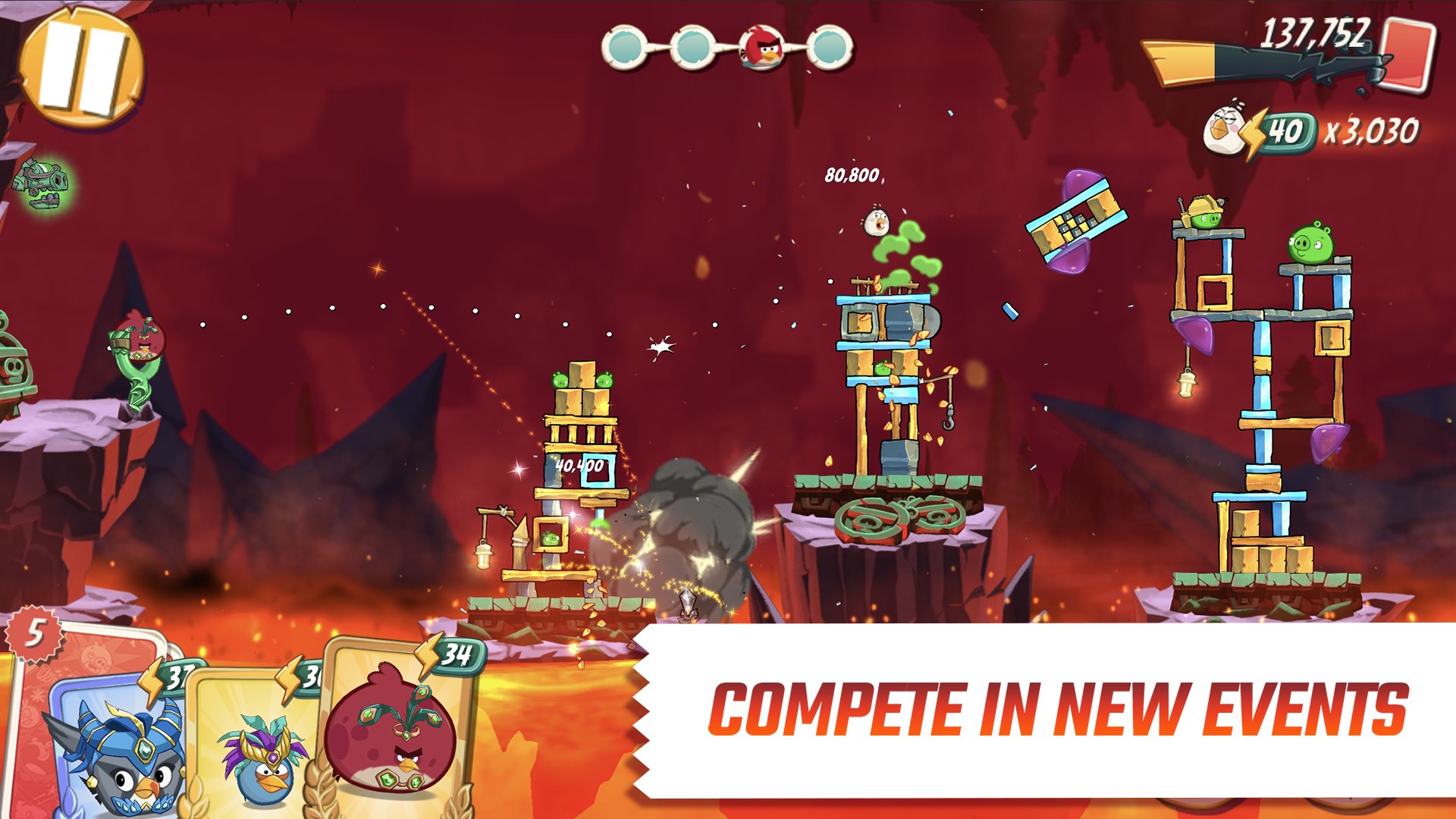
3. **Multiple Bird Selection and Customization:** Players can choose from a variety of birds, each with unique abilities, and even combine different birds within a single shot for more tactical options.
4. **Progressive Difficulty and Replayability:** With hundreds of varied levels, frequent updates, and leaderboards, the game encourages repeated play and mastery, keeping users hooked for hours.
Immersive Gameplay and User Experience
Vivid Graphics and Engaging Design
From the moment you launch Angry Birds 2 on Windows, the visuals captivate with their cartoonish charm and vibrant palette. The game's interface is intuitive, with clear icons and menus that mimic mobile origins but are adapted for mouse and keyboard navigation. The background artwork, depicting lush islands and mischievous pigs, complements the gameplay with a fun, comic-book style aesthetic.
Seamless and Responsive Controls
Playing on PC introduces a new dimension of precision. The slingshot feels natural and responsive, whether using a mouse or touchpad. The game's physics-based mechanics are flawlessly executed, ensuring that each shot feels satisfying and predictable. The smooth animation transitions and minimal lag contribute to a fluid experience, even during hectic levels.
Learning Curve and Accessibility
Angry Birds 2 adopts a gentle learning curve. New players can quickly grasp the basics through a brief tutorial, while experienced players can refine their techniques. The game supports multiple skill levels, making it equally suitable for casual players and hardcore strategists. The difficulty ramps gradually, and hints or tips are available to assist in challenging levels.
What Sets Angry Birds 2 Apart?
Compared to other action & adventure titles, Angry Birds 2 shines with its distinctive blend of strategic planning and lighthearted comedy. Unlike typical platformers or hack-and-slash games, its core mechanic centers on trajectory calculation and timing, akin to a digital version of a carnival game. The introduction of multiple bird types and the ability to customize shots add layers of tactical depth rarely matched in similar casual games.
Moreover, Rovio's continuous updates, with new levels and seasonal events, keep the game fresh and engaging. Its ability to turn simple mechanics into a challenging puzzle makes it a standout in the genre, targeting both entertainment and mental stimulation.
Final Recommendation and Usage Suggestions
Overall, Angry Birds 2 for Windows is a compelling adaptation of the beloved franchise, offering a polished, fun, and strategic experience that caters to various player types. Its standout features—particularly the multiple birds with unique powers and the refined, vibrant visuals—make it particularly appealing.
It is especially recommended for players who enjoy casual yet intellectually rewarding gameplay, puzzle mechanics, or simply those looking for a lighthearted way to unwind. For optimal enjoyment, use a mouse or touchpad for precise aiming, and consider playing in a comfortable environment where you can fully appreciate the game's charming graphics and design.
In conclusion, Angry Birds 2 for Windows is a worthwhile pick for anyone seeking a mix of strategy, humor, and casual challenge in their gaming routine. Its unique mechanics and aesthetic appeal guarantee hours of engaging entertainment.
Pros
- Intuitive gameplay mechanics
- High-quality graphics and animations
- Engaging level design with varied challenges
- Frequent updates with new content
- Free-to-play with optional in-app purchases
Cons
- Advertisements may interrupt gameplay
- In-app purchases can be tempting for younger players
- Level difficulty may occasionally spike unexpectedly
- Occasional app crashes reported on some devices
- Limited offline functionality in certain scenarios











