

Introducing the ZoomOn Home Security Camera App
Are you seeking a reliable, cost-effective way to safeguard your home? The ZoomOn Home Security Camera app offers an innovative solution by transforming your existing smartphones into powerful surveillance devices. Whether you're away at work, on vacation, or simply running errands, this smart application ensures that your home remains under watchful eyes, providing peace of mind and enhanced security.
How Does the ZoomOn App Work?
The setup process is straightforward and user-friendly. To get started, you install the ZoomOn app on two mobile devices—either smartphones or tablets, compatible with Android and iOS. Once installed, launch the app on both devices and pair them via a simple numeric code or QR code, making the connection quick and secure. Place one device—your dedicated security camera—in the desired location within your home. Keep the second device with you at all times, ready for monitoring. That’s it! Your old or spare smartphone now functions as a live security camera, providing real-time surveillance whenever needed.
Key Features of the ZoomOn Home Security Camera
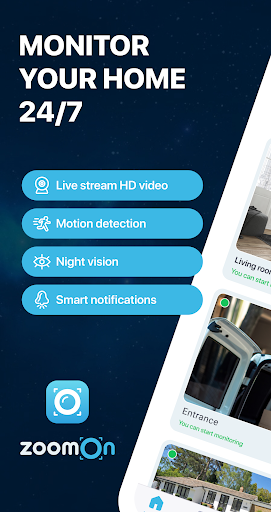
This app is packed with features designed to maximize your home security experience, including:
✔ Live HD Video Streaming
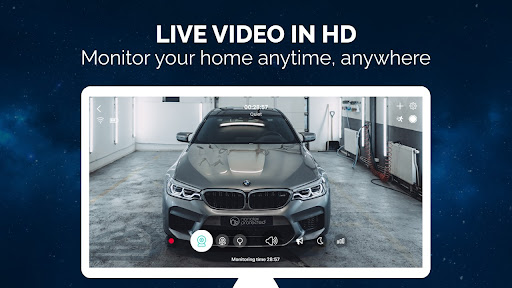
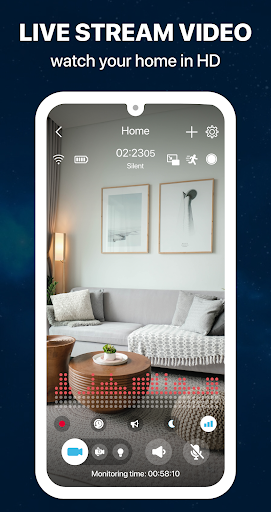
Enjoy full-screen, high-definition live video feeds that ensure crisp, clear monitoring. Whether using the front or back camera, you always have a sharp view of your property.
✔ Unlimited Connectivity Options
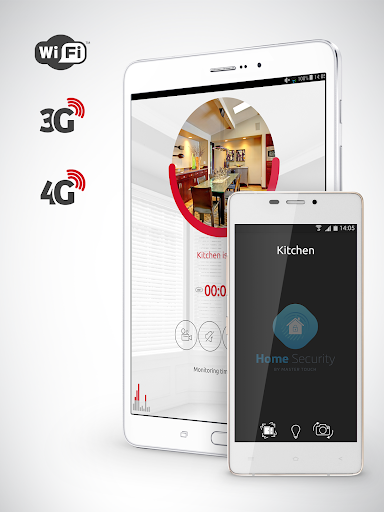
Operate seamlessly over •WiFi: For indoor monitoring, and the app supports •3G, 4G, 5G, LTE: for broader coverage, ensuring constant connectivity even when you're on the move.
✔ Night Mode & Lighting
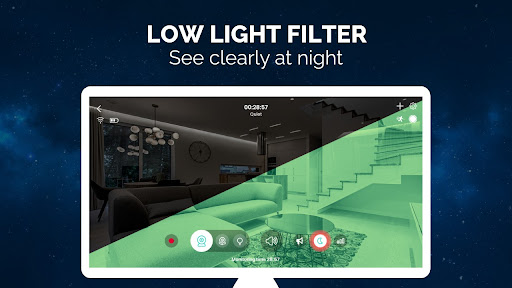
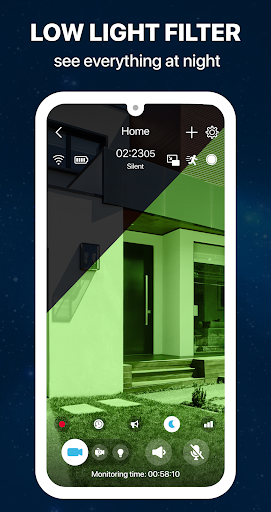
The built-in •night vision: feature allows you to monitor effectively in low-light conditions, with a distinctive green filter to enhance visibility. Need additional illumination? Activate the flashlight for a clear view anytime.
✔ Motion & Noise Detection
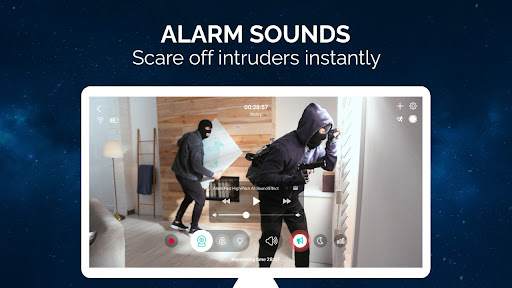
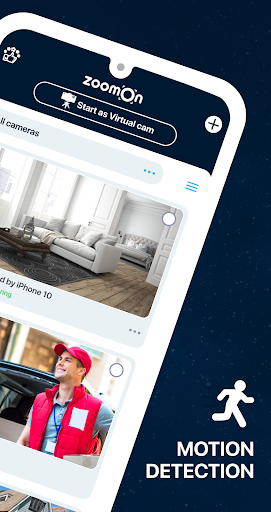
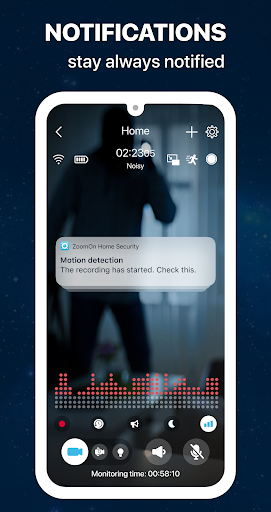
Receive instant notifications about any detected movement or sound within the camera's view. Customize noise sensitivity to filter out false alarms and stay informed when it matters most.
✔ Two-Way Audio & Communication
Communicate with family members, pets, or visitors directly through the app. The microphone feature turns your monitoring device into a walkie-talkie, providing an interactive security tool.
✔ Recording & Playback
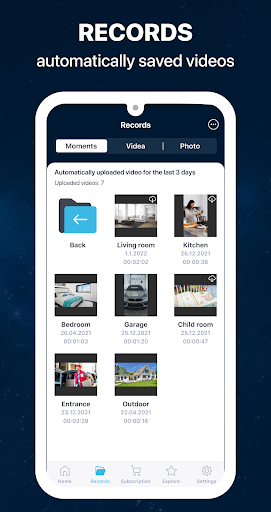
Capture recordings of important moments and review your security footage anytime. The app supports continuous recording and storing clips for later analysis.
✔ Smart Notifications & Alerts
Stay updated with real-time alerts for disconnection, low battery, or suspicious activity. The •notifications: ensure you never miss a critical event.
✔ Multi-Room & Multi-Owner Support
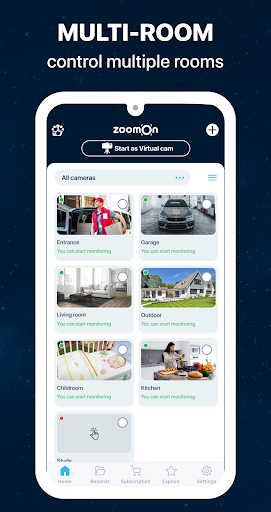
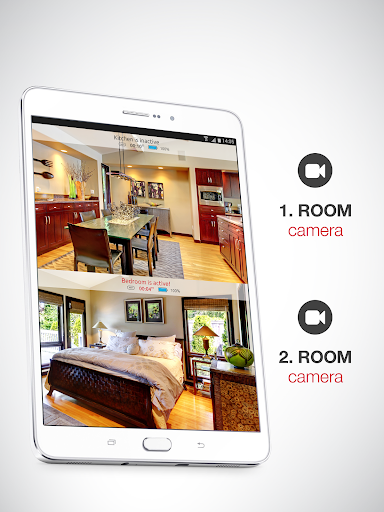
Monitor multiple rooms by installing the app on various devices placed strategically throughout your house. Share access securely with family members to allow multiple users to view the streams simultaneously.
✔ Compatibility & Security
Easily find ONVIF-compliant security cameras on your network for expanded security options. Additionally, all data transmission is encrypted via a private cloud, safeguarding your privacy.
Reusing Old Devices for Security Monitoring
A remarkable benefit of ZoomOn is its ability to give new purpose to old smartphones. Instead of letting unused devices gather dust, transform them into efficient home security cameras. This not only saves money but also promotes eco-friendly practices by repurposing gadgets you already own.
Try Before You Commit
The app is free to download and offers a •trial period of three days: to explore all features without restrictions. After the trial, flexible subscription plans—monthly, yearly, or lifetime—are available, providing continuous access to the app’s full capabilities.
Conclusion: A Modern Approach to Home Security
The ZoomOn Home Security Camera app is an innovative, practical, and affordable surveillance solution that leverages your existing devices. With HD live streaming, night vision, motion detection, two-way audio, and multi-room monitoring, it offers comprehensive home security tailored to your needs. Perfect for urban apartments or sprawling houses, this app allows you to keep an eye on your property anytime, anywhere, all while saving costs and reducing electronic waste. If you're searching for a flexible and reliable way to enhance your home’s safety, give ZoomOn a try and enjoy peace of mind at your fingertips.
Pros
- Simple setup and installation process.
- Excellent video quality for streaming.
- Supports multiple camera devices.
- Remote access available through smartphones.
- Provides motion detection alerts.
Cons
- Dependent on a strong internet connection.
- Limited options for free storage.
- May rapidly deplete phone battery life.
- Requires paid subscription for additional features.
- Initial configuration can be confusing for new users.











