

Discover the Power of Planner 5D: Home Design, Decor
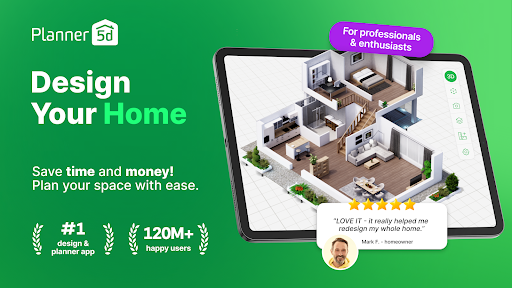
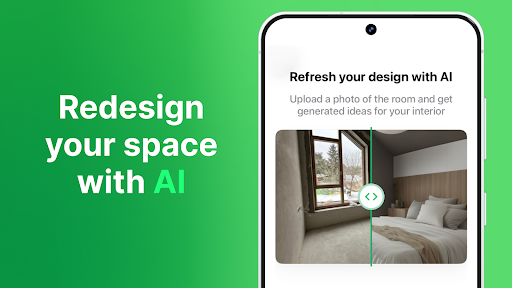
Are you dreaming of creating the perfect home but find traditional design software overwhelming? Look no further than Planner 5D: Home Design, Decor. This user-friendly application makes interior decorating, remodeling, and renovation accessible for everyone—from beginners to seasoned professionals. With its intuitive interface and extensive features, Planner 5D turns your home makeover ideas into reality, helping you craft stunning interior spaces and captivating exterior landscapes effortlessly.
Key Features of Planner 5D
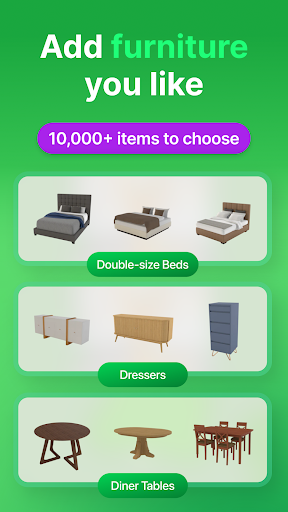
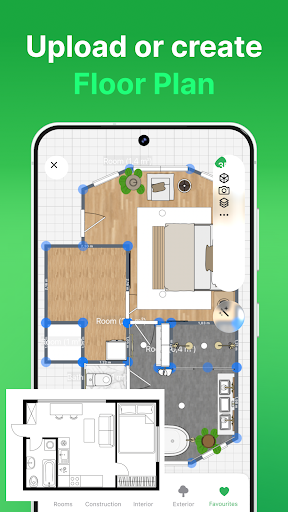
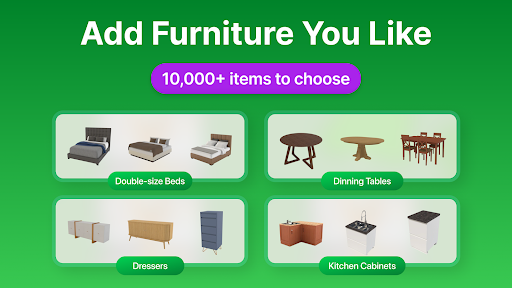
Designed to simplify the home design process, Planner 5D offers a seamless experience for creating detailed floor plans and interior layouts. The app boasts a vast content library of over 6,723 elements, including furniture, decor items, paints, textures, and more. Whether you’re decorating a cozy bedroom, designing a functional kitchen, or styling a stylish living area, you’ll find everything you need within reach.
Intuitive Design and Easy Creation
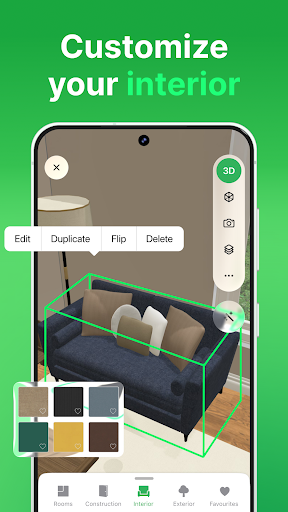
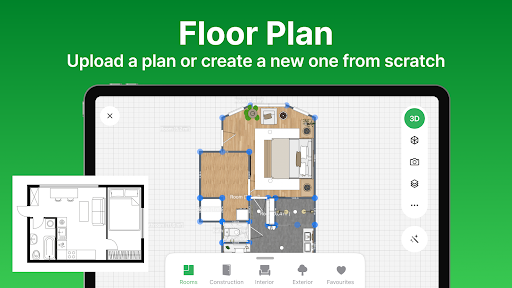
Upon launching Planner 5D, users are welcomed with a straightforward interface that makes navigation simple—even for beginners. Creating a new project involves selecting a layout and defining room dimensions, marking the start of your creative journey. Drag-and-drop functionality allows you to place furniture and decor items quickly, giving you a real-time visual preview of your space.
Advanced Visualization Tools
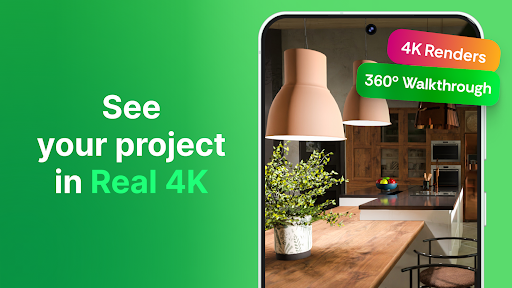
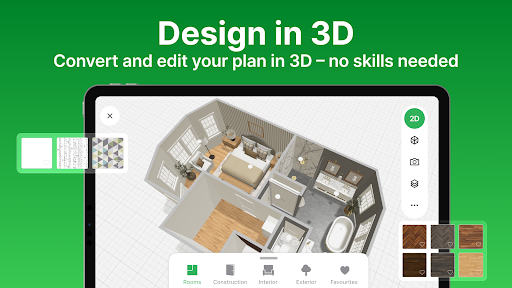
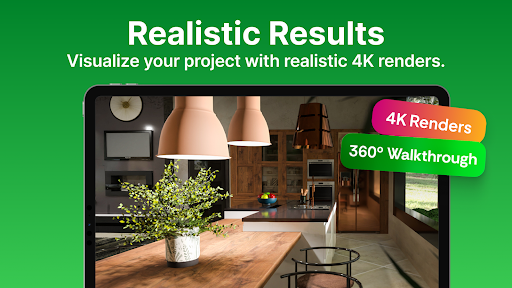
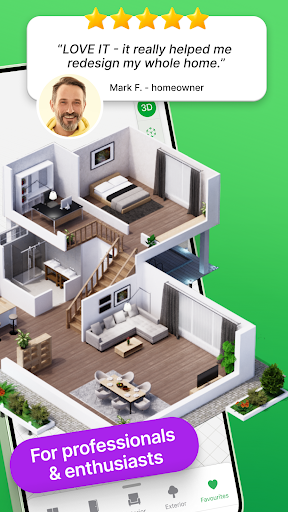
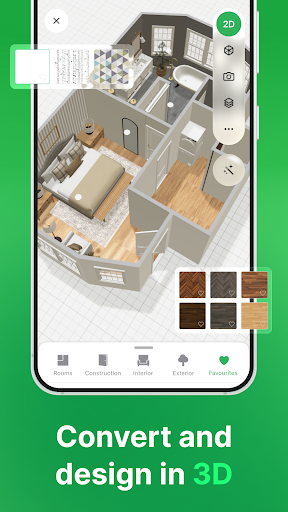
One of the standout features is the app’s highly realistic 3D visualization. This enables you to see your designs from various angles, ensuring your vision is accurately translated into your virtual space. The AR Room visualization functionality elevates the experience further by allowing you to virtually walk through your designs, providing a tangible sense of how they will look and feel in real life.
Versatile Design Options
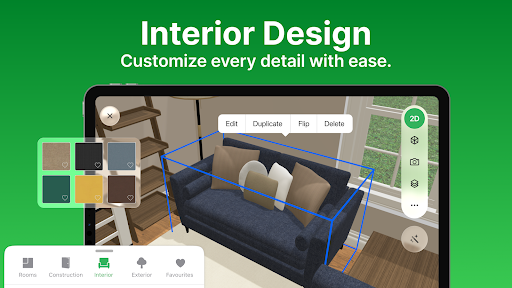
Planner 5D offers multiple templates and customization options to suit your project needs. Its extensive furniture catalog includes everything from sofas and beds to lighting fixtures and decorative accessories like paintings, clocks, and vases. You can experiment with different layouts, styles, and color schemes, making each space uniquely yours.
Collaboration and Sharing
Share your creations effortlessly with friends or family for feedback. The app supports exporting high-quality images and videos of your designs, making it easy to showcase your project or gather opinions before proceeding with actual renovations. You can also access and work on your projects across multiple devices by signing in with your planner5d.com, Google+, or Facebook account.
Beyond Interior Design: Landscape and Commercial Spaces
Planner 5D isn’t limited to indoor spaces. It also empowers users to plan and visualize exterior landscapes, including gardens, pools, and patios. Additionally, the app is suitable for designing commercial spaces like restaurants, cafes, gyms, and retail stores. Its versatility makes it a comprehensive tool for all your design ambitions.
Additional Convenience and Community Engagement
Enjoy features such as offline mode for designing without an internet connection, sharing ideas via Chromecast, and engaging with a vibrant community where users share their projects, participate in weekly interior design competitions, and draw inspiration from others. The app is localized in multiple languages, making it accessible globally.
Why Choose Planner 5D?
Whether you're a DIY home decorator or a professional designer, Planner 5D bridges the gap between imagination and reality. It is inspired by top home improvement brands like Houzz and Ikea, offering an all-in-one platform that makes redesigning your space enjoyable and straightforward. Its combination of powerful tools and user-friendly interfaces means you can effortlessly transform any space with style and creativity.
Get Started on Your Home Makeover Today
If you're ready to embark on your home renovation adventure, Planner 5D is the ideal partner. Its robust features, extensive content library, and realistic visualization options make interior design accessible and exciting. Whether planning a small redecorating project or a comprehensive remodel, this app helps turn your dreams into tangible, beautiful realities. Discover the joy of renovation, express your personal style, and create the home you've always envisioned with Planner 5D.
Pros
- Intuitive drag-and-drop interface.
- Wide range of design templates available.
- Supports both 2D and 3D visualization.
- Synchronization across multiple devices.
- Offline mode functionality.
Cons
- Limited features in the free version.
- Some features require in-app purchases.
- Occasional performance delays.
- Advanced features require familiarity and experience.
- 3D rendering may be slow.










