

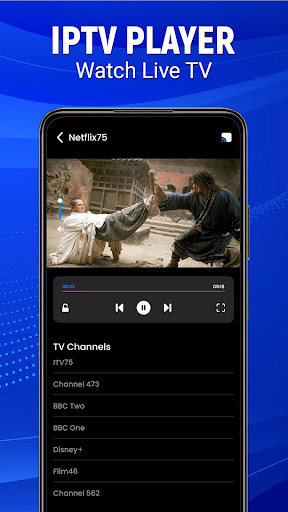
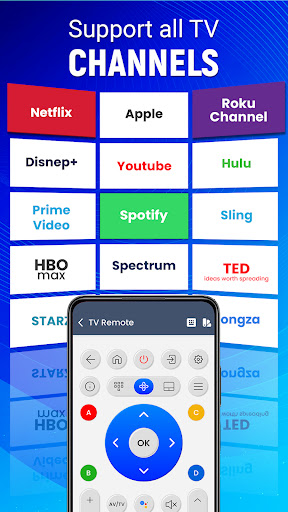
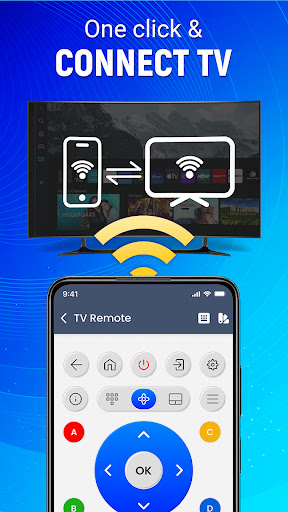
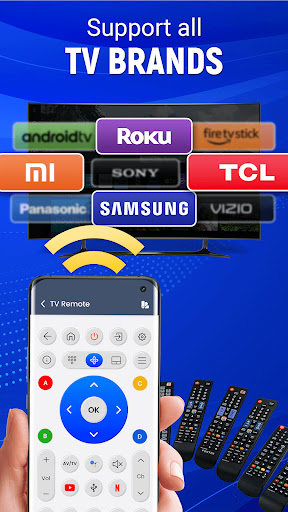
Introduction to the Universal TV Remote - Cast to TV App
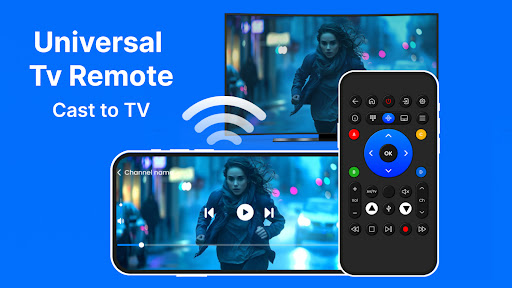
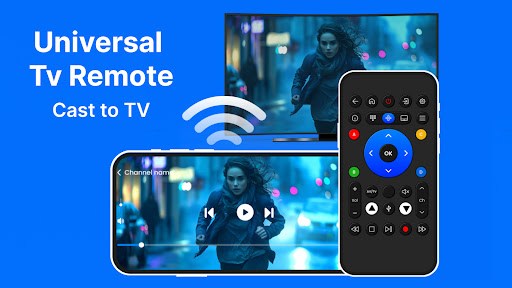
Are you tired of constantly losing your remote control just when you want to relax and enjoy your favorite shows? The Universal TV Remote - Cast to TV app offers a smart solution that transforms your smartphone into a powerful remote control for your television. This innovative app eliminates the hassle of juggling multiple remotes and makes controlling your TV more seamless and convenient than ever before.
Main Features of the Universal TV Remote Controller
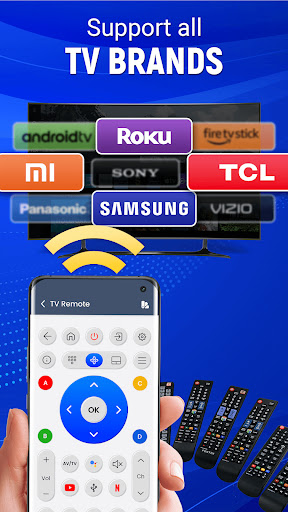
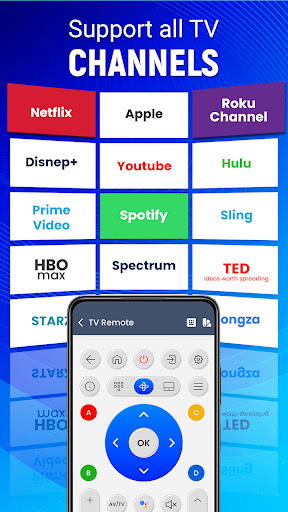
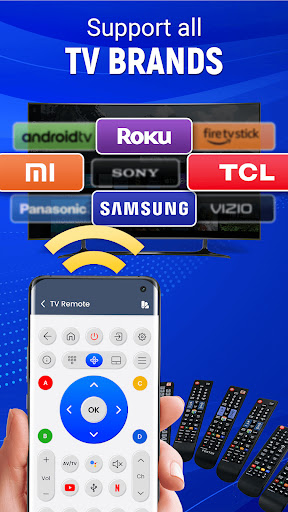
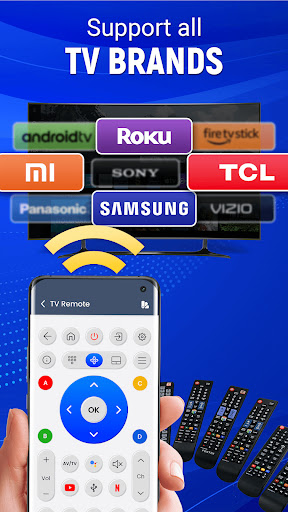
Supports All Television Brands
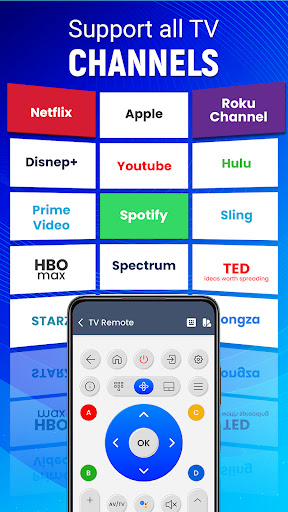
This universal remote control for TV is compatible with most mainstream TV brands, ensuring your device works smoothly regardless of the manufacturer.
Effortless Setup
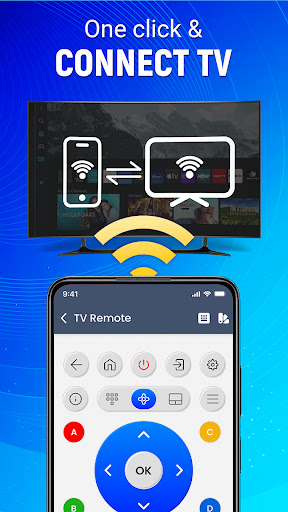
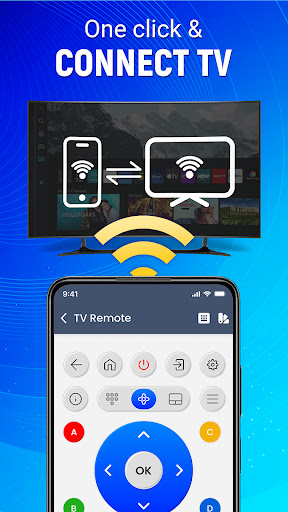
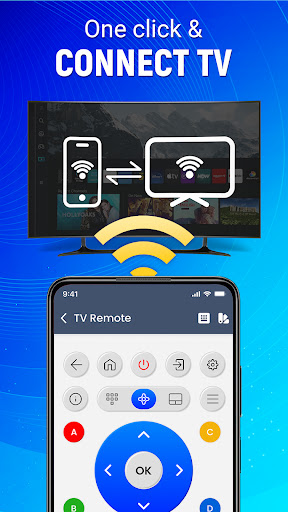
Getting started is quick and simple. The app pairs with your television in just a few easy steps, making setup accessible even for beginners.
Voice Command Functionality
Control your TV using voice commands to perform essential functions, adding an extra layer of convenience and hands-free operation.
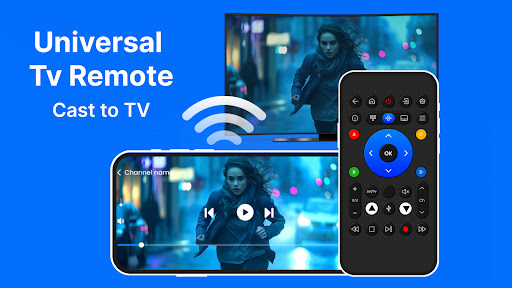
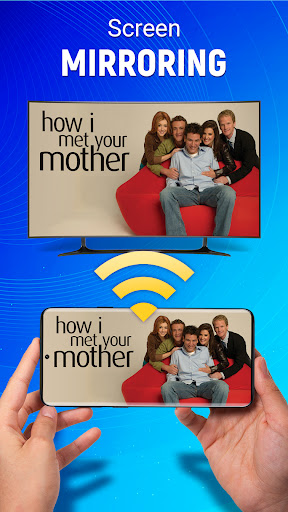
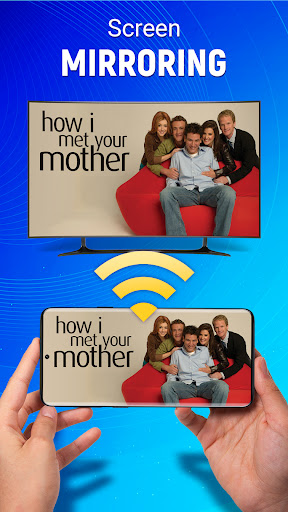
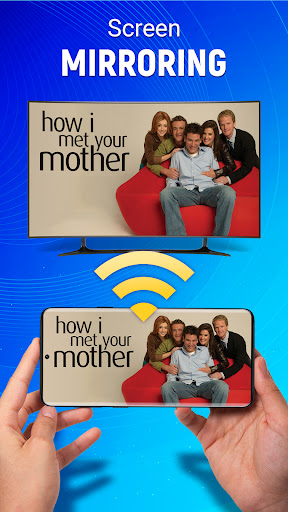
Cast To TV – Screen Mirroring
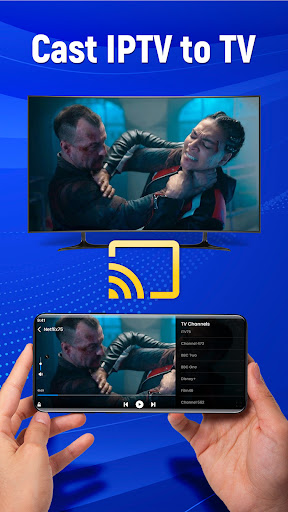
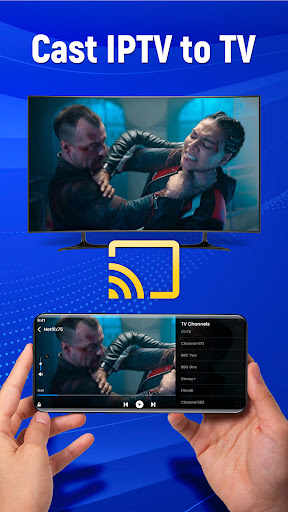
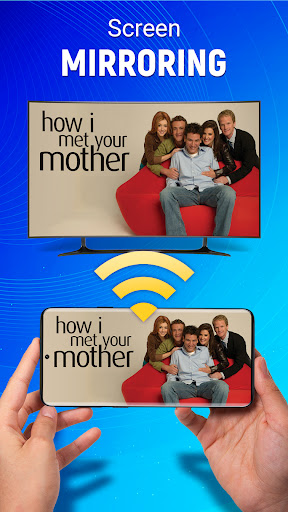
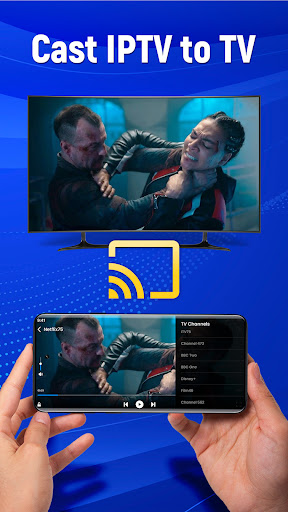
Instantly cast your mobile device’s screen to your television, allowing you to stream videos, view photos, or open applications directly onto the big screen, all without wires.
Customizable Remote
Adjust and personalize your remote settings to match your preferences, making your remote control experience more tailored and comfortable.
Infrared and Wi-Fi Connectivity
Use either an IR blaster or Wi-Fi to connect wirelessly to your TV, ensuring compatibility and ease of use across devices.
Easy Source, Volume, and Channel Control
Navigating channels, adjusting volume, and switching sources are made simple with intuitive controls designed for quick access.
Gesture Navigation
Tap and swipe gestures make controlling your TV faster and more intuitive, reducing the need for traditional button presses.
Mobile Control of Multiple Devices
This app works as a single control hub for multiple smart devices and TVs, making device management hassle-free.
Optimized for Android Devices
Designed specifically for Android phones, the app ensures a smooth, responsive control experience to turn your device into the ultimate TV remote.
Control Your TV from Anywhere
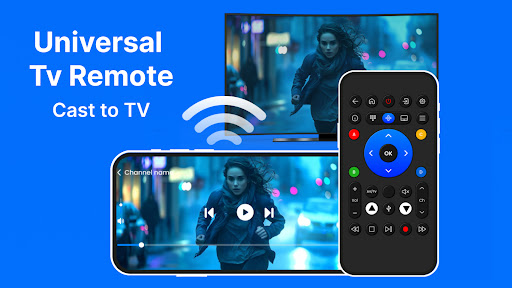
With the Android TV Remote App, you can enjoy full control of your Android TV throughout your home. Say goodbye to bulky traditional remotes—your smartphone now becomes your personal remote control, capable of managing everything from channels to volume with just a few taps. This versatility elevates your home entertainment experience, whether you're in the living room or relaxing in the bedroom.
Seamless Screen Mirroring and Media Casting
Screen Mirroring: Cast To TV allows you to effortlessly display content from your mobile device on your television. Stream videos, view family photos, or open your favorite apps directly on the big screen. This feature is perfect for family gatherings or spontaneous movie nights, enhancing your viewing experience without the need for cables or additional hardware.
All-in-One Smart TV Control
This smart remote app is designed with versatility in mind. It not only controls your TV but also seamlessly manages connected smart devices, including adjusting sound system volume or switching input sources. The intuitive interface ensures you can handle multiple devices from a single platform, simplifying your home entertainment setup.
Enhanced User Experience and Reliability
The Universal TV Remote - Cast to TV app offers a stable connection between your smartphone and your TV, supporting a wide range of brands and models. The developers frequently update the app to fix bugs and add new features, demonstrating a commitment to quality and user satisfaction. The user-friendly interface makes setup and navigation straightforward, even for those new to smart remote controls.
Conclusion: Your Ultimate Remote Control Solution
In summary, the Universal TV Remote - Cast to TV app provides an all-in-one solution for controlling your home entertainment system effortlessly. It is especially beneficial for individuals who want to stop relying on traditional remote controls or frequently misplace them. With features like screen mirroring, voice commands, and customizable controls, this app elevates your TV viewing experience and makes managing multiple smart devices simpler than ever. Transform your Android device into the ultimate TV remote today and enjoy seamless entertainment control from anywhere in your home!
Pros
- Broad compatibility with most television brands.
- Intuitive interface for straightforward navigation.
- Fast setup process with no complicated steps.
- Remote control layout can be customized according to preferences.
- Includes voice command support for added convenience.
Cons
- Advertisements may sometimes be disruptive.
- Free version offers limited functionality.
- Relies on a stable Wi-Fi connection to operate effectively.
- Some advanced features may only work on specific devices.
- May experience occasional delays in response time.










