
Overview of the Wikipedia App
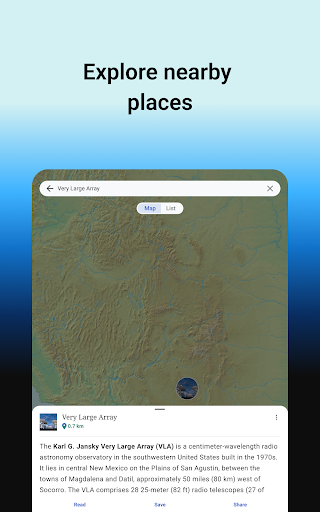
The Wikipedia app offers the best Wikipedia experience on your mobile device. It is completely ad-free and free of charge forever. With the official Wikipedia mobile application, you can search and explore over 40 million articles across more than 300 languages. Whether you're at home, on the go, or traveling, this app facilitates instant access to a vast world of knowledge. Its clean, user-friendly interface makes getting information quick and effortless, transforming your device into a portable encyclopedia. Designed for curiosity-driven individuals, students, and professionals alike, this app brings reliable and neutral information directly to your fingertips.
Why You'll Love This App
1. It's Free and Open
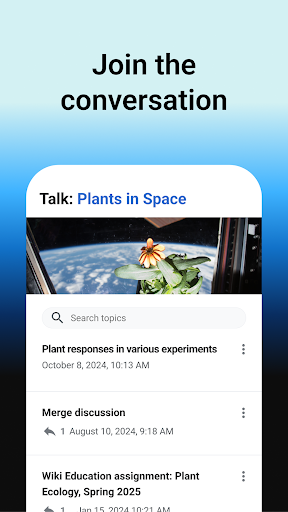
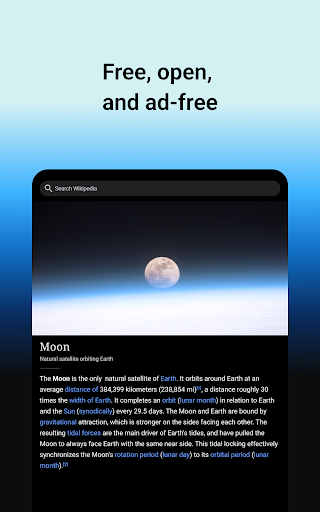
Wikipedia is the world's most accessible encyclopedia that anyone can contribute to and edit. All articles are freely licensed, and the app itself is 100% open source. Its community-driven nature ensures continuous updates designed to provide unlimited access to reliable and neutral information.
2. No Ads
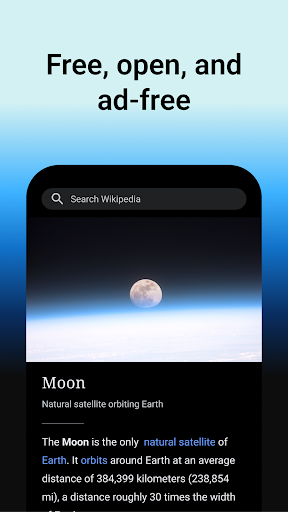
This app embodies Wikipedia's core principle as a place to learn, free from advertisements. It is developed by the Wikimedia Foundation, a nonprofit dedicated to supporting free knowledge initiatives. The app does not track your data, emphasizing user privacy and a distraction-free reading experience.
3. Read in Your Language
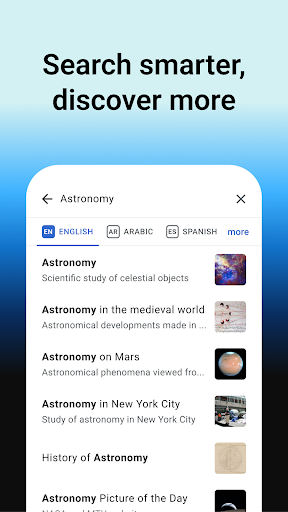
Search through 40 million articles in over 300 languages. Users can set their preferred languages in the app settings and easily switch between them while browsing or reading, making information accessible to multilingual audiences and language learners alike.
4. Use Offline
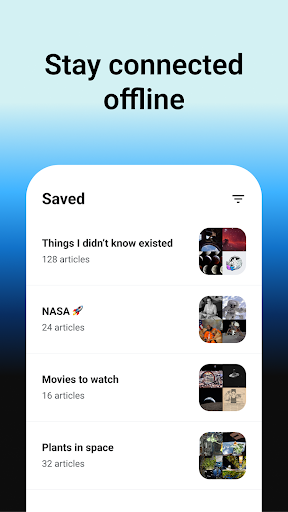
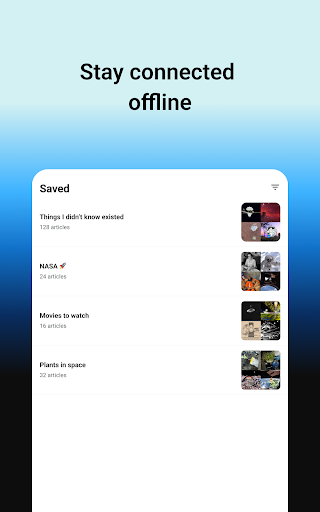
With the My lists feature, you can save your favorite articles and read them offline. Organize your content into custom lists and enjoy continuous access even when not connected to the internet. Your saved articles are synced across devices for seamless reading experiences.
5. Attention to Detail & Night Mode
The app combines Wikipedia's simplicity with thoughtful design elements. It offers a distraction-free interface with adjustable text size and multiple themes—such as pure black, dark, sepia, and light—to ensure a comfortable reading experience tailored to your preferences.
Broaden Your Horizons with Smart Features
1. Customize Your Explore Feed
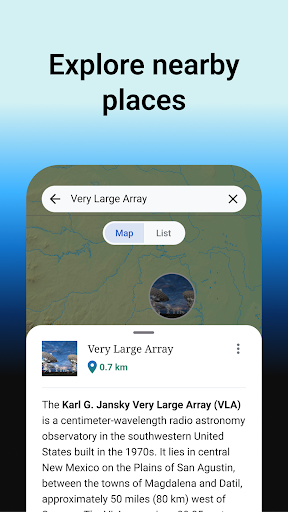
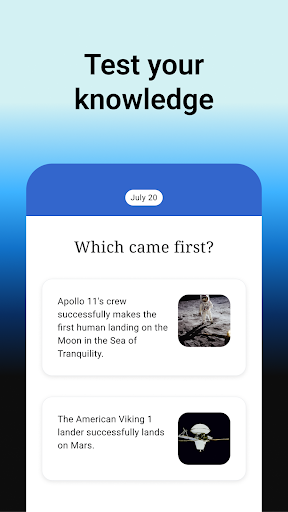
The Explore feature displays curated content, including current events, popular articles, images, and historical facts like events on this day. It recommends articles based on your reading habits, encouraging discovery and deeper learning.
2. Find and Search Quickly
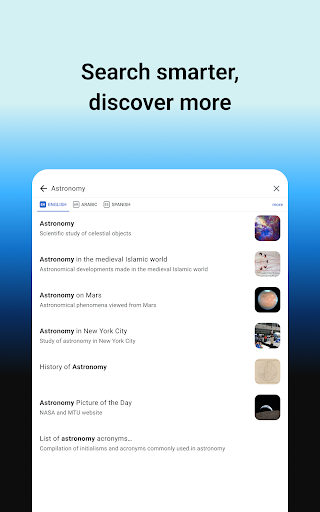
The built-in search bar enables fast access to information, whether through text search, emojis, or voice commands. Swift navigation allows you to locate specific topics or browse related articles with ease.
Get Involved & Share Feedback
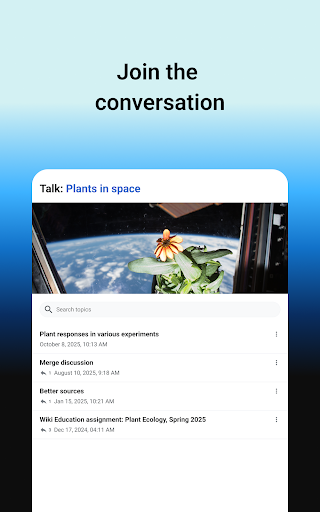
The app invites users to provide feedback through accessible menus. If you're technically inclined, contributions via development or customization are encouraged. Details about necessary permissions, privacy policies, and terms of use are openly available, aligning with Wikipedia’s mission of transparency and open collaboration.
In Summary
Overall, the Wikipedia app is an essential tool for curious minds. It transforms the familiar online encyclopedia into a portable, user-friendly companion that provides reliable, neutral, and vast knowledge across countless topics. Whether you're a student, professional, or lifelong learner, this app makes exploring the world's information effortless and enjoyable. Its open-source nature, combined with features like offline reading, multi-language support, customizable themes, and curated feeds, ensures a rich and personalized experience. Dive into the world of knowledge today with the free, ad-free Wikipedia app—your pocket-sized gateway to learning.
Pros
- Comprehensive content coverage
- Available in multiple languages
- User-friendly interface
- Frequent updates
- Free to use
Cons
- Occasional bias in articles
- Can be edited by anyone
- Sometimes lacks depth
- Ads on the mobile app
- Internet connection required