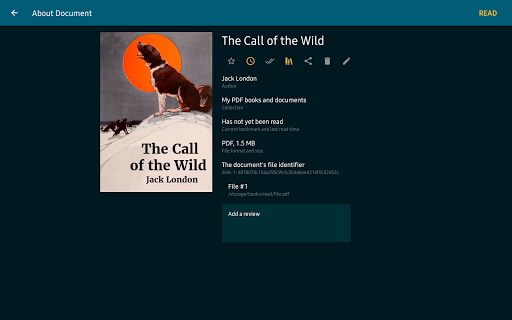
Discover the Features of ReadEra – Book Reader PDF EPUB
Are you tired of dealing with bulky, complicated e-readers that interrupt your reading flow? ReadEra has arrived as a user-friendly solution designed for book lovers and casual readers alike. This app simplifies your digital library experience by supporting a wide range of formats and offering seamless offline access, making it an essential tool for anyone who loves to read on their device.
Supported Formats and Versatility
ReadEra stands out with its incredible versatility, supporting an extensive list of formats including •PDF :, EPUB, MOBI, AZW3, FB2, DJVU, TXT, ODT, DOC, DOCX, and RTF. This means no more juggling multiple apps or converting files – everything you need is consolidated into one easy-to-use platform.
Whether you're reading novels, viewing PDFs, or exploring Word documents, ReadEra handles it all efficiently. The app even allows viewing PDF files directly from zip archives, and offers features like margin cropping for PDFs to enhance readability. For EPUB and MOBI eBooks, the app reveals all respective advantages, delivering a smooth reading experience.
Offline Accessibility and No Ads
Enjoy ReadEra without an internet connection. The app is designed to work offline, ensuring you can access your entire library whenever you want—no matter where you are. Plus, the best part is that ReadEra contains •no :ads or internal purchases, so your reading isn't interrupted or cluttered with distractions. This makes it a perfect choice for those who prefer an ad-free, minimalist reading experience.
Library Management and Organization
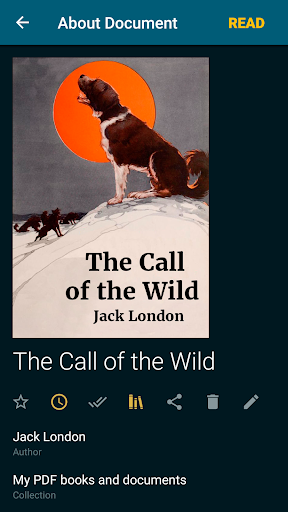
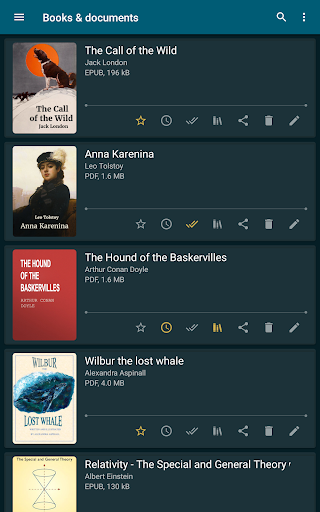
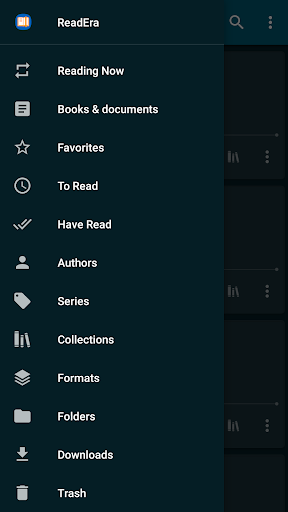
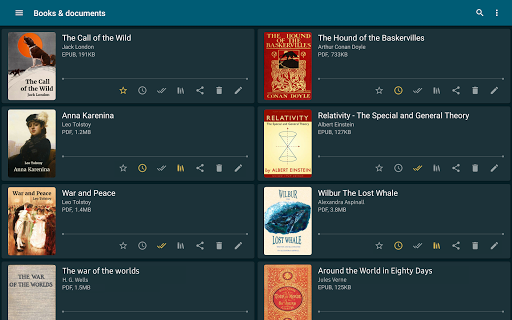
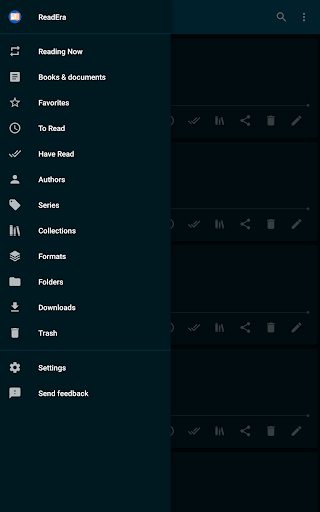
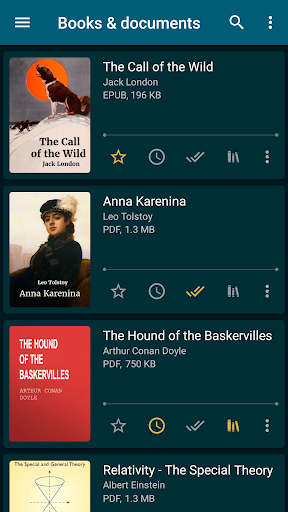
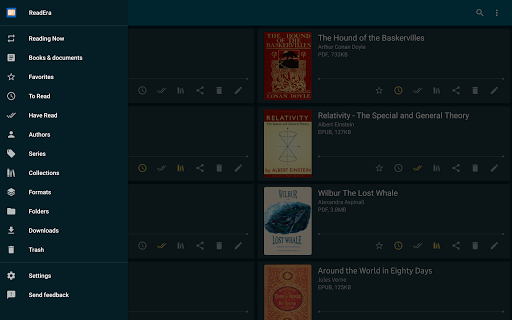
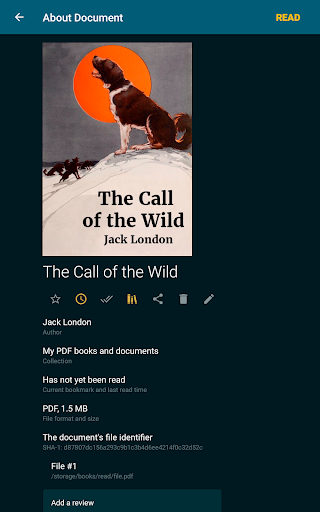
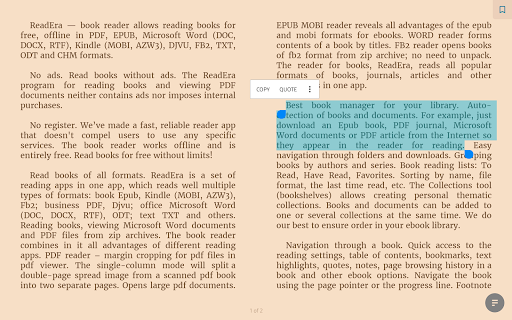
Managing your digital library has never been easier. ReadEra automatically detects books and documents you download from the internet and organizes them neatly. You can effortlessly sort your collection by authors, series, or create custom collections such as •To Read :, •Have Read :, and Favorites.
The Collections feature (also called bookshelves) allows you to group books and documents based on themes or genres, making your virtual library tidy and accessible. You can add books to multiple collections simultaneously, ensuring your library remains flexible and organized.
Enhanced Reading Experience
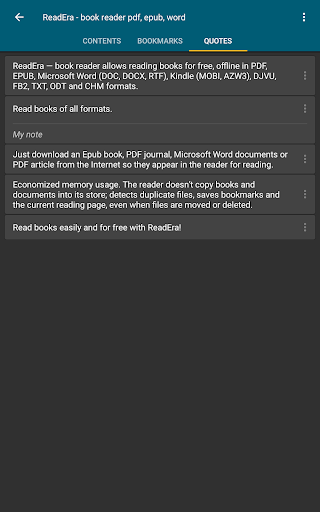
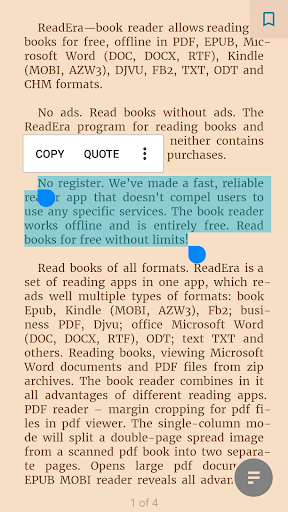
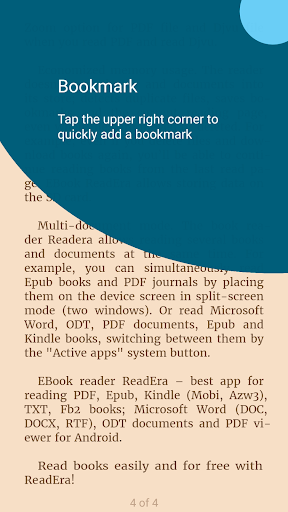
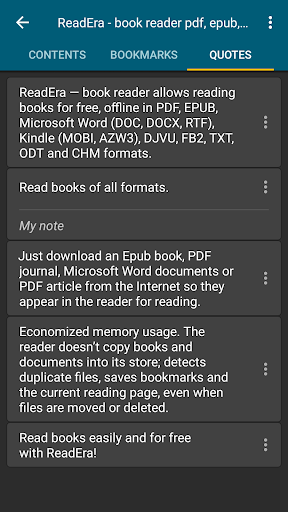
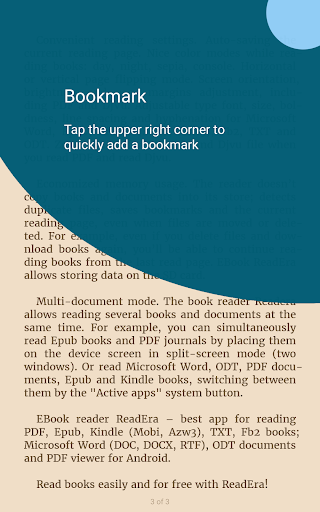
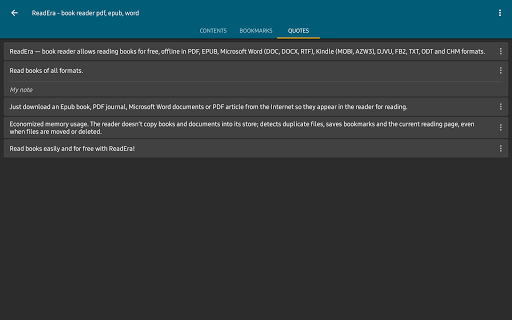
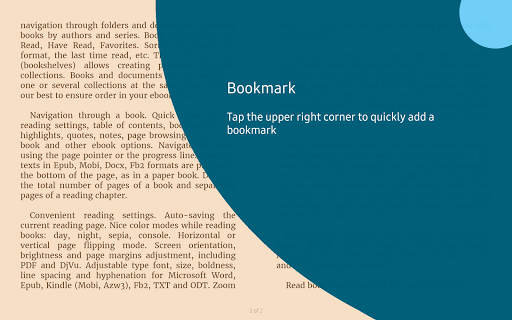
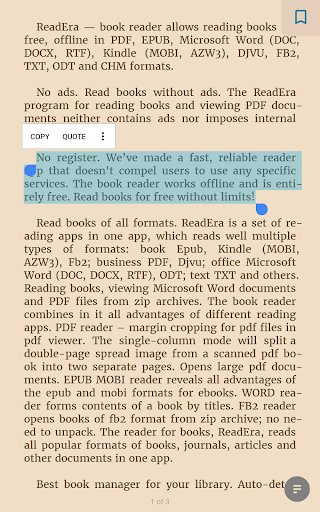
Navigation within a book is made effortless with quick access to table of contents, bookmarks, highlights, quotes, notes, and reading history. You can jump easily between pages with the page pointer or progress line. Footnotes in EPUB, MOBI, DOCX, and FB2 formats are displayed at the bottom of the page, just like in a traditional print book.
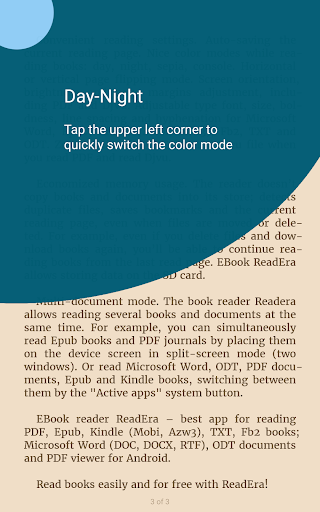
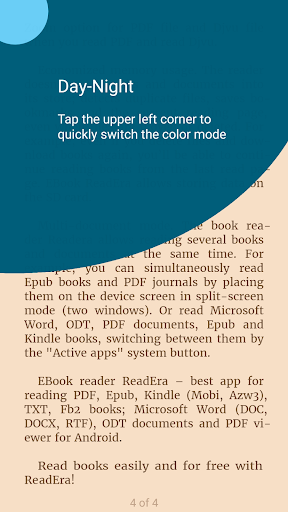
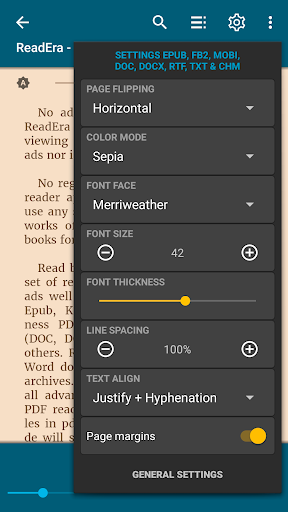
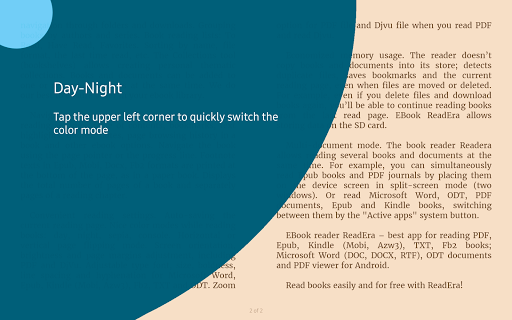
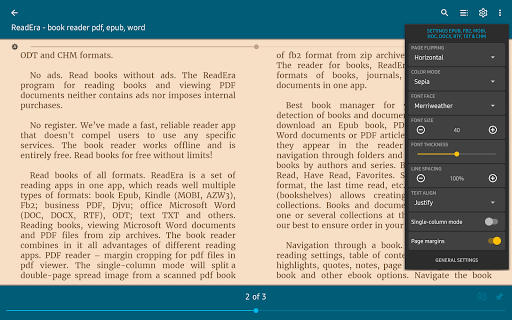
You can view the total number of pages or chapters, which enhances your awareness of your reading progress. The app also offers customizable settings such as •day mode :, •night mode :, sepia, and console modes, reducing eye strain and making reading comfortable at any time.
Readers can adjust font style, size, boldness, line spacing, hyphenation, and margins. PDF and DjVu files can also be zoomed for easier viewing. Additionally, screen orientation, brightness, and font preferences are saved automatically, providing a personalized and consistent reading environment.
Performance and Efficiency
ReadEra boasts smooth performance, with quick loading times and fluid page turns. It doesn’t crash or lag, thanks to optimized memory usage that prevents duplication and preserves bookmarks and last-read positions even if files are moved or deleted. Plus, users can store data on the SD card to save device space.
The app supports multi-document mode, allowing you to open and read several books or documents simultaneously, even in split-screen mode. Whether switching between an EPUB book and a PDF journal or reading a Word document while viewing an eBook, multitasking becomes effortless with ReadEra.
Conclusion
If you’re searching for a •free :, versatile, and easy-to-use eBook reader, ReadEra is an excellent choice. Its support for multiple formats, offline capabilities, organized library management, and customizable reading experience make it stand out among other reading apps. Whether you’re a casual reader or a dedicated bibliophile, ReadEra will elevate your digital reading journey to new heights. Dive into your favorite books today and enjoy a seamless, clutter-free reading experience!
Pros
- Supports various formats including PDF
- Compatible with EPUB
- Supports MOBI format
- Supports DOC files
- Provides an ad-free environment for distraction-free reading
- Offers customizable reading settings to match preferences
- Allows offline reading
- Organizes books into categories
- Categorizes by authors
- Provides series organization
Cons
- Does not include an integrated dictionary for word definitions
- Lacks a text-to-speech feature for audio narration
- Offers limited options for annotations and note-taking
- Does not support synchronization across multiple devices
- User interface may appear outdated to some