Discover the Sky with the Sky Map App
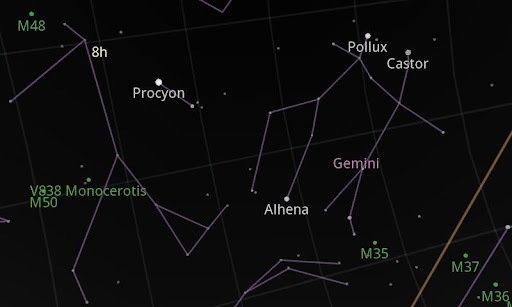
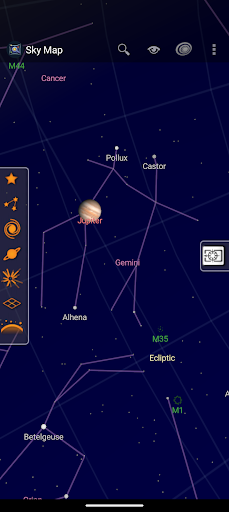
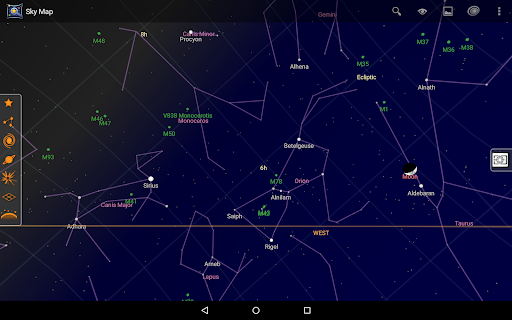
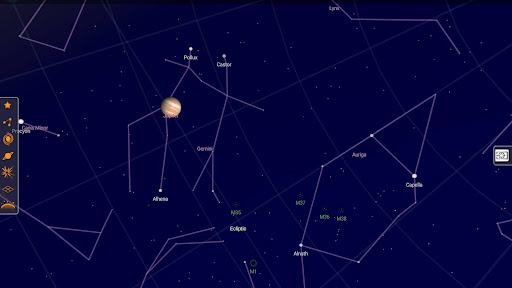
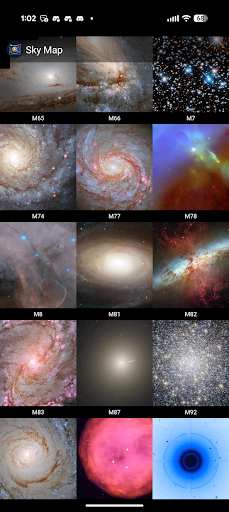
The Sky Map app is a handheld planetarium tool designed for your Android device. Whether you're an amateur astronomer or a curious stargazer, this fascinating application allows you to explore the universe right from your fingertips. Using your phone's GPS and compass, Sky Map provides real-time visuals of stars, planets, nebulae, and other celestial objects, making it a perfect companion for night sky exploration. Originally developed as Google Sky Map, it has since been donated and open-sourced, enabling a community-driven approach to its continuous improvement.
Getting Started with Sky Map
Setting up Sky Map is straightforward. Simply download it from the app store, enable location permissions, and calibrate your device's compass for optimal performance. Once configured, the app automatically detects your location and orientation, providing an immersive experience of the night sky right above you. It's like having a personal astronomer guiding you through the constellations and celestial events.
Key Features and Functionality
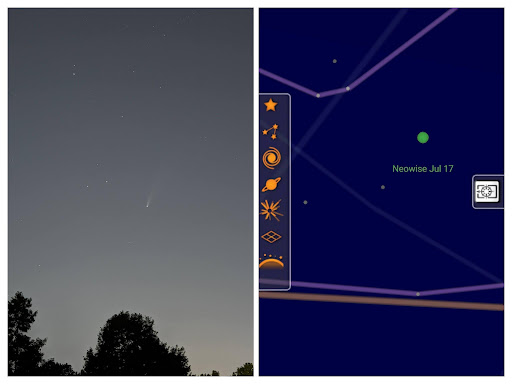
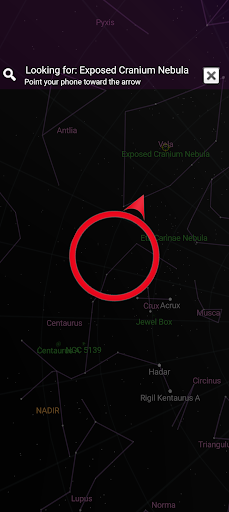
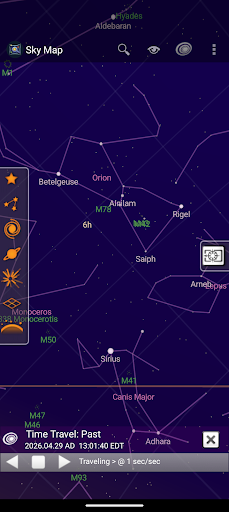
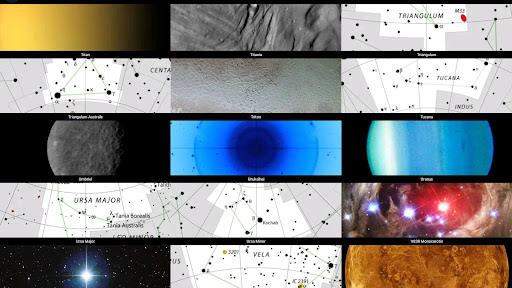
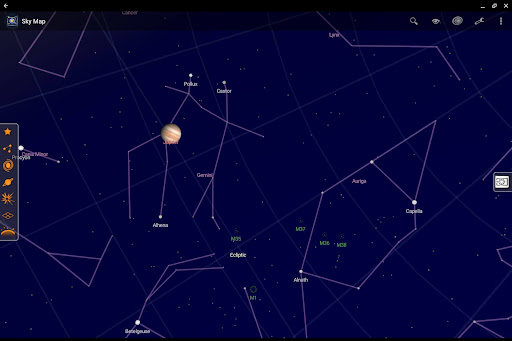
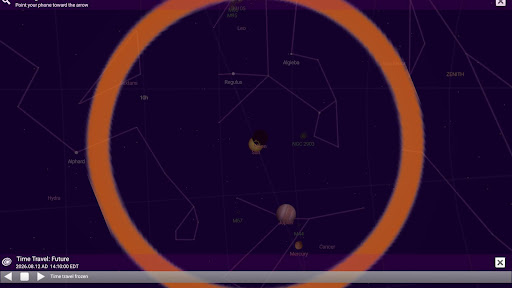
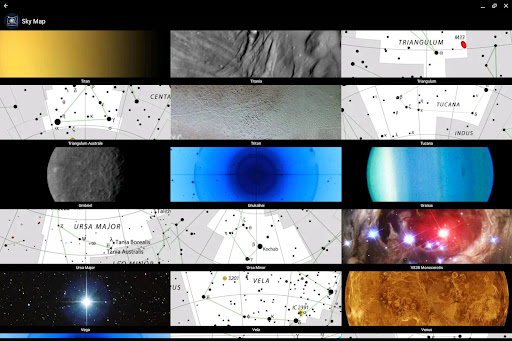
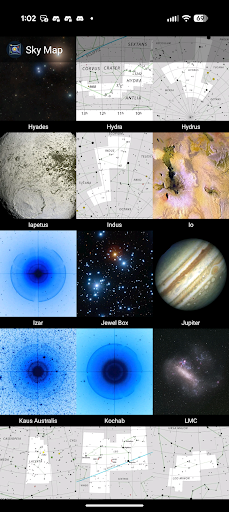
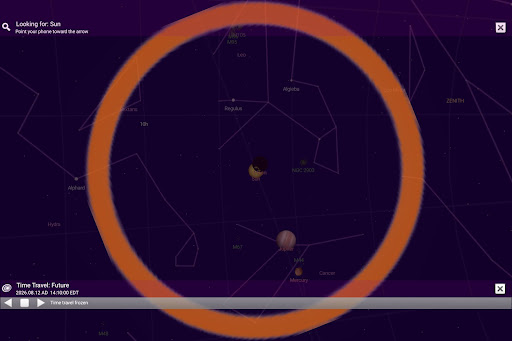
With Sky Map, you can effortlessly identify constellations, stars, planets, and even distant nebulae. Swipe and pinch to explore different parts of the sky, and use the „time travel” feature to see how the night sky looked historically or what it will look like in the future. This capability makes it invaluable for both casual stargazing and educational purposes.
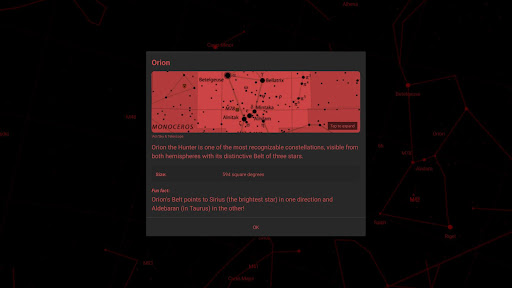
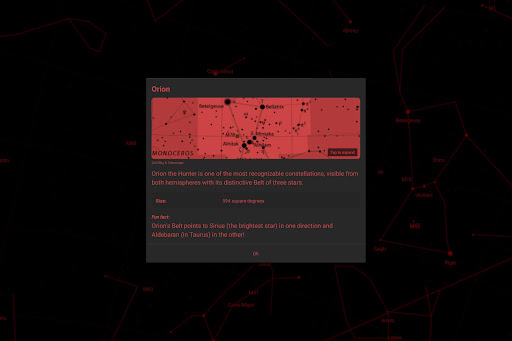
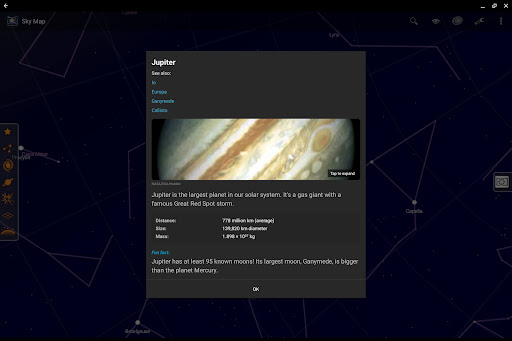
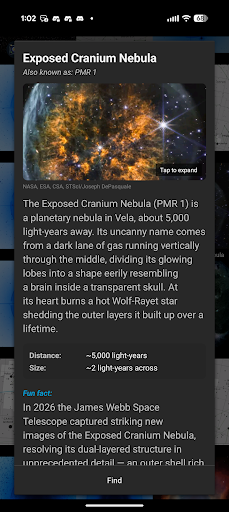
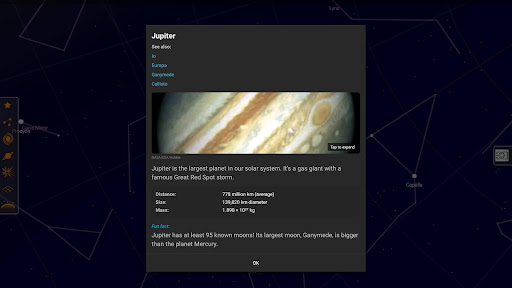
If you tap on a celestial body, you'll receive detailed information such as its name, distance from Earth, and other interesting facts. The app's user-friendly interface ensures a smooth experience, letting the beauty of the cosmos take center stage without clutter or complexity. Plus, you can capture screenshots of your observation sessions and share your celestial discoveries with friends and family—perfect for social media sharing or personal records.
Troubleshooting and Common Questions
If Sky Map isn’t pointing accurately or the map isn’t moving correctly, ensure you haven't switched to manual mode. Check if your device has a compass, as Sky Map requires it to determine orientation. You can verify your phone's compass functionality here: GSM Arena. Calibration can be achieved by moving your phone in a figure-eight motion, and tips are available in tutorial videos like this YouTube guide.
Magnets or metal objects nearby might interfere with your compass. Try disabling "magnetic correction" in the app settings if you experience inaccuracies. If auto-location isn't working, remember that Android 6 and higher require enabling location permissions; instructions are available here: Google Support.
Some devices lacking a gyroscope might show jittery movement. Adjust sensor speed and damping settings within the app to improve stability. No internet connection is necessary for most features, but manual location entry or certain updates require network access.
Interested in testing new features? Join the beta testing program and stay ahead with the latest updates. Find us on GitHub, Facebook, and Twitter for community support and news.
Why Choose Sky Map for Astronomy Enthusiasts
Sky Map stands out as an accessible yet powerful astronomy app that makes stargazing engaging and educational. Its ability to identify celestial objects quickly and display detailed information enhances both casual and serious observations. The app's open-source nature fosters continuous improvement, ensuring it remains a reliable resource for anyone interested in exploring the universe from their Android device.
Whether you're planning a night under the stars, teaching students about astronomy, or simply curious about the cosmos, Sky Map offers an intuitive interface and a rich set of features. Its real-time sky maps, time-travel abilities, and sharing options make it not just a tool but an experience that brings the universe closer to home.
Pros
- Highly accurate star mapping.
- Simple and intuitive interface.
- Offline mode available.
- Free to download and use.
- Provides detailed celestial information.
Cons
- Requires access to device sensors.
- Limited features for advanced users.
- Occasional app crashes.
- Does not offer a night mode.
- Advertisements can be intrusive.