


Wells Fargo Mobile® App: Your Ultimate Digital Banking Companion
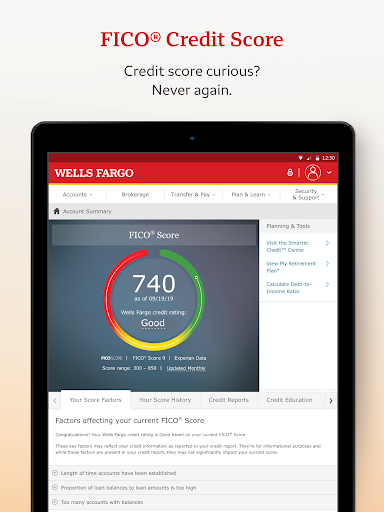
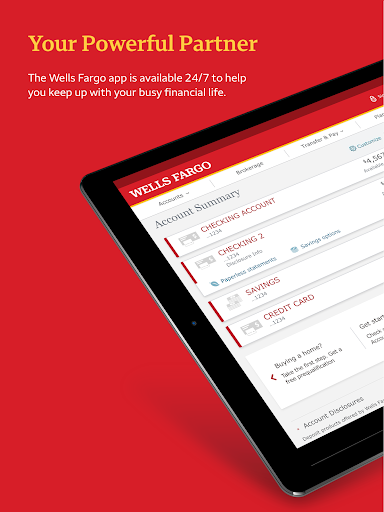
Managing your finances has never been easier thanks to the Wells Fargo Mobile® app. Designed for convenience and security, this app empowers users to handle their banking needs anytime and anywhere. Whether you're checking your account balances, transferring funds, depositing checks, or managing investments, this versatile app offers a comprehensive suite of features tailored to modern banking demands. In this article, we explore the key functionalities that make the Wells Fargo Mobile® app an essential tool for everyday financial management.
Seamless Account Management
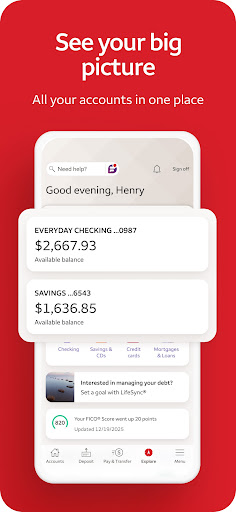
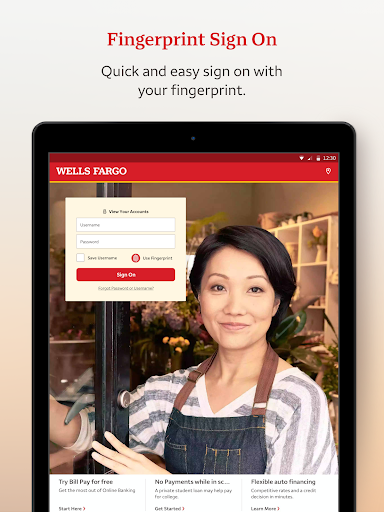
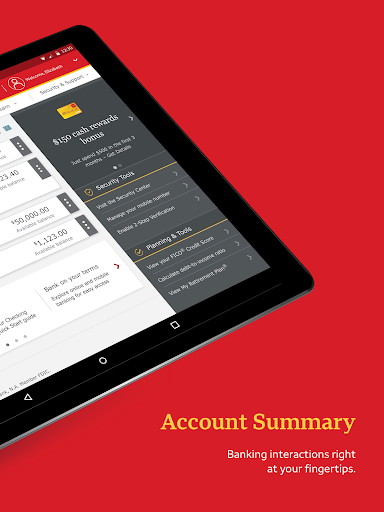
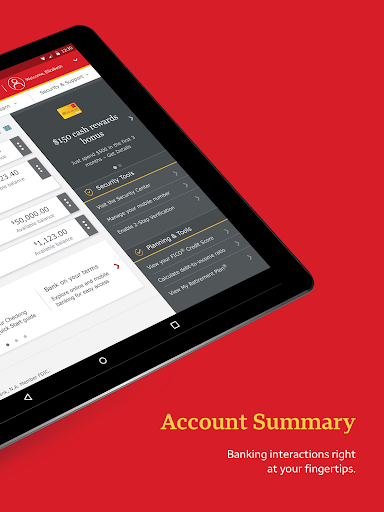
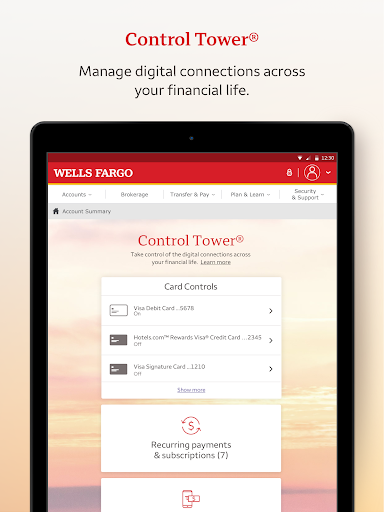
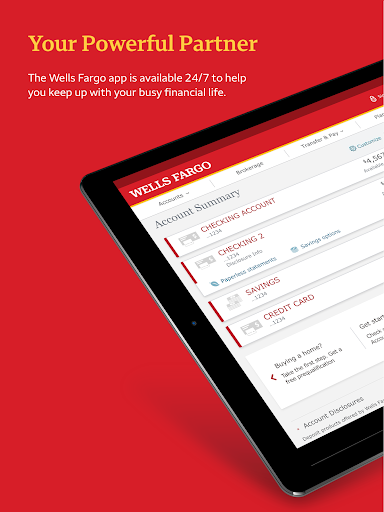
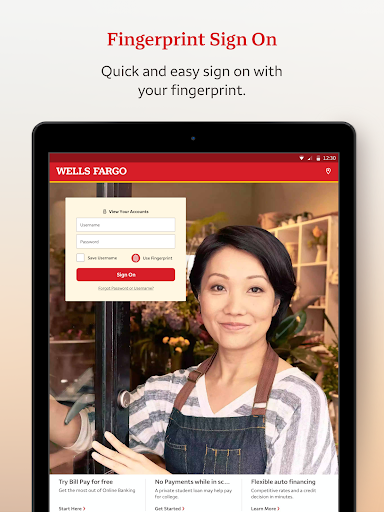
The app provides easy access to all your cash, credit, and investment accounts. With Fingerprint Sign On¹ or Biometric Sign On¹, logging in is quick and secure. Users can effortlessly review account activity, view balances, and monitor credit card transactions while managing rewards directly from their mobile device. The Card Settings feature allows you to activate or deactivate your cards conveniently—helpful if you suspect transactional issues or wish to control spending. Adding your card to digital wallets³ and managing recurring payments further streamline your financial routine.
Deposit Funds Made Simple
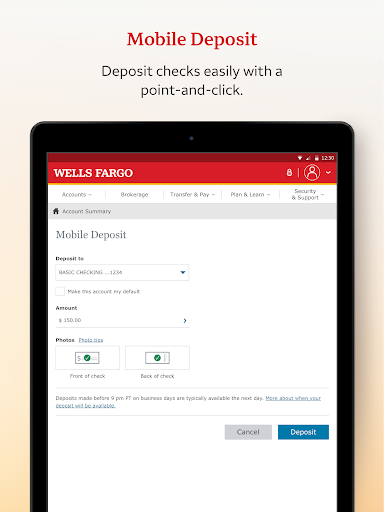
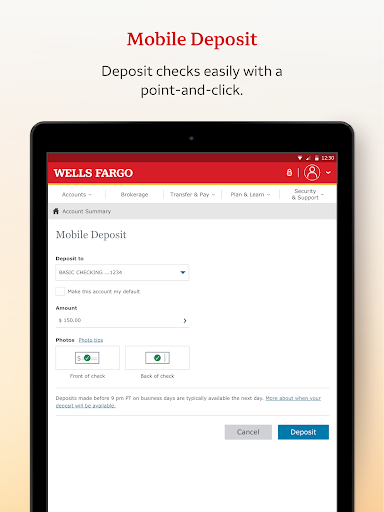
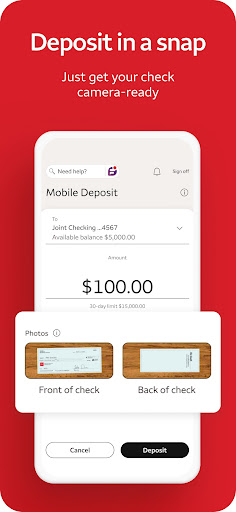
Deposit checks instantly by taking a photo with your Android™ camera. You receive real-time updates on your deposit status, enabling you to know immediately when your funds are available. Keep your banking smooth and hassle-free by avoiding trips to the branch or ATM.
Effortless Transfers and Payments
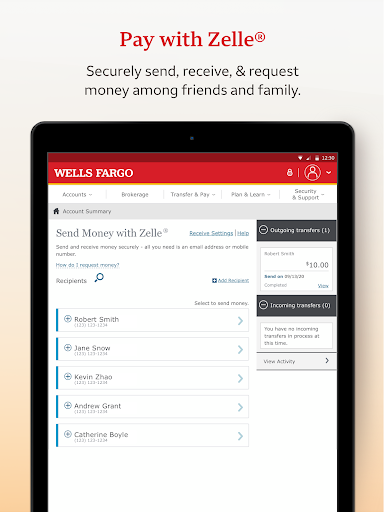
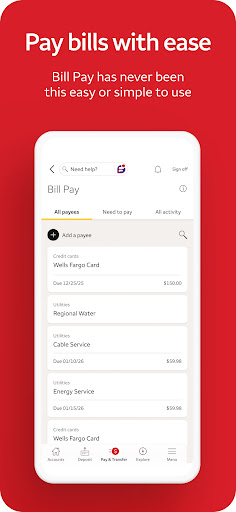
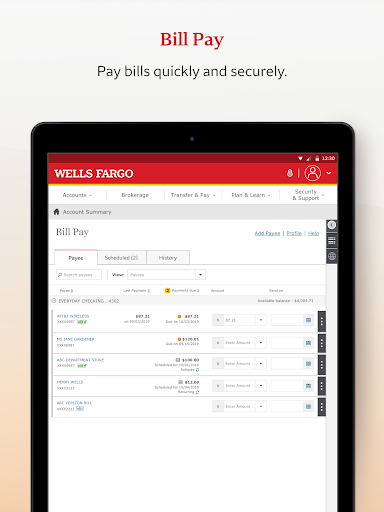
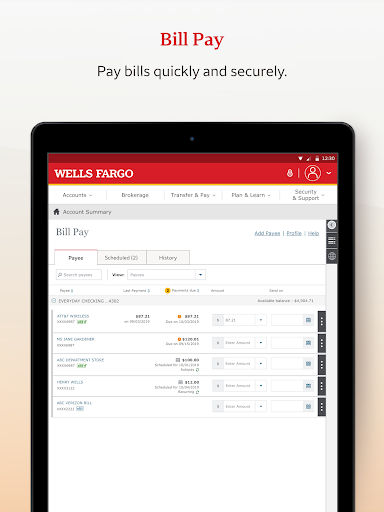
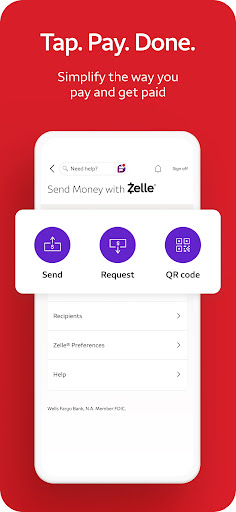
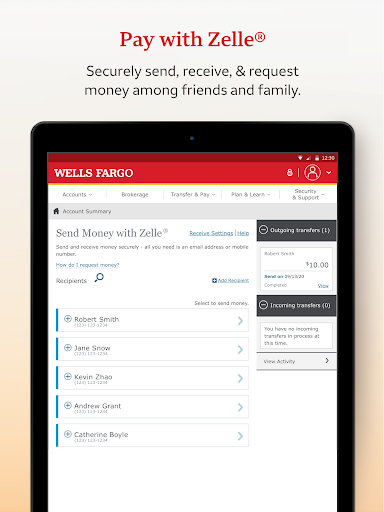
Transfer funds not only among your Wells Fargo accounts but also to other financial institutions, all within your fingertips. The app supports secure and instant money transfers using the popular Zelle® service—send or receive money through your U.S.-based mobile number or email address. Paying bills is straightforward, allowing you to manage payments seamlessly with just a few taps, making your financial life more organized.
Stay On Top of Your Investments
Monitor your WellsTrade® accounts easily by checking balances, holdings, account activity, and open orders. The app offers real-time market data, including quotes and charts, so you stay informed about your investments even while on the go. This feature helps you make timely decisions without needing to access multiple platforms.
Enhanced Security Features
Security is a top priority with the Wells Fargo Mobile® app. Utilize advanced features such as biometric login options like fingerprint or facial recognition to keep your accounts protected. The app also provides customizable alerts—alerting you to suspicious card activity and enabling you to react promptly. Visit the Security Center to report fraud or learn about protective measures, giving you peace of mind as you manage your finances digitally.
Customer Support and Additional Resources
Need help? The app makes customer support readily accessible. Whether you want to provide feedback, locate nearby ATMs or branches, or set up an appointment with a banker, all these options are just a tap away. For feedback, users can contact support via email, ensuring your concerns are addressed swiftly.
Why Choose the Wells Fargo Mobile® App?
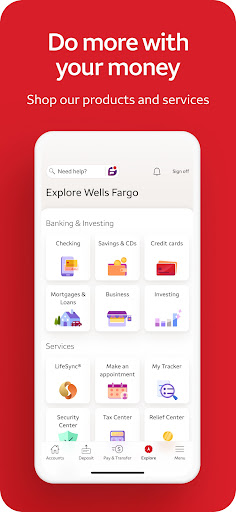
The Wells Fargo Mobile® app is tailored for users seeking a convenient, secure, and feature-rich banking experience. It allows you to perform banking transactions, monitor investment portfolios, and manage accounts all from the comfort of your home or while on the move. With user-friendly design, robust security measures, and helpful features like mobile check deposits and real-time alerts, this app transforms your smartphone into a powerful financial tool. Whether you're making quick transfers, checking your account balances, or managing investments, the app is equipped to meet your needs.
Experience the Future of Banking Today
Take advantage of modern banking innovations with the Wells Fargo Mobile® app. Download it today to enjoy a smarter, safer way to manage your finances—anytime, anywhere. Embrace the convenience of digital banking made simple and stay confident knowing your money is protected with advanced security features.
Pros
- User-friendly interface
- Secure login options
- Comprehensive financial tools
- Quick account access
- Available 24/7 customer service
Cons
- Occasional login issues
- Limited support for international users
- Frequent updates to the app
- Slow response times from customer service
- Needs a strong internet connection











