

Discover the Power of the Capital One Mobile App
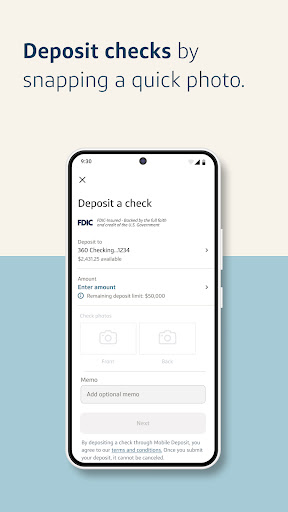
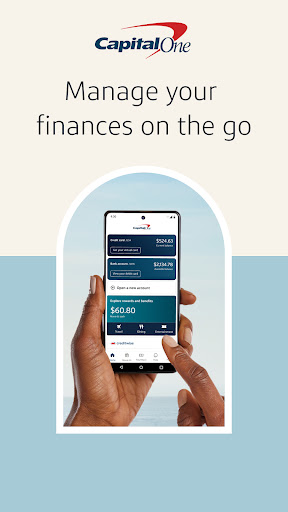
The Capital One Mobile app is a comprehensive digital banking platform designed to make managing your finances seamless and convenient. Whether you're on the go or relaxing at home, this app provides a user-friendly interface packed with features that cater to all your banking needs. From checking account balances to tracking credit scores, the app aims to transform your mobile banking experience into something simple and efficient.
Key Features of the Capital One Mobile App
One of the most impressive aspects of the Capital One Mobile app is its extensive range of functionalities that allow users to handle everything in one place.
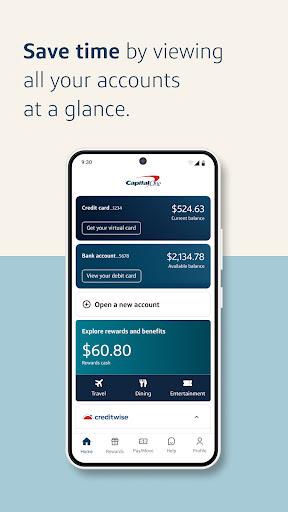
Account Management
Easily view balances and export statements to stay informed about your financial status. Managing multiple accounts has never been easier with a clear, intuitive interface.
Bill Payments and Loans
Pay bills and take care of loans directly from your smartphone—no need to visit multiple websites or visit branches.
Credit Monitoring with CreditWise
Keep an eye on your credit score and stay alert to any changes, helping you stay on top of your financial health.
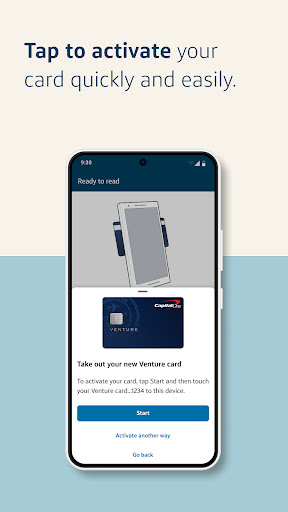
Card Activation and Controls
Activate your credit or debit cards instantly when needed, and if necessary, lock or unlock your cards with just a tap—great for preventing fraud or managing lost cards.
Rewards and Incentives
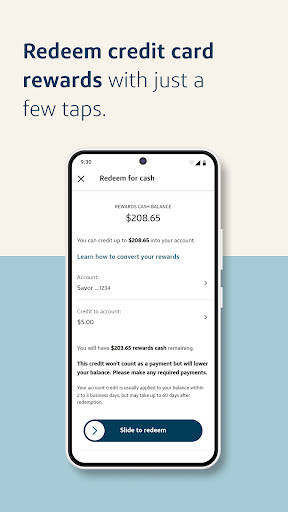
Redeem rewards on the go and get maximum benefits from your spending.
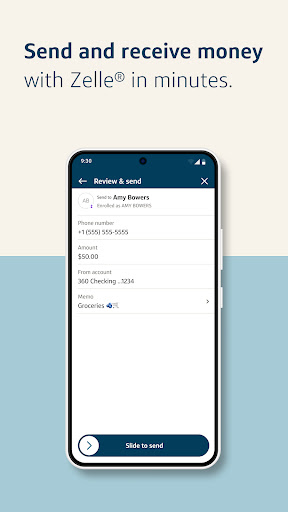
Money Transfers with Zelle
Send and receive money quickly and securely with friends and family using the integrated Zelle® service.
Enhanced Security and Notifications
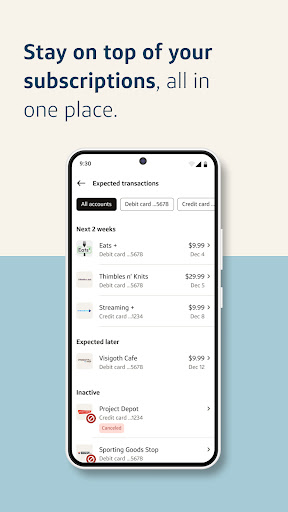
Stay informed with customizable alerts for transactions and purchase notifications. The app also enables you to instantly lock your card from anywhere, providing peace of mind. Facial recognition and fingerprint login options make access both secure and effortless.
Additional Convenience Features
Get quick answers from Eno, your virtual assistant, and set travel notifications so your card works smoothly while exploring new destinations.
Why Choose the Capital One Mobile App?
If managing multiple banking apps feels overwhelming, the Capital One Mobile app simplifies your financial life with its all-in-one platform. Its clean interface, robust features, and focus on security make it an ideal choice for those seeking a reliable and convenient banking experience. Whether you're checking your account balances, paying bills, or monitoring your credit, this app offers everything you need, right at your fingertips.
Security and Reliability You Can Trust
Security is a top priority with the Capital One Mobile app. Biometric authentication methods such as fingerprint and facial recognition protect your account, while real-time alerts help you stay alert to suspicious activity. Travel notifications ensure your card remains functional when you're on the move. Please note, internet access is required, and occasional service outages may occur, so it's advisable to keep track of your statements regularly. Notifications, alerts, and credit monitoring features are provided to enhance your security and awareness.
Final Thoughts
The Capital One Mobile app is a must-have for anyone seeking to streamline their financial management in a digital age. Its user-friendly design combined with powerful features makes banking easier, safer, and more convenient. Whether you're a tech enthusiast or someone who prefers straightforward solutions, this app caters to all. Download it today and experience a new level of banking simplicity—your finances, managed perfectly from your smartphone.
Pros
- User-friendly interface
- Comprehensive account management
- Secure login features
- Real-time alerts
- Budgeting tools
Cons
- Occasional app crashes
- Limited customer support
- Slow updates
- Complex navigation for new users
- Requires internet connection for full functionality










