

TradingView: Track All Markets
Are you looking for a comprehensive and user-friendly platform to monitor all your investments in one place? TradingView offers an ideal solution, combining simplicity for beginners and advanced tools for seasoned traders. Whether you’re interested in stocks, forex, cryptocurrencies, commodities, or global indices, TradingView has everything you need for effective market analysis and trading.
Key Features of TradingView
Real-Time Market Data and Instruments
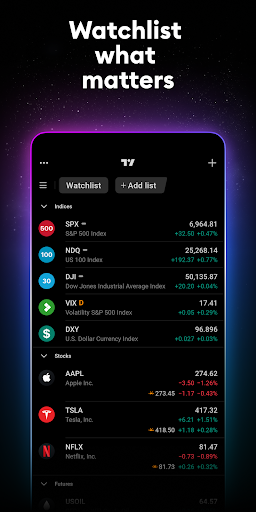
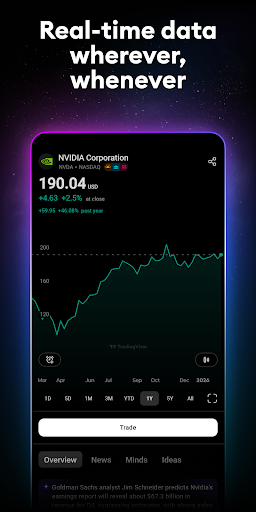
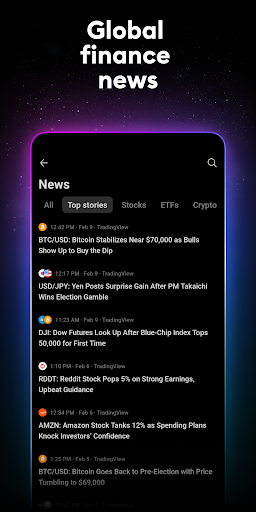
One of the standout features of TradingView is its access to real-time quotes and charts on over 100,000 instruments. Data is sourced from more than 50 global exchanges including the NYSE, NASDAQ, TSE, SSE, HKEx, LSE, TSX, and many others across North America, Europe, Asia, and Africa. This extensive coverage ensures you stay updated on the latest market movements regardless of your location. You can track major global indices like the NASDAQ Composite, S&P 500, Dow Jones, DAX, FTSE 100, NIKKEI 225, and more, offering a complete overview of international financial markets.
Advanced Charting Tools
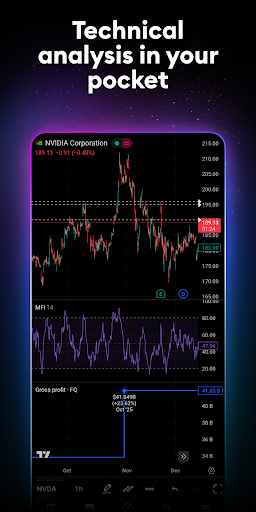
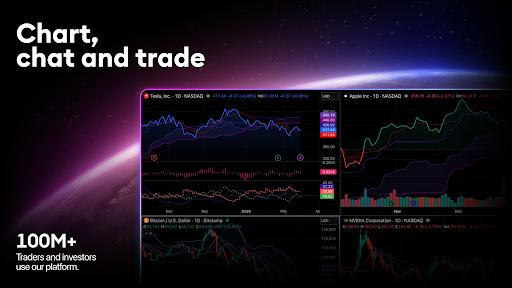
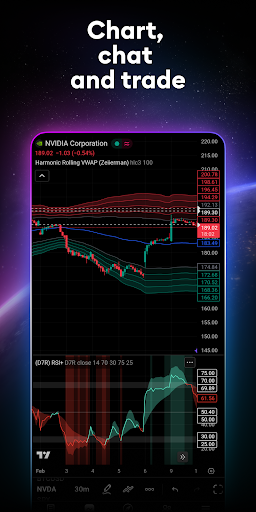
TradingView boasts excellent charting capabilities that surpass many desktop platforms. With over 10 types of charts—including line, Renko, Kagi, and more—you can analyze market trends from different perspectives. The platform provides a wide array of technical analysis tools such as indicators, strategies, and drawing objects (like Gann, Elliott Wave, and moving averages). These tools help traders identify long-term trends and potential trading opportunities, making it suitable for both short-term traders and long-term investors.
Personalized Watchlists and Alerts
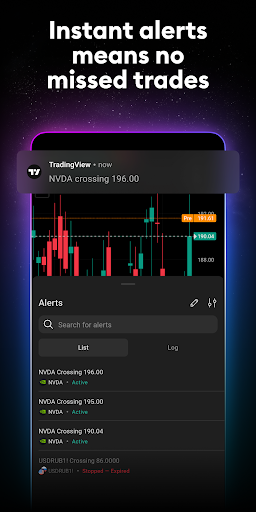
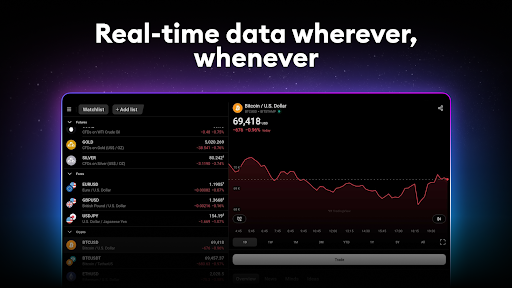
Stay ahead of the market by setting up custom watchlists and alerts. Track stocks, currency pairs, cryptocurrencies, commodities, and more, with real-time updates. Alerts notify you of significant price movements or market changes, enabling you to react promptly and make profitable trading decisions. The app’s flexible settings also allow grouping assets for easier management, fitting seamlessly into your trading workflow.
Seamless Account Synchronization
All of your *saved settings*, *charts*, and *technical analyses* are synchronized across devices. This means you can start analyzing markets on your desktop and pick up right where you left off on your mobile device. The continuity ensures a smooth trading experience whether you are at home or on the go.
Global Market Data and commodities
Beyond stocks and indices, TradingView provides real-time data on commodities such as gold, silver, oil, natural gas, and agricultural products like cotton, sugar, wheat, and corn. This broad spectrum of data allows users to diversify their analysis and trading strategies across various asset classes.
Cryptocurrency Insights
For crypto enthusiasts, the app enables price comparison across leading cryptocurrency exchanges, helping you stay up-to-date with the latest trends and movements in the digital currency space. It’s an essential feature for traders looking to capitalize on cryptocurrency volatilities.
Why Traders Love TradingView
Many users find TradingView: Track All Markets to be a game-changer in their trading activities. Its sleek and intuitive user interface makes navigation effortless, whether you’re a beginner or a professional. The platform’s customization options allow traders to adapt the workspace to their individual needs, creating a highly personalized analysis environment.
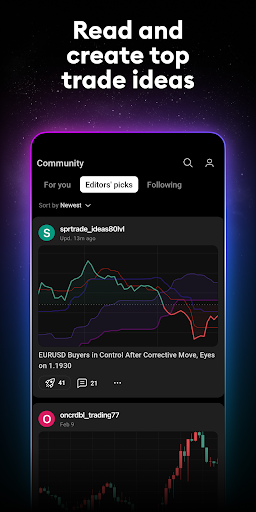
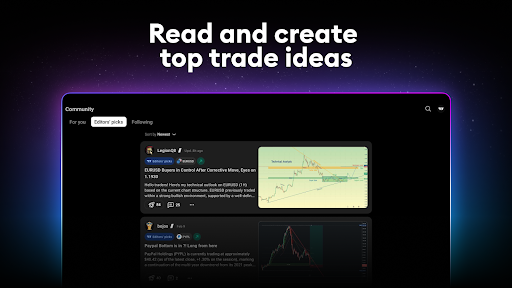
Additionally, the app’s social features foster a vibrant community of traders and investors. Connect with millions worldwide to share ideas, learn new strategies, and gain insights from experienced market participants. This interactive element enhances learning and supports a collaborative trading environment.
From advanced technical analysis tools to real-time market data across global exchanges, TradingView combines everything a trader needs into one powerful platform. Whether you’re tracking indices like the FTSE 100, S&P 500, or cryptocurrencies, this app makes market monitoring and analysis efficient and accessible. Its versatility and depth make it an indispensable tool in anyone’s trading arsenal.
Pros
- Comprehensive market coverage
- User-friendly interface
- Real-time data updates
- Customizable charts and alerts
- Community-driven insights
Cons
- Requires internet connection
- Can be overwhelming for beginners
- Limited features in the free version
- Advertisements in the free version
- Occasional app crashes










