












@Voice Aloud Reader (TTS): Transforming Your Reading Experience
Imagine a world where you can turn any written content into engaging audio, allowing you to listen rather than read. @Voice Aloud Reader (TTS) is a powerful, user-friendly text-to-speech application that elevates your reading experience by providing high-quality voice narration across a broad range of formats and languages. Whether you are a busy professional, student, language learner, or someone with reading difficulties, this app is designed to make content consumption more accessible, efficient, and enjoyable.
Key Features of @Voice Aloud Reader (TTS)
Versatile Content Reading Capabilities
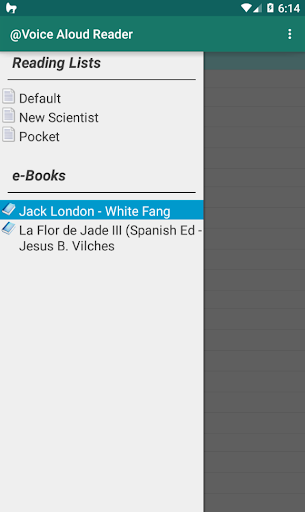
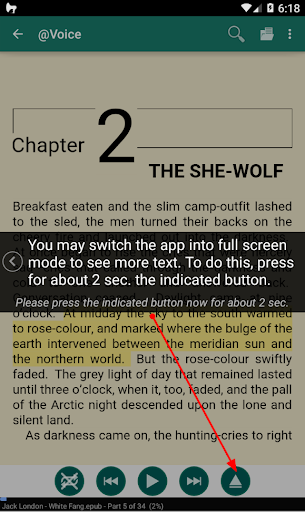
@Voice Aloud Reader (TTS) supports over 50 file formats, including PDFs, Word documents, ePub eBooks, HTML, and RTF. It can effortlessly read web pages, news articles using the built-in browser, long emails, and text messages. The app also captures clipboard content from any app, making it incredibly flexible for daily use. No matter where your content resides, this app ensures you can listen to it hands-free and without interruptions.
Multilingual & Translation Support
For those interested in language learning or dealing with international content, @Voice Aloud Reader (TTS) features real-time translation and supports 100+ languages. The auto language detection system seamlessly switches between languages, allowing users to listen to foreign texts with accurate pronunciation. This makes it an ideal companion for language learners who want to hear how words are pronounced and improve their listening skills.
Advanced Voice Features
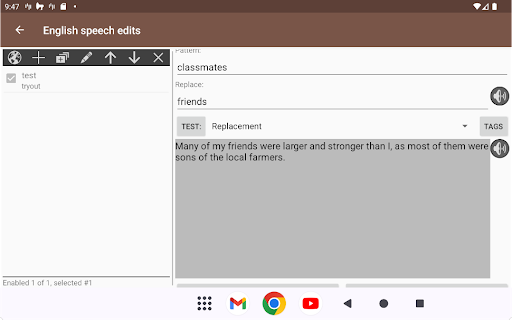
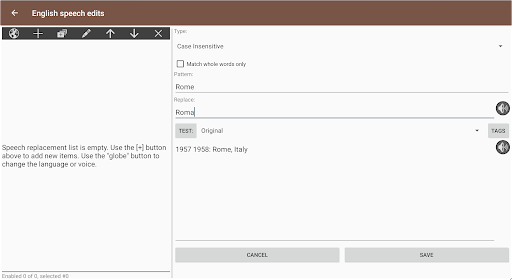
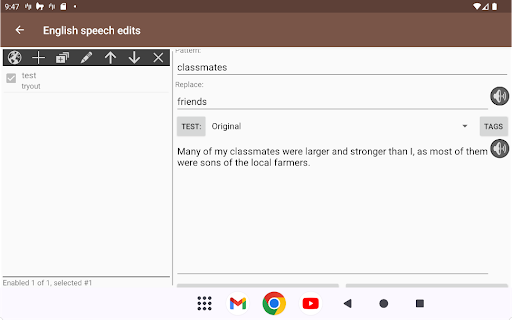
The app provides an array of advanced voice options to personalize your listening experience. You can choose between multiple voice characters, assign specific voices for different speakers or characters in stories, and manage voices from local, cloud, or premium sources. The dialog enhancement feature makes listening to audiobooks-like content more natural, while the custom pronunciation tool lets you tweak how particular words are spoken, ensuring optimal clarity and engagement.
Productivity and Customization
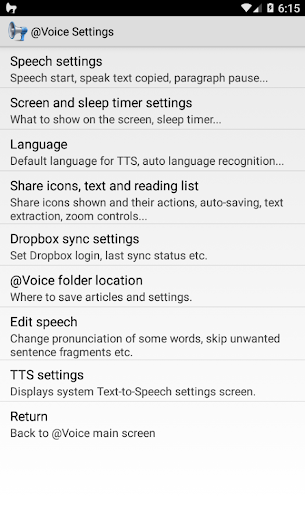
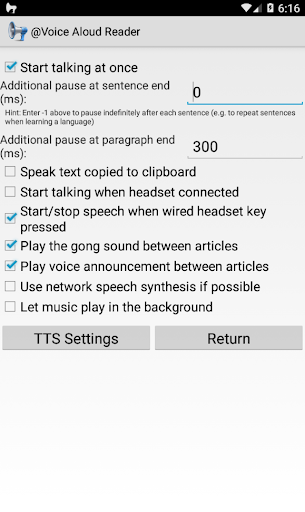
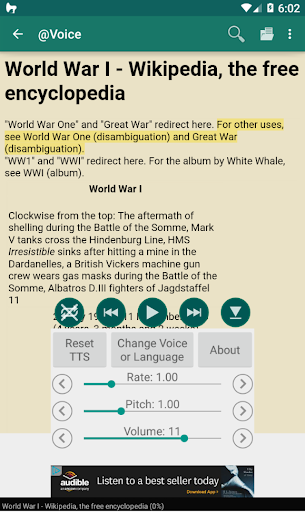
Beyond simple reading, @Voice Aloud Reader (TTS) is a productivity powerhouse. It can read content in the background while you use other apps, helping you multitask effortlessly. Users can customize speech parameters such as speed, pitch, and pronunciation for a tailored listening experience. The built-in sleep timer is perfect for bedtime listening, preventing the app from running all night. Additionally, bookmarks and navigation tools help you easily resume where you left off, and cloud integrations with Google Drive or Dropbox ensure your content is always accessible.
Privacy and Premium Features
The app respects user privacy — there is no user data collection, ensuring secure local processing. Upgrading to premium unlocks features such as ad removal, advanced voice controls, pronunciation editing, and dialog voice management. These enhancements provide an even richer listening experience, making the app suitable for both casual users and audiophiles.
Why Choose @Voice Aloud Reader (TTS)?
This highly-rated app has garnered praise for its reliable performance, excellent multilingual support, and unique voice customization capabilities. Users love its intuitive interface, ability to handle lengthy documents, and seamless multitasking. Whether you need to listen to lengthy research papers during a workout, comprehend foreign language texts, or simply prefer audio over reading, @Voice Aloud Reader (TTS) is the perfect tool to convert any text into high-quality audio content. It is an essential companion for anyone seeking to boost productivity, improve accessibility, or enjoy learning through listening.
Experience the freedom of listening to the world's written content in your preferred language and voice—try @Voice Aloud Reader (TTS) today and transform how you consume information every day.
Pros
- Supports multiple languages and accents.
- Adjustable speech speed and pitch.
- Easy integration with cloud storage.
- User-friendly interface.
- Works offline for many features.
Cons
- Ads can be intrusive at times.
- Some features require in-app purchases.
- Limited voice options in free version.
- Occasional bugs in text processing.
- May drain battery quickly on older devices.