
Universal TV Remote Control App: Your Ultimate Solution for Seamless Entertainment
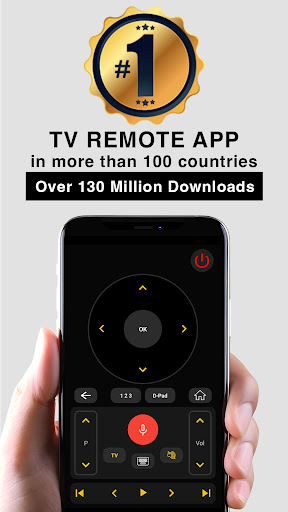
Are you tired of searching for your misplaced TV remote or frustrated by the worn-out batteries that hinder your TV experience? The Universal TV Remote Control app is here to revolutionize the way you interact with your television. With a global user base exceeding 120 million downloads, this top-rated remote control app has become a must-have for home entertainment enthusiasts worldwide. Whether you own a Smart TV, an IR-enabled device, or both, this app offers a comprehensive and easy-to-use solution that consolidates all your remote control needs into a single mobile application.
Key Features and Benefits of the Universal TV Remote Control App
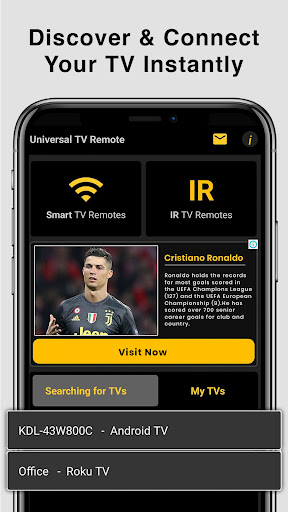
This app supports a wide range of functionalities designed to enhance your TV viewing experience. For Smart TVs, the only requirement is connecting your smartphone and your TV or device to the same Wi-Fi network. Once connected, you can effortlessly control power, adjust volume, and switch channels. Additionally, you can cast media files stored on your mobile device directly onto your TV, transforming your smartphone into a powerful media hub. Some notable features include:
Smart TV Functionalities
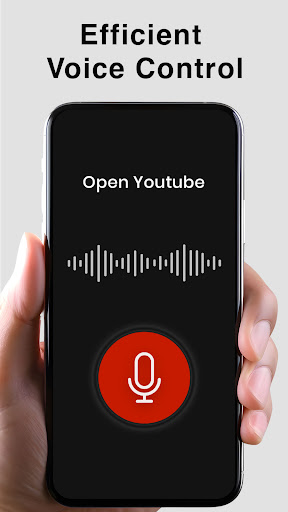
- Voice Search: Navigate using voice commands for hands-free control.
- Power Control: Turn your TV on or off instantly.
- Mute / Volume Control: Easily adjust sound levels or mute your TV when needed.
- Smart Sharing / Casting: View photos, videos, and listen to music from your device on your TV screen.
- Mouse Navigation & Keyboard: Simplify browsing and input with easy-to-use navigation tools.
- Input & Home: Switch inputs or access your TV's home menu effortlessly.
- App Management: Launch and switch between installed apps quickly.
- Channel Control: Browse channels up/down and access channel lists seamlessly.
- Playback Controls: Play, pause, reverse, and fast forward for media content.
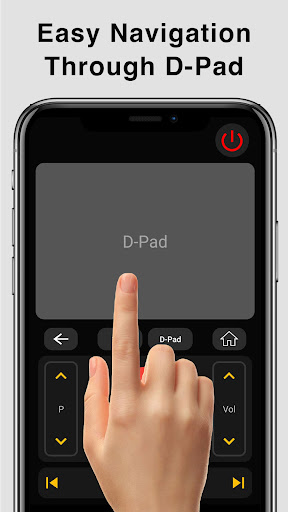
- Navigation: Use directional controls (up, down, left, right) for an intuitive experience.
Traditional IR Remote Control Features
- Power On/Off
- AV / TV
- Mute / Unmute
- Channel Buttons: Digits, Up/Down, and channel lists
- Volume Controls: Up and Down
- Menu Navigation: Up, Down, Left, Right, and OK buttons
- Color-coded Soft Keys: Red, Green, Blue, Yellow for additional functions
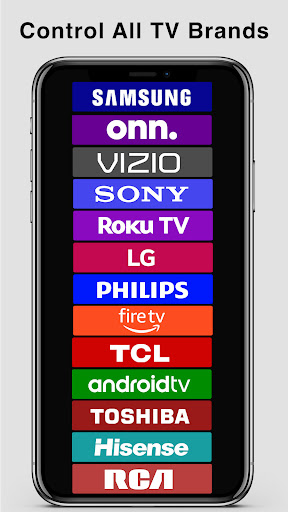
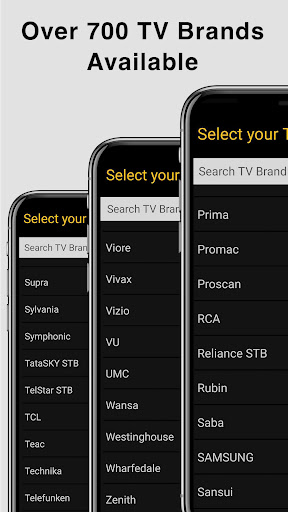
Note: To use the traditional IR capabilities, your mobile device must have an Infrared (IR) blaster. For Smart TV control, ensure both your device and TV are on the same Wi-Fi network. The app supports most major TV brands, and new models are regularly added based on user feedback.
Ease of Use and Compatibility
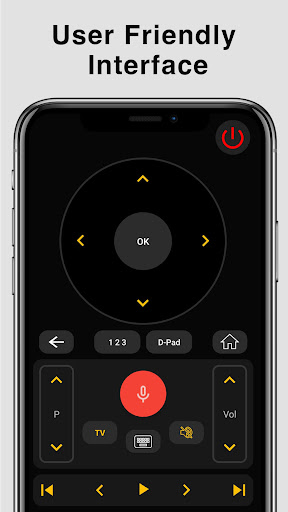
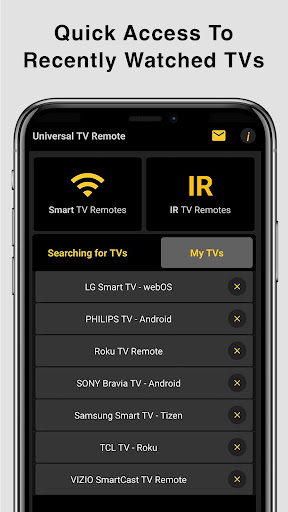
Getting started with the Universal TV Remote Control app is simple and straightforward. Download the app for Android or iOS, follow the on-screen instructions, and select your TV brand. The app recognizes a vast array of models, making setup quick without complex configurations. Its intuitive layout mimics a traditional remote control, so you’ll find all essential buttons laid out logically—power, volume, channels, menus, and more. Plus, you can save your favorite channels for even faster access, turning your device into a powerful media controller.
The app delivers responsive performance with minimal lag, ensuring your commands are reflected instantly on your TV. Its versatility allows control over both Wi-Fi-enabled smart TVs and older IR-based models, making it a universal solution suitable for most households. Whether you want quick access to favorite channels, control over multimedia playback, or voice command capabilities, this app covers all your needs.
Why Choose the Universal TV Remote Control App?
Say goodbye to common remote-related frustrations such as lost remotes, battery failures, or accidental damages. Instead, harness the convenience of controlling your entire entertainment system from your smartphone—a device you always carry with you. This eliminates the need for multiple remote controls cluttering your living space and simplifies the entire experience with a single, easy-to-use app.
Furthermore, the app is continuously updated to include support for more TV brands and enhanced functionalities. If your specific TV model isn’t currently supported, you can contact the support team with your TV details, and they will work to include your device in future updates. The developers’ commitment to customer satisfaction ensures you will always have a reliable remote control experience.
In Conclusion
The Universal TV Remote Control app is an invaluable tool for anyone who wants effortless and versatile control over their home entertainment systems. Its blend of user-friendly design, extensive features, and compatibility with numerous TV brands makes it a standout choice for modern media control. Whether you are replacing a lost remote or seeking a smarter way to manage your TV, this app offers the perfect solution. Try it today and elevate your TV viewing experience to a new level of convenience and control.
Pros
- straightforward setup process
- Broad TV compatibility
- Intuitive and easy-to-navigate interface
- Fast response times
- Free version is available
Cons
- Limited features in the free version
- Contains advertisements
- Needs a stable internet connection
- Might not be compatible with older TV models
- Connectivity issues can occur sometimes











