
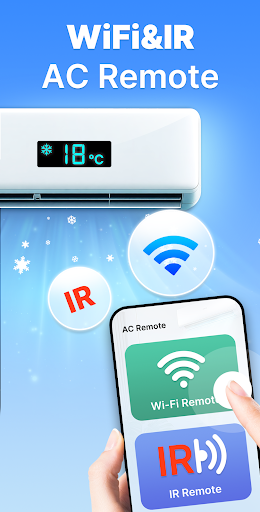
Experience the Convenience of the Universal AC Remote Control App
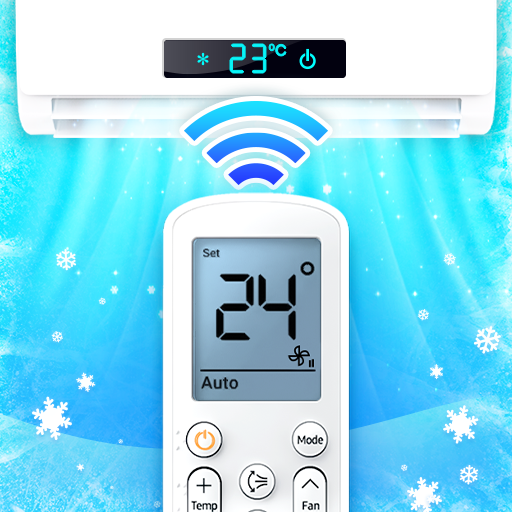
Are you tired of rummaging through couch cushions to find your missing air conditioner remote control? Say goodbye to clutter and hello to effortless climate management with our Universal AC Remote Control app. Designed to transform your smartphone into a powerful, multi-brand AC remote, this app offers unmatched convenience and a user-friendly experience that caters to all users, including the elderly.
Easy Installation and Setup for Seamless Control
Getting started with the Universal AC Remote Control app is straightforward. Simply download it from your preferred app store and follow the easy setup steps:
- Step 1: Add your air conditioner brand or model.
- Step 2: Tap the test buttons to verify the connection.
- Step 3: Configure all your remote control settings.
- Step 4: Use your smartphone to control your air conditioner.
Ensure your smartphone supports IR (Infrared) transmission if you want to use the IR remote feature, and make sure your device is connected to the internet if downloading resource packs for your AC.
Key Features of the Universal AC Remote Control App
Universal Compatibility with Multiple Brands
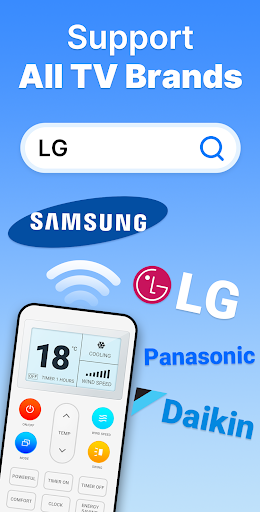
The app supports an extensive list of brands, including:
- Voltas AC Remote
- Samsung AC Remote Control
- LG AC Remote
- Daikin AC Remote Control
- Haier AC Remote Control
- Dawlance AC Remote
- Hitachi AC Remote Control
- Panasonic AC Remote
- Whirlpool AC Remote Control
- Toshiba AC Remote Control
- Mi Remote for AC
- Orient AC Remote
- IFB AC Remote
- Sharp AC Remote
- Kelvinator AC Remote
- And many more
Versatile Functionality for Perfect Climate Control
With this smart AC remote app, you can easily:
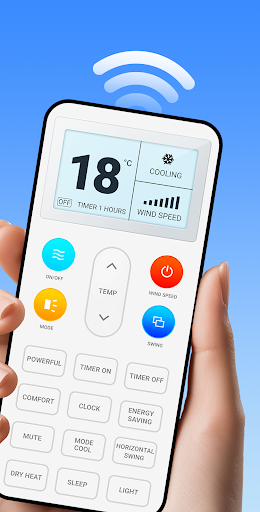
- Adjust temperature quickly from anywhere.
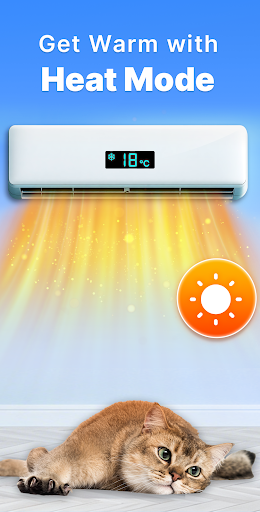
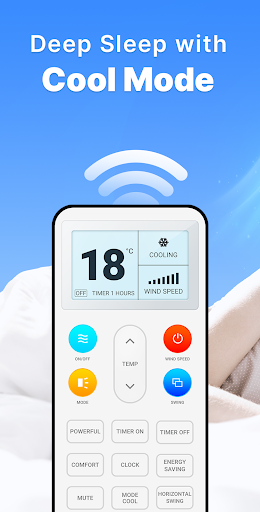
- Switch modes such as cool, heat, fan, or dry.
- Set & modify timers to automate your air conditioning system.
- Turn your AC on or off effortlessly.
The intuitive and user-friendly interface ensures all family members can operate the app with ease, making it especially helpful for the elderly or those less familiar with technology.
Reliable Connectivity and Compatibility
The Universal AC Remote Control app offers rapid and stable connectivity, whether via Wi-Fi or IR infrared emitter. You can control your air conditioner without lag or disconnection issues—simply point your phone at the unit and control it seamlessly.
Designed to be resource-efficient, this application won’t drain your phone’s battery, ensuring long-term usability and comfort during hot summer days.
Practical Tips for Optimal Use
Before diving into control, verify that your device supports IR blaster technology for IR-based remote functionalities. Check your internet connection when downloading necessary resource packs, ensuring compatibility with your specific air conditioner's model.
Note on Usage and Limitations
This Universal Remote Control for AC app is a third-party solution and is not officially affiliated with any brand mentioned. It requires an IR emitter supporting infrared (IR) technology. Users should consider compatibility with their device hardware for optimal performance.
Conclusion
If you're seeking a reliable, easy-to-use, and versatile solution to manage your air conditioner, look no further than the Universal AC Remote Control app. It turns your smartphone into a comprehensive remote control for multiple brands, offering features like temperature adjustment, mode switching, timer setting, and remote on/off control—all through a clean and accessible interface. Perfect for summer, this app simplifies climate control, enhances convenience, and keeps your home comfortable no matter where you are. Download it today and enjoy smarter, stress-free cooling!
Pros
- User-friendly interface that simplifies operation
- Compatible with a wide variety of air conditioner brands
- Customizable settings for tailored comfort
- Energy-efficient features that help lower electricity costs
- Remote control access via smartphone from any location
Cons
- Dependence on a stable internet connection
- Limited functionality for older air conditioner models
- Reports of occasional application crashes
- Privacy concerns related to location data access
- Subscription required for accessing premium features











