

Introducing TV Cast: Anycast in Smart View
Are you tired of small screens limiting your media experience? TV Cast: Anycast in smart view is the perfect solution to elevate your entertainment by effortlessly casting content from your smartphone to a larger TV screen. Whether you're interested in streaming videos, viewing photos, or sharing your favorite games, this app offers a seamless, wireless way to enjoy media on your big screen, enhancing your viewing pleasure.
Key Features of TV Cast: Anycast in Smart View
Discover the All-in-One Casting Solution
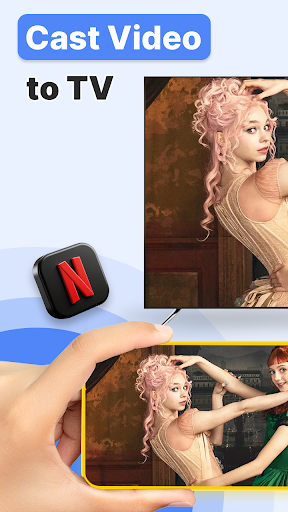
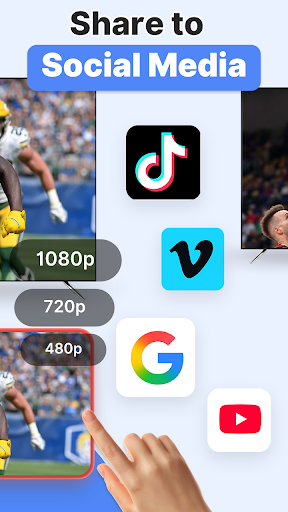
With TV Cast: Anycast in smart view, users can easily mirror or stream their phone’s content to their TV using DLNA, Chromecast, Miracast, AirPlay, and other popular protocols. The app automatically searches for nearby devices, making setup quick and hassle-free. Supporting a wide array of media formats and devices, it ensures versatile compatibility and high-quality streaming experiences.
Wireless and Low-Latency Streaming
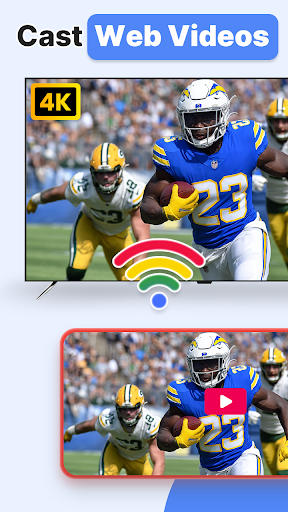
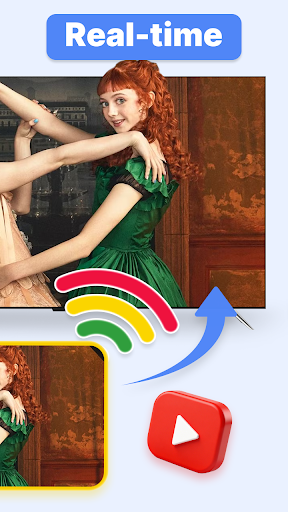
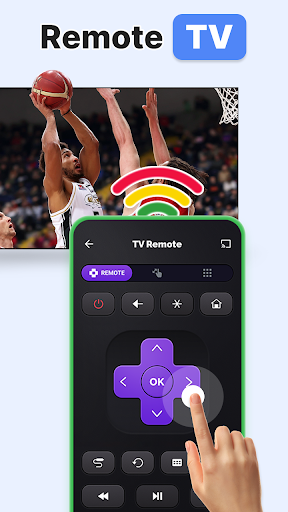
Enjoy low latency wireless display that makes watching videos, playing games, or sharing photos feel natural and lag-free. The multiple video playback modes provide flexibility in how your content appears on the big screen, giving you control over the viewing experience. The app also includes a TV remote control feature, allowing you to manage playback directly from your smartphone, mimicking a traditional remote in your pocket.
Comprehensive Media Support
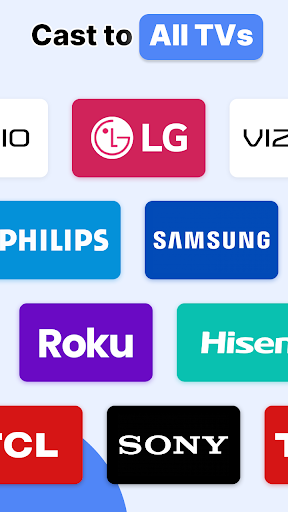
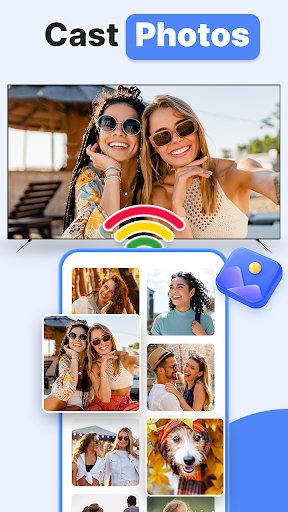
Stream your videos, photos, music, and movies effortlessly. The app scans local and SD card files, including music, videos, photos, and slideshows, so you can enjoy all your media without transferring files manually. Compatible with a vast list of devices such as Microsoft Xbox One, Amazon Fire TV & Fire Stick, Roku, Samsung Smart TV, LG Smart TV, Sony, Panasonic, Philips, and many more, it offers extensive support for various smart TVs and DLNA-enabled gadgets.
Easy Setup and User-Friendly Experience
Getting started is straightforward:
- Turn off VPN and ensure your phone and TV are connected to the same Wi-Fi network.
- Open the app, which will automatically detect nearby devices.
- Select your target device to start casting your screen or media.
- Choose local files for casting and enjoy a big-screen viewing experience.
The well-designed interface is intuitive, making it easy for both tech-savvy users and beginners to navigate and control their media. Additionally, you can pause, skip, or control playback remotely, eliminating the need for physical remote controls or complex settings.
Supported Devices and Compatibility
Built-in DLNA device support ensures compatibility with numerous smart TVs and streaming devices, including:
- Microsoft Xbox One
- Amazon Fire TV & Fire Stick
- Roku
- Samsung Smart TV
- LG Smart TV
- Hisense, Sony, Panasonic, Sharp, Toshiba, Philips, Insignia
- Others: Videocon DTH, Philco, AOC, JVC, Haier, Westinghouse, Daewoo, Sansui, Sanyo, Akai, Polaroid, Mi TV, Huawei TV
**Please note:** Ensure your TV is DLNA certified before using, and remember that TV casting does not exactly mirror the screen like traditional screen mirroring, but offers smooth media playback with convenience.
Why Choose TV Cast: Anycast in Smart View?
This app bridges the gap between your mobile device and your television, making media sharing effortless, fun, and efficient. Whether you're hosting a movie marathon, sharing vacation photos, or gaming on a larger screen, TV Cast: Anycast transforms your entertainment setup into a more social, engaging experience. Its versatility, ease of use, and broad device support make it an essential app for anyone looking to maximize their media enjoyment.
Next time you're gathered with friends or family, don't let small screens limit your fun. Simply cast your content to the big screen and enjoy instant immersion. With TV Cast: Anycast in smart view, seamless screen casting is just a few taps away.
Pros
- Supports a variety of streaming protocols.
- Simple setup with an easy-to-use interface.
- Compatible with many smart TV brands.
- Provides a stable connection with minimal buffering.
- No extra hardware needed.
Cons
- Basic version offers limited free features.
- May experience occasional connection problems.
- Free version may display intrusive ads.
- Does not support all file formats.
- Full functionality requires a compatible TV.











