

Toyota App: Your Vehicle Command Center in Your Pocket
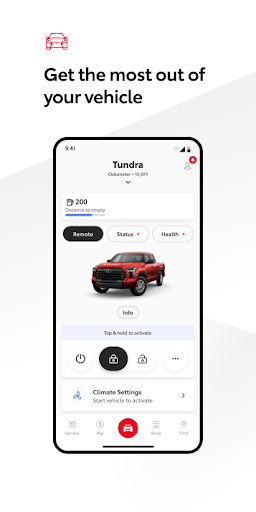
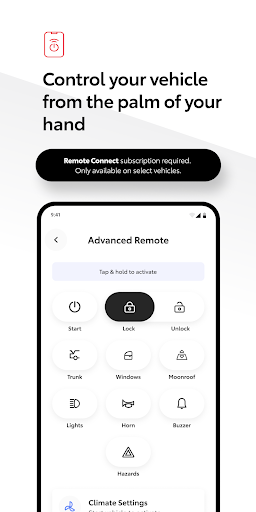
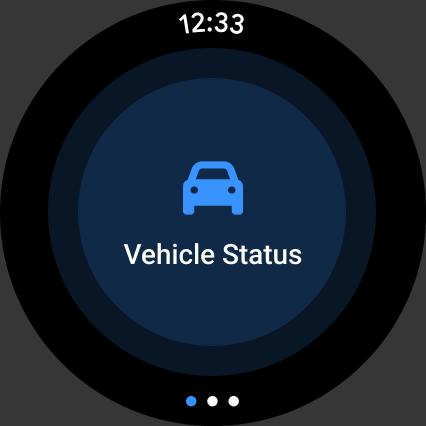
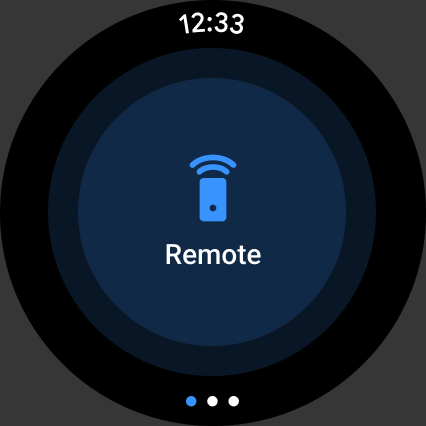
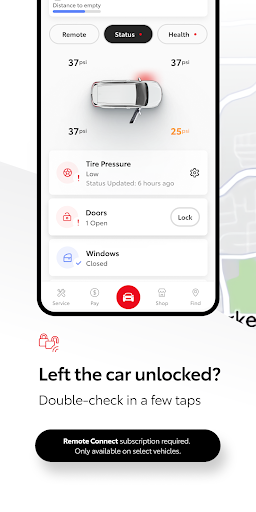
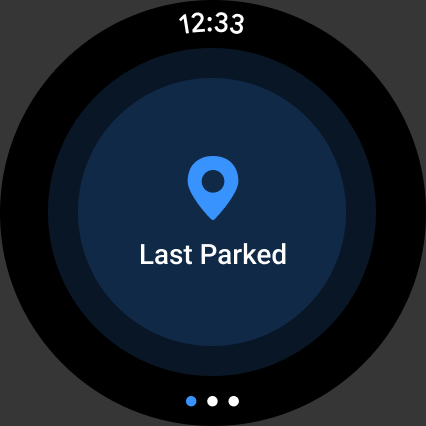
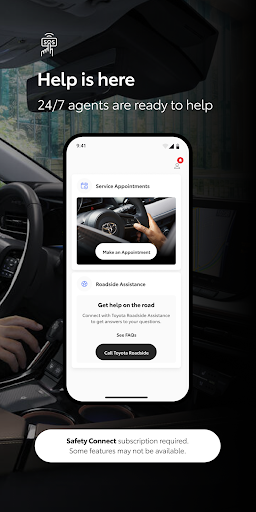
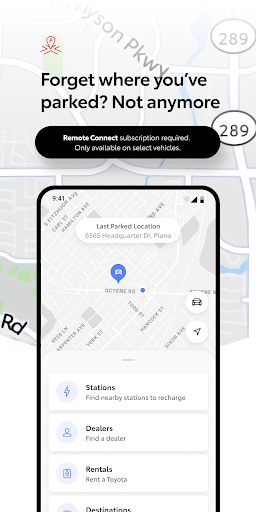
At Toyota, we aim to revolutionize how you can use technology to get the most out of your ownership experience. Stay connected to your vehicle wherever you go, gaining convenience and accessibility with the Toyota app. Log in or register and unlock the potential of select vehicles with Connected Services such as remotely starting or stopping your vehicle, locking and unlocking doors, finding your local Toyota dealership, and scheduling maintenance at your local dealership around the clock. The app also offers 24/7 roadside assistance, the ability to locate your last parked vehicle, and access to the owner’s manual and warranty guides, all in one place. Stay connected to your vehicle and start experiencing the everyday convenience and peace of mind that the Toyota app brings. The companion Wear OS app provides a convenient way to operate Remote Services from your wrist as you go about your day. (1) Available services vary by vehicle and subscription type. (2) Remote services: Be aware of vehicle surroundings. Operate when legal and safe (e.g., do not start the engine in an enclosed space or if occupied by a child). See the Owner's Manual for limitations. *Features may vary by region, vehicle, and select markets.
Getting started with the Toyota App
Getting started is a breeze. Download the Toyota app from your app store, sign in with your Toyota account, and you’re in. The interface is designed to be intuitive for everyone, whether you’re a seasoned tech user or new to connected services. Once logged in, you’ll immediately feel the convenience of managing your vehicle from the palm of your hand and you can begin exploring remote features right away.
Core features that stand out
The Toyota app is packed with functionalities that simplify daily driving and vehicle management. You can remotely start or stop your engine to pre-condition the interior on chilly mornings, or securely lock and unlock your doors from afar. A vehicle health report keeps you informed about your car’s condition, while maintenance reminders help you stay on top of tune-ups and service needs. The app also keeps a log of your vehicle’s location, making it easier to find the car in a crowded lot. With ongoing maintenance scheduling and roadside assistance at your fingertips, you’ll never be caught off guard when you’re on the road.
Navigation, connectivity, and in-car integration
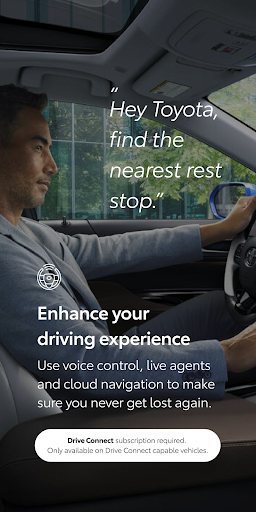
One of the key advantages is seamless integration with your car’s navigation system. You can send destinations from your phone directly to the vehicle, saving time and avoiding fiddling with the in-car GPS. The Toyota app also connects with the car’s infotainment system, letting you control music, calls, and apps like Spotify from your phone. For long trips, trip history and fuel-efficiency trackers provide insights that help optimize driving habits and reduce costs, giving you a practical co-pilot that watches out for your wallet.
Final thoughts
Overall, the Toyota app acts as a powerful command center for Toyota owners. It’s a game‑changer for starting your car remotely, navigating more efficiently, and staying on top of maintenance. If you’re a Toyota owner and haven’t explored the app yet, you’re missing out on a more connected and convenient driving experience. With features designed to enhance safety, efficiency, and everyday ease, the Toyota app is more than just a mobile companion—it’s a smarter way to manage your vehicle from anywhere.
Pros
- User-friendly interface for easy navigation
- Comprehensive vehicle information available
- Seamless integration with Toyota services
- Real-time updates on vehicle status
- Supports multiple languages for global users
Cons
- Limited features for non-Toyota vehicles
- Requires stable internet connection
- Occasional app crashes reported
- Some features may be region-specific
- Registration process can be lengthy










