

Introducing TeslaMirror: The Ultimate Screen Mirroring App for Tesla Owners
TeslaMirror is an innovative application designed to enhance the driving experience for Tesla owners by enabling seamless screen mirroring from an Android device to a Tesla vehicle's infotainment system. As the first app available on the Google Play Store supporting Tesla app mirroring, TeslaMirror opens up new possibilities for in-car entertainment and navigation, making it an essential tool for tech-savvy drivers who want more control and convenience during their journeys.
Key Features and Benefits of TeslaMirror
Free Trial and Purchase Options
Users can enjoy a free 144-hour (6-day) trial of the Android version directly from the Play Store. When purchasing TeslaMirror on the Google Play Store, customers are automatically eligible for this trial, allowing them to test the app before making a full commitment. If satisfied, users can continue using the app; otherwise, they may request a refund by emailing the support team, providing their full order email address or Google Play order number. This trial period ensures that users can evaluate TeslaMirror's capabilities and decide whether it meets their needs.
Easy Setup Process
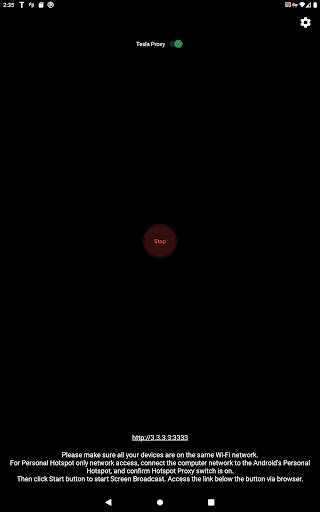
Setting up TeslaMirror is straightforward, requiring just a few simple steps:
- Update your Tesla's infotainment system to the latest version.
- Ensure your Tesla is in Parked mode for safety.
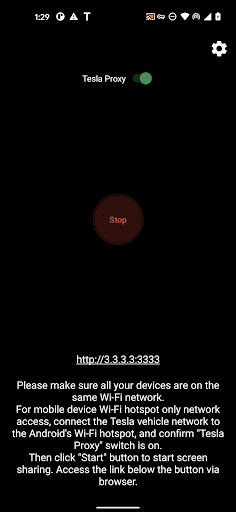
- Connect your Tesla vehicle to your Android device's mobile hotspot—preferably a 5GHz Wi-Fi network, as Wi-Fi 6 AP is not supported.
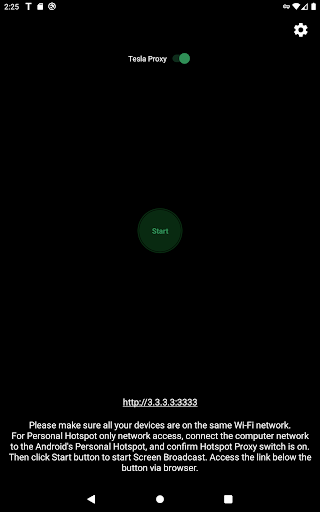
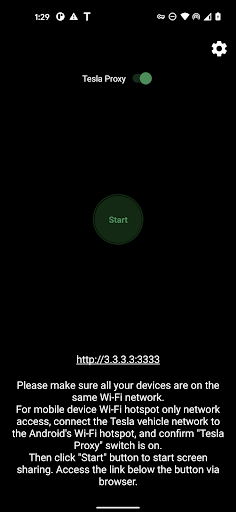
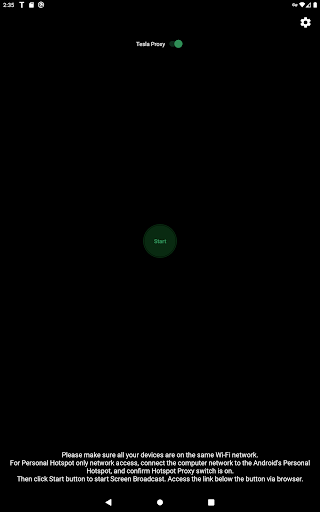
- Launch TeslaMirror and verify that the "Tesla Proxy" switch is turned ON.
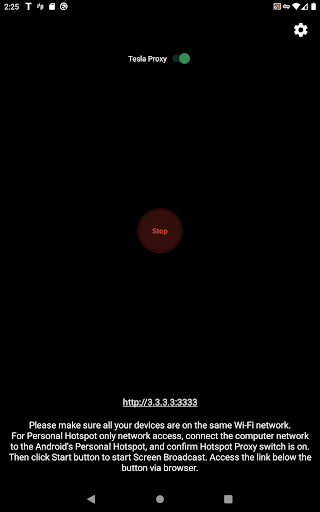
- Tap "Start" to begin screen broadcasting.
- On Tesla's browser, access the dedicated link at TSL6.com or http://100.99.9.9:3333 for different streaming modes.
Advanced Mirroring Capabilities
TeslaMirror supports various modes for optimized performance:
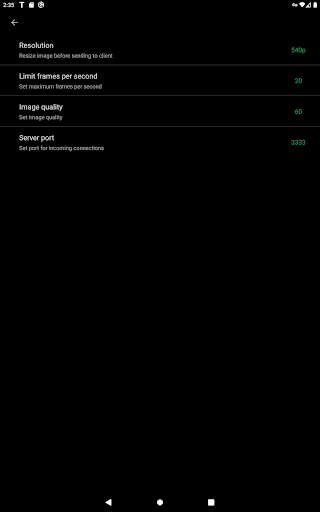
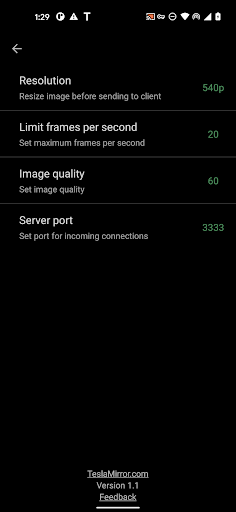
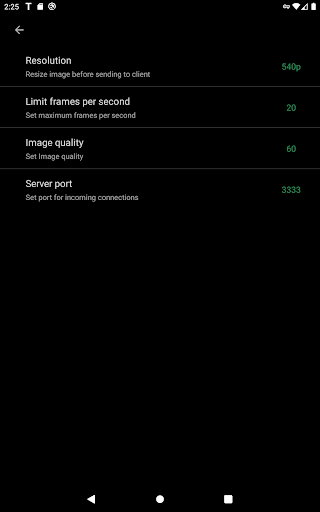
- H.264 mode: recommended settings include MCU3 (AMD Ryzen) at 720p@60fps or 1080p@60fps, and MCU2 (Intel Atom) at 540p@30fps.
- Audio Quality: lossless audio support (Android 10+), delivering high-resolution sound up to 96 kHz stereo, which surpasses Bluetooth quality.
- MPEG mode: supports screen mirroring without audio; for audio, Bluetooth is recommended.
Connectivity and Performance
TeslaMirror performs reliably across different driving conditions, providing a stable connection with minimal lag. The app operates best with a 5GHz Wi-Fi hotspot connected to your Tesla, ensuring smooth streaming of video and audio. With support for high frame rates (up to 60fps), users can enjoy responsive navigation and entertainment, whether cruising down the highway or navigating city streets.
Legal & Privacy Considerations
Important warnings include:
- This service should only be used when the vehicle is Parked.
- VPN support is necessary because Tesla vehicles block private LAN IP ranges, which TeslaMirror uses to bypass restrictions via a VPN tunnel. The VPN does not connect to any public servers; it's confined to the Android device and the Tesla car, ensuring user privacy.
- TeslaMirror does not collect user data or logs. The app also does not manipulate traffic from other apps, maintaining your privacy and security.
A Personal Perspective: Enhancing Your Tesla Experience with TeslaMirror
When I first encountered TeslaMirror, I was curious about its capabilities. After testing the app, I found that it truly elevates the in-car experience. The setup process was surprisingly simple, allowing me to mirror my Android device directly onto my Tesla's display without complex configurations. Once connected, I could access my favorite navigation apps, stream music, and even enjoy videos during charging breaks—all without taking my eyes off the road for too long. The app's performance impressed me, maintaining a stable connection even during city traffic and highway cruising. The high-quality audio support enriches my listening experience, making me feel like I have a personal theater in my car. Whether I want to use Google Maps for navigation or catch up on a show, TeslaMirror brings convenience and entertainment together. Overall, TeslaMirror is a powerful tool for Tesla owners eager to maximize their vehicle's capabilities. Its user-friendly interface, robust features, and stable performance make it a standout choice for seamless smartphone integration. If you're looking for a way to enhance your Tesla driving experience—especially for entertainment and navigation—TeslaMirror is definitely worth considering.
Pros
- Seamless integration with Tesla vehicles.
- High-quality mirror streaming.
- User-friendly interface.
- Quick setup process.
- Stable connection with minimal lag.
Cons
- Limited to Tesla car owners.
- Requires a strong internet connection.
- Subscription fee for premium features.
- Occasional app crashes reported.
- No offline capabilities.











