





Discover the Power of the TD Bank (US) Mobile App
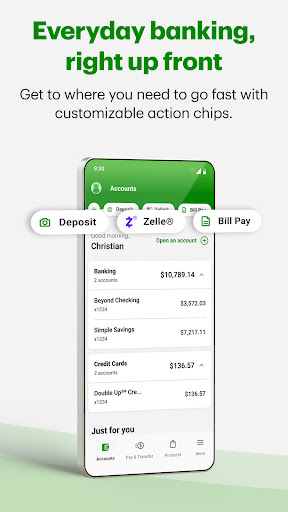
The TD Bank (US) app offers a seamless banking experience, allowing customers to manage both personal and business accounts from anywhere at any time. With its sleek new design, the app enhances convenience by providing quick access to essential banking features right from your smartphone or tablet. Whether you're checking your account balances, paying bills, or depositing checks on-the-go, the TD Bank app is designed to meet all your financial needs with ease and security.
Comprehensive Features for Effortless Banking
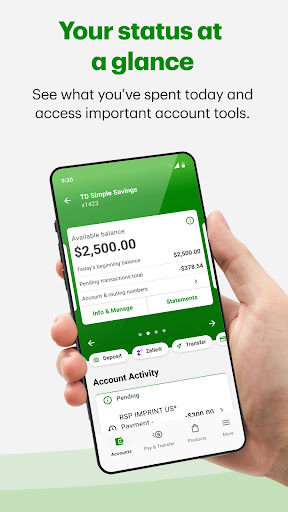
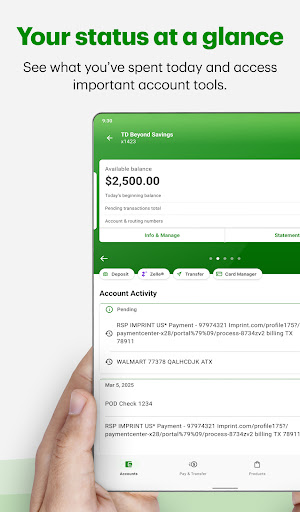
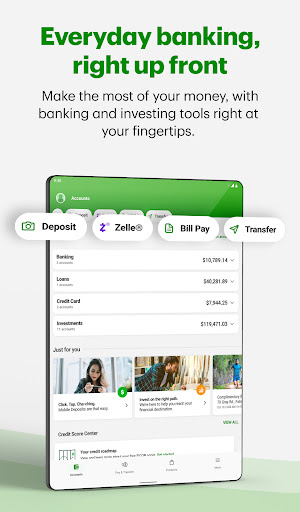
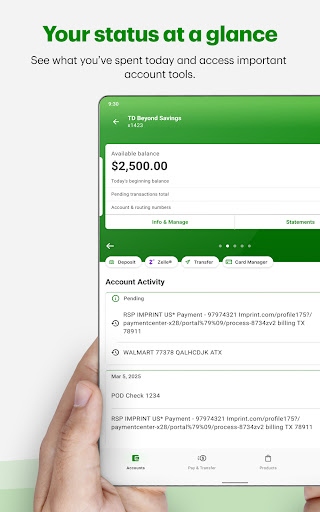
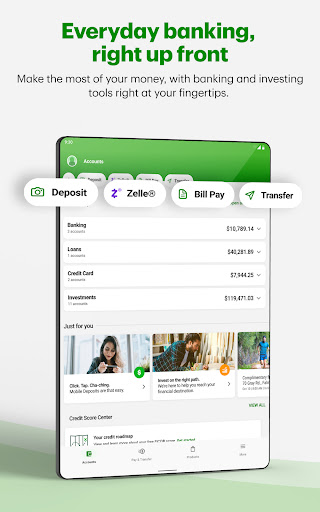
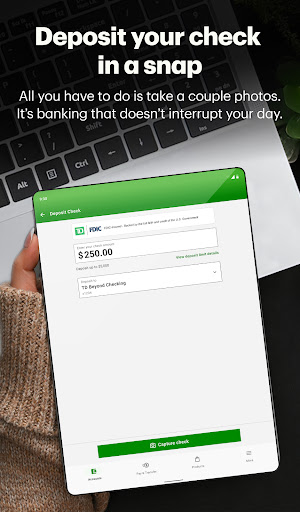
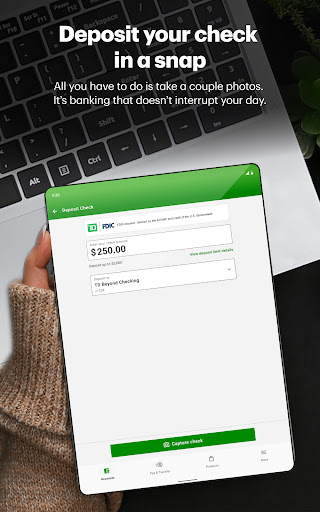
The TD Bank US app equips users with a wide array of functionalities that replicate the full-service banking experience. You can easily view account balances and activity to stay updated on your finances, and conveniently review account and credit card statements whenever needed. Need to deposit a check while on the move? Simply snap two quick pictures with your smartphone, and your deposit is complete—no trips to the bank required.
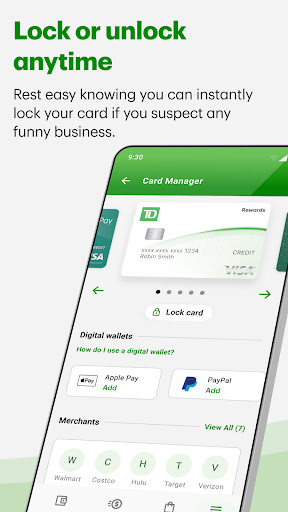
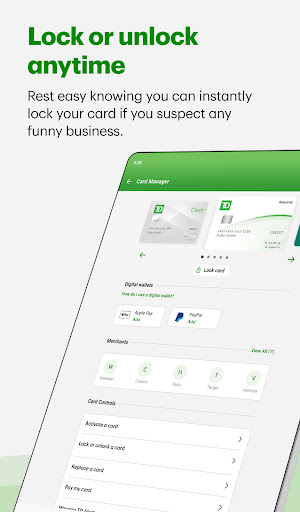
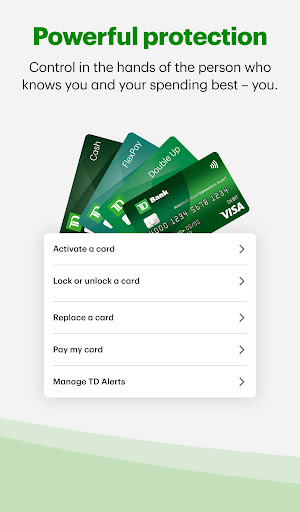
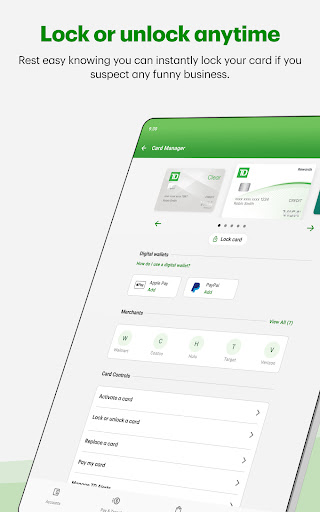
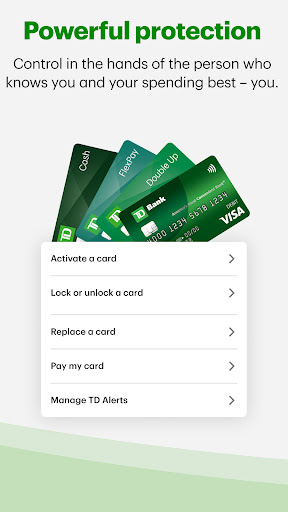
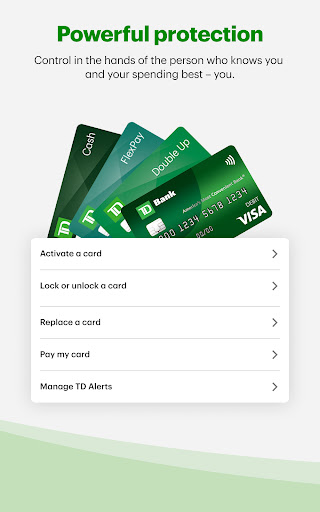
Paying bills becomes hassle-free, as the app allows you to pay bills to cards, companies, and individuals. You can also lock and unlock your credit, debit, and ATM cards instantly, providing an added layer of security and control. Adding your cards to your Digital Wallet ensures quick tap-to-pay options for your everyday spending. Exploring and opening new accounts is also straightforward within the app, giving you easy access to financial products that suit your lifestyle.
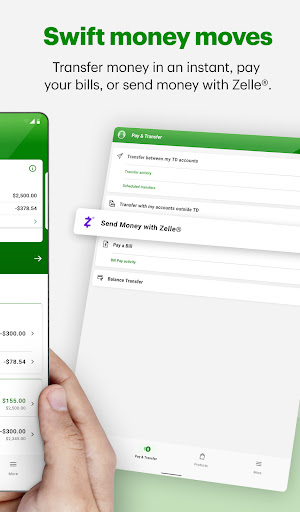
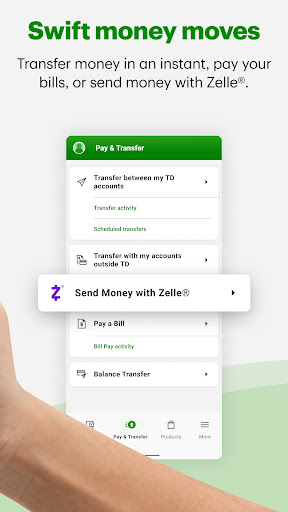
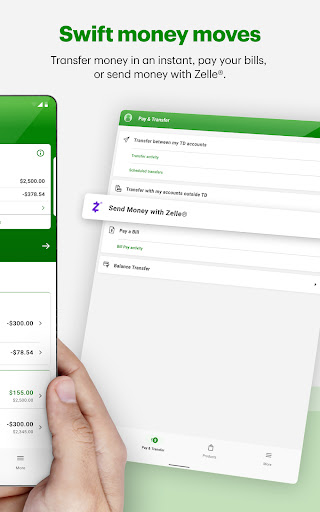
For those who frequently transfer money, features like send Money with Zelle® to friends and family, or transfer funds between your accounts, keep your finances fluid. Stay informed about your account activity by customizing TD Alerts, and manage your accounts effortlessly by accessing account settings and updating personal information. Additionally, the TD for Me personalized service provides tailored info on your accounts, promotions, and helpful tips. When support is needed, connect to 24/7 customer service via Call Us, Virtual Assistant, Secure Messages, or even schedule appointments directly through the app.
Why Choose the TD Bank App?
Managing finances can often feel overwhelming, but the TD Bank (US) app transforms this experience into a simple, stress-free process. Its intuitive interface makes navigation a breeze, even for users who are not tech-savvy. From the moment you download the app, you’re greeted with a user-friendly environment that guides you through all key banking tasks effortlessly.
One standout feature is its comprehensive nature—acting like a full-service bank in your pocket. Whether it's checking balances, paying bills, transferring money, or depositing checks, everything is consolidated into one easy-to-use platform. Automatic alerts for suspicious activity provide peace of mind, enhancing security while keeping you informed of your transactions.
The app also includes a helpful budgeting tool that categorizes your expenses and tracks your savings goals. This smart feature makes it easier to stick to your budget, giving you a clear picture of where your money is going—without the need for manual input. It’s akin to having a personal financial assistant, minus the attitude!
Robust Security Features
Security remains a top priority with the TD Bank (US) app. It employs multi-factor authentication to safeguard your sensitive information. Should your phone ever be lost, you have the ability to disable access remotely, ensuring your accounts remain protected. With these advanced security measures, users can confidently perform banking transactions without worry.
Exceptional Customer Support at Your Fingertips
The app offers easy access to customer support services, providing multiple channels to assist users quickly. Whether you prefer chatting, calling, or scheduling an appointment, help is just a tap away. My personal experience with the support team was smooth and effective, resolving minor issues promptly and professionally.
Conclusion
The TD Bank (US) app is an essential tool for modern banking, combining powerful features, security, and ease of use into one platform. It empowers users to manage their finances better and more conveniently, making it an ideal choice for individuals seeking a comprehensive mobile banking solution. Download the app today and experience the difference it can make in your financial life!
Pros
- User-friendly interface
- Quick and straightforward account setup
- Full-featured mobile banking capabilities
- Secure login using fingerprint and Face ID
- Customer support available 24/7
Cons
- Requires frequent app updates
- Limited functionality without internet connection
- Occasional login problems
- Some features are accessible only via the web
- In-app navigation may be confusing











