
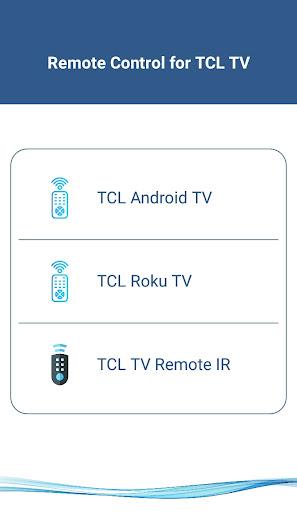
Introducing the TCL Android TV Remote App
Are you tired of fumbling around for your traditional TV remote, only to find it buried under couch cushions or misplaced somewhere in the house? The TCL Android TV Remote app offers a modern, convenient solution by turning your mobile device into a powerful remote control for your TCL Smart TV. With this app, you can enjoy seamless control over your television with just a few taps, eliminating the need for batteries or fragile plastic remotes.
Supported Devices and Compatibility
Supported TCL Android Smart TVs
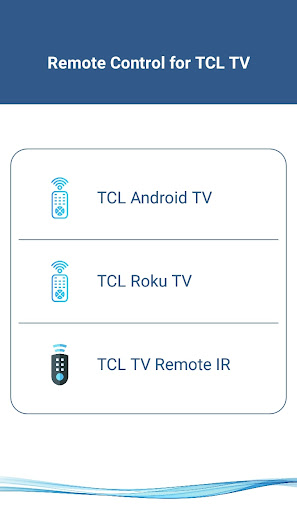
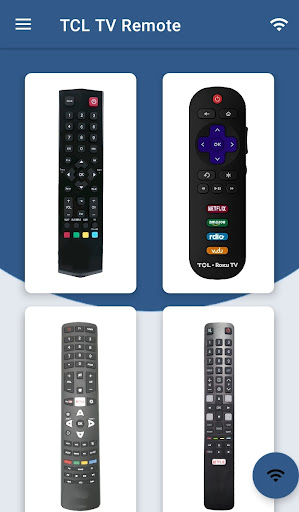
This remote app is compatible with all TCL Smart TVs running on Android OS or Android TV. Whether you own an Android TV or a traditional TCL smart television, this app supports a wide range of devices, making it versatile for many users.
Network Requirements
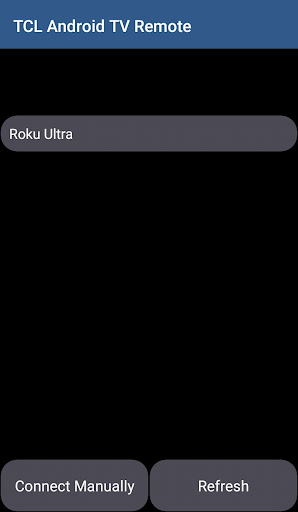
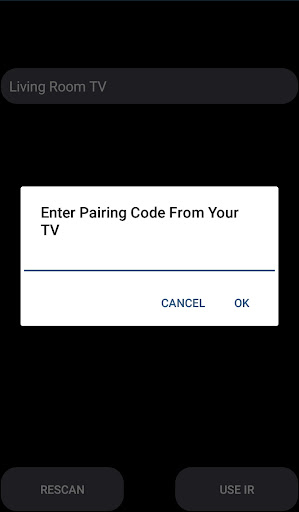
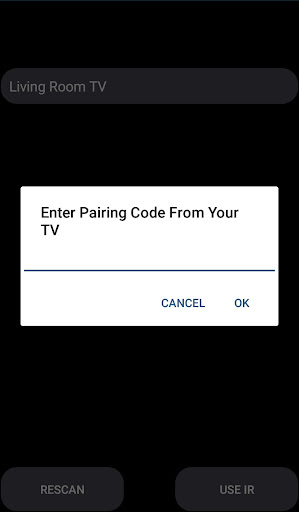
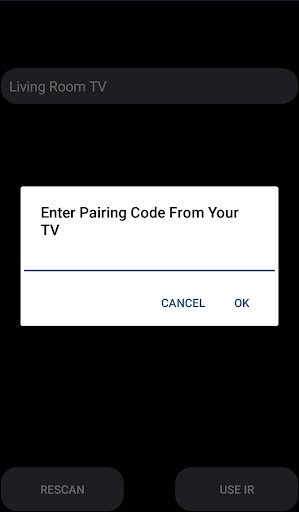
To use the TCL Android TV Remote app, both your mobile device and TCL Smart TV must be connected to the same Wi-Fi network. Once your devices are on the same network, the app will detect your TV. You will be prompted to enter the PIN displayed on your TV screen to establish a connection and start controlling your TV effortlessly.
Supports Traditional IR Devices
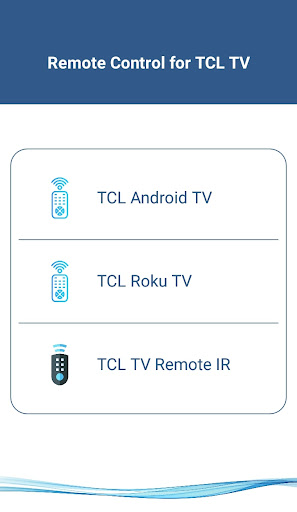
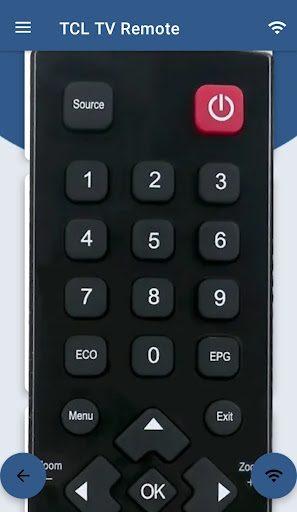
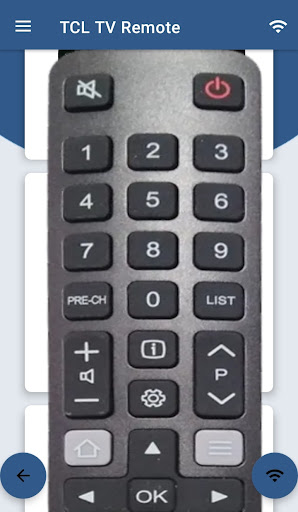
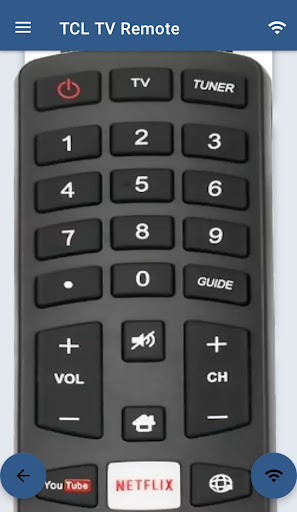
For older TCL models equipped with IR blasters, the app can function as a traditional remote. Just ensure your phone has an IR blaster, and you’ll be able to control your TV just like with the original remote, covering all essential functions such as power, volume, channels, and more.
Key Features of the TCL Android TV Remote App
Comprehensive Control Options
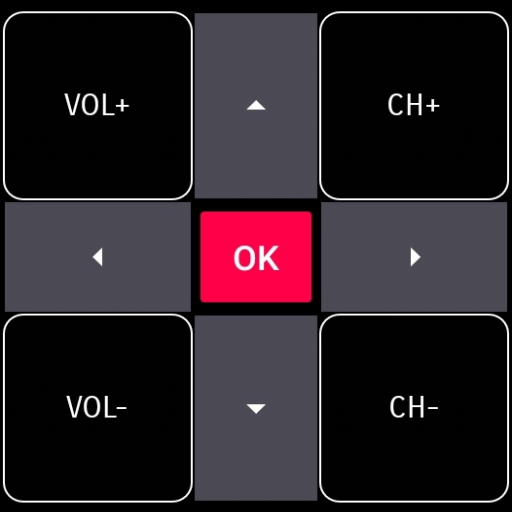
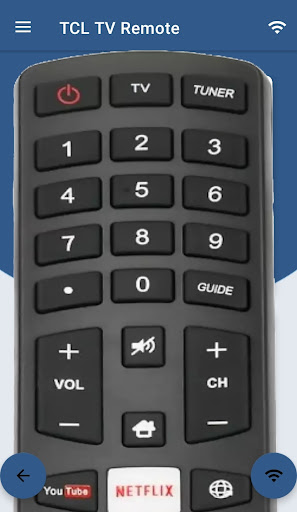
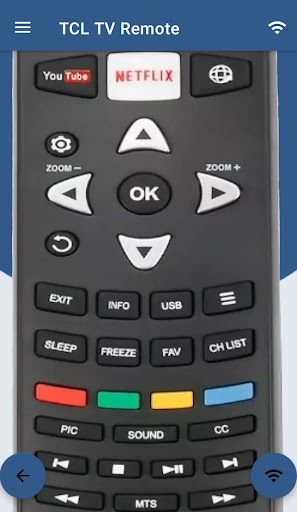
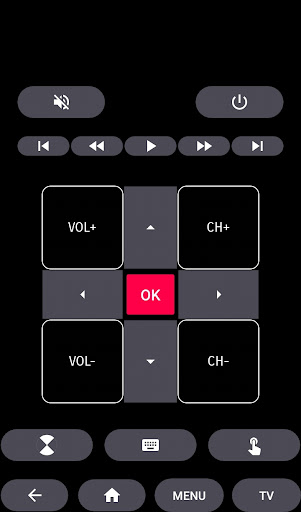
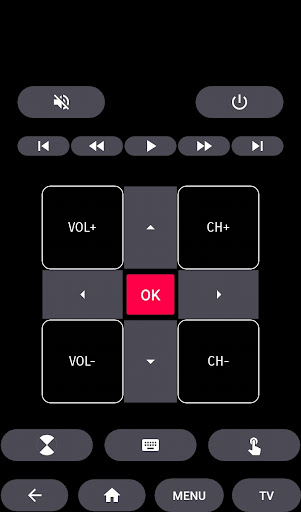
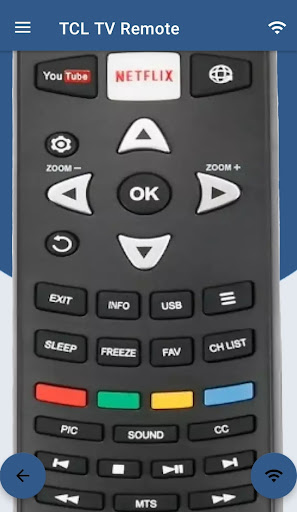
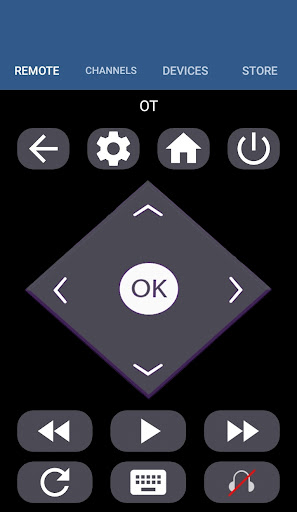
The app allows you to perform essential functions including ON / OFF, volume control, channel navigation, mute, navigation controls, and multimedia management. Conveniently, it also provides a touchpad for easy browsing and control.
Multi-Platform Support
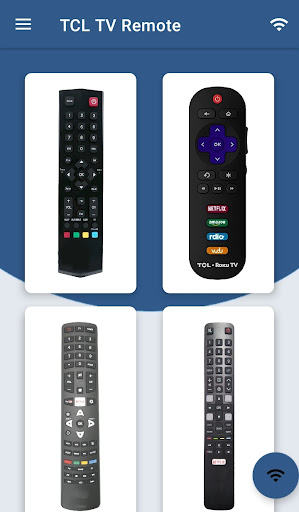
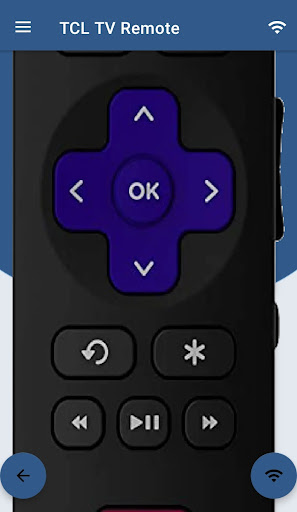
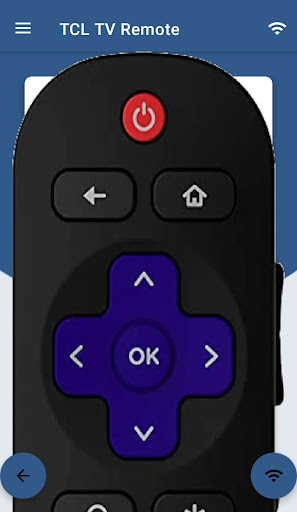
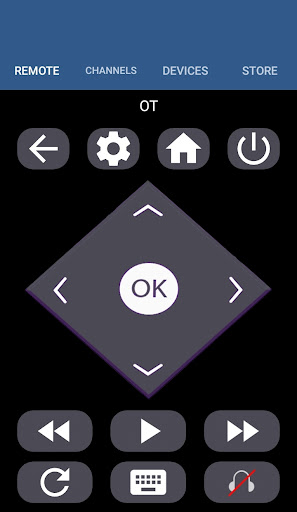
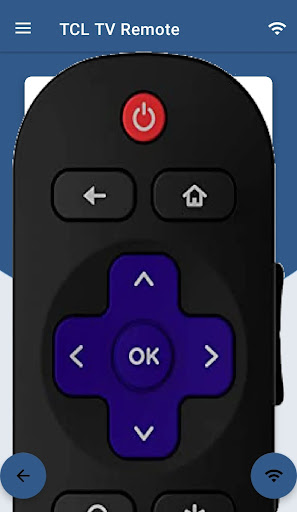
Beyond TCL Android TV, this app also supports Android Chromecast OS and can serve as a universal remote for TCL Roku TVs and other compatible devices, making it a versatile solution for various smart TVs.
Voice Command Functionality
One of the standout features is voice control. Simply press the microphone button within the app and issue commands like "Open Netflix," "Increase volume," or even ask questions such as "what's the weather." This feature transforms your smartphone into a personal assistant for your TV experience.
Keyboard Input for Search and Navigation
Typing search queries on a traditional remote is often tedious. With this app, you can use your phone’s keyboard for quick and easy input, significantly enhancing your browsing experience and interaction with apps.
Reliable Connectivity with No Lag
The app maintains a stable connection with your TV, ensuring no lag or disconnections during use. This reliability makes controlling your TV smooth and frustration-free, whether you’re changing channels or adjusting volume.
Additional Information
It’s important to note that this app is a third-party solution and not an official TCL application. While it’s designed to enhance your smart TV experience, TCL Electronics is not affiliated with this app. If you encounter connectivity issues, support is available via email, and the developers are dedicated to continual improvements.
Conclusion
The TCL Android TV Remote app is a must-have for anyone seeking a smarter, more convenient way to control their TCL smart television. It replaces traditional remote controls with a sleek, intuitive interface that offers comprehensive control, voice command capabilities, and seamless connectivity. Whether you own an Android TV, ROKU TV, or a traditional IR-enabled TCL TV, this app simplifies your entertainment setup while enhancing your overall viewing experience. Say goodbye to lost remotes and hello to effortless smart TV control with just your smartphone.
Pros
- Simple setup process and easy connection with the TV.
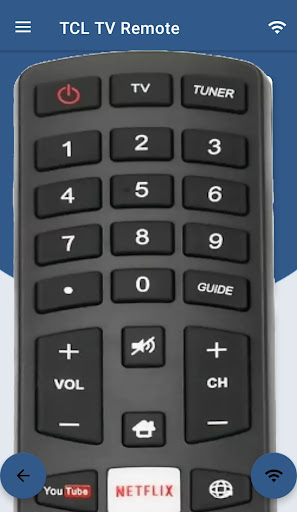
- User-friendly interface with intuitive controls.
- Supports voice commands for hands-free operation.
- Includes a touchpad for straightforward navigation.
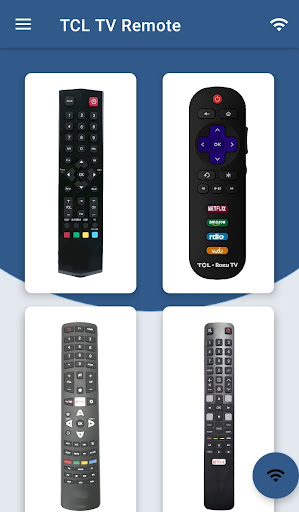
- Compatible with various TCL TV models.
Cons
- Response times can be occasionally slow.
- Offers fewer features compared to a physical remote.
- Requires a Wi-Fi connection to function.
- Ads may sometimes be disruptive.
- Might not be compatible with older TCL TV models.











