
Introduction to the Taximeter App
Imagine having a highly accurate taximeter right in your pocket—designed to assist drivers in providing transparent and fair fares. The Taximeter app is an essential tool for professional drivers and casual chauffeurs alike, offering a comprehensive suite of features that enhance the driving experience. Whether you operate a private hire vehicle, manage a limousine service, or simply give friends rides, this app brings reliability, flexibility, and convenience to your fingertips.
Key Features of the Taximeter App
Intuitive and Realistic Interface
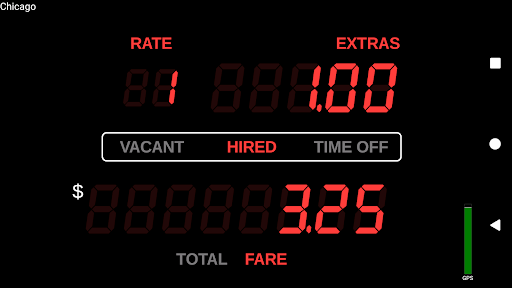
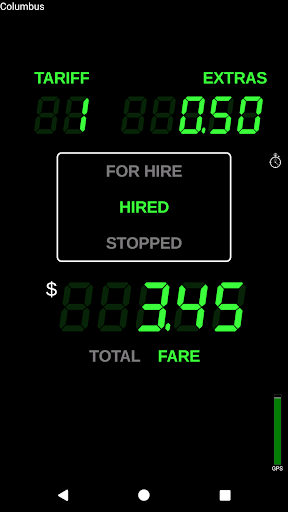
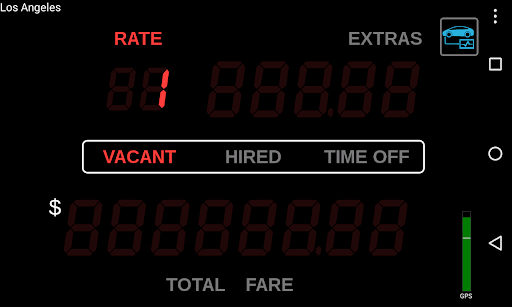
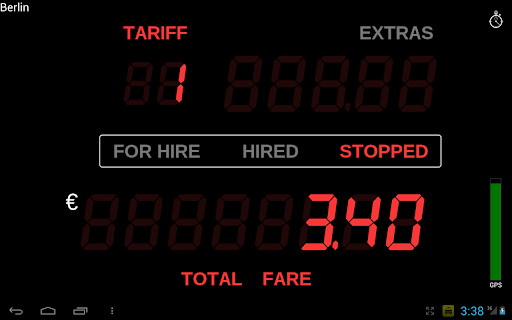
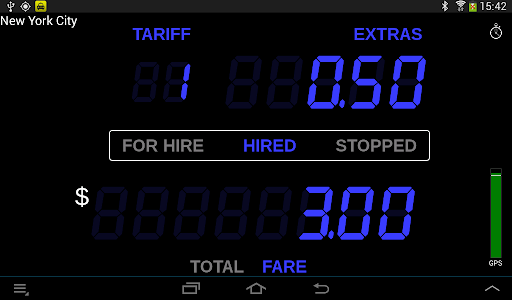
The app boasts a realistic "LED effect" appearance, mimicking traditional taxi meters for a familiar experience. Its user-friendly dashboard ensures quick setup and seamless operation, minimizing distractions during your ride.
Flexible Rate Management
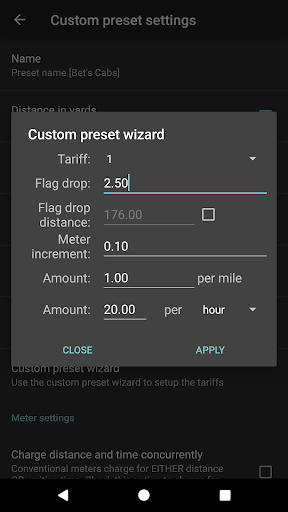
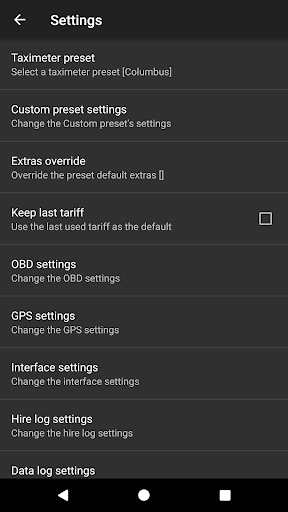
With over 200 predefined presets available for more than 40 countries, drivers can quickly adapt to local tariffs. You can also download the latest rates from the internet, and Planet Coops offers free updates to add or modify the rates for your drivers. The app supports customizable presets, allowing up to 10 tariffs to suit different scenarios or periods.
Advanced Tariff Control
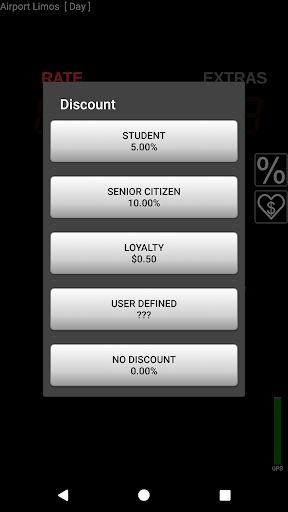
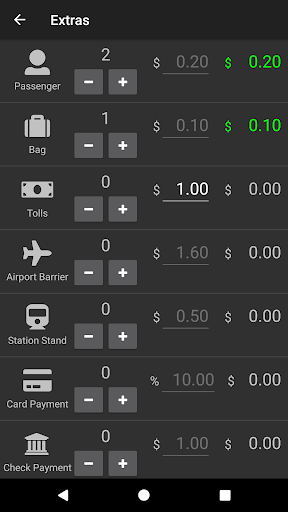
Features include calendar-controlled tariffs with auto-switching, location-controlled tariffs (geofencing), and the ability to program future tariffs ahead of time. For added flexibility, itemized extras can be programmed via XML, and essential fare components such as minimum fare, tax, discounts, and tips are easily managed.
Payment and Receipt Options
Seamlessly integrate with payment systems like PayPal Here™, Square Point of Sale™, SumUp™, and Zettle™ for on-the-go transactions. The app can generate a PDF receipt that can be emailed or printed via the Android Print Service. Receipts can also be sent via SMS or accessed as a QR code if cloud storage is enabled. For printing, compatible Planet Coops’ POS Print and Bluetooth-compatible printers are supported.
Driving Aids and Telemetry
The app offers roof light control through Bluetooth switches, an event log with alerts, resettable totals, and a talking taximeter feature for the sight-impaired. It also supports On-Board Diagnostics (OBD) for speed and distance calculation, requiring an OBD-II compliant vehicle and an ELM327 Bluetooth, Wi-Fi, or USB adapter.
Location and Data Management
Use wireless GPS receivers for accurate tracking, and leverage the Preset Update Service for automatic rate updates. The app also logs GPS positions, meter states, and fare data to the cloud, supporting online tracking and data analysis. Additionally, an extensive API allows integration with third-party dispatch systems, with remote access enabled via the Taximeter Proxy Service.
Additional Functionalities
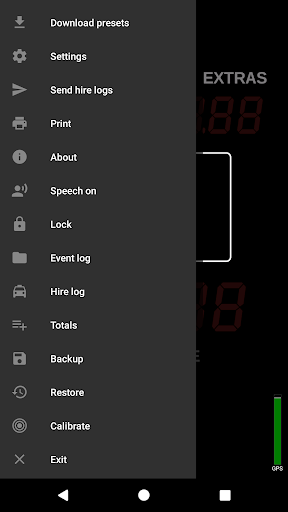
Features like backup and restore optimize your settings management. The app supports Multi Window™ modes on Samsung, LG, and Android devices for multitasking, with optional screen saver and floating widget options. A comprehensive user guide provides detailed instructions.
Applications and Use Cases
This powerful taximeter app is suitable for a range of transportation services including private hire, medical transportation, limousine, and airport transfers. It helps drivers avoid being overcharged when traveling overseas, manage carpooling, or operate as a family "taxi". Its versatility makes it an indispensable companion for professional drivers seeking accuracy, efficiency, and transparency in fare calculation.
Conclusion
With its comprehensive features, ease of use, and reliable performance, the Taximeter app stands out as a top choice for drivers aiming to provide precise and trustworthy fare calculations. Whether you're managing a fleet or just transporting friends, this app offers the tools needed to streamline your operations and enhance customer satisfaction. Embrace the future of ride-hailing with a digital taximeter that adapts to your needs and elevates your driving experience.
Pros
- Accurate fare calculation
- User-friendly interface
- Real-time GPS tracking
- Multi-language support
- Customizable settings
Cons
- Requires internet connection
- Limited to specific regions
- No offline maps
- Occasional GPS glitches
- Battery intensive usage











