
Overview of Sweet Home 3D Mobile
Sweet Home 3D Mobile is a versatile and user-friendly interior design application that allows users to create detailed house and apartment layouts with ease. Whether you're planning a renovation, designing a new space, or simply exploring your creative ideas, this app provides an intuitive platform that brings your vision to life. Compatible with both Android and iOS devices, Sweet Home 3D Mobile is perfect for homeowners, interior enthusiasts, and professional designers alike.
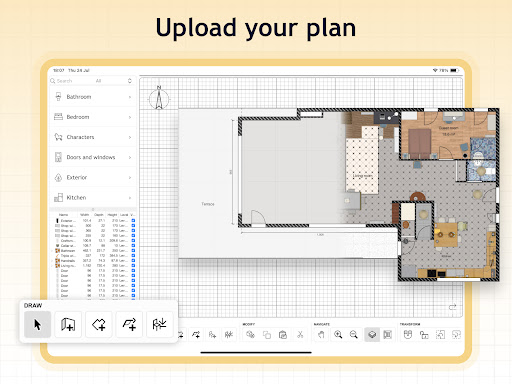
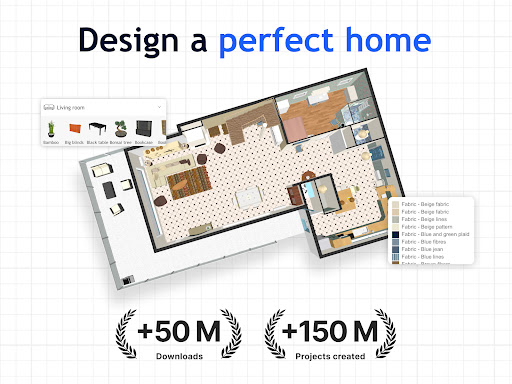
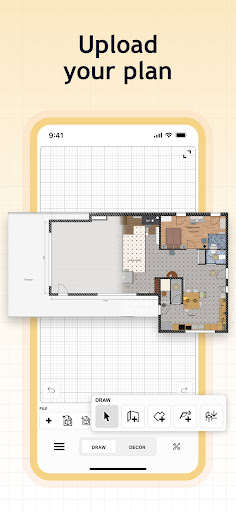
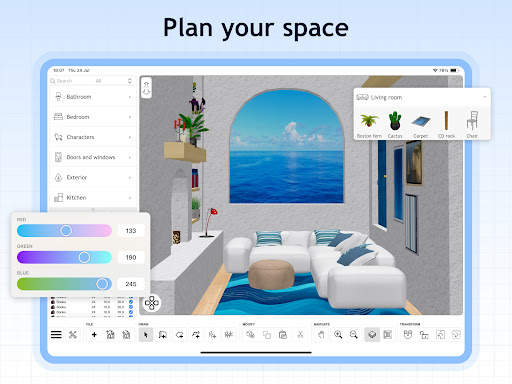
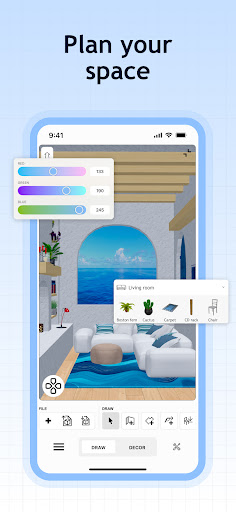
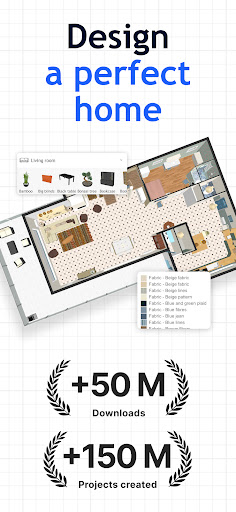
The app features a broad library of furniture, decor, and lighting options, giving you the flexibility to tailor your designs precisely. From adjusting room layouts to adding textures and lighting effects, you can explore your ideas in real-time using 2D and 3D views for an immersive experience. Effortlessly import custom 3D models to incorporate unique furniture pieces, and set accurate dimensions for a true-to-life plan. Save your projects to review, modify, and perfect your designs whenever you wish.
Boost your home decor creativity and explore endless possibilities with dedicated multi-language support, enabling users around the world to benefit from its features. Download Sweet Home 3D Mobile today and start transforming your living spaces into personalized masterpieces.
Key Features of Sweet Home 3D Mobile
Easy-to-Use Interface
The app offers a user-friendly drag-and-drop interface, simplifying the process of placing furniture and design elements. Even novice users will find it easy to navigate and create stunning layouts without any hassle.
2D and 3D Visualization
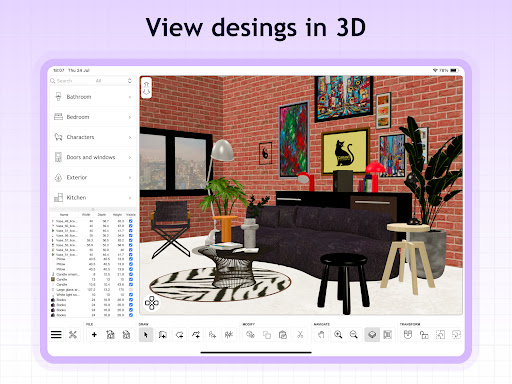
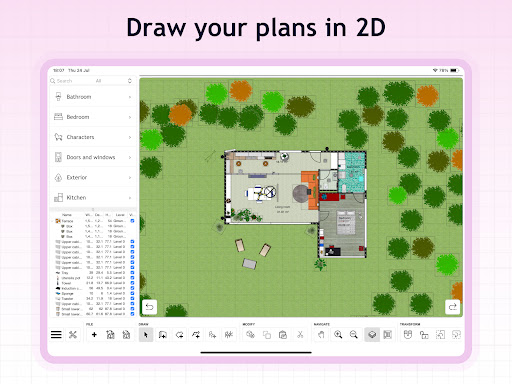
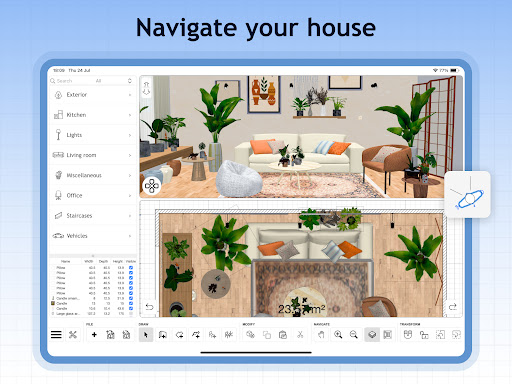
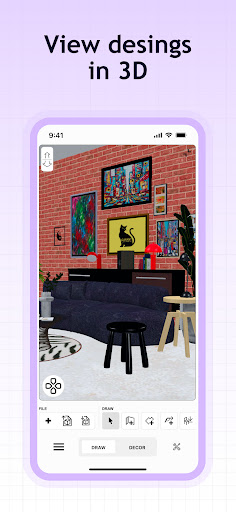
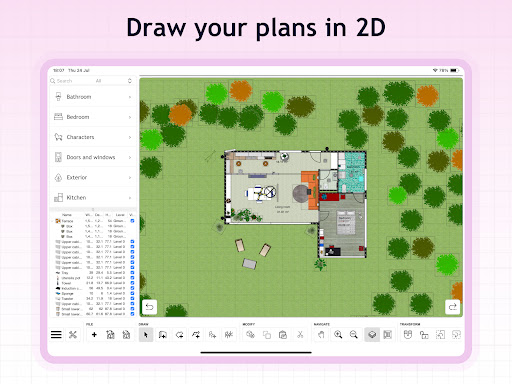
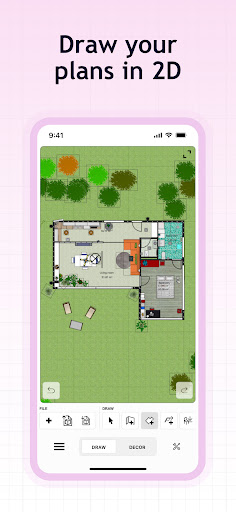
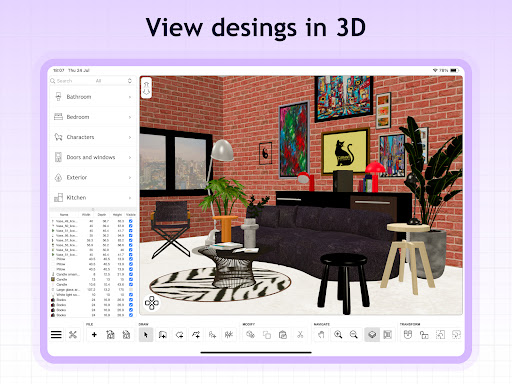
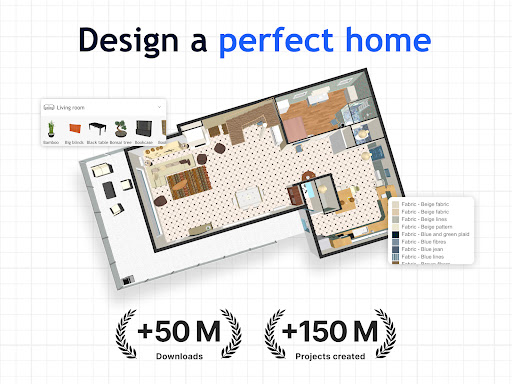
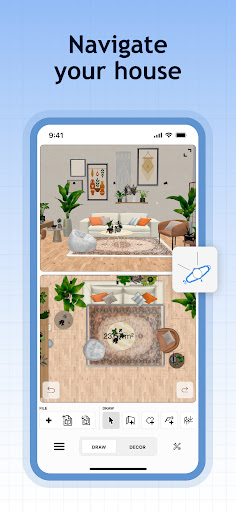
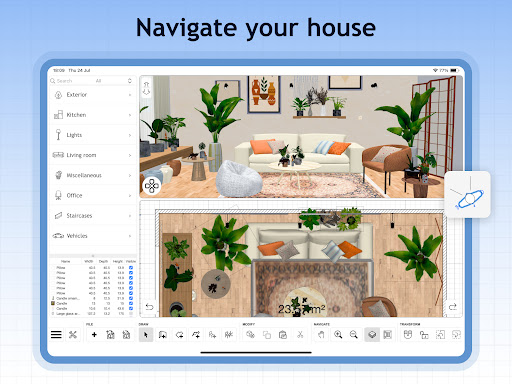
Experience your home design in both 2D floor plans and `3D` views simultaneously. This dual perspective allows for comprehensive exploration of the space from different angles, providing clarity and better planning accuracy.
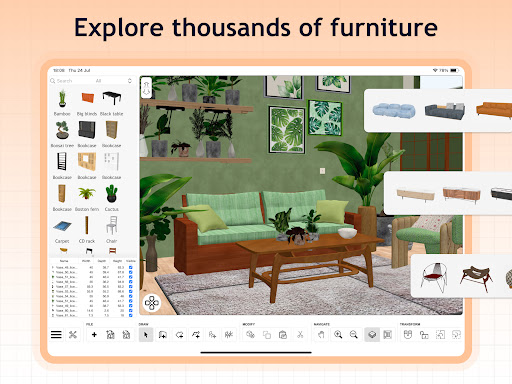
Extensive Furniture Library
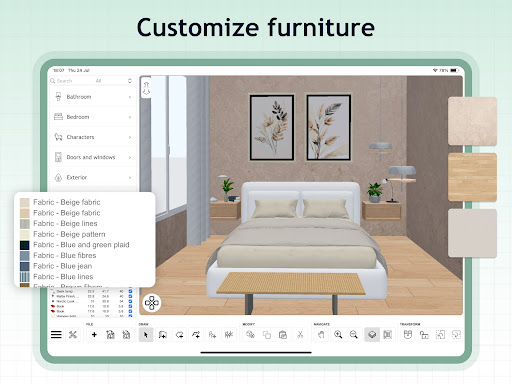
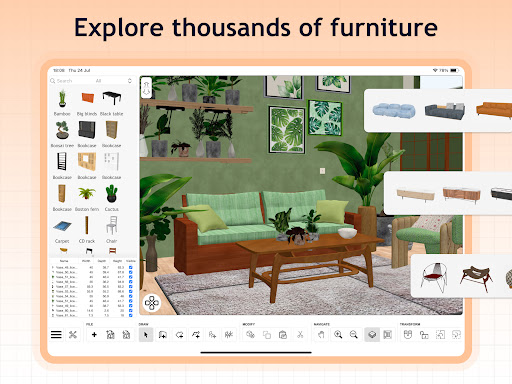
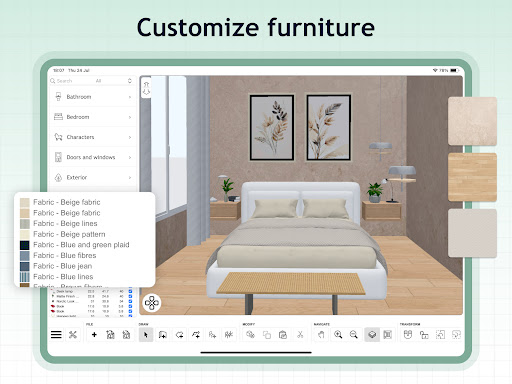
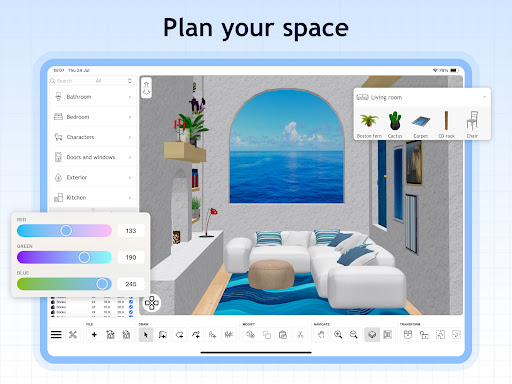
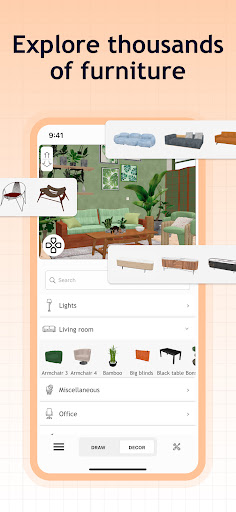
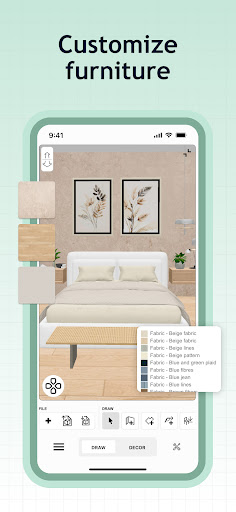
Choose from over 800 furniture pieces, lighting options, and decor items, all customizable in size and color. This wide selection ensures your designs match your style preferences precisely.
Import Custom 3D Models
Enhance your projects by importing your own 3D models, adding a level of uniqueness and personalization to your home design. This feature is perfect for users who have specific furniture or decor items in mind.
Precision and Accuracy
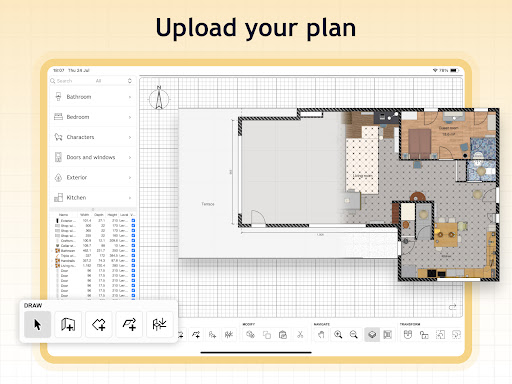
Set exact dimensions and fine-tune room layouts to ensure your created designs are a perfect fit for your real-world space. Accurate planning is key to successful renovation projects.
Design Management
Save, review, and modify your designs at any time. The app helps you manage multiple projects effortlessly, keeping your creative process organized.
Seamless Importing and Customization
Import models and textures smoothly to customize your interior designs, making every project uniquely your own. Compatibility with various file formats broadens your creative horizon.
Multilingual Support
Enjoy the app in multiple languages, ensuring accessibility for users worldwide.
Additional Features and Subscription Options
- Unlimited number of projects for comprehensive planning.
- Instant visualization of floor plans in 3D after creating 2D layouts.
- Access to a supportive online community for tips, inspiration, and feedback.
- Offerings of premium features through subscriptions, available on a weekly or yearly basis.
- Free trial options are available for select subscription plans.
When subscribing, your payment will be processed via your device's app store, with easy management and auto-renewal options through your account settings. Cancel anytime before renewal to avoid charges. Note that refunds are not available for partial subscription periods or after cancellation.
For detailed terms and privacy policies, please visit the Terms & Conditions and Privacy Policy.
For more information, visit the official website.
Why Interior Design Enthusiasts Love Sweet Home 3D Mobile
Hey there, fellow home design enthusiasts! If you're passionate about transforming your living space but want a hassle-free experience, Sweet Home 3D Mobile is the perfect app to bring your ideas to life. Available on both Android and iOS, this app combines accessibility with powerful features to help you craft your dream home effortlessly.
The intuitive interface makes designing fun and straightforward. With a simple drag-and-drop approach, you can add furniture, adjust room sizes, and modify textures with ease. The app's strong library includes over 800 furniture and decor options, catering to various styles, from minimalism to eclectic designs. Plus, its real-time 3D visualization allows you to see your project from multiple angles instantly, making it easier to spot improvements and achieve your desired look.
One of the standout features is sunlight simulation, which helps you understand natural lighting effects throughout different times of the day. This feature is invaluable for optimizing lighting arrangements and creating the perfect ambiance in every space.
While the app offers an extensive range of tools, new users might feel a bit overwhelmed initially. However, with some patience and experimentation, you'll find the interface straightforward and rewarding. For those aiming to refine their interior design skills or just have fun exploring their creativity, Sweet Home 3D Mobile provides a delightful platform to experiment and realize ideas without the need for professional help.
In summary, whether you’re planning a renovation or simply exploring interior design as a hobby, this app offers a perfect blend of practicality and creative freedom. Start designing today and turn your home dreams into reality!
Pros
- User-friendly interface for simple navigation
- Extensive selection of furniture options for customization
- 3D visualization improves design precision
- Available on both Android and iOS platforms
- Regular updates with new features and improvements
Cons
- Limited offline capabilities
- Some features available only through in-app purchases
- Occasional crashes on older devices
- High battery usage during operation
- Large app size may require considerable storage space











