

Discover the Power of the ColorSnap® Match App for Effortless Color Matching
Matching paint has never been easier thanks to the innovative ColorSnap™ Match app. This user-friendly mobile application connects seamlessly with the ColorSnap™ Match Pro or ColorSnap™ Match painting devices—sold separately at Sherwin-Williams Stores—allowing you to identify and match colors directly from your smartphone or tablet. Whether you're a professional designer or a DIY enthusiast, this app takes the guesswork out of selecting the perfect shade by providing instant, on-the-spot color matches from your environment.
Key Features that Make Color Matching Simple and Precise
The ColorSnap® Match app offers a suite of powerful features designed to streamline the color selection process:
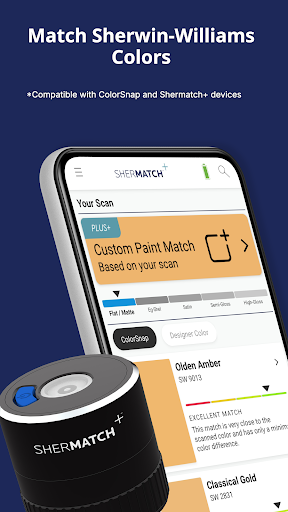
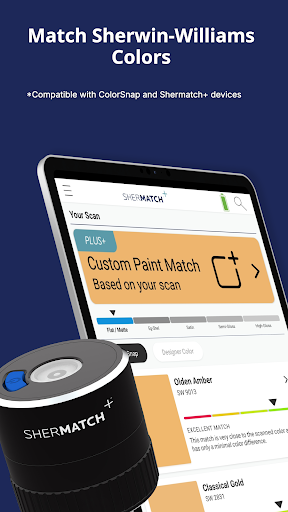
- Match to Sherwin-Williams colors: Capture any color by simply scanning a flat surface, and the app will identify the closest Sherwin-Williams paint shade.
- Determine sheen: When used with the ColorSnap™ Match Pro, the app can also detect the paint's sheen, providing a comprehensive color profile perfect for precise decorating plans.
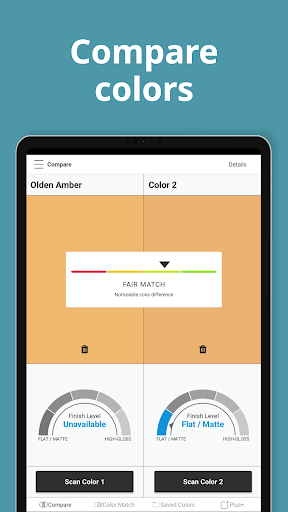
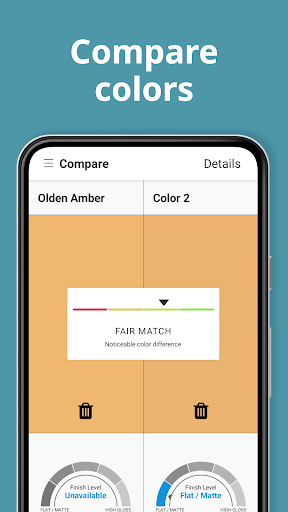
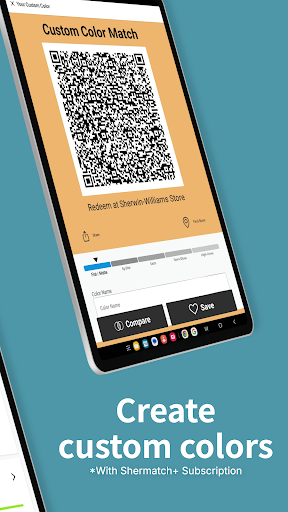
- Compare Colors: Easily compare two different colors side-by-side to help you choose the best match for your space.
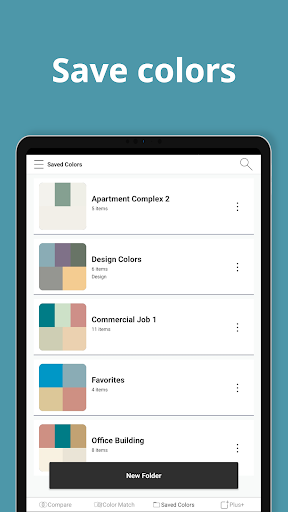
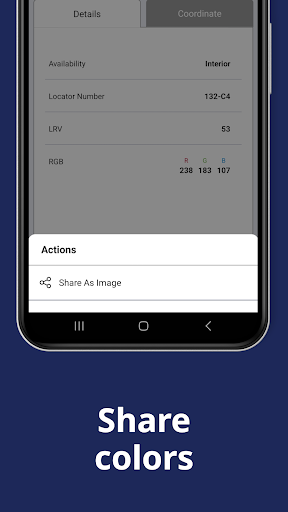
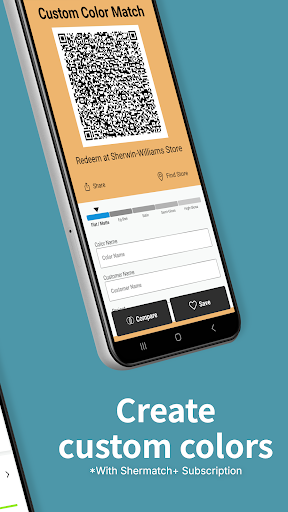
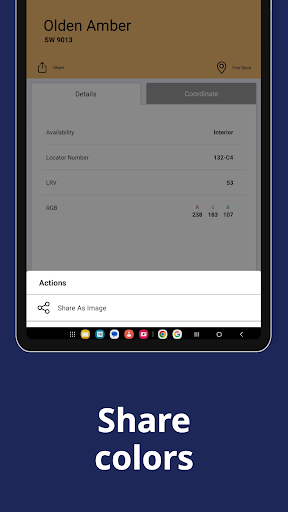
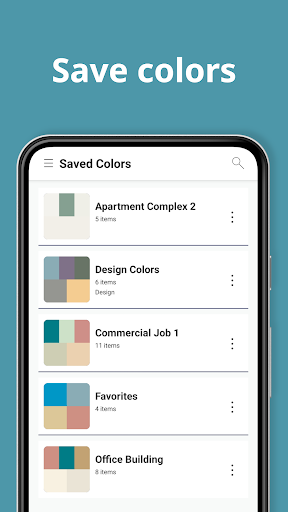
- Save and Share: Keep track of your favorite color matches, share them with friends or clients, and keep your inspiration organized.
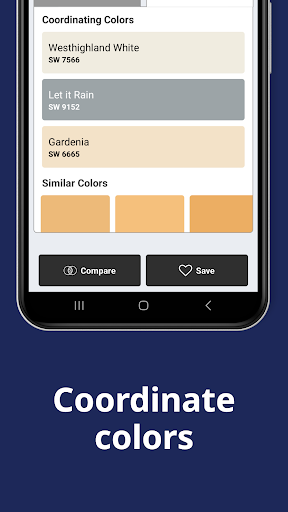
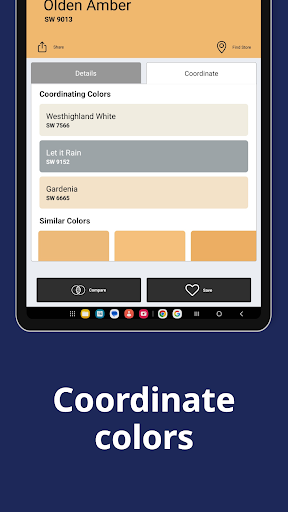
- View Coordinating Colors: Discover complementary shades and create harmonious color palettes for your project.
- Locate Stores: Find the nearest Sherwin-Williams store to pick up your matched paint or explore additional options.
Transforming Color Inspiration into Reality
Imagine walking through your daily surroundings and encountering a captivating color—whether it’s a vibrant hue from a sunset or a subtle tone from a piece of fabric. With the ColorSnap® Match app, you can effortlessly capture and translate these inspiring colors into real Sherwin-Williams paint shades. This makes it a perfect tool not only for home décor enthusiasts but also for professional designers who need accurate color communication on-site.
How Does the App Work?
Using the ColorSnap® Match app is straightforward and intuitive. Simply open the app, snap a photo of the color you'd like to match, and let the app analyze the image. Within seconds, you'll receive the closest Sherwin-Williams paint options, complete with suggestions for coordinating and complementary colors. This process is like having a personal color consultant with you at all times. It’s especially handy when you’re out shopping, visiting outdoor sites, or flipping through magazines and catalogs.
Perfect for Everyone Who Loves Colors
Whether you're a professional looking for high-accuracy color matching or a hobbyist eager to experiment with new shades, the ColorSnap® Match app caters to all. For professionals, it offers a reliable way to ensure color consistency across projects, reducing errors and improving client satisfaction. For casual users, it opens up a world of inspiration, enabling spontaneous color discovery during walks, outings, or while browsing around.
Final Thoughts: Enhance Your Color Experience
The ColorSnap® Match app embodies the idea that "Color is a power which directly influences the soul." By making the process of capturing, matching, and exploring colors accessible and engaging, this app encourages everyone to embrace their love of color and design. Easy to use, practical, and inspiring, the ColorSnap™ Match app is an indispensable tool for transforming everyday color encounters into beautifully coordinated paint projects. Whether redecorating your home, working on a professional design, or simply indulging in color exploration, this app will become your go-to color assistant. So next time you spot a color that catches your eye, grab your phone, open ColorSnap® Match, and start creating your perfect palette. Happy color hunting!
Pros
- Accurate color matching technology.
- User-friendly interface design.
- Extensive color database.
- Compatibility with smart devices.
- Real-time color capture capability.
Cons
- Dependence on a stable internet connection.
- Limited free functionality.
- Performance issues on older devices.
- Potential color display discrepancies.
- Premium features require a subscription.











