


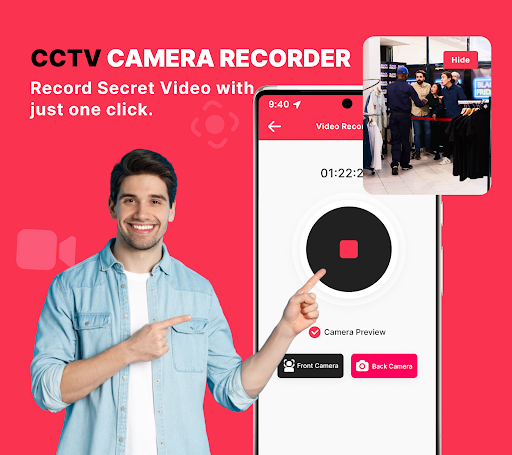
Offscreen Video Recorder: A Discreet Screen Recording Solution
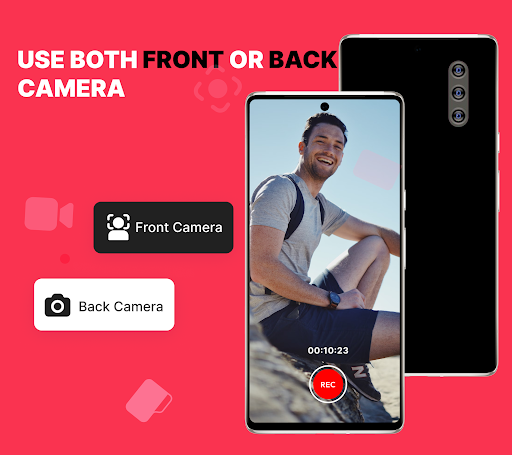
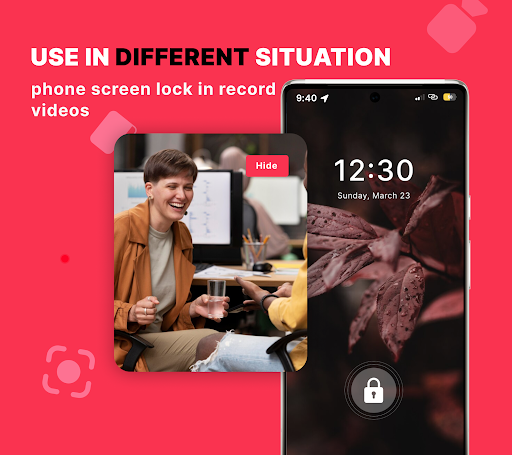
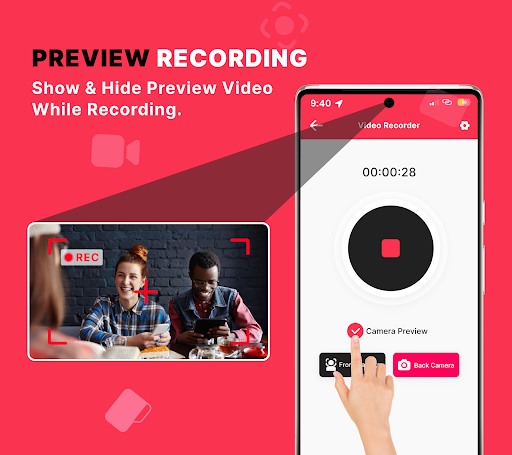
Offscreen Video Recorder is a versatile screen capture tool designed to work in the background. Whether you need to document events, gather on-screen evidence, or simply save memories, this app lets you record without interrupting your workflow, even when another app is in use or the device screen is off.
Experience seamless background recording with high-quality video, while maintaining your privacy and control. The app supports customizable settings for video resolution, duration, and quality, so you can tailor recordings to your needs—whether you're creating quick tutorials, filming gameplay, or capturing important moments for review later.
Security and convenience go hand in hand: you can secure your recordings with an optional passcode, and the lightweight design ensures minimal impact on storage and performance. The solution also doubles as a practical monitoring tool, enabling discreet capture that can serve as a simple home or office surveillance setup when paired with CCTV capabilities.
Setup is straightforward, with an intuitive interface that doesn’t require technical expertise. After a quick install, you can start recording in the background, schedule future captures, and access your saved videos directly from the app. The result is a reliable, unobtrusive, and user-friendly screen recording experience that fits into everyday life.
Key Features and Practical Use Cases
- Seamless background recording while you use other apps or when the screen is off
- Discreet video capture with minimal disruption to your activities
- Customizable video resolution, duration, and quality to match your needs
- Security options including a passcode lock for protecting saved footage
- Transform your device into a basic CCTV-style recorder for home or office monitoring
- Easy access to recorded videos within the app for quick review
Getting Started and Why It Stands Out
Getting Started
Users praise how easy it is to get going. The setup is quick, and the interface is intuitive enough for anyone—no advanced tech knowledge required. You can hit the record button with a single tap, schedule captures for later, and let the app run in the background so you can focus on your tasks.
Why It's a Game Changer
What sets this screen recorder apart is its clean, ad-free experience. It respects your time by avoiding intrusive advertisements and large resource usage. Lightweight and efficient, it won’t drain memory or battery, making it ideal for tutorials, gameplay, or quick captures on the go. It delivers crisp video without nagging prompts, providing a reliable tool that users turn to for everyday screen recording needs.
Pros
- Records in background seamlessly
- Simple and intuitive interface
- High video quality
- Low battery consumption
- Supports multiple formats
Cons
- Limited editing features
- Ads can be intrusive
- Requires in-app purchases
- Occasional bugs reported
- Limited customer support











