
Remote for Smart Samsung TV: Enhance Your Viewing Experience
Are you tired of endlessly searching for your Samsung TV remote or frustrated with outdated controllers that often malfunction? Look no further! Remote for Smart Samsung TV is a highly convenient, free app designed to transform your smartphone into a fully functional Samsung smart remote control. This innovative mobile app provides a seamless, hassle-free way to manage your Samsung Smart TV, eliminating the need for physical remote devices and enhancing your overall entertainment experience.
Key Features of the Remote for Smart Samsung TV App
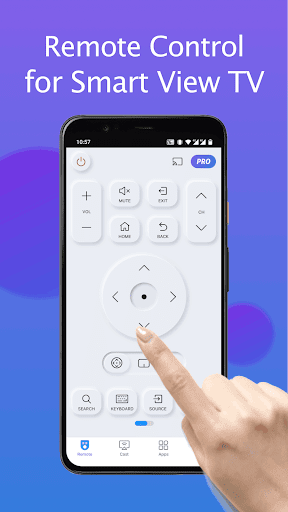
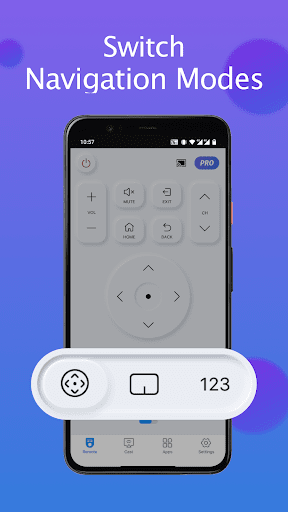
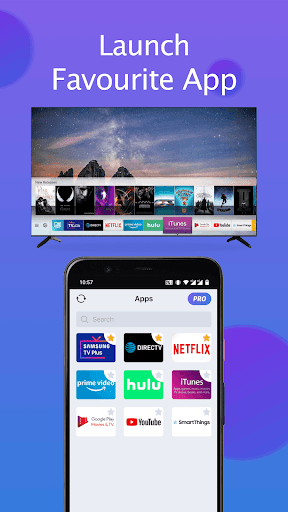
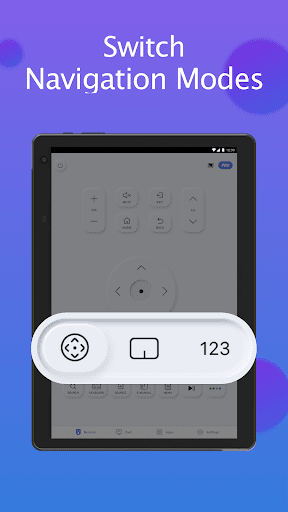
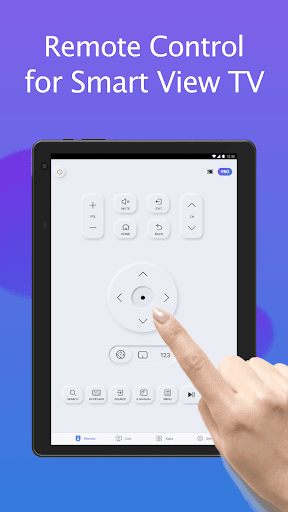
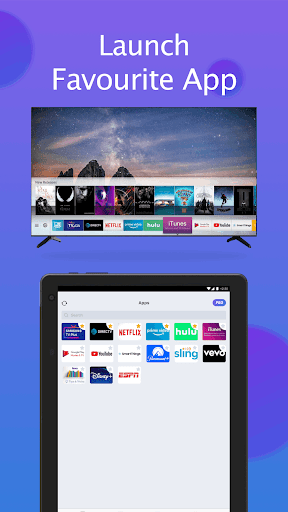
This user-friendly app offers a variety of features to make controlling your Samsung TV easier and more intuitive. It automatically detects your Samsung smartthings TV when connected to the same Wi-Fi network, allowing for quick and effortless pairing. Once connected, you gain access to essential remote functionalities such as power control, volume adjustment, channel switching, and navigation—just like with the original remote. The app also includes a customizable shortcut feature to save your favorite channels and apps, so you can launch your preferred content with just a tap.
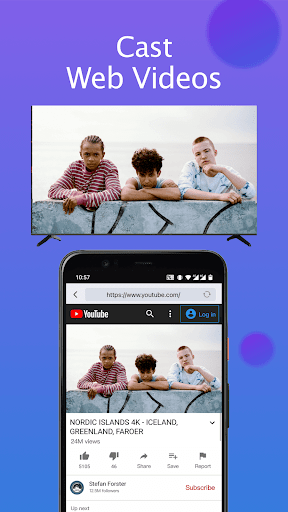
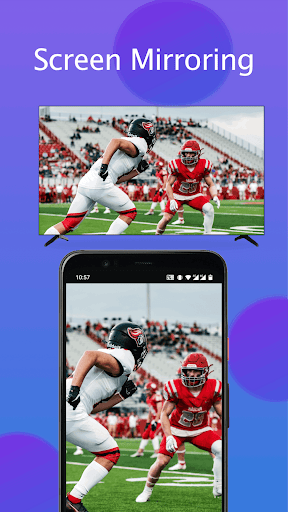
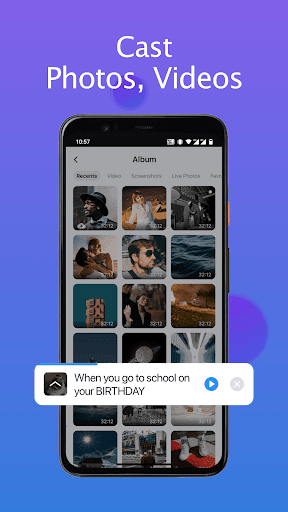
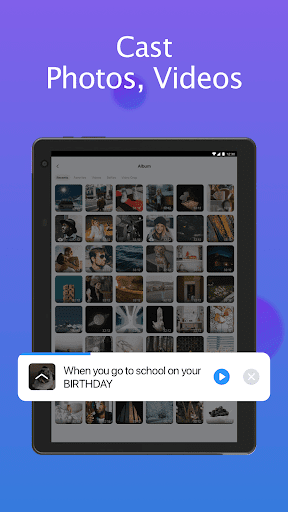
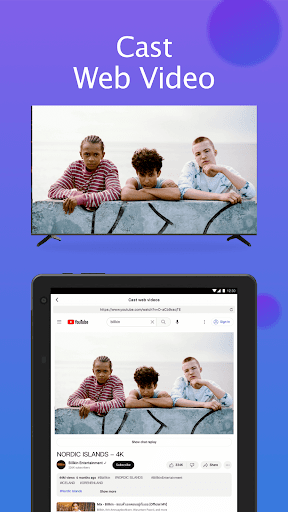
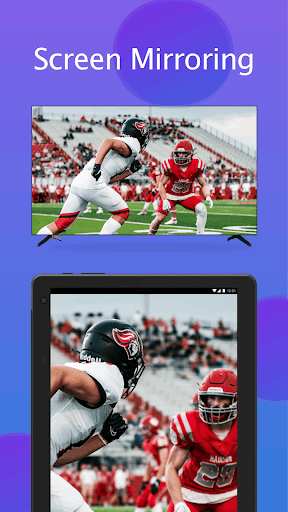
A standout feature is the keyboard input. This simplifies text entry, perfect for searching content on your Samsung Smart View TV. Additionally, you can mirror your phone or tablet screen to your TV in high resolution, making it easy to share photos, videos, or web content. Want to cast local media? The app supports casting photos, videos, and online web videos directly to your Samsung smart TV, further enriching your viewing options.
How to Connect Your Phone to Samsung TV
Getting started is straightforward:
- Open the app and navigate to the main interface.
- Tap the device button located in the top right corner to access available devices. 3. Select your desired Samsung TV from the list.4. Enjoy the all-in-one remote control functions on your smartphone!
This simple process makes transforming your phone into a remote control quick and hassle-free, offering a smarter way to enjoy your TV without searching for lost remotes or dealing with dead batteries.
Performance, Reliability, and Troubleshooting
The Remote for Smart Samsung TV app performs reliably with minimal lag, ensuring you can control your TV smoothly in real-time. Regular updates help maintain compatibility with the latest Samsung models and fix bugs, enhancing overall stability. However, some common issues such as disconnection can occur, especially if your phone goes to sleep. Reconnecting is easy—just tap the connect button, and you're back in control.
For optimal performance, ensure your mobile device is on the same Wi-Fi network as your Samsung smartthings TV. If connection issues persist, reinstalling the app or upgrading to the latest version can often resolve these problems. If challenges continue, trying the SmartThings app on a different device may help troubleshoot compatibility issues.
Why Choose the Remote for Smart Samsung TV App?
This app is an excellent alternative for those who frequently lose their physical remote or prefer a more eco-friendly solution. Beyond basic functions, it features voice control, allowing you to command your TV with spoken commands like “Open Netflix” or “Change to HDMI 2.” The intuitive interface, combined with the ability to mirror screens and cast media, makes this app a versatile addition to your smart home setup.
Important Considerations
Please note, BoostVision is not affiliated with Samsung Electronics, and this app is not an official Samsung product. Compatibility may vary depending on your Samsung TV model, as the app has been tested on specific models such as the Samsung 7 Series, 6 Series, Curved TV, and K-Series (2016+). Updating your TV software and the app regularly helps ensure the best performance.
Conclusion
If you own a Samsung smart TV and want to elevate your entertainment experience, the Remote for Smart Samsung TV app offers a practical, stylish, and efficient solution. Its straightforward setup, comprehensive feature set, and the convenience of turning your smartphone into a universal remote make it a must-have for any Samsung TV owner. Say goodbye to lost remotes and hello to effortless control—download the app today and enjoy a smarter, more streamlined TV viewing experience!
Pros
- Simple setup process.
- User-friendly interface.
- Compatible with various TV models.
- Includes voice control feature.
- Available for free download.
Cons
- Advertising can be disruptive.
- Free version offers limited features.
- Some devices may experience compatibility problems.
- Connections may drop periodically.
- Does not support landscape mode.











