
Remote Control for Roku TV: Unlocking Convenience and Entertainment at Your Fingertips
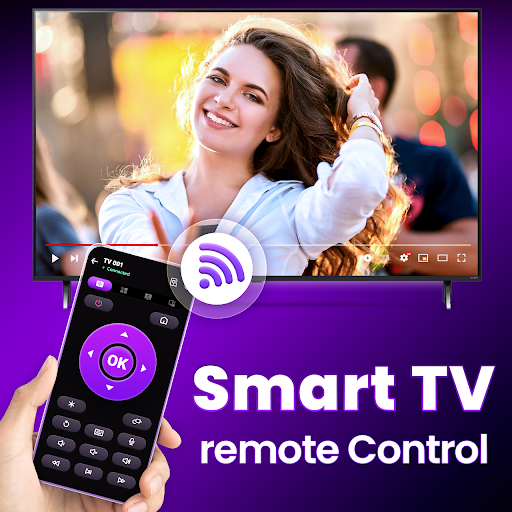
In today’s digital age, controlling your television has become more versatile and convenient than ever before. The Remote Control for Roku TV app offers a comprehensive solution for Roku users, transforming your mobile device into a powerful TV remote. Whether you're trying to replace a lost remote, enhance your viewing experience, or explore new entertainment options, this free app is designed to meet your needs seamlessly and efficiently.
Key Features of the Remote Control for Roku TV App
The app is packed with features that extend beyond simple remote control functions. It supports dual-mode connectivity via WiFi and Infrared (IR), ensuring reliable control regardless of your network setup. With intuitive controls and advanced technology, you can navigate your Roku TV with ease.
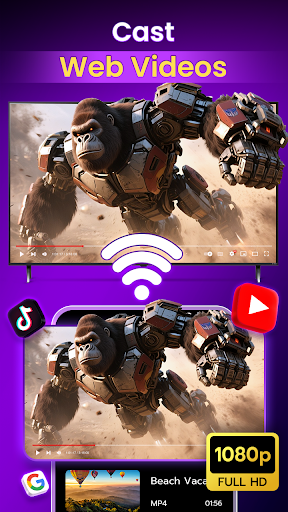
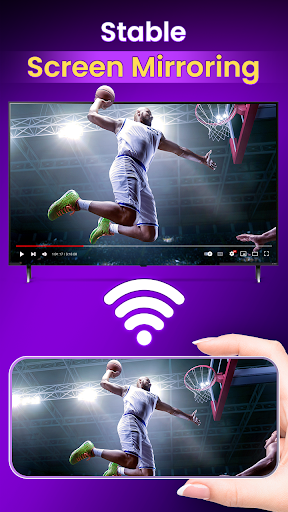
Enhanced Screen Mirroring and Casting
One of the standout features is the ability to transform your smartphone into a TV Cast App. Using advanced screen mirror technology, you can effortlessly cast content from your phone to your Roku TV. Whether sharing photos, videos, or apps, this feature makes content sharing quick and straightforward.
Extensive Channel and Content Support
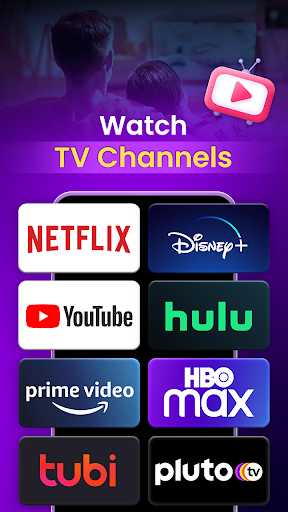
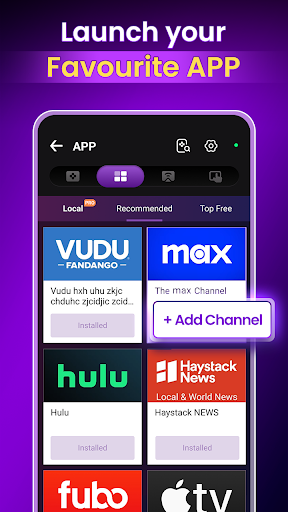
Access the Roku Channel Store directly from the app, opening a world of entertainment options. Discover and install thousands of free and premium channels—covering news, sports, movies, international programming, and more. The intuitive interface simplifies browsing and managing your favorite channels.
Reliable Remote Control Functionality
Designed to be responsive and easy to use, the app provides instant TV control with familiar remote features. It supports WiFi and IRconnectivity, enabling you to control your Roku TV even without a WiFi connection in some configurations. Precise volume adjustment buttons and channel navigation ensure a smooth experience.
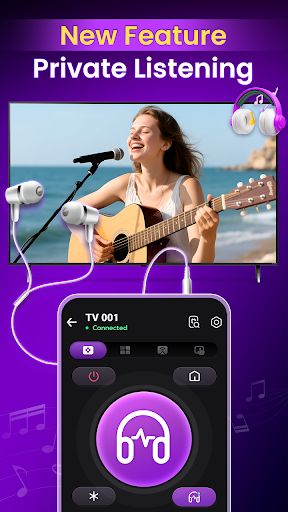
Private Listening for Personal Entertainment
Enjoy late-night binge-watching or early morning viewing with the Private Listening feature. By connecting your headphones to your phone, you can listen privately without disturbing others. This personal touch enhances your entertainment experience in shared living spaces or quiet environments.
Ease of Use and Setup
Getting started with the Remote Control for Roku TV app is remarkably simple. Just connect your smartphone to the same WiFi network as your Roku device, and in a few taps, you're ready to control your TV from anywhere in your home. The sleek, user-friendly interface mimics traditional remote controls, placing all essential buttons at your fingertips without clutter.
Intuitive Design and Functionality
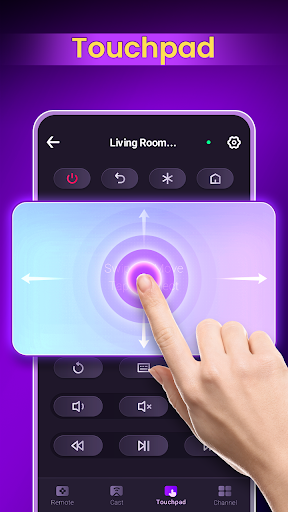
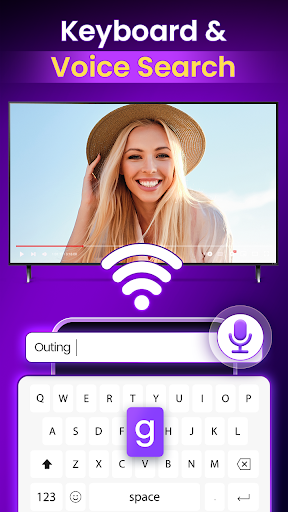
The app features a minimalist design, making navigation effortless. The inclusion of voice commands allows hands-free operation—spoken commands can change channels, search for content, or control volume, providing a modern and efficient user experience. The integrated keyboard makes logging into streaming platforms faster, while the touchpad turns your phone into a convenient mini-trackpad for precise navigation.
Performance and Reliability
Users report consistent, lag-free performance with quick response times, ensuring a seamless interaction with your Roku TV. The stable connection allows you to control your TV without interruptions or drops, making it a reliable companion for daily entertainment needs. This app emphasizes convenience, reliability, and versatility—key factors for enhancing your home entertainment setup.
Final Thoughts: Your Ultimate Roku Remote Alternative
If you've ever experienced the frustration of misplaced or broken remote controls, the Remote Control for Roku TV app offers an excellent alternative that combines ease of use with powerful features. Its compatibility with all Roku devices, support for multiple connectivity options, and additional functionalities like screen mirroring and private listening make it a valuable addition to your digital toolkit. Designed for Roku enthusiasts seeking a reliable, feature-rich remote experience, this app transforms your smartphone into a command center for an improved entertainment journey. Try it today and see how it can enhance your TV viewing with greater convenience and control.
Pros
- Easy setup process for quick use
- Compatible with all Roku TV models
- User-friendly interface design
- Supports voice commands for convenience
- Works seamlessly with Roku streaming sticks
Cons
- Limited functionality compared to physical remote
- Requires stable internet connection
- Ads can be intrusive during use
- No tactile feedback like physical buttons
- May drain phone battery quickly











