
Discover the Ultimate Remote Control for All TV App
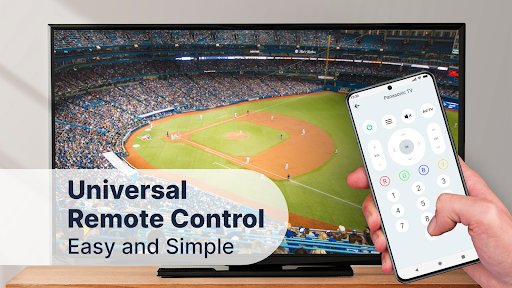
Are you tired of rummaging through sofas and cluttered drawers in search of the elusive TV remote? Say goodbye to the hassle with Remote Control for All TV, a powerful and user-friendly app designed to transform your Android device into a universal remote. Whether you're at home or visiting friends, this versatile app makes controlling your television easier than ever, providing a seamless experience that combines functionality, convenience, and innovation.
Features That Make Remote Control for All TV Stand Out
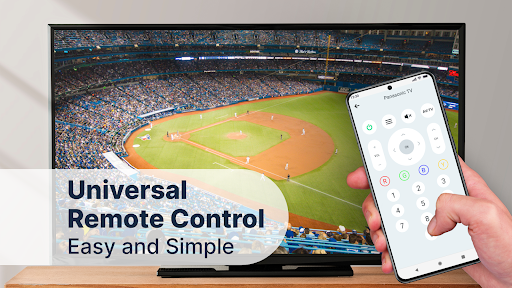
One of the most compelling reasons to choose Remote Control for All TV is its remarkable range of features. The setup process is straightforward and quick—no complicated configurations or technical know-how required. All you need is a smartphone equipped with an IR blaster or a Wi-Fi connection to get started. With support for a broad spectrum of TV brands including Samsung, LG, Sony, Philips, Hisense, Toshiba, Vizio, and many more, this app ensures compatibility with practically any television model in your home or at a friend's place.
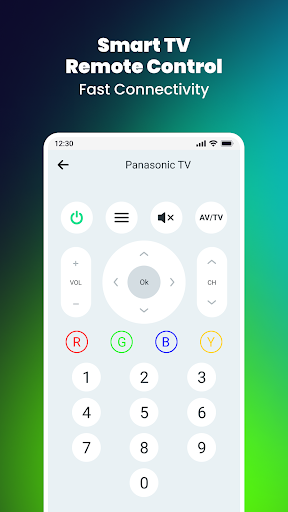
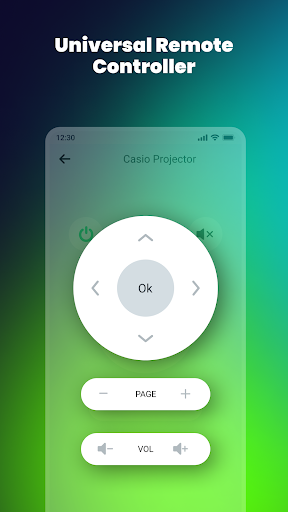
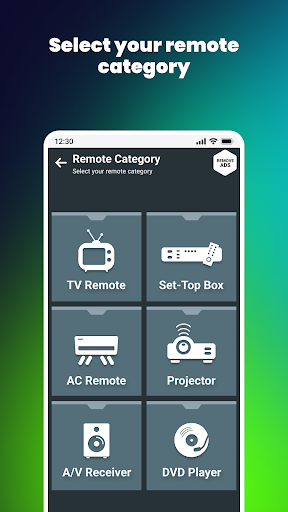
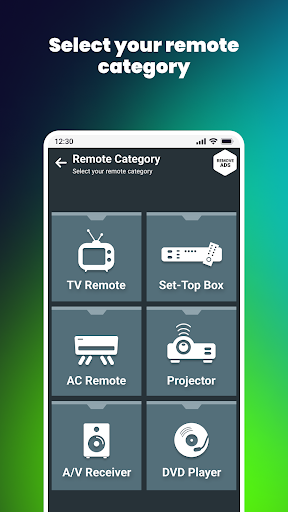
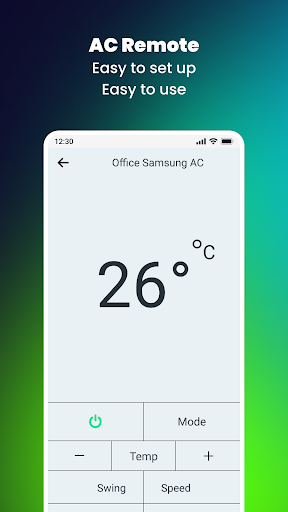
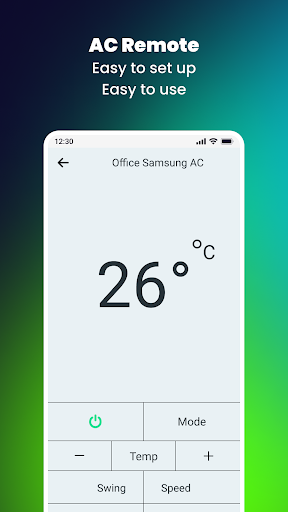
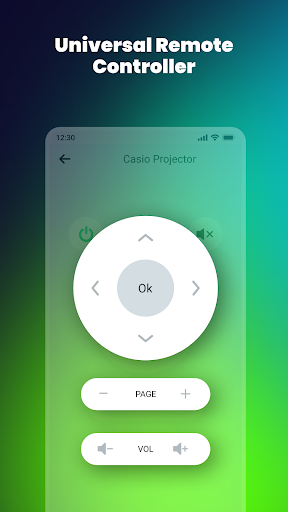
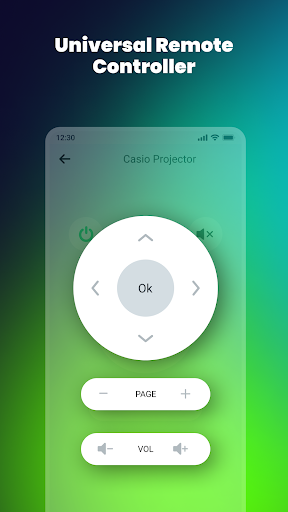
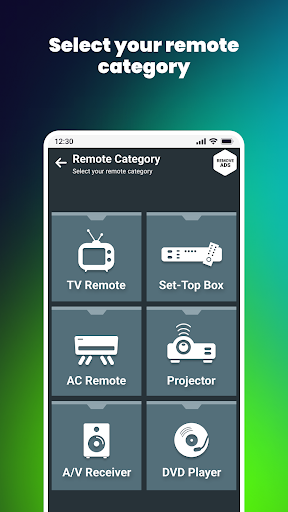
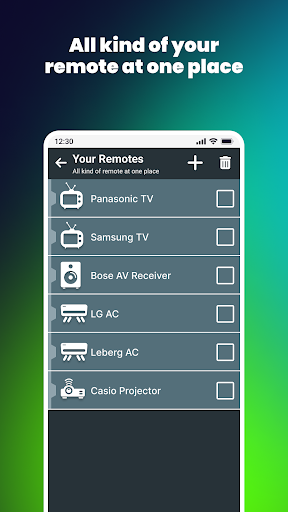
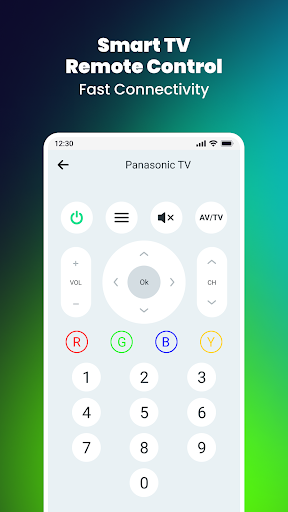
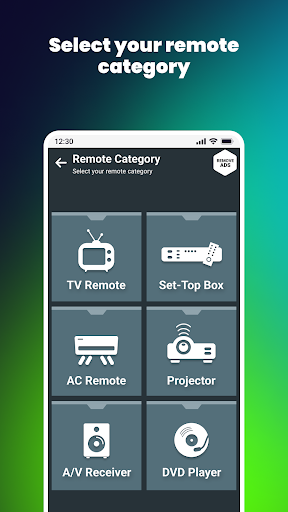
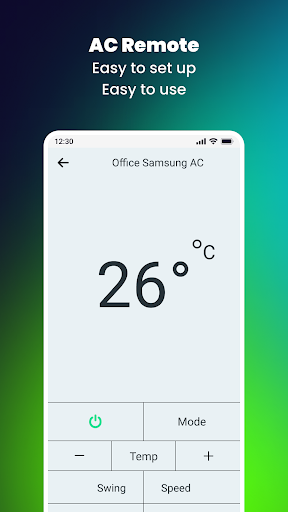
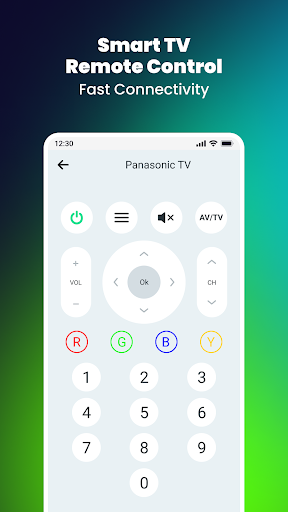
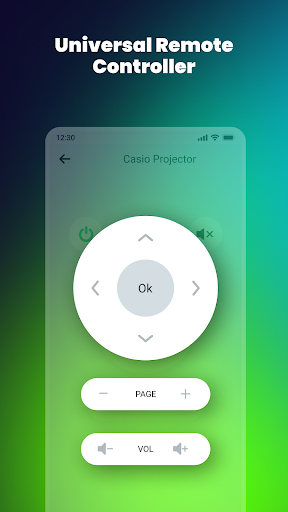
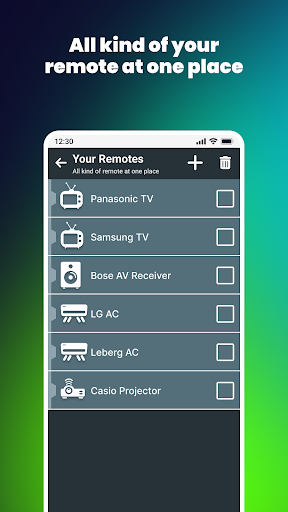
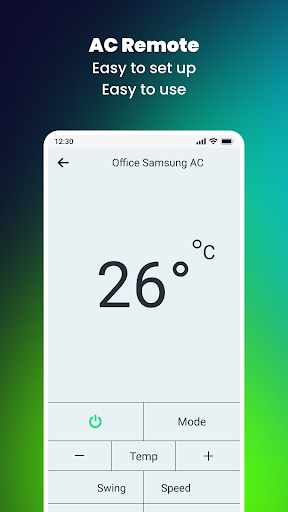
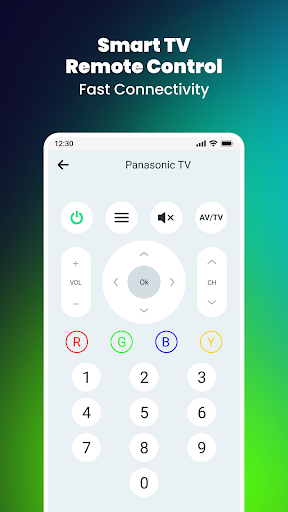
But this app isn't just a remote—it goes the extra mile by offering control over additional devices like air conditioners and set-top boxes, turning your phone into a real universal remote control. The sleek and intuitive interface allows you to effortlessly adjust volume, change channels, power on/off, mute/unmute, and navigate menus with ease.
Personalization is another highlight. You can customize your remote layout—placing buttons where you find them most comfortable or convenient, tailoring the experience to your preferences. This flexibility enhances usability, making the app suitable for users of all ages.
Screen Mirroring and Broadcasting — Extend Your Entertainment
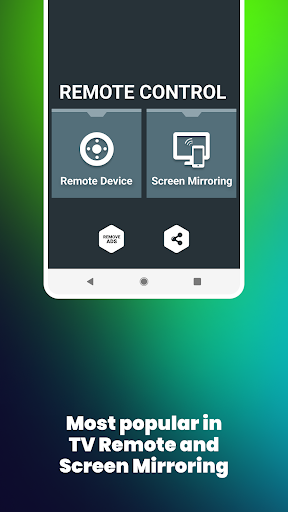
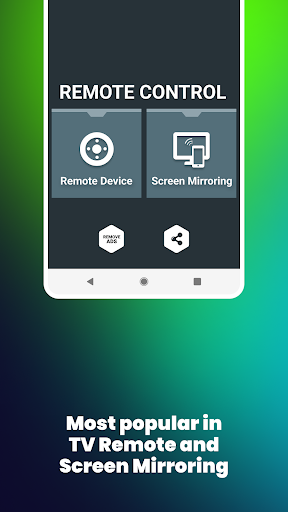
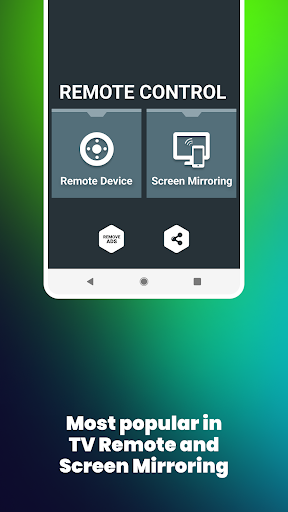
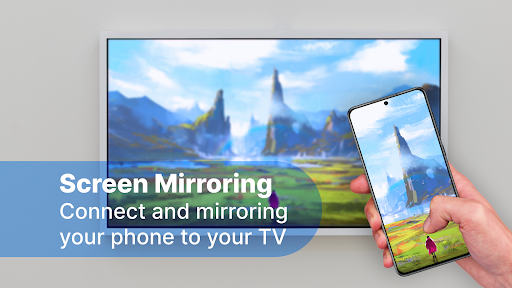
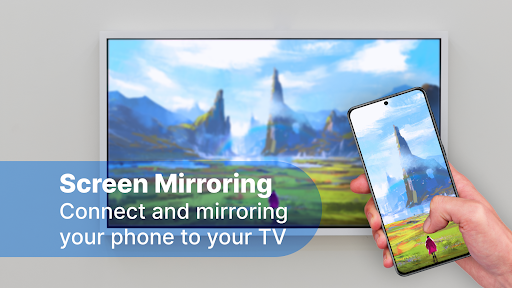
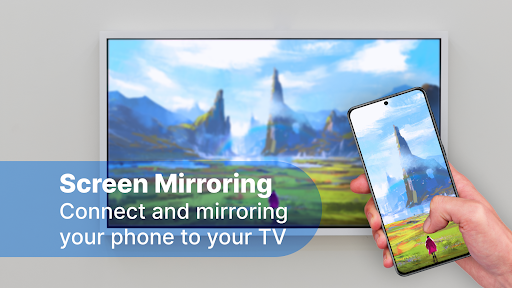
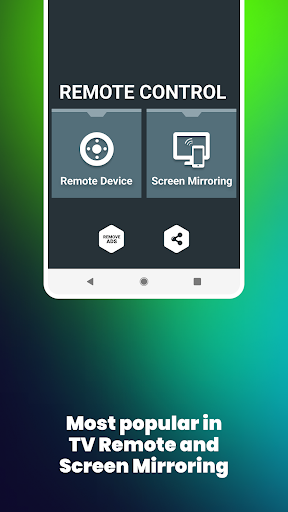
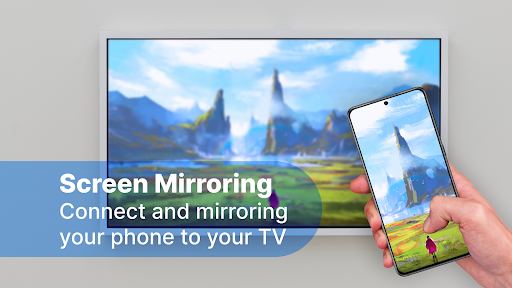
Beyond remote control capabilities, Remote Control for All TV offers a powerful screen mirroring feature. This functionality allows you to effortlessly project your Android device's screen onto your smart TV in real-time, complete with audio. Whether you want to showcase photos, videos, or play games on a larger display, this feature makes it simple and instant. It elevates your entertainment experience by enabling seamless content sharing and mirroring without additional hardware or complicated setups.
Performance You Can Rely On
Reliability and responsiveness are crucial for a remote control app, and Remote Control for All TV excels in both areas. The response time is impressively quick, allowing for instant commands that are vital during live TV viewing or streaming your favorite shows. The app maintains stability without crashing, even after extended use. Regular updates ensure that compatibility with new TV models and features is maintained, reflecting the developers' commitment to delivering a consistently excellent user experience.
Enhanced Convenience and Easy Setup
The app is designed with user convenience in mind. Setting up your universal remote control is straightforward—simply select your TV brand from the list, and the app will guide you through the setup process. It’s so easy that even those unfamiliar with technology can start controlling their devices within minutes. Plus, the offline functionality means you can operate your TV without an active internet connection, making this app a reliable companion during power outages or in areas with weak Wi-Fi.
Why Choose Remote Control for All TV
In a world cluttered with multiple remote controls, Remote Control for All TV offers a sleek, efficient, and versatile solution. It consolidates control of various devices into one intuitive app, reducing clutter and simplifying your entertainment setup. Whether you want to effortlessly change channels, adjust volume, or mirror your screen, this app responds instantly and reliably. Its broad device compatibility, customization options, and screen mirroring capabilities make it a must-have for every smart TV owner. Embrace the convenience and control that this innovative app brings to your home entertainment experience.
Pros
- Broad compatibility with various TV brands.
- Intuitive interface for straightforward navigation.
- Fast setup process with automatic device detection.
- Eliminates the need for a physical remote control.
- Supports both infrared and Wi-Fi connections.
Cons
- May not be compatible with older TV models.
- Includes advertisements in the free version.
- Requires internet access for certain features.
- Limited options for customer support.
- Potential battery drain during extended use.











