
Overview of Realtime Charts for Torque Pro
Realtime Charts is a powerful plugin designed specifically for the Torque Pro app, making it an essential tool for automotive enthusiasts, professional mechanics, and DIY car hobbyists alike. This versatile plugin enables the user to monitor, analyze, and optimize their vehicle's performance by visualizing multiple engine sensors in real-time on an Android device such as a smartphone or tablet. With the ability to graph up to 10 different PIDs (Parameter IDs), including RPM, Speed, MPG, HP, and Torque, the app provides an in-depth look into engine behavior and vehicle diagnostics.
Key Features of Realtime Charts for Torque Pro
Real-Time Monitoring and Graphing
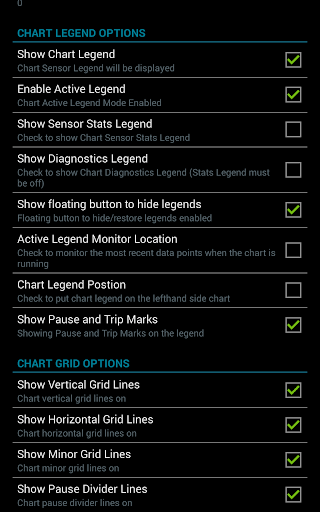
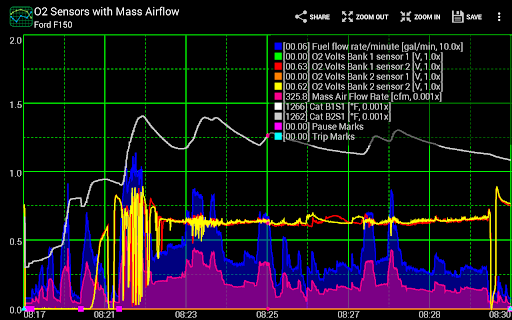
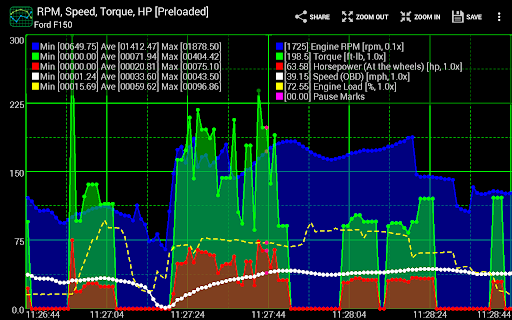
This plugin allows for the simultaneous graphing of multiple engine sensors in real-time, giving users an immediate visual representation of vital engine parameters. The data is displayed as distinct series on the device, enabling detailed performance tracking and troubleshooting.
Customizable Charts
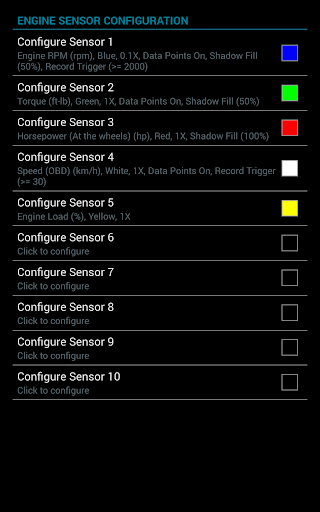
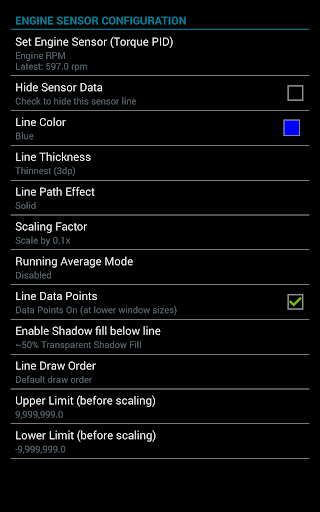
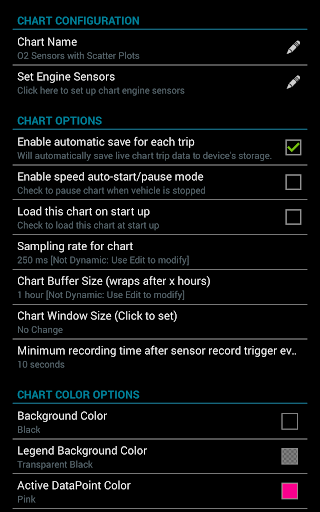
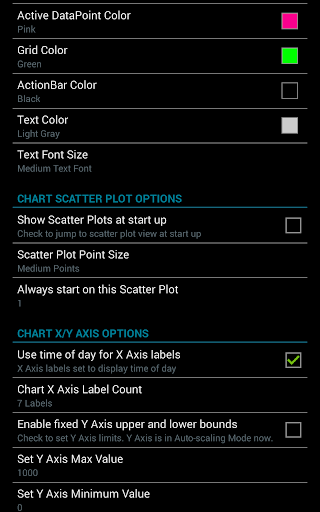
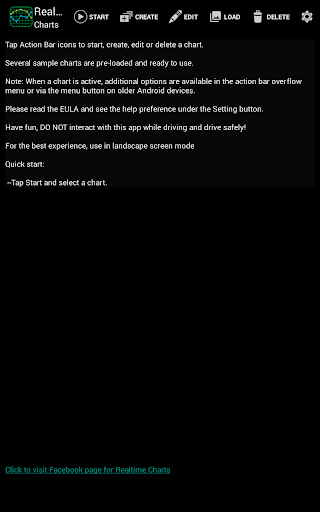
Users can create up to 100 custom charts, tailoring each to display specific sensors, adjusting the sampling frequency, and customizing colors and series attributes. This flexibility ensures that you can focus on the metrics most relevant to your diagnostic or tuning goals, making the app highly adaptable for both casual and professional use.
Specialized Data Capture and Analysis
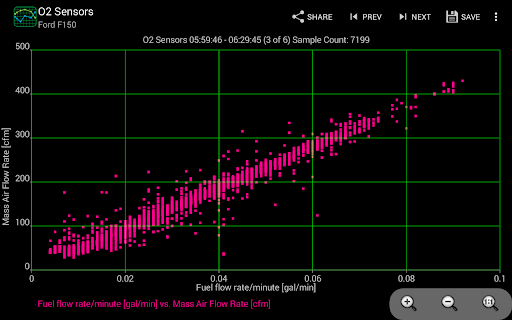
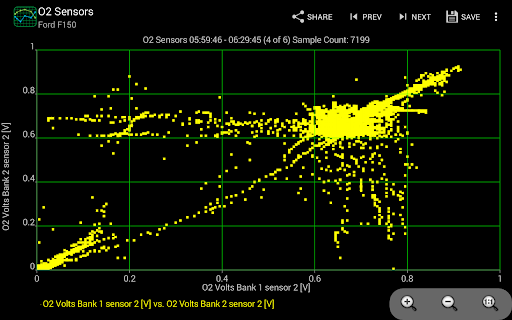
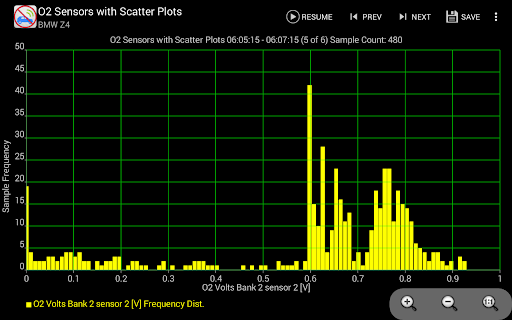
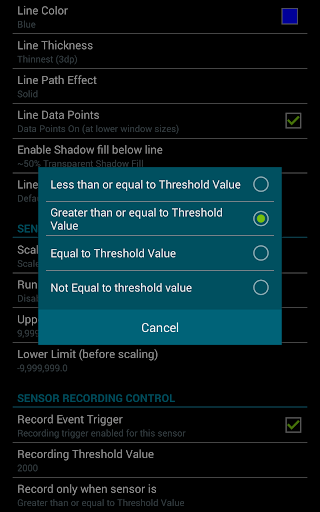
The app introduces new features such as sensor-based data capturing, allowing users to initiate recordings based on specific criteria like RPM threshold or vehicle speed. Additionally, support for scatter plot analysis enables real-time or post-session statistical analysis, helping detect performance trends or irregularities.
Data Sharing and Export
With options to take screenshots and export data in CSV format, users can share their charts easily on social media or car forums, or perform further analysis using spreadsheet software. This promotes a community-oriented experience and supports detailed review of vehicle health over time.
Flexible Control and Interaction
The application allows for various interactive controls including scrolling, zooming, and dynamic scaling. Users can add or remove sensors on the fly, modify series attributes during a session, and set sampling rates from 100ms to 10 seconds for precise data collection.
Supported Devices and Compatibility
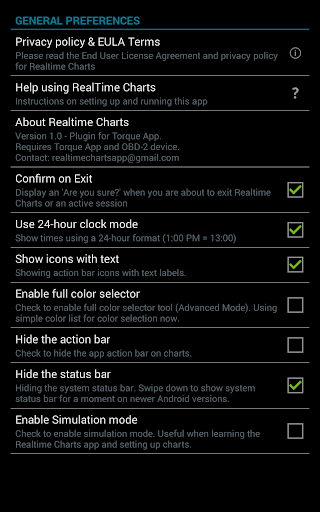
The plugin is compatible with Android versions 2.3 and above and has been tested across a range of devices, including Motorola, Samsung, Lenovo, and other tablets and smartphones. To utilize this app, you’ll need a wireless OBD 2 adapter and the baseline Torque Pro app installed on your device. Compatibility and setup guidance are available, ensuring a smooth installation process for all users.
User Empowerment and Practical Benefits
Realtime Charts for Torque Pro transforms your smartphone into a comprehensive vehicle diagnostic tool, providing live feedback on all major engine parameters. This user-friendly interface is designed to help both casual drivers and seasoned car enthusiasts understand what their vehicle is telling them. Whether you aim to optimize performance, troubleshoot issues, or simply keep a watchful eye on engine health, this app offers practical insights that empower you to make informed decisions about your car.
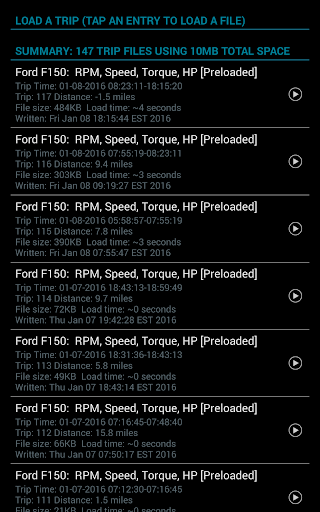
By visualizing data in a clear, customizable way and offering features like automatic trip data management and sensor threshold triggers, it makes vehicle monitoring accessible and effective. With support for English and Metric units and options to share configurations with friends, Realtime Charts is both a complete and social automotive tool.
Conclusion
If you’re a car enthusiast eager to get closer insights into your vehicle’s performance or a mechanic wanting precise diagnostic tools, Realtime Charts for Torque Pro offers an excellent solution. Its ability to generate real-time graphs, customize data views, and analyze performance trends makes it one of the top choices for automotive data visualization on Android devices. Reach new heights of vehicle understanding, tuning, and troubleshooting with this innovative plugin—your car’s new best friend in the digital age.
Pros
- Real-time data display improves monitoring capabilities.
- Customizable charts allow for personalized insights.
- Seamless integration with the Torque Pro application.
- User-friendly interface facilitates easy navigation.
- Supports a variety of vehicle sensors.
Cons
- Requires Torque Pro app for full features.
- Limited to vehicles that support OBD2.
- May cause battery drain during extended use.
- User reports of occasional connectivity problems.
- Interface might be complicated for new users.











