


ReadAnywhere: Learn on your schedule
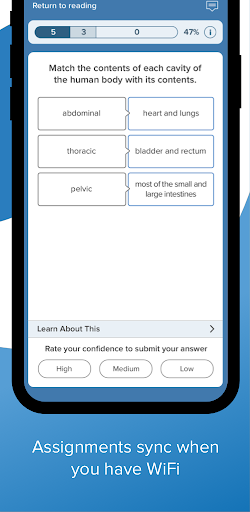
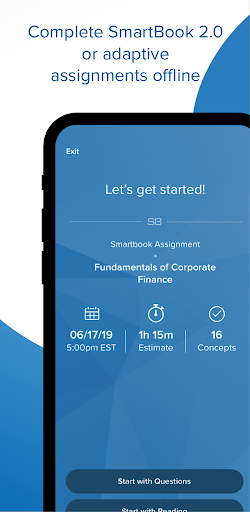
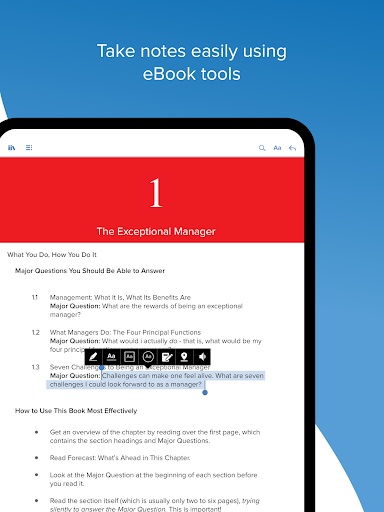
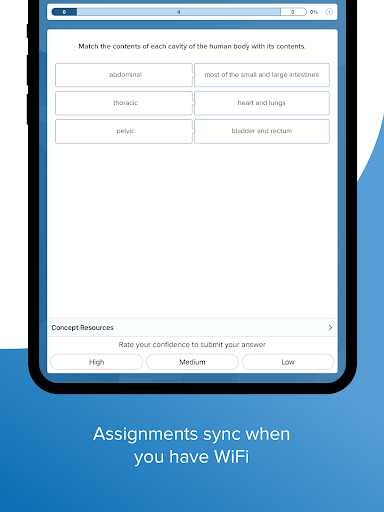
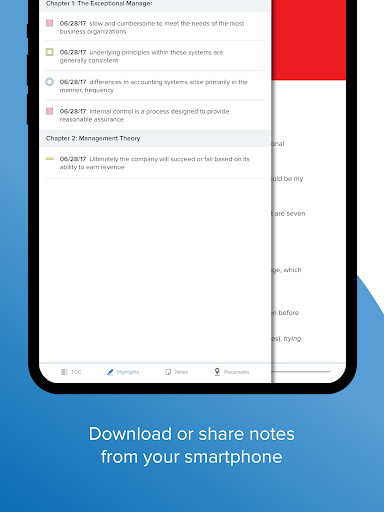
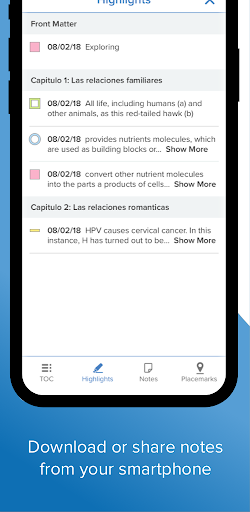
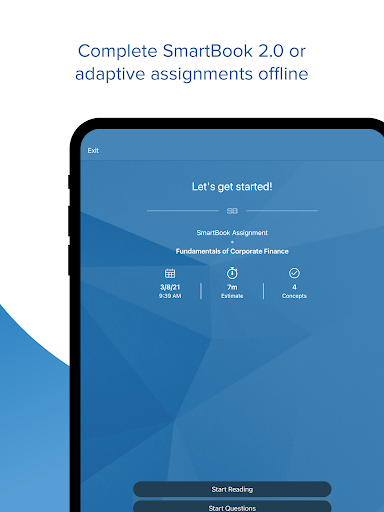
ReadAnywhere makes it possible to read or study whenever it suits you. This McGraw Hill app brings together essential tools like the eBook and adaptive assignments in Connect, plus the McGraw Hill eBook, all in one portable place. You can take notes, highlight passages, and complete assignments offline—then everything syncs the next time you open ReadAnywhere when you’re online. To start learning, log in with your McGraw Hill Connect or McGraw Hill eBook username and password, and you’re ready to learn anywhere, anytime.
Key features
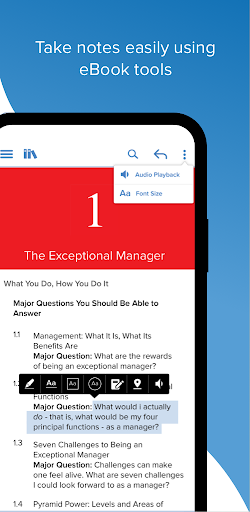
Key features of ReadAnywhere marry convenience with powerful study tools. Access your textbooks and course materials on the go, enjoy offline reading, and keep progress synced across devices. You can annotate, search, and bookmark just like on a desktop, while the integration with McGraw Hill’s ecosystem keeps your eBook, Connect assignments, and adaptive tools in one place. This streamlined setup reduces friction and helps you stay organized throughout the semester.
Offline reading and syncing
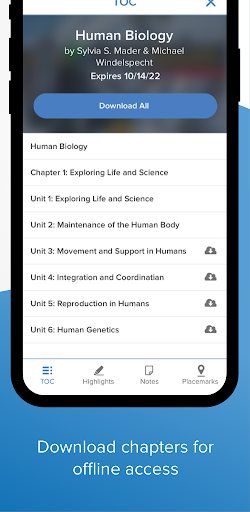
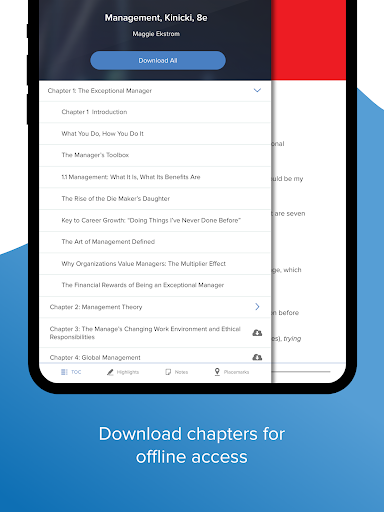
Offline reading and syncing: The app supports offline mode, download content in advance, read without an internet connection. When you go back online, all your notes, highlights, and completed assignments are synced automatically, so your progress never gets lost.
A reader’s voice: ReadAnywhere in the wild
From the moment I first stumbled upon ReadAnywhere, it felt like carrying a library in my pocket. It’s built for busy readers—students trying to squeeze in textbook readings between classes, or book lovers who crave instant access to their favorite titles. ReadAnywhere turns commuting and travel into productive reading time, letting you explore chapters or study materials anytime, anywhere, with no heavy books to haul.
User-friendly interface
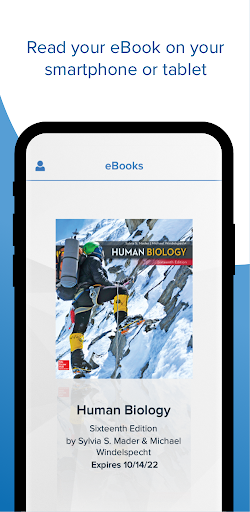
Opening to your library, you can resume where you left off with just a few taps. The navigation is smooth, the search function helps you locate that quote from ages ago, and the overall layout keeps distractions at bay so you can focus on the text.
Seamless integration and offline reading
One standout feature is how seamlessly ReadAnywhere integrates with school accounts. Your textbooks appear in one place, and you can download content for offline reading before long trips or in zones without service. This combination of sync and offline access makes study sessions on the go feel natural and reliable.
Customizable reading experience
Customization matters during long reading sessions. ReadAnywhere lets you adjust font size, choose a background color, and tweak screen brightness to fit your preferences. Small changes reduce eye strain and help you stay focused during extended study blocks or revision marathons.
Final thoughts
All in all, ReadAnywhere isn’t just an app—it’s a lifestyle upgrade for anyone who reads on the move. With a clean interface, dependable offline support, strong platform integration, and practical personalization options, ReadAnywhere reshapes how you read and learn away from the desk. If you haven’t tried it yet, now might be the perfect time to download and start your next reading adventure.
Pros
- Access textbooks offline
- Highlight and annotate text
- Syncs across devices
- User-friendly interface
- Supports multiple formats
Cons
- Limited free content
- Requires account to access
- Occasional sync issues
- Ads in free version
- No dark mode option