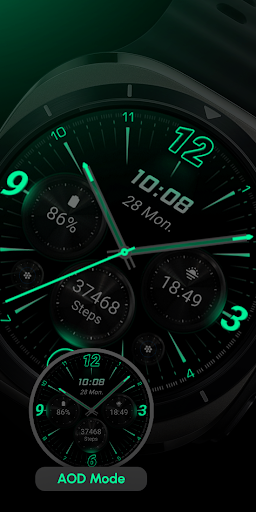
RE59 - Neon Analogue
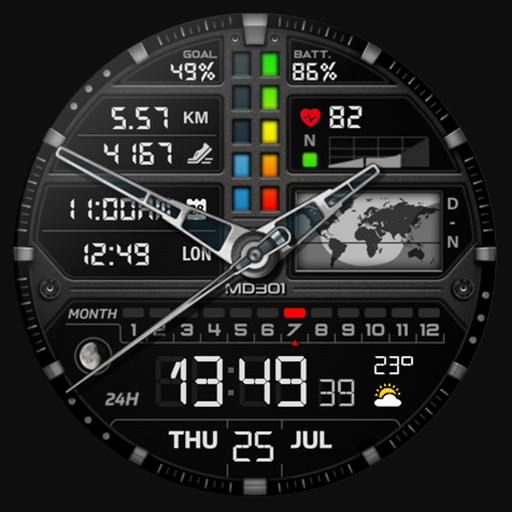
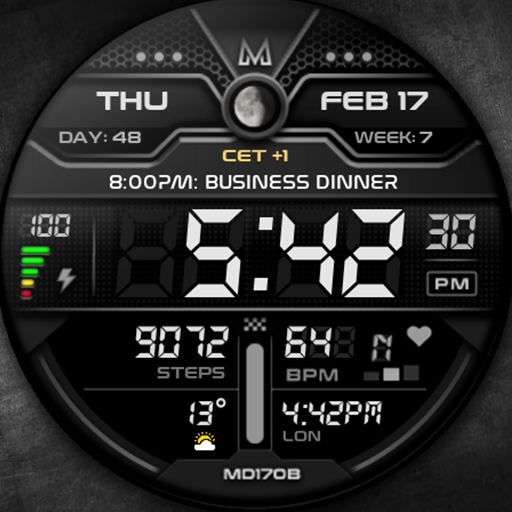
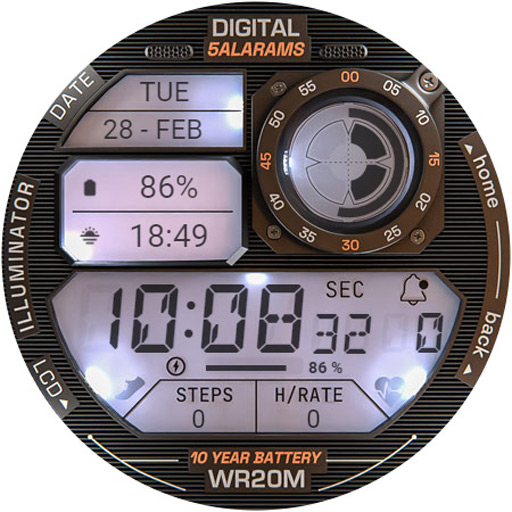
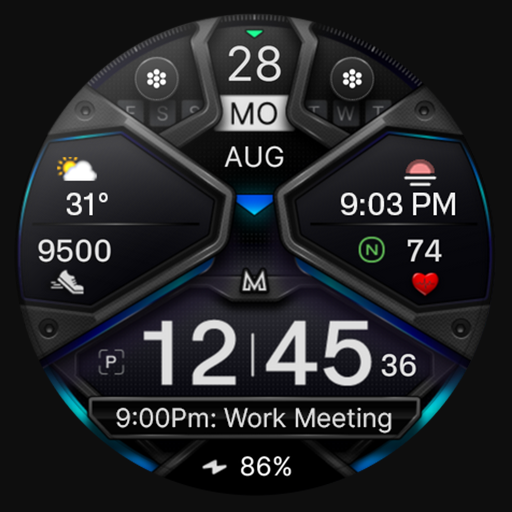
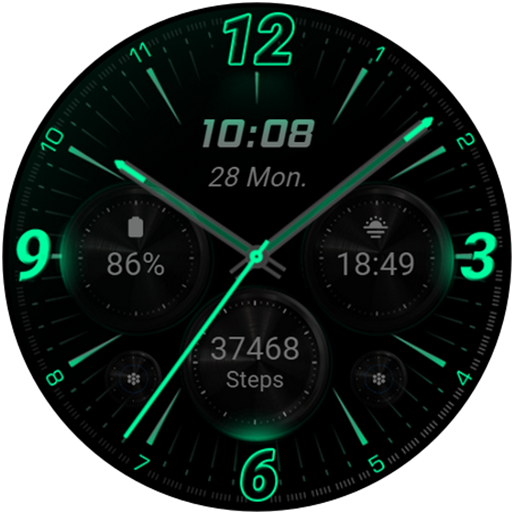
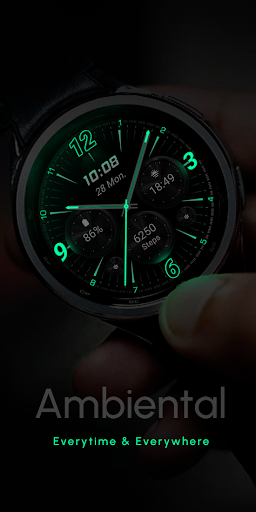
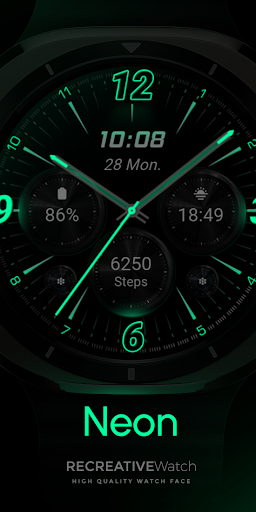
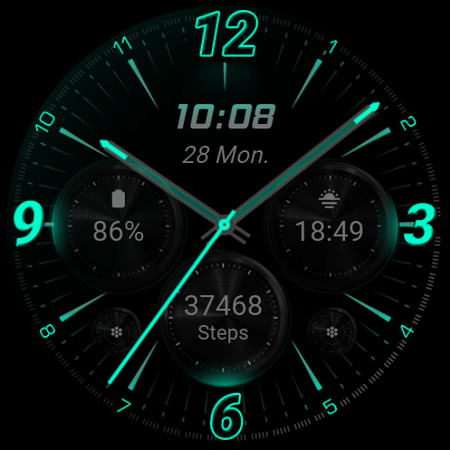
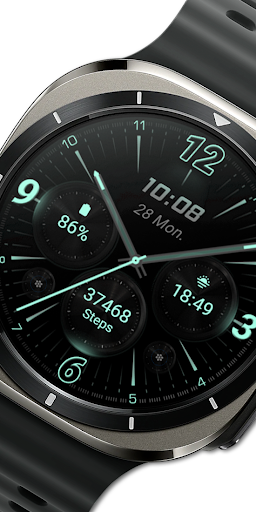
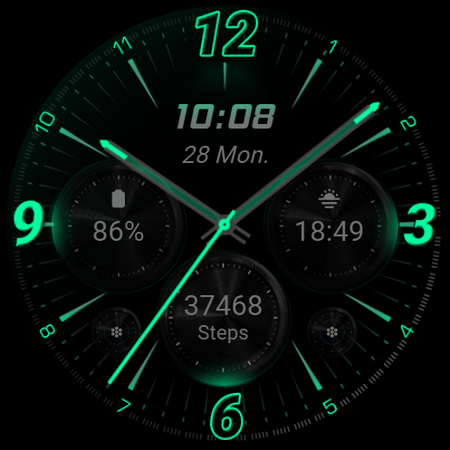
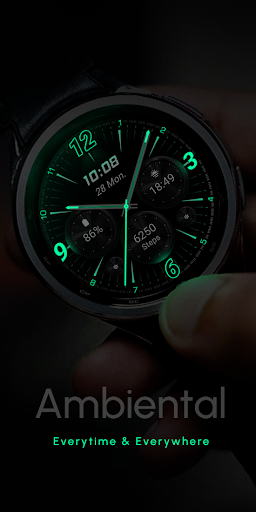
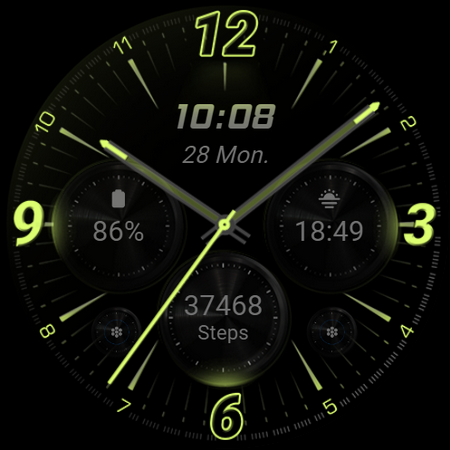
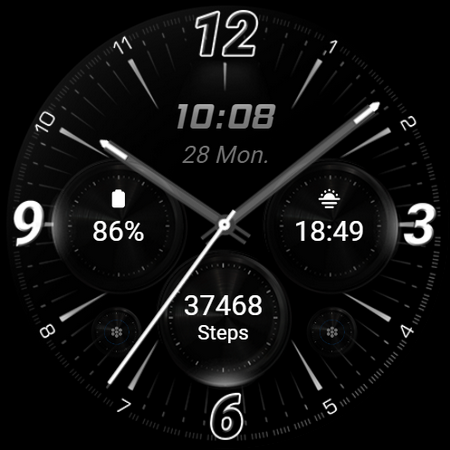
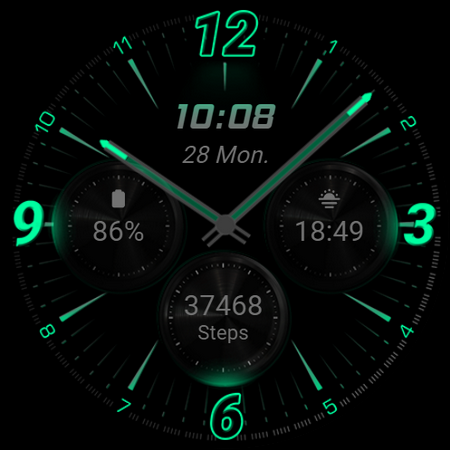
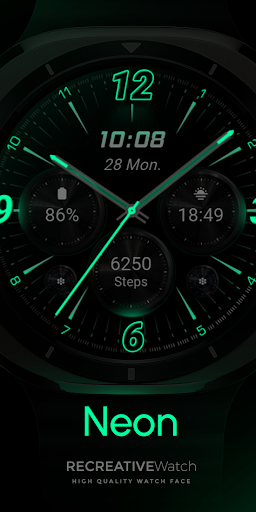
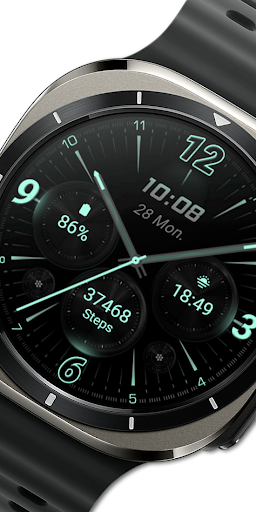
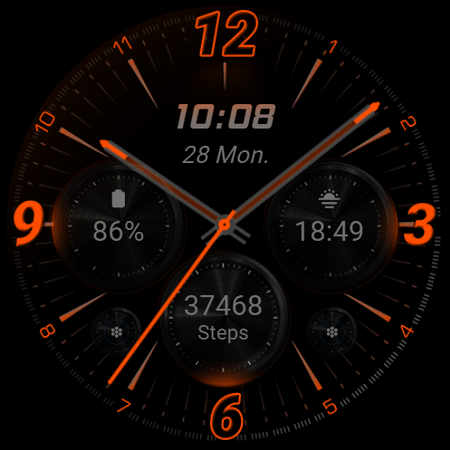
Experience the vibrant glow of the Neon Analogue watch face, specially crafted for Wear OS devices. This stunning watch face features a neon-inspired design with realistic glowing effects set against a true black background, creating a sleek and modern aesthetic that makes the neon elements truly pop on your wrist. Whether you're aiming for a minimalistic look or a bold statement piece, this watch face seamlessly combines style and functionality.
Powered by the Watch Face Format, RE59 offers an array of customization options to personalize your watch experience. It is compatible with a variety of Wear OS devices, including Google Pixel, Galaxy Watch 4, 5, 6, and other API level 33+ models, ensuring broad usability across different hardware.
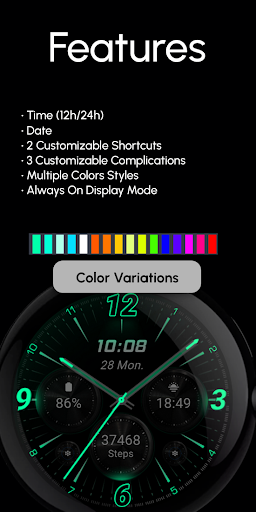
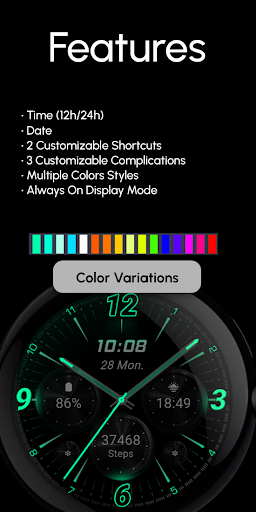
Features of RE59 - Neon Analogue
- Digital Time Display: Choose between 12-hour or 24-hour formats for your convenience.
- Custom Shortcuts: Include 2 quick-access shortcuts for apps or functions you use most.
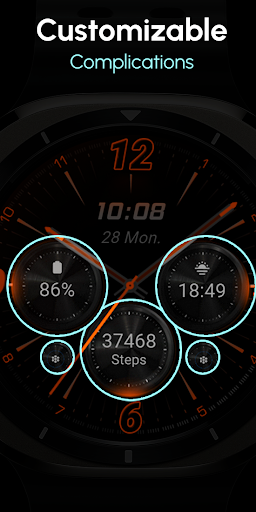
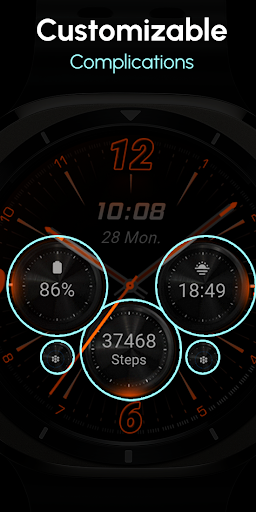
- Complications: Add up to 3 customizable complications to display data such as battery status, date, or other information.
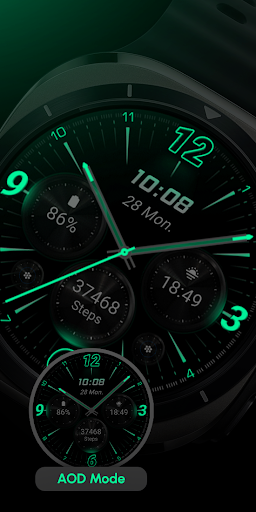
- Always ON Display: Keep your watch face visible at all times, with the option to disable for better battery life.
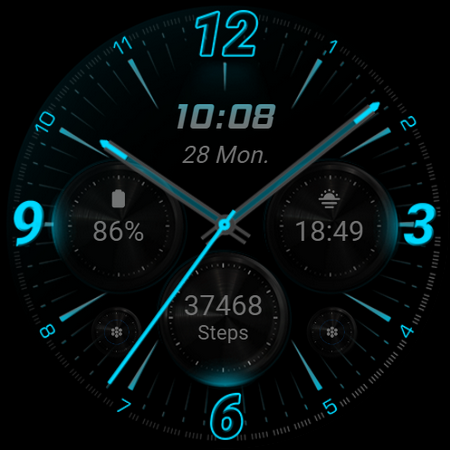
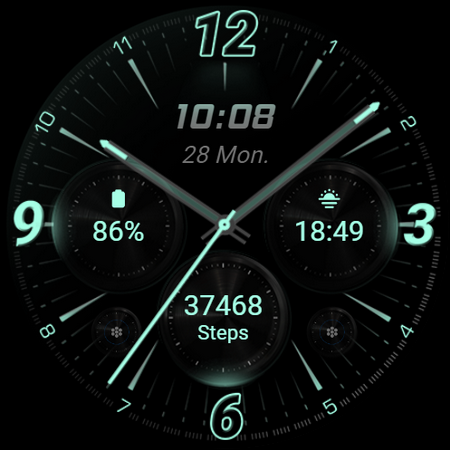
- Color Variations: Personalize your watch face with several color options to match your style.
Customization Options
Personalizing your watch face is simple:
- Touch and Hold Display: Enter customization mode by touching and holding the watch face.
- Tap on Customize: Select the "Customize" option to modify individual elements.
In customization mode, you can:
- Set any data you'd like on the complications fields.
- Adjust the color schemes and shortcuts to suit your preferences.
Battery Optimization
For improved battery performance, it is recommended to disable the "Always On Display" mode when not needed, to extend your watch's battery life.
Installation & Troubleshooting
To install the RE59 - Neon Analogue watch face, follow the detailed instructions provided here. Please note that the watch face does not automatically apply after installation, so you'll need to manually set it as your active watch face directly on your device's screen.
If you encounter any issues or need assistance, feel free to reach out via support at support@recreative-watch.com.
Summary
The RE59 - Neon Analogue watch face is an excellent choice for users seeking a modern, neon-inspired look for their Wear OS device. Its high-quality realistic effects, customizable options, and compatibility with the latest hardware ensure a personalized and visually appealing experience. Whether you're looking to stand out with bold neon colors or keep things simple, this watch face offers a versatile solution to elevate your smartwatch aesthetics while maintaining essential functionality.
Pros
- User-friendly interface that is easy to navigate
- Offers a wide range of features to enhance user experience
- Reliable performance with minimal bugs
- Regular updates improve functionality and security
- Strong customer support and responsive service
Cons
- Some features require additional in-app purchases
- Battery consumption can be high during extended use
- Limited customization options for advanced users
- Occasional lag or slow response times
- Requires a stable internet connection for optimal performance