
MINIMAA: Minimalist Launcher icon

MINIMAA: Minimalist Launcher

318.00
4.6
Installs
1.00K
Version
1.2.5
Advertisement
MINIMAA: Minimalist Launcher screenshot
Advertisement

Reclaim Your Focus. Simplify Your Life.

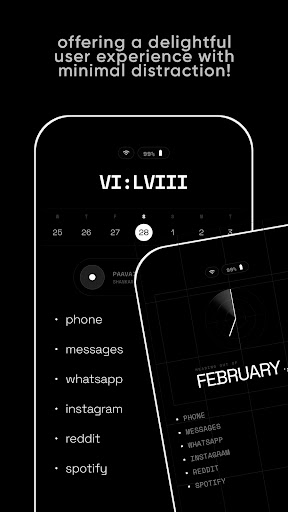
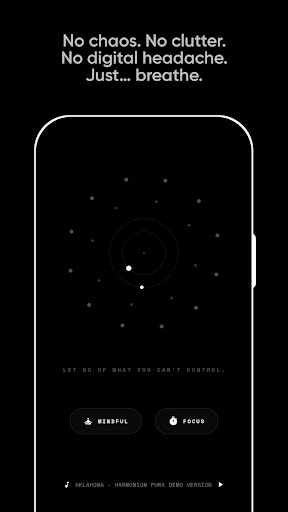
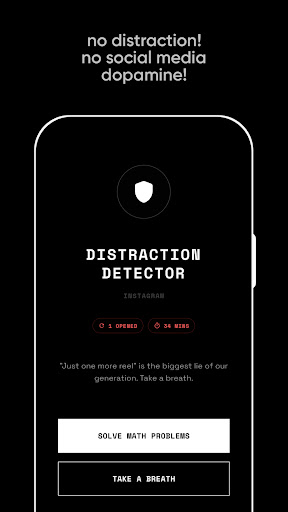
Are you overwhelmed by a sea of colorful icons and constant notifications? MINIMAA offers a solution by transforming your smartphone into a tool focused on intentionality rather than distractions. Inspired by the "Dumbphone" philosophy and digital minimalism, MINIMAA is designed to help you break free from endless scrolling and recover valuable hours of your day.

Why Choose MINIMAA?

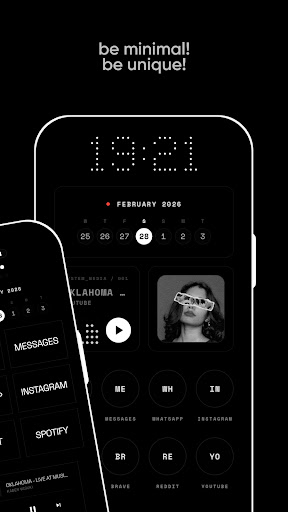
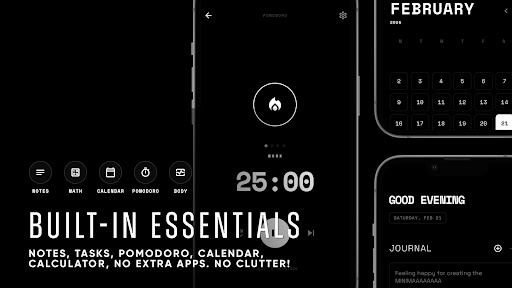
Unlike typical launchers that aim to keep you glued to your device, MINIMAA is crafted for digital detox and mindful usage. Its design strips away visual "sugar"—such as vibrant icons and cluttered layouts—that often trigger dopamine spikes and contribute to phone addiction. This minimalist launcher encourages deliberate interactions, making your digital experience more peaceful and productive.

Key Features

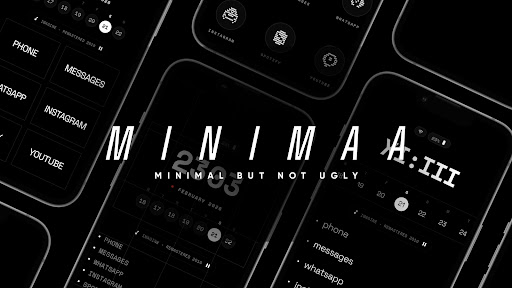
Inky Black Aesthetic

Optimized for OLED screens, it not only enhances battery life but also reduces eye strain, offering a soothing visual experience tailored for night-time use or prolonged viewing.

Text-Based Interface

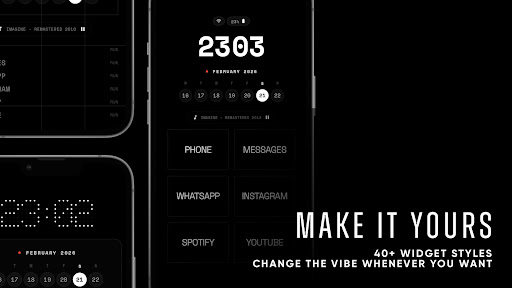
Say goodbye to distracting icons. Navigate your phone effortlessly through a clean, text-focused interface that provides clarity and focus.

App Hiding

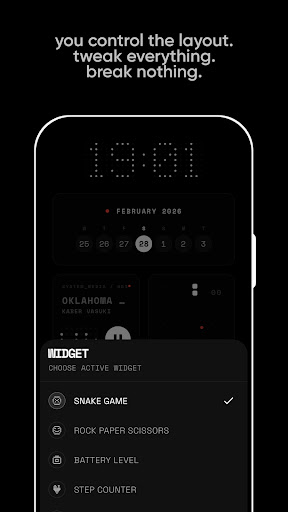
Maintain a sacred home screen by hiding distracting social media and entertainment apps. Access these only when needed, supporting your digital minimalism goals.

Privacy First

With no trackers, no data collection, and no ads, MINIMAA ensures your phone usage remains private and secure—keeping your digital life truly yours.

Lightweight & Fast

Designed to be quick and responsive, this launcher has a tiny footprint, delivering a smooth experience without lag, centered on your focus and efficiency.

Who Is It Perfect For?

  • Digital Minimalists: Those seeking a Zen-like mobile environment that fosters calm and mindful usage.
  • ADHD & Neurodivergent Users: To reduce sensory overload and cognitive load, making smartphone interactions more manageable.
  • Productivity Enthusiasts: Users looking to spend less time searching and more time accomplishing their goals.
  • Digital Detox Seekers: Individuals committed to reducing screen time and breaking free from digital habits.
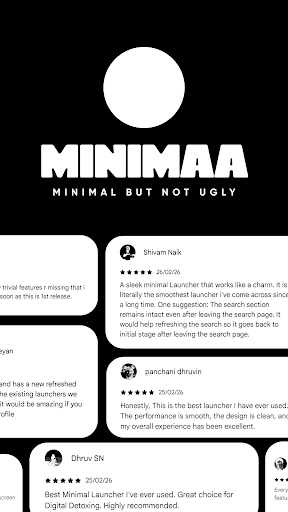
Join a community of thousands who have replaced cluttered home screens with a peaceful, minimalist sanctuary. Download MINIMAA today and begin your journey toward a more mindful relationship with technology.

Accessibility Service & Web Detox Feature

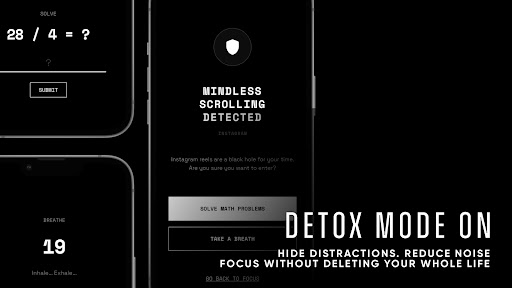
MINIMAA includes an optional Web Detox feature that leverages Android’s Accessibility Service API. When enabled, it detects the websites you are viewing in supported browsers and compares them against a user-defined list of distracting sites. If a match is found, MINIMAA displays a focus prompt to help you stay on track.

This feature is designed with privacy and security in mind:

  • The service does not record keystrokes or capture screen content.
  • No data is stored, collected, or transmitted externally.
  • All processing occurs locally on your device.
  • The Web Detox feature is entirely optional and can be disabled at any time through Android's system settings.

It’s important to note MINIMAA is not an accessibility tool for users with disabilities, but rather a privacy-conscious digital wellbeing assistant supporting your digital detox efforts.

Pros

  • User-friendly interface makes navigation simple and intuitive
  • Provides comprehensive features to enhance user experience
  • Regular updates improve functionality and security
  • Strong community support and extensive resources available

Cons

  • Some features may require a steep learning curve for new users
  • Occasional bugs that can affect performance
  • Premium features locked behind paywalls
  • Resource consumption can be high on older devices
Download From Google Play
Advertisement

Frequently Asked Questions

What are the key features of the new software update?

The new software update introduces several key features, including enhanced security protocols, improved user interface, faster processing speeds, and additional customization options.

How does the update improve security?

The update enhances security by implementing stronger encryption methods, two-factor authentication, and regular security patches to protect user data.

What improvements have been made to the user interface?

The user interface has been redesigned for better navigation, with clearer menus, more intuitive layout, and customizable themes for a personalized experience.

What are the benefits of faster processing speeds?

Faster processing speeds reduce lag times, improve efficiency, and allow users to complete tasks more quickly, leading to increased productivity.

What customization options are now available?

Users can now personalize their interface with new themes, rearrange dashboard components, and set up personalized shortcuts to streamline their workflow.

You May Like