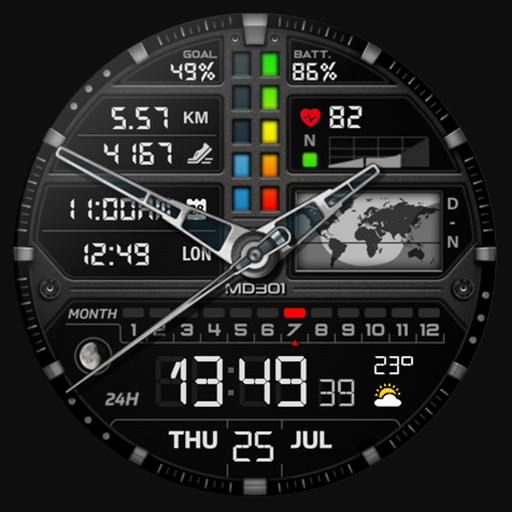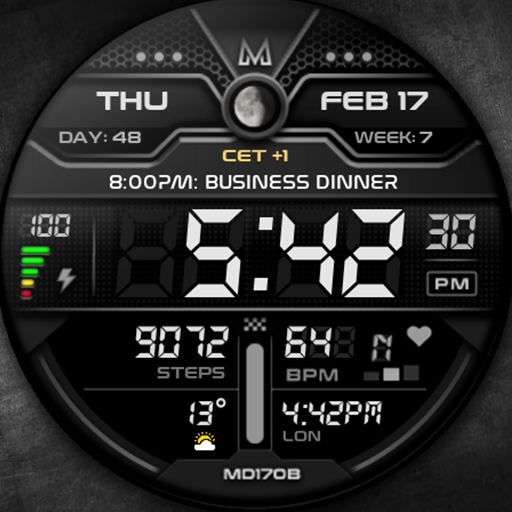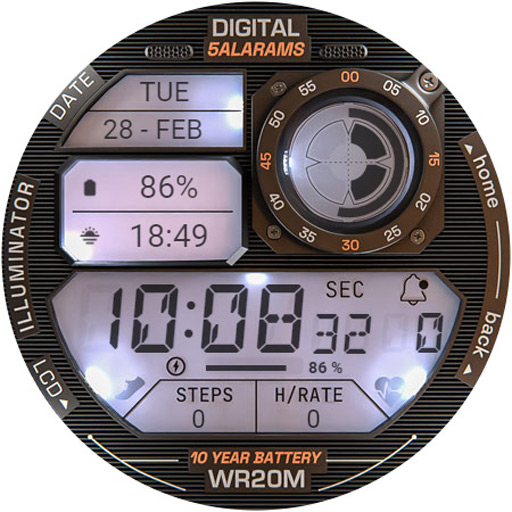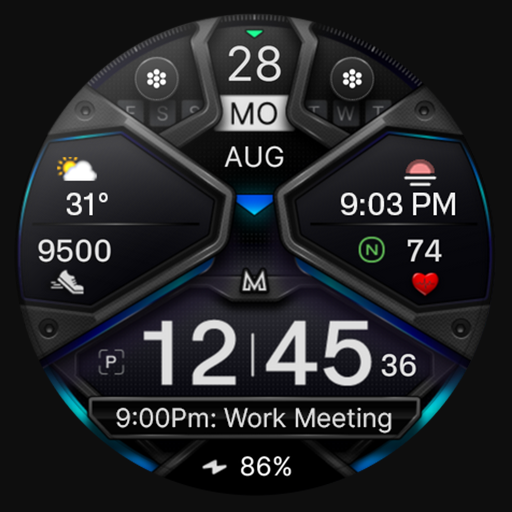
Introducing the OneUI Widgets Pack
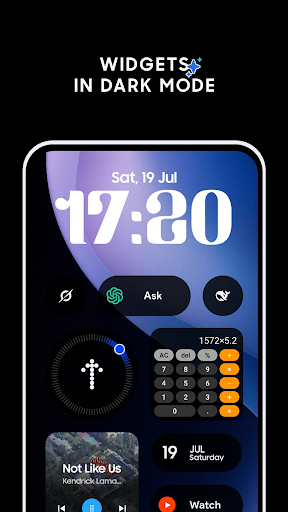
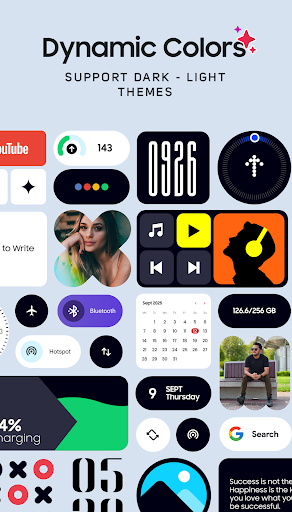
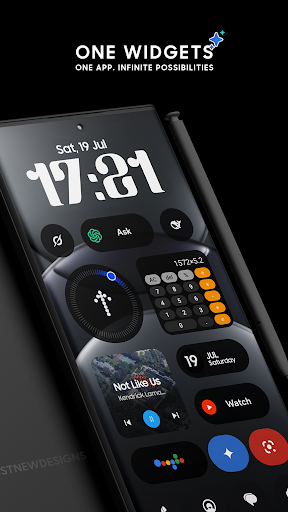
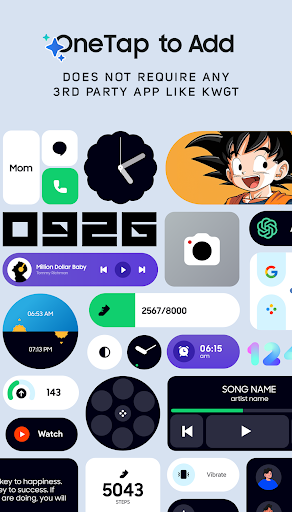
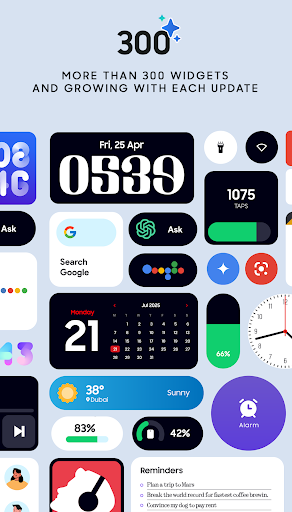
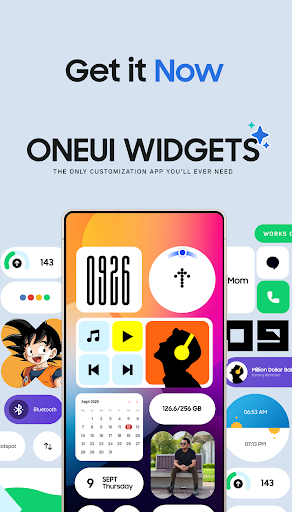
Discover the power of One UI Widgets Pack, a stunning collection of beautifully designed widgets inspired by the sleek aesthetic of the One UI OS. Perfectly compatible with any Android device, this widget pack offers over 300 amazing widgets to help you craft a unique and functional home screen experience. Best of all, you don't need any additional apps like KWGT—just tap, add, and personalize your device effortlessly.
Seamless Integration — No Extra Apps Needed
Unlike many other widget collections, OneUI Widget Pack works natively on your device. This means no third-party apps or complex setups are required. Simply select a widget, tap to add it, and customize it on your home screen instantly. Currently, the pack features over 300 high-quality widgets, with plans to expand to more than 350 by the year's end.
Our focus is on quality over quantity, ensuring each widget is both useful and creatively appealing. Be prepared for regular updates that introduce exciting new widgets to enhance your device’s look and functionality.
Fully Resizable & Responsive Widgets
Most widgets in the OneUI Widgets collection are fully resizable, allowing you to adjust their size from small to large for a perfect fit on your home screen. This flexibility empowers you to design your interface precisely as you like, making your device more personalized and efficient.
Overview of the Features - Over 300 Widgets and Growing
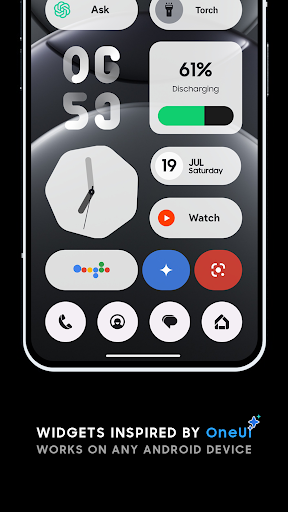
- Clock & Calendar Widgets – Elegant digital and analog clocks, stylish calendar displays
- Battery Widgets – Monitor your device's battery status with minimalist indicators
- Weather Widgets – View current weather conditions, forecasts, moon phases, and sunrise/sunset times
- Quick Settings Widgets – Toggle WiFi, Bluetooth, dark mode, flashlight, and more with one tap
- Contact Widgets – Quick access to your favorite contacts with Nothing OS-inspired designs
- Photo Widgets – Showcase your favorite memories directly on your home screen
- Google Widgets – Specialized widgets for your Google apps and services
- Utility Widgets – Compass, calculator, and other essential tools for everyday use
- Productivity Widgets – To-do lists, notes, quotes, enhancing your workflow
- Pedometer Widget – Counts your steps using your phone's motion sensors (no health data stored)
- Quote Widgets – Inspirational quotes at a glance
- Game Widgets – Play fun mini-games like Snake, with more coming in future updates
- And many more creative and entertaining widgets!
Matching Wallpapers for the Perfect Home Screen
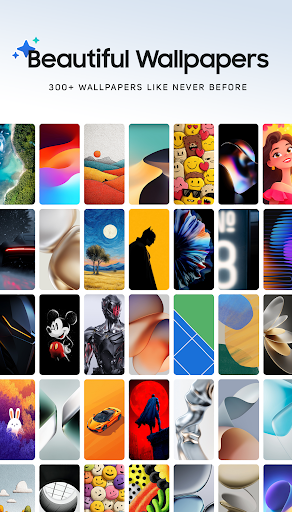
Complete your customization with over 300 matching wallpapers, including exclusive designs that harmonize beautifully with the widget styles. Create a cohesive and stunning home screen aesthetic effortlessly.
Not Sure Yet? Why Choose OneUI Widgets?
If you're a fan of Samsung Devices or the One UI OS, this widget pack is tailor-made for you. We're confident you'll love your new home screen experience, which is why we offer a 100% refund guarantee if you're not completely satisfied. Just follow Google Play’s refund policy to request yours.
Get Started Today
Transform your Android device’s look and feel by downloading One UI Widgets Pack. Start customizing your home screen with stylish widgets and matching wallpapers that reflect your personality. If you have ideas or want to share feedback, connect with us on Twitter at x.com/JustNewDesigns or via email at justnewdesigns@gmail.com. Your phone deserves to look as good as it works!
Pros
- User-friendly interface that makes navigation simple and intuitive
- Offers a wide range of features to enhance user experience
- Reliable performance with minimal glitches
- Provides timely updates and improvements
- Excellent customer support and assistance
Cons
- Limited customization options for advanced users
- Occasional slow response times under heavy load
- High subscription costs compared to competitors
- Requires a stable internet connection for optimal use
- Some features may have a learning curve for new users