

PNC Mobile App: Your Ultimate Digital Banking Companion
If you're looking for a convenient, secure, and feature-rich way to manage your finances on the go, the PNC Mobile app is an excellent choice. Designed for both Android and iOS devices, this app brings the full spectrum of banking services right to your fingertips, making everyday money management effortless and efficient.
Getting Started with PNC Mobile
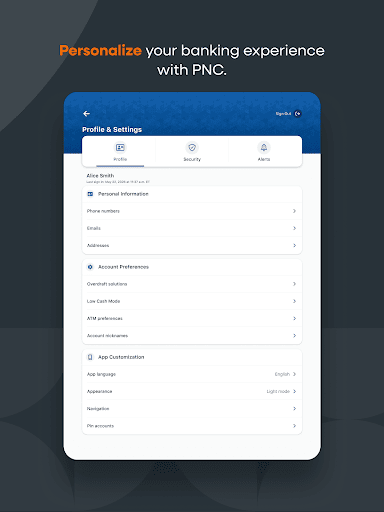
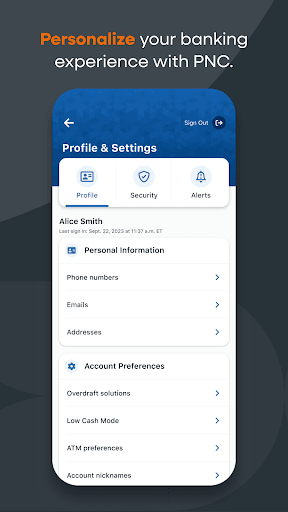
Downloading the PNC Mobile app is quick and easy. Available on all major app stores, the app supports both Android and iOS devices. Once installed, setting up your account is straightforward—simply log in with your existing PNC banking credentials or register if you’re a new user. The user interface is intuitive, guiding you seamlessly through various features without any hassle.
Powerful Features for Comprehensive Financial Management
Account Balances & Recent Transactions
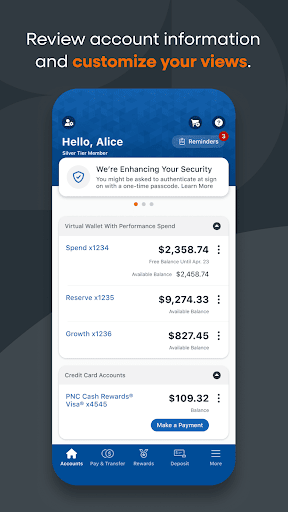
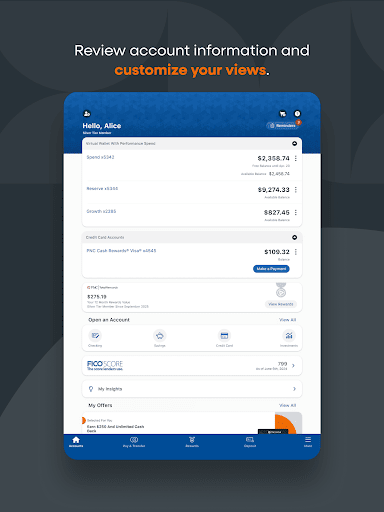
Easily view your checking, savings, credit card, and loan accounts. Track your latest transactions to stay on top of your finances at a glance.
Secure Account Protection
Enhance your security by setting up fingerprint or Face Authentication to sign in safely. If needed, reset your password quickly and conveniently.
Send & Receive Money with Zelle®
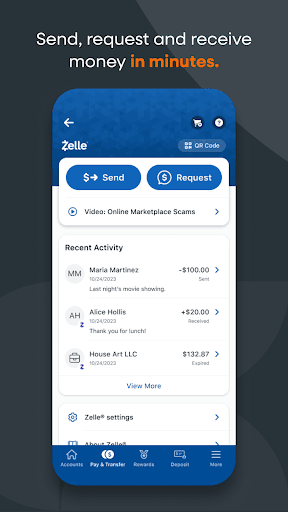
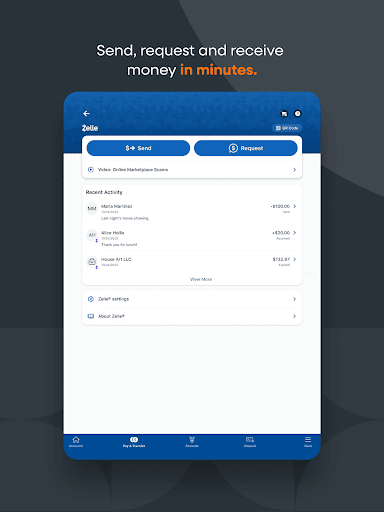
Send money easily to trusted contacts using their mobile number or email address. Remember, Zelle is ideal for payments to people you know, and transactions typically occur within minutes. Keep in mind that limits may apply, and ensure the recipient’s details are correct for a smooth transfer.
Transfer Funds & Make Deposits
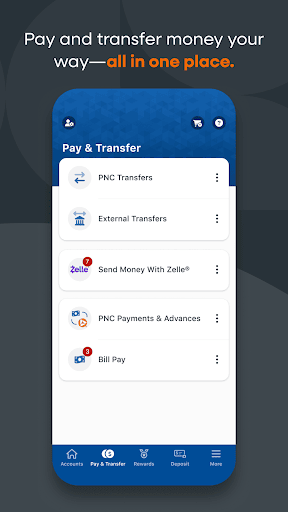
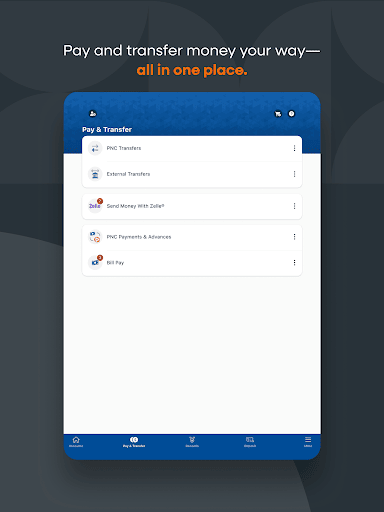
Transfer funds between your eligible PNC accounts or to external banks with just a few taps. Deposit checks instantly using your device’s camera through Mobile Deposit, eliminating the need to visit a branch.
Bill Payments & Card Management
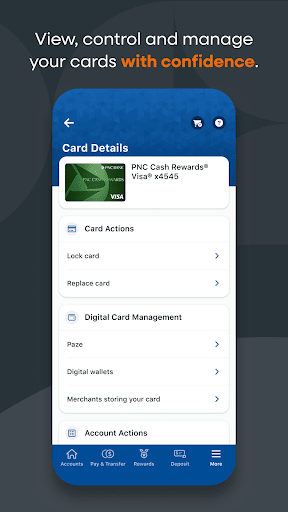
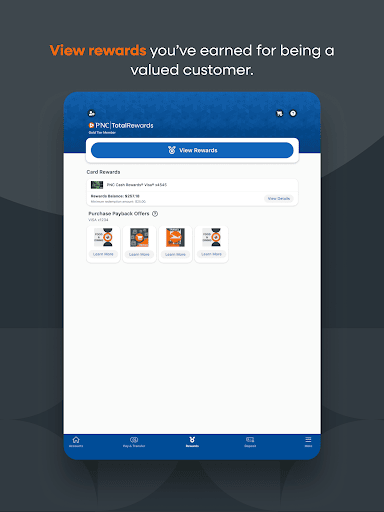
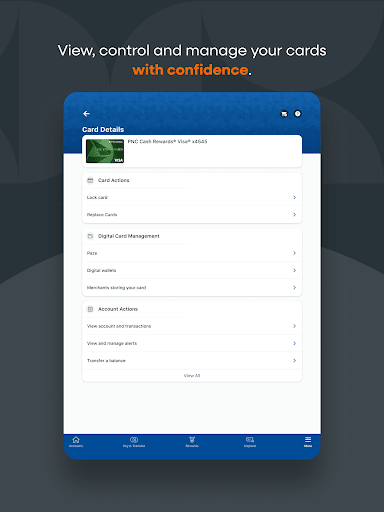
Manage your bills directly from the app—add new bills or set up recurring payments. View and control your PNC credit, debit, and SmartAccess® cards. Make in-store payments easily via PNC Pay. If a card is misplaced, lock or unlock it instantly, preventing unauthorized transactions.
Locate Branches & ATMs
Use built-in location services to find the nearest PNC ATMs or branches. Search options include zip codes and street addresses for quick access when you need in-person assistance.
Financial Goals & Spending Insights
Take advantage of tools like Virtual Wallet® to gain insights into your spending habits and savings. See what’s available to spend with Money Bar®, which visualizes your Free Balance—your spending funds after bills and expenses. Monitor upcoming paydays using the Calendar, review transaction history, and plan your financial future effectively.
Budgets & Savings
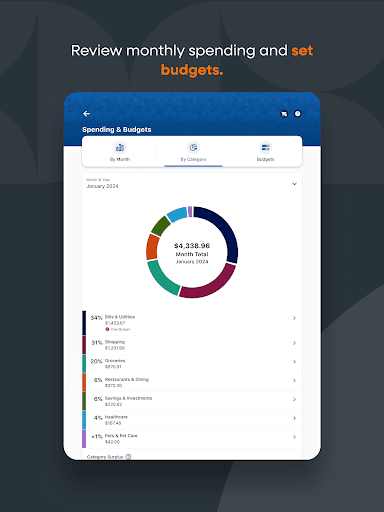
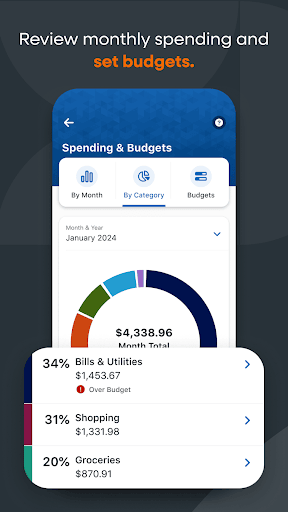
Track your spending across categories like restaurants and gas, and set budgets to stay on track. Create savings goals and use features like automated transfers or personalized piggy banks to make saving money engaging and manageable.
Security & Privacy You Can Trust
The PNC Mobile app prioritizes your security. It employs top-grade encryption, biometric authentication, and other measures to keep your personal and financial information safe. Only use Zelle to send money to trusted contacts, and always confirm recipient details beforehand. Remember that Zelle transactions are usually swift, but neither PNC nor Zelle provide protection for authorized payments.
Final Thoughts
The PNC Mobile app is a comprehensive tool designed to bring the bank to your pocket. Whether you need to check balances, pay bills, deposit checks, or keep track of your savings goals, this app makes all of that possible with ease and confidence. Its user-friendly interface, robust security features, and endless functionalities make it an indispensable part of modern banking. If you haven’t downloaded it yet, now’s the perfect time to experience a smarter way to manage your finances anytime, anywhere.
Pros
- User-friendly interface enabling easy navigation.
- Provides real-time updates on account activities.
- Secure login using biometric authentication.
- Accessible to a wide range of financial services.
- Available 24/7 customer support.
Cons
- Fewer features compared to the desktop version.
- Users occasionally report app crashes.
- Requires a stable internet connection for optimal performance.
- Notifications may become overwhelming at times.
- Initial setup process can be time-consuming.











