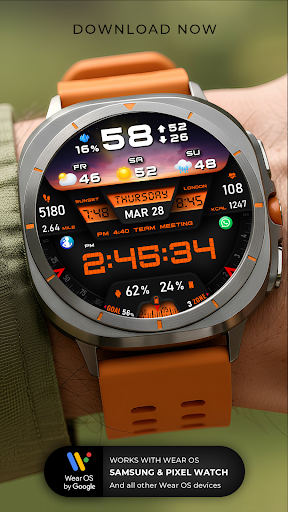
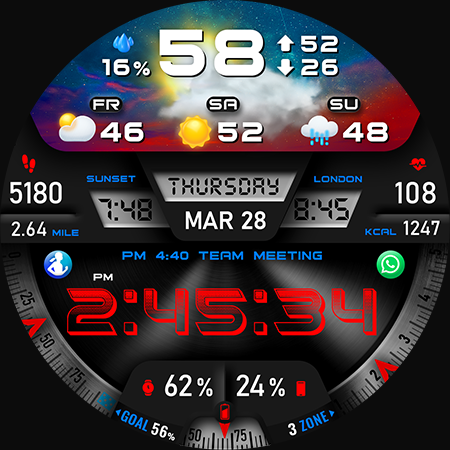
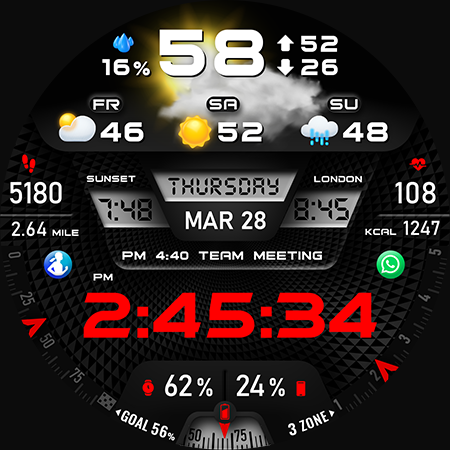
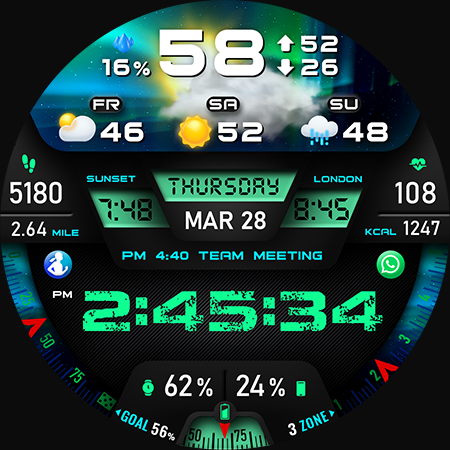
Introducing the PER27 Digital Watch Face for Wear OS
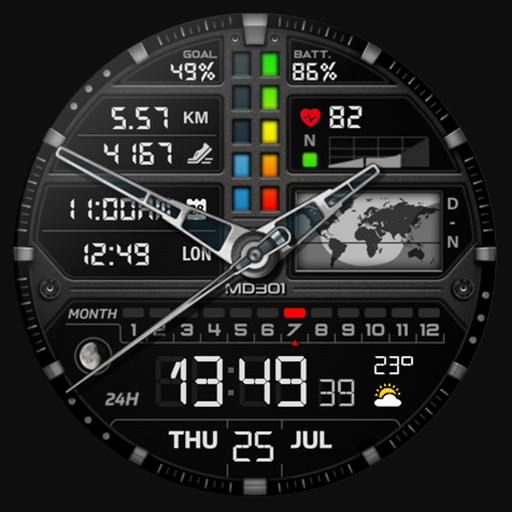
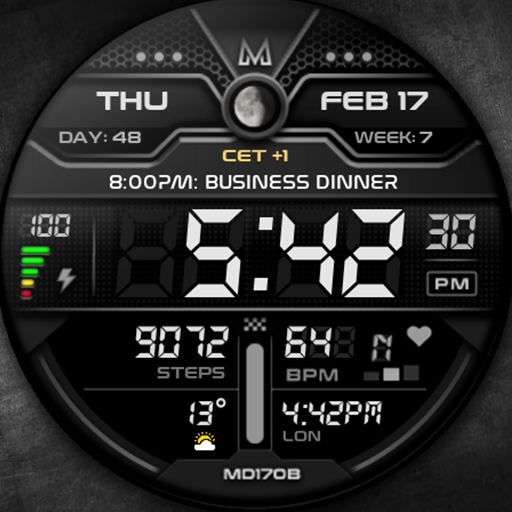
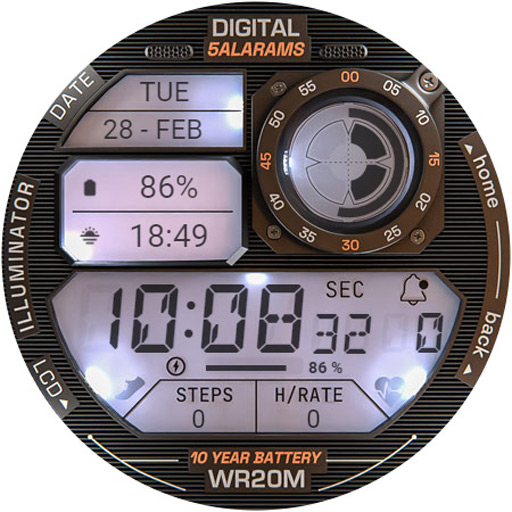
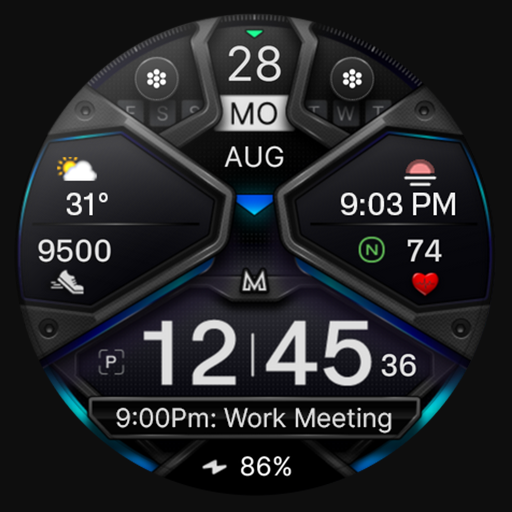
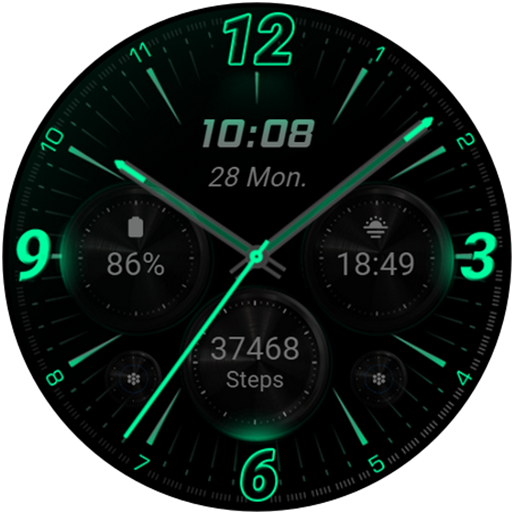
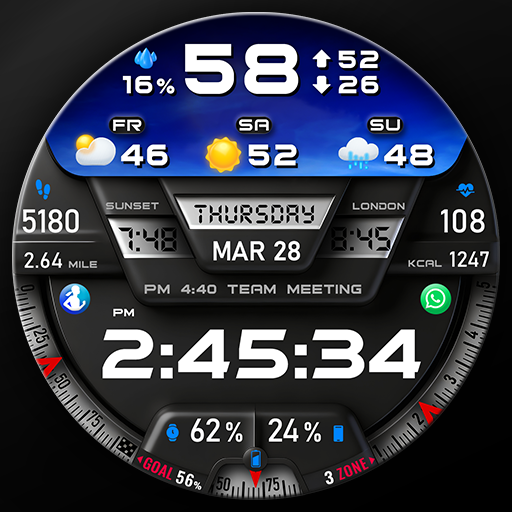
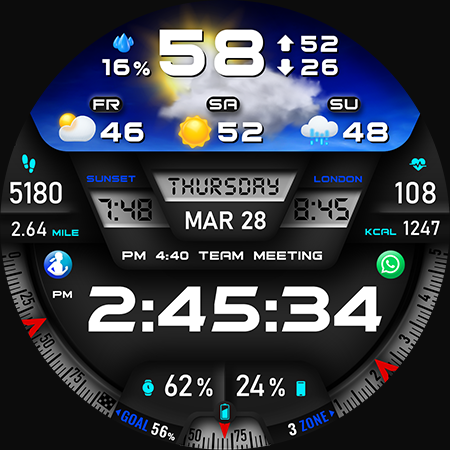
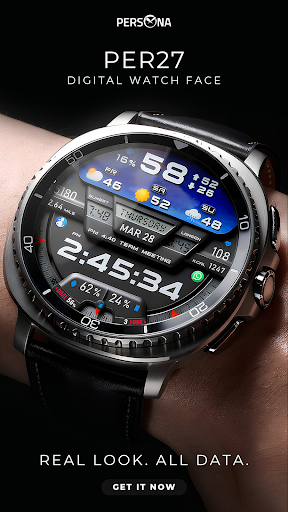
The PER27 Digital Watch Face offers a sleek, modern design tailored specifically for Wear OS devices. Crafted to meet the needs of users seeking **clear readability**, comprehensive data display, and extensive customization options, this watch face combines a clean layout with high performance for daily use. Whether you're tracking your health metrics, weather updates, or calendar events, PER27 Digital Watch Face ensures all essential information is accessible at a glance without visual clutter.
Key Features of PER27 Digital Watch Face
This watch face provides an array of features designed to enhance your smartwatch experience. It includes:
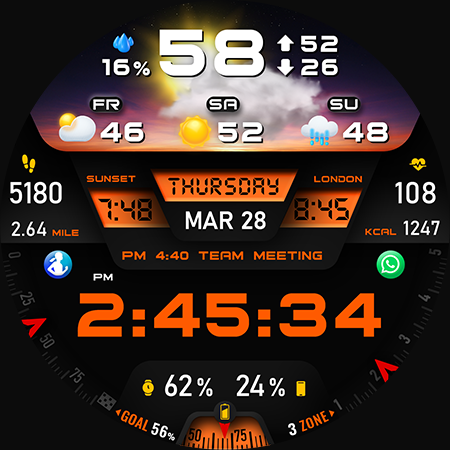
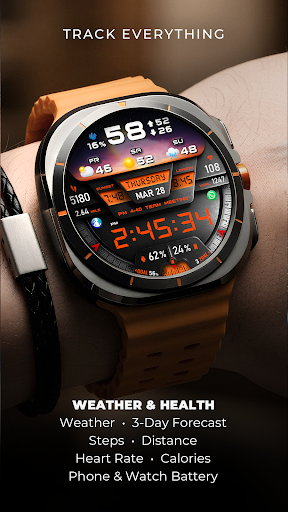
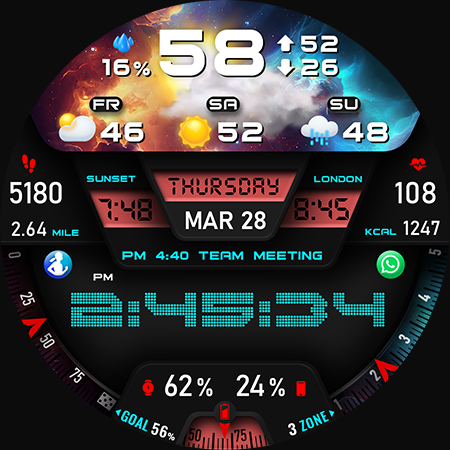
- Digital time in 12/24-hour formats
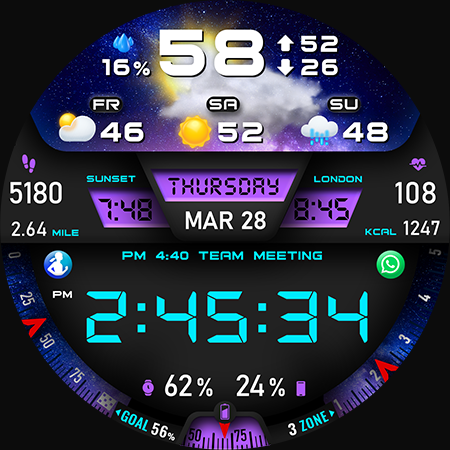
- Weather & 3-day forecast
- Steps, daily goal, & distance
- Heart rate monitoring
- Calories burned & floors climbed
- Phone & watch battery levels
- UV index & rain probability
- Moon phase, sunrise & sunset times
- Time zone & barometer
- Next calendar event
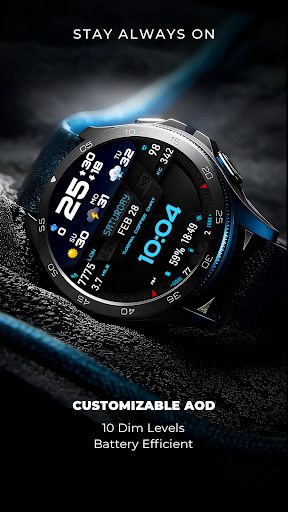
- Always-On Display (AOD)
Customization Options for a Personalized Look
Personalization is at the core of PER27 Digital Watch Face. Users can tailor the appearance and functionality to match their style and preferences through various customization options:
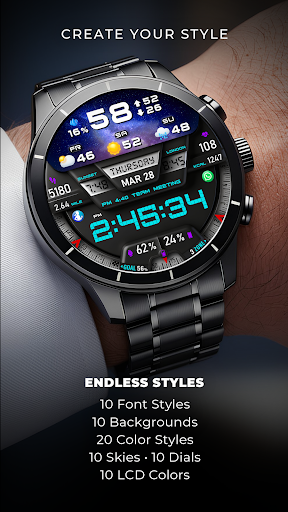
- 10 font styles
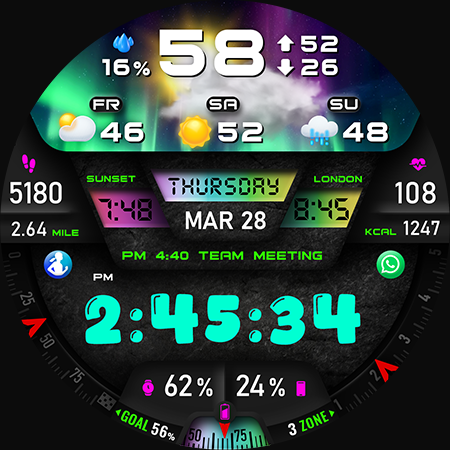
- 10 background options
- 10 dial designs
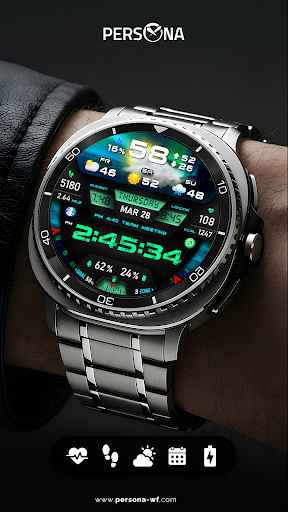
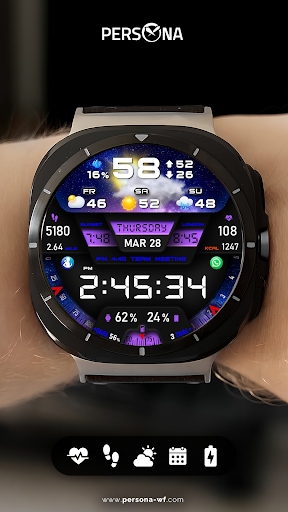
- 10 LED color styles
- 5 luminance levels for optimal visibility in different lighting conditions
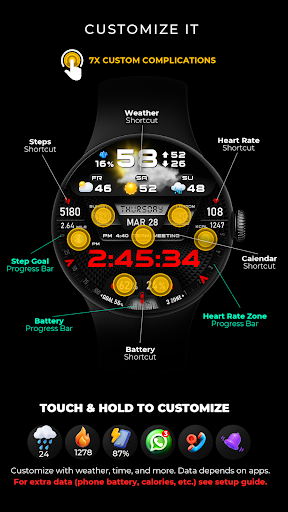
- 7 customizable complications for additional data points
- Adjustable AOD dim levels to conserve battery life while maintaining readability
Troubleshooting & Compatibility
Weather data accuracy depends on proper setup. To ensure optimal functionality:
- Install the Simple Weather app on both your phone and watch.
- Set its update interval to 1 hour.
- Allow a few minutes for data to sync.
To display phone battery level and other complications, you’ll need the companion app:Phone Battery Complication. Follow the setup instructions provided to integrate additional data points seamlessly.
Enjoy Effortless Customization and Compatibility
Customization is simple—just touch and hold your watch face, then tap “Customize” to set colors, complications, and data to your liking. The Always-On Display (AOD) mode is optimized with adjustable dim levels, ensuring your watch’s display remains legible while conserving battery life. The colors are consistent with the main display, providing a seamless appearance.
PER27 Digital Watch Face is compatible with all Wear OS devices running API 34+ and popular models such as:
- Samsung Galaxy Watch 4–8, Ultra
- Google Pixel Watch 1–4
- Fossil Gen series
- Mobvoi TicWatch series
Discover More Watch Faces
Explore additional watch faces available from PERSONA to customize your Wear OS experience further.
Design by Ayla Gokmen
The PER27 Digital Watch Face embodies modern design and functional excellence, created by Ayla Gokmen, blending style with usability for everyday wear.
Pros
- User-friendly interface making navigation easy.
- Provides comprehensive features to meet various needs.
- Offers reliable performance and stability.
- Regular updates enhancing functionality and security.
- Good customer support and responsiveness.
Cons
- Some features may have a steep learning curve for new users.
- Occasional bugs that require fixes in updates.
- Limited customization options in certain areas.
- Premium features are accessible only through paid plans.
- Initial setup can be time-consuming.