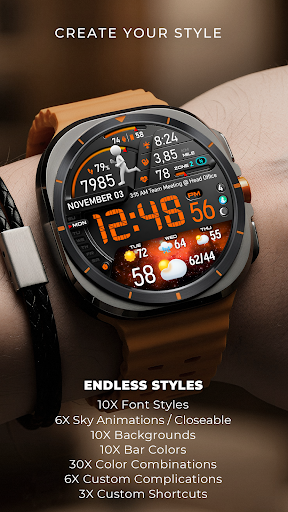
PER23 Digital Watch Face Overview
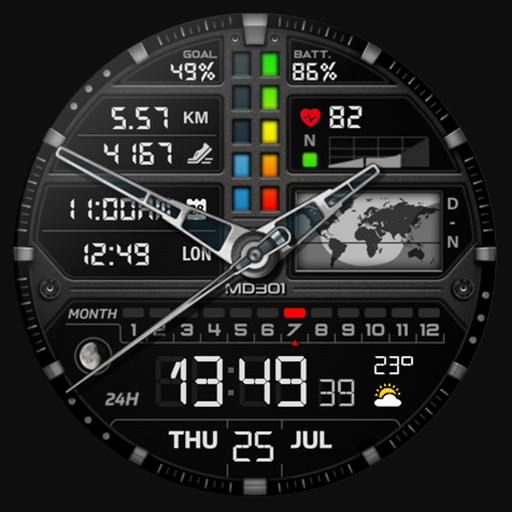
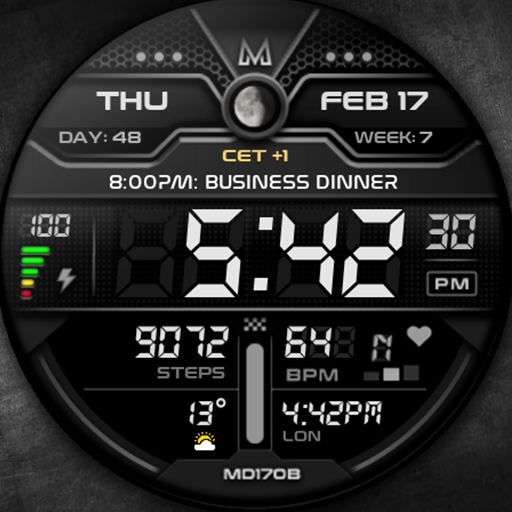
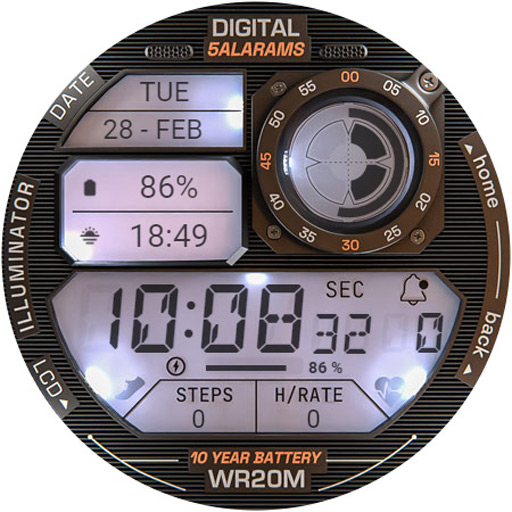
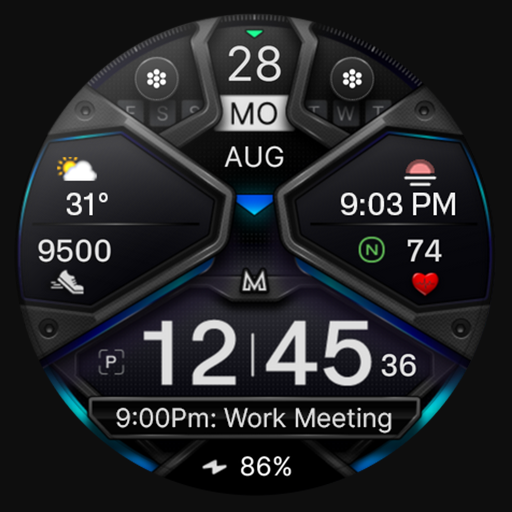
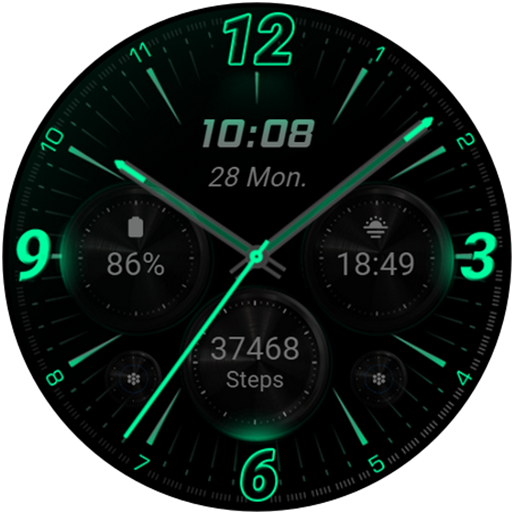
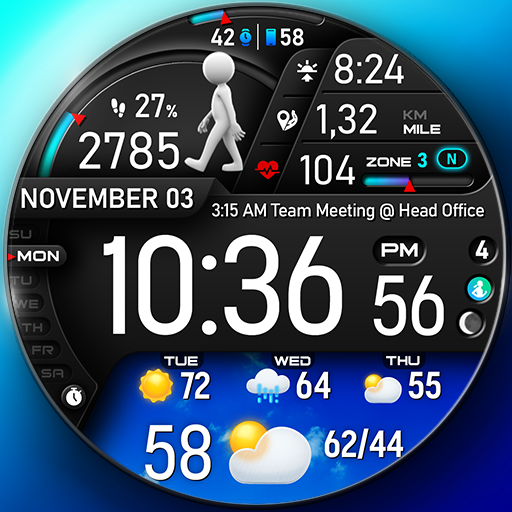
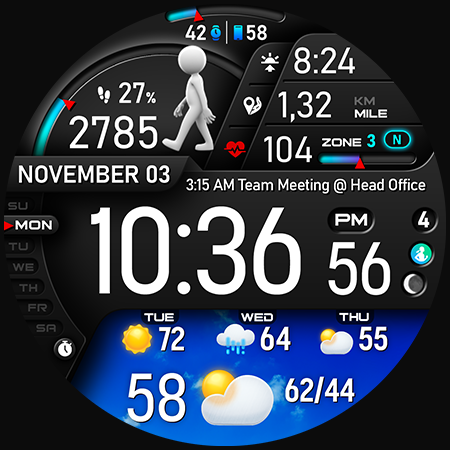
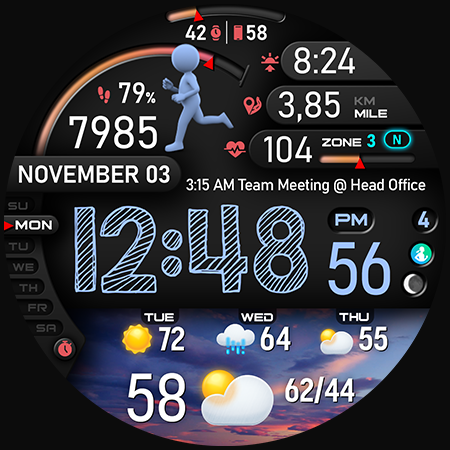
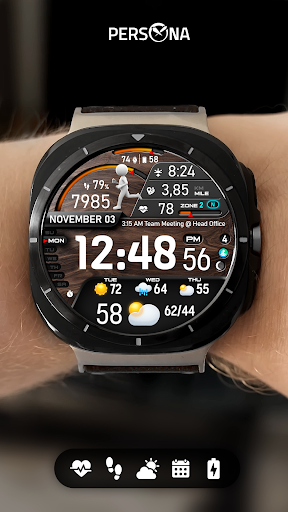
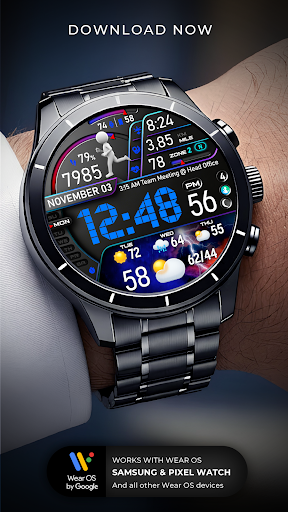
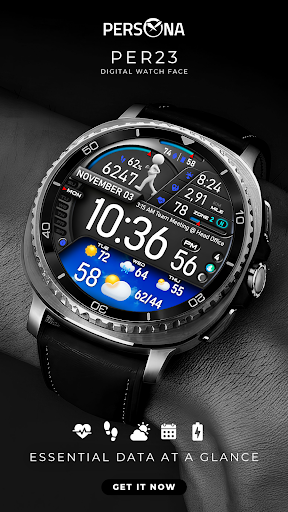
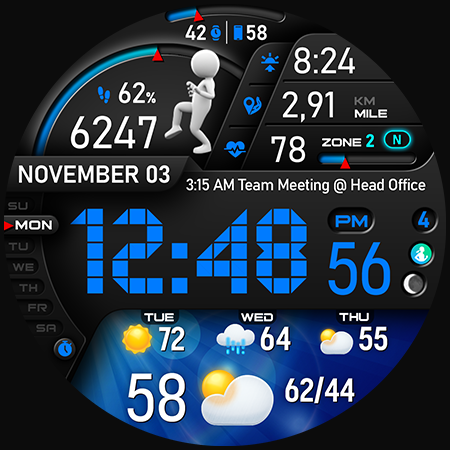
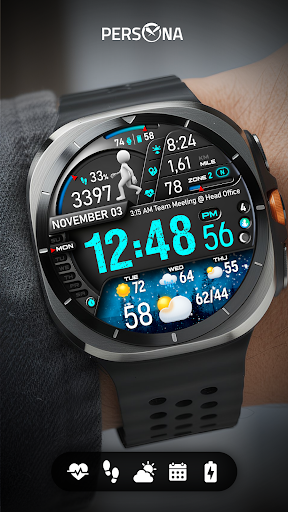
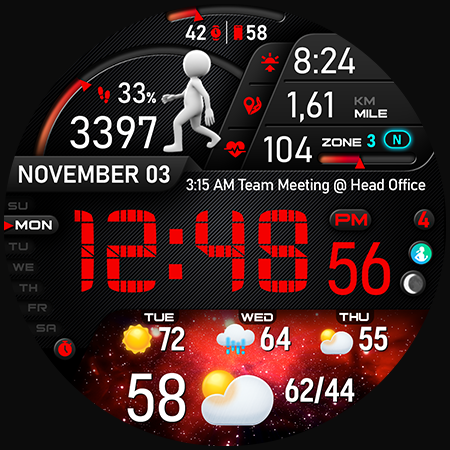
The PER23 Digital Watch Face is a sophisticated and feature-rich digital watch face created specifically for Wear OS smartwatches. Designed to enhance your daily experience, this watch face offers a seamless blend of style, functionality, and customization. With its dynamic visual elements and real-time data, it transforms your smartwatch into an engaging and personalized accessory.
Engaging Features That Keep You Moving
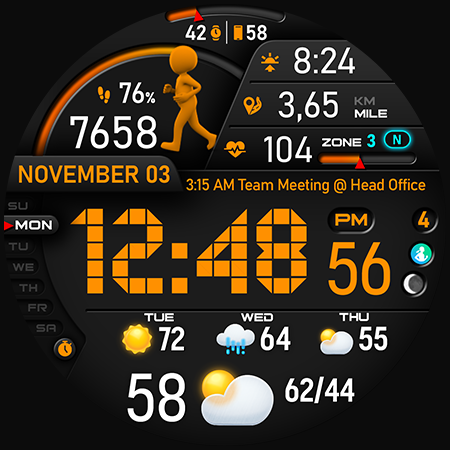
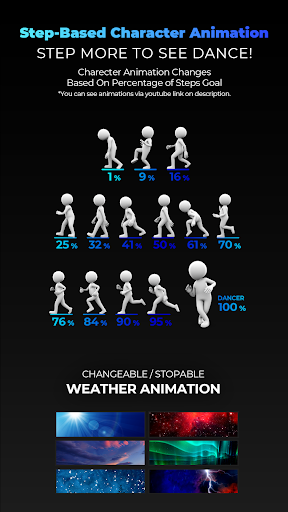
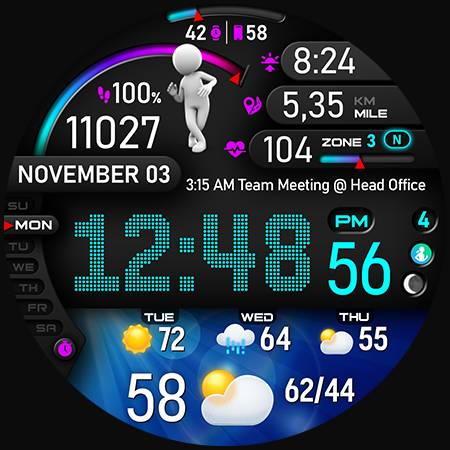
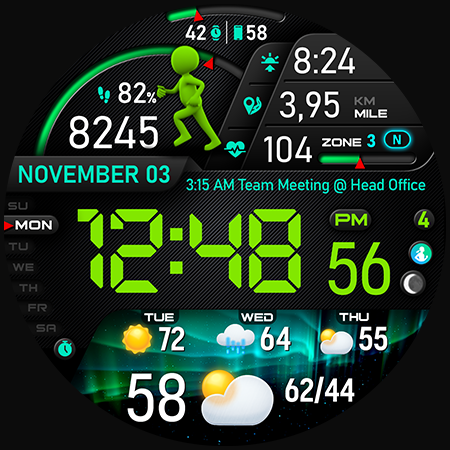
One of the most captivating features of the PER23 Digital Watch Face is its interactive design aimed at motivating you to stay active. Featuring a •Step counter, the watch face displays a lively runner animation that evolves as you make progress towards your daily •step goal. When you reach 100%, you’re rewarded with an ultimate dancer animation—a fun visual celebration of your achievement. This engaging element encourages movement and adds a playful touch to your fitness routine.
To see these animations in action, check out the demo video.
Endless Customization Options
The PER23 Digital Watch Face provides extensive customization possibilities, allowing you to tailor the look to your style and preferences. Choose from:
- 10 font styles for the time
- 10 backgrounds
- 10 bar colors
- 6 sky animations
- 25 color combinations
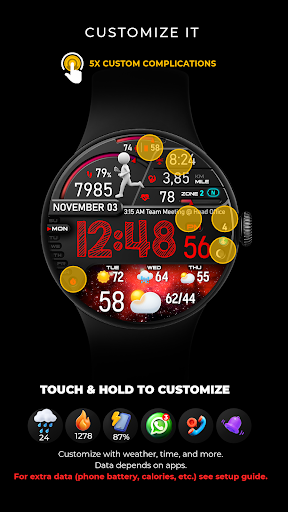
- 6 custom complications
- 10 AOD Dims
This level of customization ensures your watch face reflects your personal style, whether you prefer a minimalist look or vibrant visuals.
Key Data and Information Display
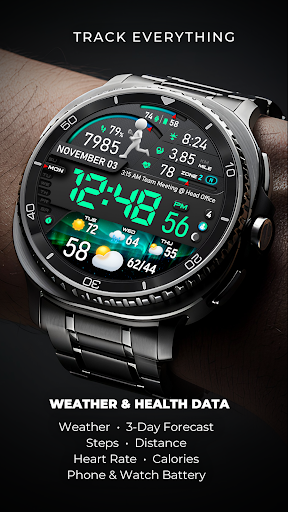
The watch face keeps you informed with a variety of real-time data, including:
- Digital weather type and temperature (°F / °C)
- High & Low temperature forecasts
- Next 3 days' weather type and temperatures
- Steps, daily goal, and distance in KM or Miles
- Phone & watch battery levels
- Active burned calories and floors climbed
- Heart rate monitor
- UV index and rain possibility
- Moon phase, sunset and sunrise
- Time zone and barometer
- Upcoming appointment reminders
The watch face also supports displaying: essential complications like active calories and floors, with easy setup options available in the setup guide.
Easy Customization and Personalization
Personalize your watch face effortlessly by simply touching and holding the display to access the easy customization mode. From here, you can select what data appears—such as weather, sunrise/sunset, and time zone—making it truly yours. For added complications like phone battery or calorie count, detailed setup instructions are available here.
If weather data isn't updating, and you see a “❓” icon, it indicates an issue with connectivity. Ensuring a stable internet connection and refreshing the watch face will resolve this.
Always-On Display (AOD) with Customizable Brightness
The PER23 Digital Watch Face features an Always-On Display mode that stays active even when your watch is idle. You can adjust the brightness across 10 levels in the customization menu to suit your preference. Additionally, with the new “AOD Dim” option, you can modify the layout for a more subtle appearance. The color scheme of the AOD can be synchronized with the main display for a consistent look, ensuring style and functionality go hand in hand.
More details about the AOD features can be found here.
Supported Devices and Compatibility
This watch face is compatible with all Wear OS devices with API Level 34+. Popular models include:
- SAMSUNG: Galaxy Watch8 Classic, Galaxy Watch Ultra, Watch8, 7, 6, 5, 4
- GOOGLE: Pixel Watch 1, 2, 3, 4
- FOSSIL: Gen 7, Gen 6, Gen 5e series
- MOBVOI: TicWatch Pro 5, Pro 3, E3, C2
Exceptional Support and Community Engagement
If you need assistance, support is readily available via support@persona-wf.com. Additionally, users can join the community to access the latest designs and exclusive offers through various channels:
Final Note
Thank you for choosing PERSONA! We are dedicated to enriching your smartwatch experience with innovative, stylish, and functional watch faces. Designed with love by Ayla GOKMEN, the PER23 Digital Watch Face aims to brighten your day and make your wrist stand out.
Pros
- Offers an intuitive and user-friendly interface that makes navigation easy.
- Provides quick access to essential features to enhance user efficiency.
- Regular updates improve functionality and security.
- Supports multiple devices and operating systems for versatility.
- Strong customer support with comprehensive resources and assistance.
Cons
- Some features are limited in the free version, requiring a subscription for full access.
- Occasional bugs or glitches may affect user experience temporarily.
- High resource consumption can impact device performance during use.
- Learning curve for advanced features may require additional time.
- Pricing might be considered expensive compared to similar applications.