
Discover the Onn Smart TV Remote App: Your Ultimate Guide to Seamless Home Entertainment
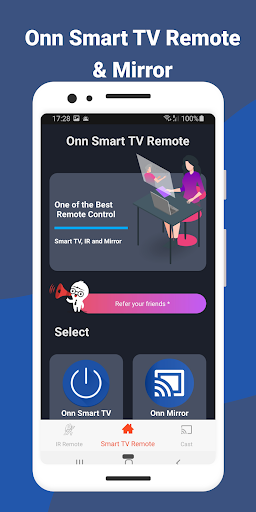
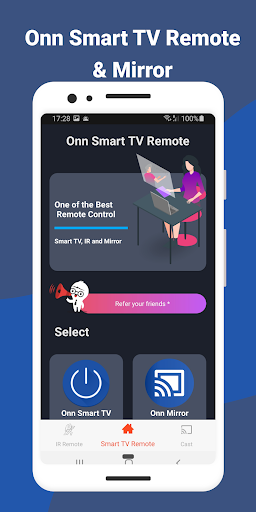
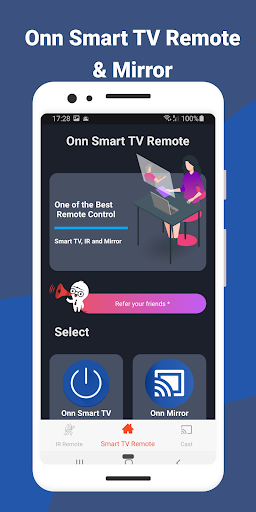
Welcome to the future of smart home entertainment with Onn Smart TV Remote app, a revolutionary tool designed to transform your smartphone into a powerful remote control for your Onn Smart TV. This feature-packed application extends far beyond traditional remote functionalities, offering users an all-in-one solution to enhance their TV viewing experience. Whether it's controlling your TV with ease, mirroring your device screen, or casting media directly from your smartphone, the Onn Smart TV Remote app opens the door to a new level of convenience and entertainment.
Smart TV Remote Control Made Easy
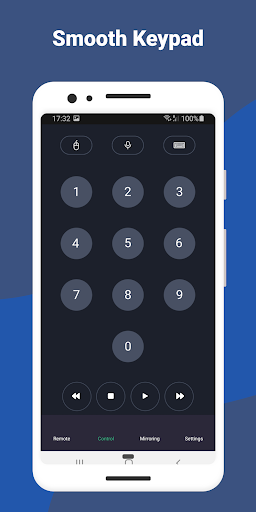
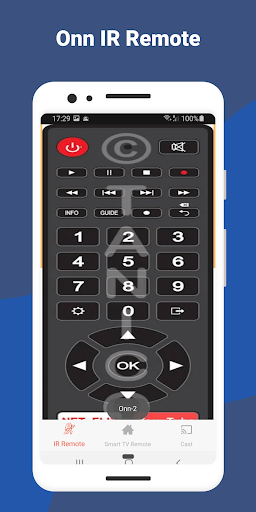
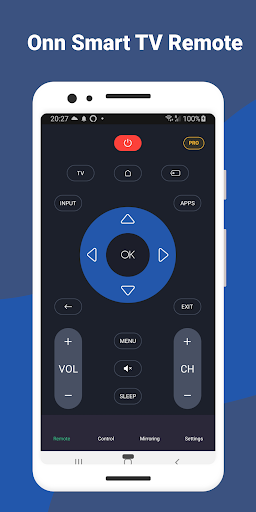
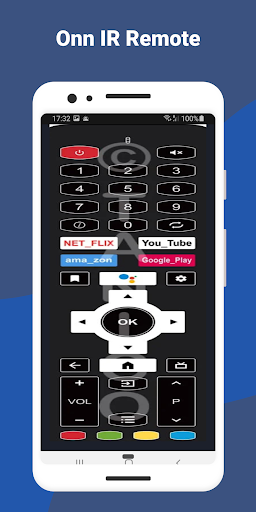
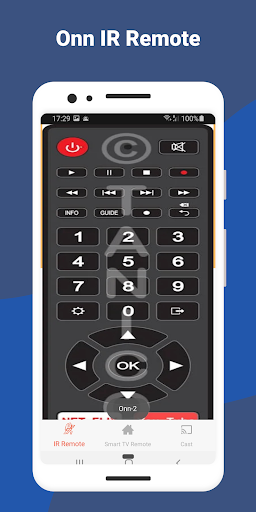
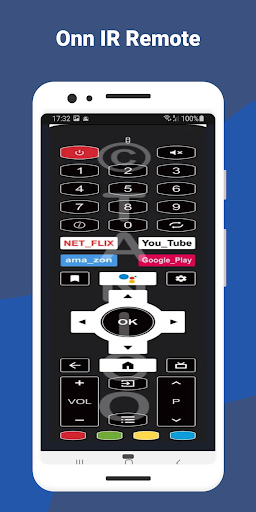
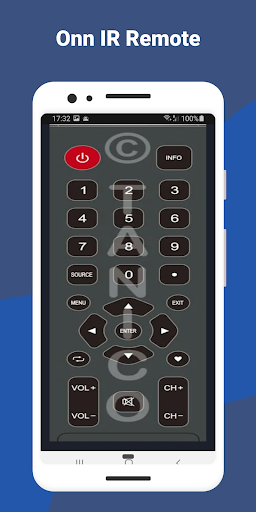
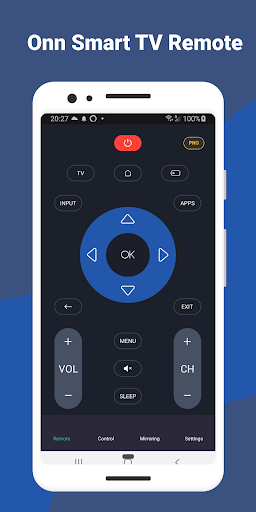
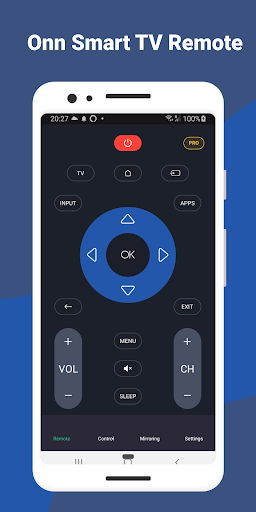
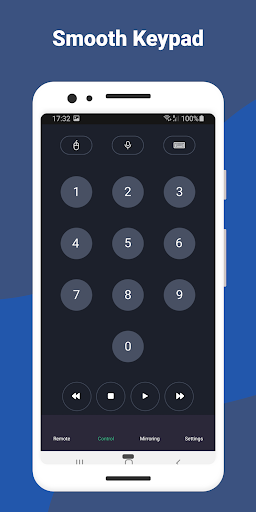
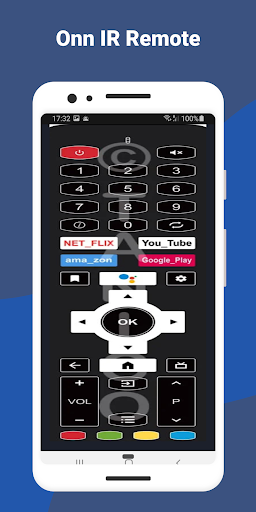
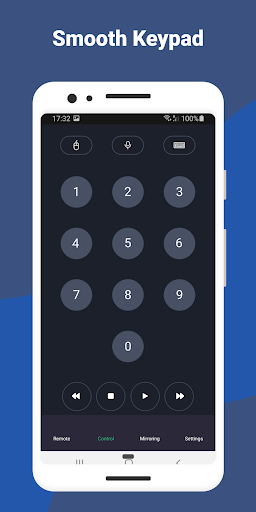
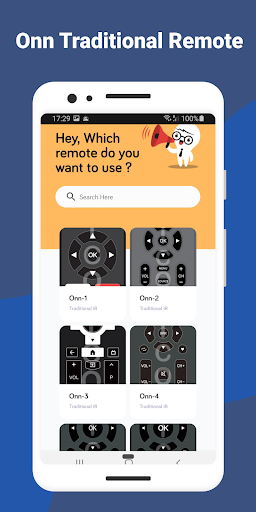
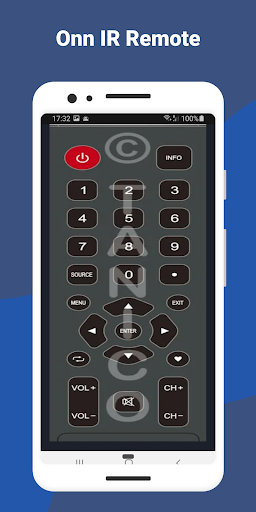
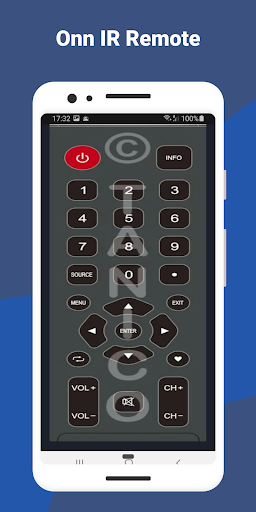
The core advantage of the Onn Smart TV Remote app is its ability to redefine the way you interact with your TV. Say goodbye to the clutter of multiple remote controls—simply use your smartphone to manage everything effortlessly. The app provides an intuitive interface, featuring all the essential controls such as volume adjustment, channel navigation, and quick access to your favorite apps. Its innovative touchpad functionality allows for precise cursor control, making tasks like typing and menu navigation smooth and straightforward. This integration ensures a seamless and user-friendly experience, making TV control more accessible than ever before.
Effortless Screen Mirroring for Enhanced Sharing
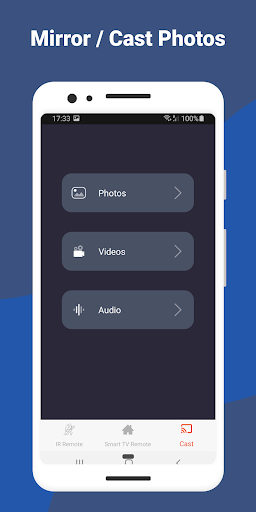
One of the standout features of the Onn Smart TV Remote app is its screen mirroring capability. This feature allows you to effortlessly project your smartphone or tablet content onto your Onn Smart TV, turning your television into a large display for photos, videos, presentations, or even mobile gaming. Whether you're sharing memories with family or conducting a business presentation, the screen mirroring function offers a lag-free and immersive experience. It supports a broad range of devices, making it a versatile tool for collaboration and entertainment alike.
Seamless Screen Casting for Your Favorite Media
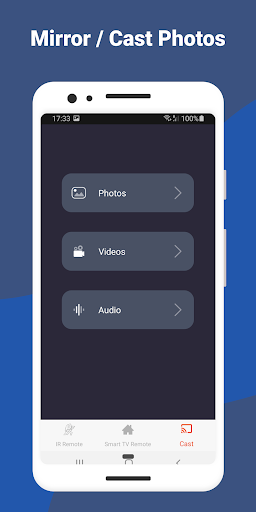
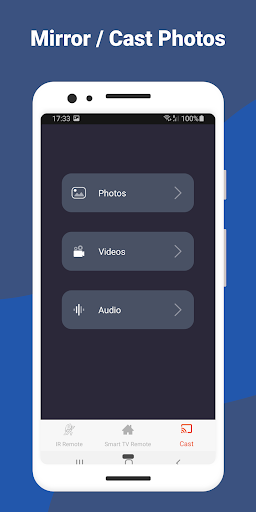
Take your entertainment to new heights with screen casting. The Onn Smart TV Remote app enables you to cast content from various streaming apps, photo galleries, and music playlists directly onto your Onn Smart TV. Whether you're streaming a movie, displaying photos, or playing your favorite tunes, the casting feature ensures smooth playback and high-quality audio-visual synchronization. This functionality transforms your TV into a personalized media hub, letting you enjoy your content conveniently and effortlessly.
Simple Setup & Reliable Connectivity
Getting started with the Onn Smart TV Remote app is quick and hassle-free. The user-friendly interface guides you through a straightforward setup process—just download the app, connect your smartphone and TV to the same Wi-Fi network, and it will automatically detect your device. No complicated pairing, hardware, or configuration steps are necessary. Enjoy the convenience of controlling your TV and accessing multimedia content with just a few taps on your smartphone, making entertainment more accessible and less stressful.
Customization for a Personalized Experience
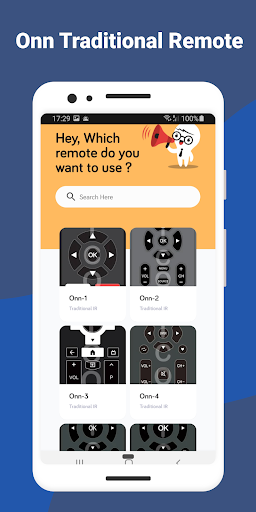
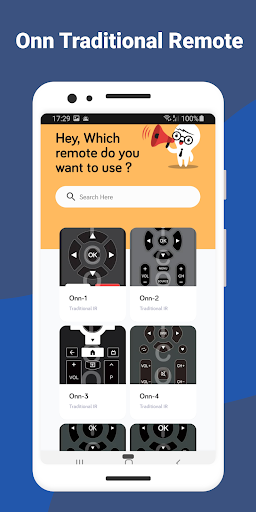
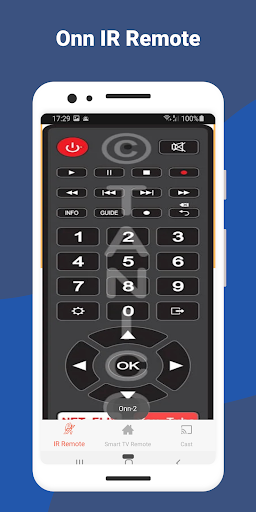
Personalization is key to a satisfying user experience, and the Onn Smart TV Remote app offers customizable shortcuts and favorites so you can tailor controls to your needs. Quickly access frequently used features or apps through personalized shortcuts, streamlining your interaction with the app. Whether you prefer a minimalist control layout or an all-in-one dashboard, this level of customization enhances usability and makes controlling your Onn Smart TV more intuitive.
Voice Control Integration for Hands-Free Operation
Embrace the convenience of voice control with the Onn Smart TV Remote app. Simply speak your commands to change channels, adjust volume, or search for shows. This hands-free feature allows you to control your TV without lifting a finger, perfect for those lazy evenings or multitasking moments. Voice command integration reflects the cutting-edge trend in smart home technology, enabling a more natural and effortless way to manage your entertainment system.
Continuous Updates & Enhancements
Our commitment to delivering the best possible experience means the Onn Smart TV Remote app undergoes regular updates. Users can benefit from new features, performance improvements, and enhanced compatibility as we strive to stay ahead in the evolving world of smart TV technology. Stay tuned for the latest advancements and enjoy a consistently optimized remote control experience designed to meet your evolving entertainment needs.
Pros
- Simple setup process.
- Intuitive user interface.
- Supports voice control commands.
- Compatible with multiple devices.
- Allows customization of remote layout.
Cons
- Limited features available for free.
- Occasional connectivity problems.
- Presence of advertisements in the free version.
- Requires a reliable internet connection.
- No offline mode available.











