


OnePay – Mobile Banking
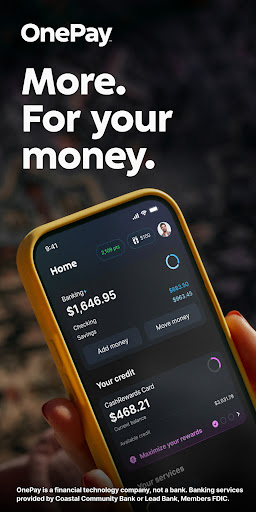
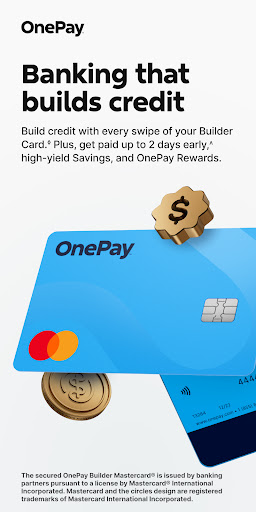
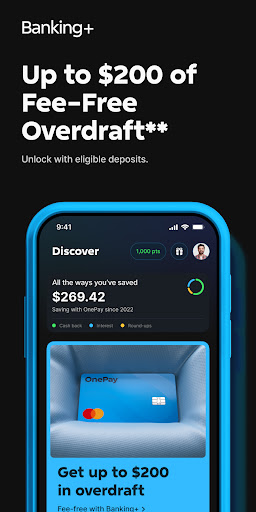
In a world where traditional banks can feel bulky and slow, OnePay – Mobile Banking redefines what a digital banking experience should be. Think of it as a mini bank in your pocket—an app that brings everyday money management to your fingertips with the speed of fintech and the trust of a modern financial partner. Whether you're checking balances, transferring funds, or paying bills, you can handle it all with a few taps and a clean, distraction-free interface.
OnePay positions itself as a transparent, user-friendly mobile banking app. No cluttered menus, no surprising fees—just straightforward tools that help you stay on top of your money. The design emphasizes clarity, making navigation intuitive even for first-time users. This is digital banking made simple, without compromising power or control.
Key Features that Elevate Everyday Banking
One of the standout features is the concept of "pockets." These are virtual savings spaces you can create for different goals—think Vacation, Emergency Fund, or a rainy day stash. Pockets let you allocate funds toward specific objectives, so saving becomes a habit rather than a chore. It’s a smart, visual way to manage money and stay motivated toward your financial goals.
Real-time notifications keep you in the loop. Every transaction is logged as soon as it happens, and you’ll receive instant alerts. This immediate feedback helps you track spending, spot unusual activity quickly, and act with confidence.
Security is a cornerstone of OnePay. The app uses strong encryption and multi-factor authentication to protect your data and funds. You can bank with confidence, knowing that your information is guarded with industry-standard security measures.
Transparency, Flexibility, and Ease
Unlike many traditional banks, OnePay emphasizes transparency. There are no hidden charges catching you by surprise, and the app is designed to keep you informed about pricing and terms. It’s banking on your terms—clear, upfront, and easy to understand.
The app is built for flexibility in everyday life. It supports quick transfers, bill payments, and balance checks, all from a sleek, responsive interface. If you value simplicity, efficiency, and control over your money, OnePay – Mobile Banking fits naturally into your routine.
Pros
- Instant account setup
- No monthly fees
- User-friendly interface
- Wide ATM network
- Real-time notifications
Cons
- Limited customer support
- No physical branches
- Mobile app only
- Limited financial products
- Requires stable internet











