
OBDocker - OBD2 Car Scanner
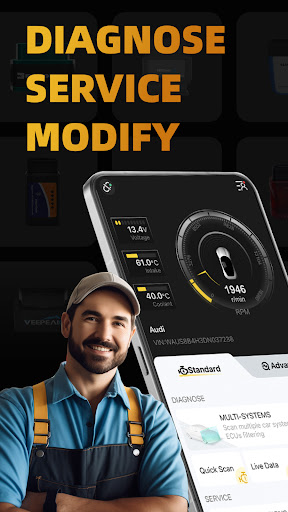
If you've ever faced a blinkingCheck Engine light and wished for a quick, accurate read without a trip to the shop, OBDocker - OBD2 Car Scanner is your mobile solution. Designed for both everyday drivers and automotive enthusiasts, this versatile app turns your smartphone into a capable diagnostic tool. With a focus on user-friendliness and real power under the hood, OBDocker helps you diagnose, service, and customize your vehicle with ease and precision. It leverages a connected OBD2 interface to pull data straight from your car’s onboard computer, giving you insight into engine health, emissions readiness, and maintenance needs—all in one compact app.
Getting started is simple: acquire a compatible OBD2 Bluetooth adapter, plug it into your car’s OBD2 port (usually under the dashboard), and launch the OBDocker app. The interface is intuitive, making it accessible even if you’re not a tech expert. Real-time ECU data, diagnostic trouble codes, and customizable dashboards put you in control of your vehicle’s performance and maintenance. OBDocker supports a broad range of vehicles and is designed to grow with you as new features and more adapters become available, helping you save time and money while staying informed about your car’s health.
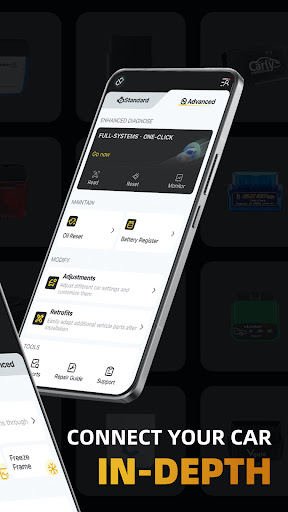
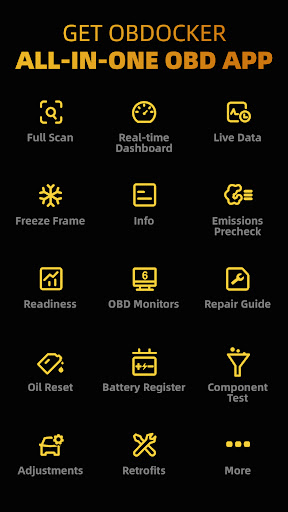
The app is built around key capabilities that car owners care about: in-depth diagnostics, live data monitoring, maintenance service routines, and one-click vehicle modifications. It’s the kind of tool that turns routine checks into proactive care, letting you spot issues early, clear trouble codes, and keep detailed records for your vehicle history. With compatibility for most OBD2-compliant cars manufactured after 1996, OBDocker makes advanced car monitoring achievable for everyone, whether you’re tracking fuel efficiency, diagnosing an intermittent sensor, or preparing for a state inspection.
Beyond diagnostics, OBDocker includes features that help you manage your vehicle more effectively. You can log trips, monitor engine RPM, coolant temperature, fuel usage, throttle position, and more, then tailor dashboards to the metrics you value most. The app’s flexible plan options—starting with a free trial—let you explore the full feature set and decide whether a Pro or Pro Max subscription aligns with your needs, giving you unlimited potential to customize and optimize your car’s performance.
Key Features
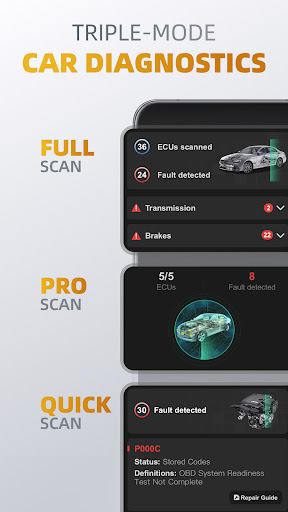
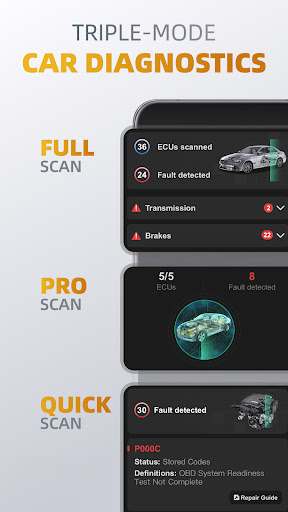
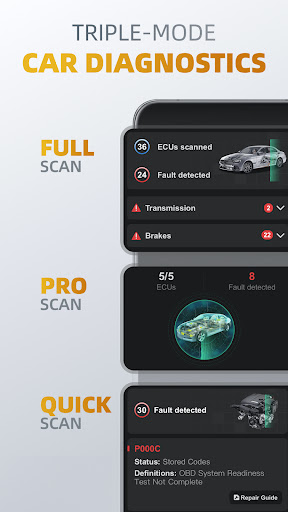
Triple-Mode Diagnostics
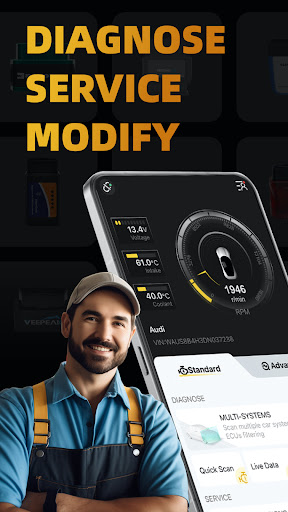
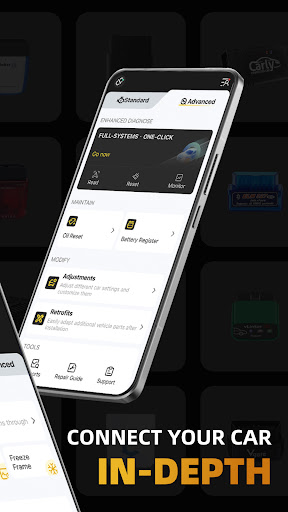
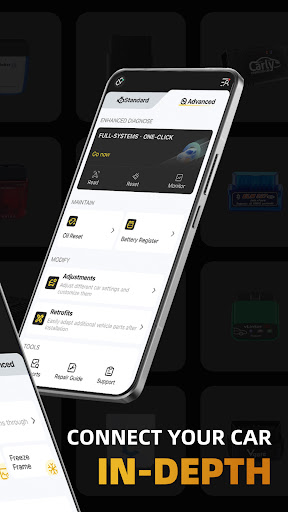
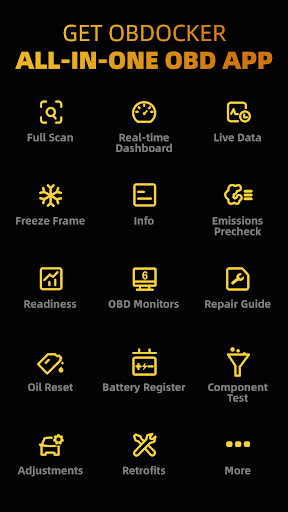
- Full-Systems Diagnose: One-Click OE-Level full-systems diagnostics.
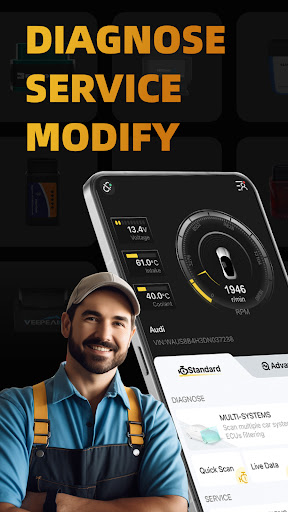
- Multi-Systems Diagnose: Scan multiple systems through ECUs filtering such as TMS, SRS, ABS, TCM, BCM and many more.
- Quick Scan: Swiftly read and clear engine fault codes to maintain a smooth drive.
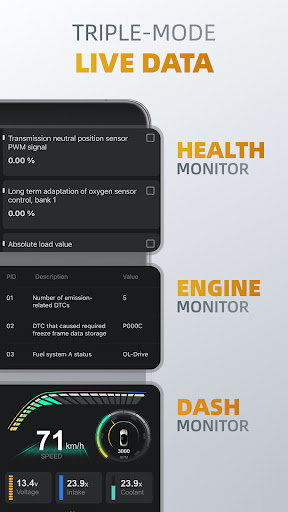
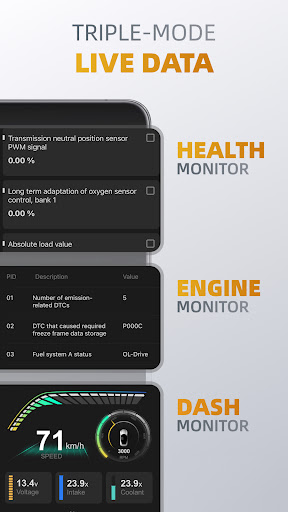
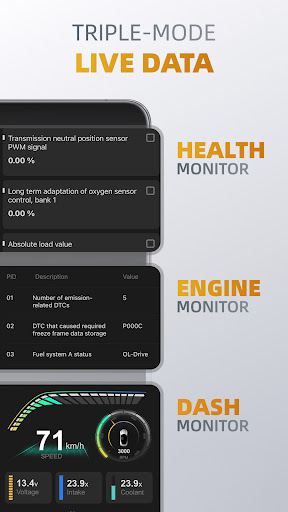
Triple-Mode Live Data
- Health Monitor: Track every systems performance by diving into real-time parameters.
- Engine Monitor: Monitor your engine's performance.
- Dash Monitor: Visualize your vehicle's metrics in real-time.
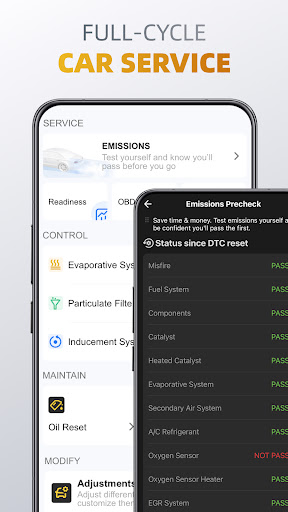
Full-Cycle Service
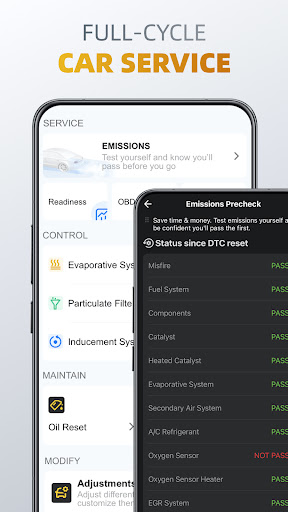
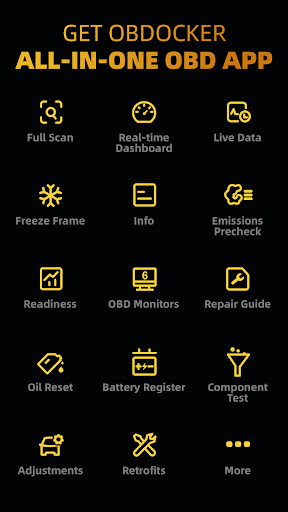
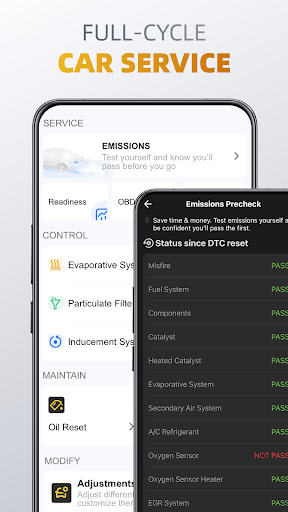
- Emissions Pre-check: Test your emissions and pass with confidence before your official check.
- Control Tests: Perform EVAP Leak Test, DPF and Inducement System Reinitialization.
- Oil Reset: Easily reset oil change reminders and maintenance lights to keep your car's records up to date.
- Battery Registration: Register the battery replacement to notify the battery management.
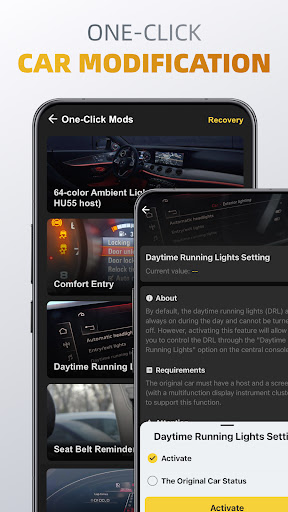
On-Click Modification
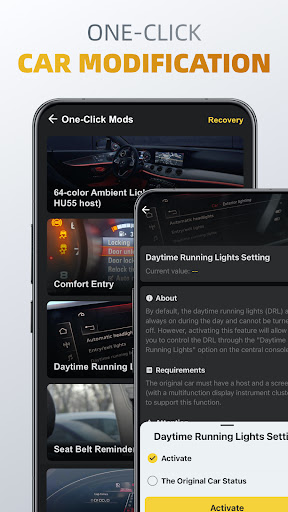
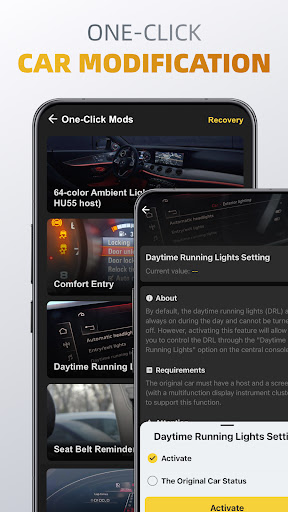
- Adjustments: Adjust different car settings and customize them by one-click.
- Retrofits: Easily adapt additional vehicle parts after installation.
OBD Adapters
OBDocker requires a compatible OBD adapter to work. We recommend the following for the best experience:
- High Performance: Vlinker Series, OBDLink Series, MotorSure OBD Tool, Carista EVO.
- Middle Performance: All genuine adapters compatible with ELM327 / ELM329, including Veepeak Series, Vgate iCar Series, UniCarScan, NEXAS, Carista, Rodoil ScanX, and more.
- Low Performance (Not Recommended): Cheep Chinese clones ELM.
Supported Cars
OBDocker is compatible with a wide range of vehicles, covering both standard and advanced modes:
- Standard Mode: Universal compatibility with OBD2 / OBD-II or EOBD vehicles worldwide.
- Advanced Mode: Toyota, Lexus, Nissan, infiniti, Honda, Acura, Hyundai, Kia, Volkswagen, Audi, Skoda, SEAT, Mercedes-Benz, BMW, Mini, Porsche, Ford, Lincoln, Chevrolet, Cadillac, GMC, Buick.
- And still working really hard to add more…
Plans
OBDocker offers a free trial for full feature access. To unlock unlimited potential, choose from our Pro or Pro Max subscriptions.
Note: Vehicle ECUs vary in the amount of sensors supported. This app can’t show you something that is not provided by your car.
Pros
- Intuitive interface suitable for beginners
- Supports multiple car makes and models
- Real-time diagnostic data available
- More affordable than competing scanners
- Simple to install and connect to your vehicle
Cons
- Limited advanced features
- Occasional connectivity problems
- May require purchasing additional hardware
- Limited support for older car models
- App updates are infrequent











